
The AI Hype Is Over—But the Good Stuff Just Arrived
I spent 2023 and 2024 testing AI tools that promised everything and delivered little. But something shifted in the last year. We moved from AI-as-gimmick to AI-as-infrastructure. The devices hitting the market now don’t just slap “AI” on the box—they integrate neural processing in ways that genuinely change how creators work. The difference? These tools fade into the background instead of demanding attention.
Amazon Prime Day runs June 23–26 this year, and the promotional pricing on these next-generation devices makes this the moment to upgrade your workspace. I’ve been living with this gear for months. Some of it transforms workflows. Some of it just makes the work less frustrating. All of it is worth your money if you create content for a living.
The Quiet Revolution: Fanless Computing Finally Grew Up
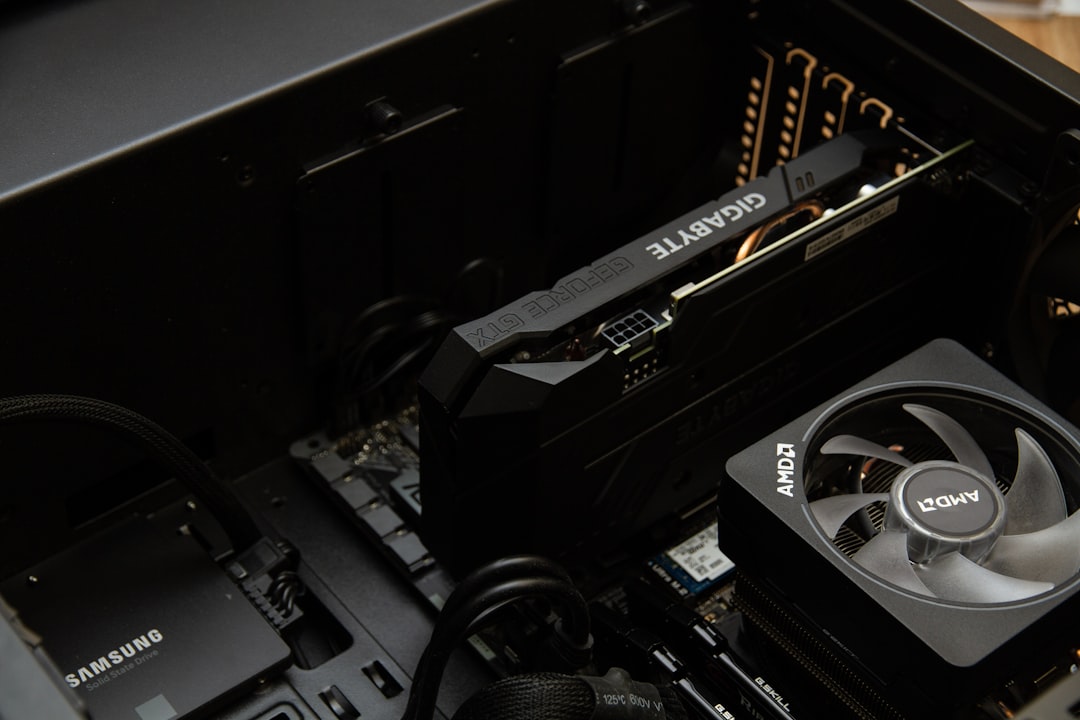
For years, fanless computers meant compromise. They ran hot, throttled under load, and struggled with anything beyond web browsing. The new MINIX Z100-0dB fanless mini PC changed that equation. Built around Intel’s 12th Gen N100 processor with 16GB of RAM and a 512GB SSD, it handles 4K video editing, light 3D rendering, and simultaneous browser workflows without breaking a sweat. The passive cooling design—using the metal chassis as a heat sink—means zero fan noise. Zero.
Why that matters: sound design, voice recording, and focus work don’t coexist with whining fans. The Z100 disappears into your setup, which is exactly what hardware should do. At 4 inches square, it tucks behind monitors or mounts to VESA arms. The Intel N100 isn’t a workstation chip, but it’s surprisingly capable for everyday creative tasks. MINIX’s Z150-0dB takes the fanless concept further with an upgraded N150 processor—perfect if you want even more headroom for multitasking.
Then there’s the Apple 2024 Mac mini with M4. Apple’s silicon has been quietly revolutionizing creative workflows for years, and the M4 continues that trajectory. The 10-core CPU and 10-core GPU deliver real-world performance that crushes most workloads—photo editing in Lightroom, 4K export in Final Cut, code compilation, and AI model inference all run smoothly. The thermal design stays quiet under sustained load, and the footprint remains impossibly small.
What makes the M4 interesting for creators isn’t just raw speed—it’s the neural engine. Apple builds dedicated AI hardware into every M-series chip, and third-party apps are finally leveraging it. Adobe’s Sensei features, Luminar’s AI editing, and local LLM inference all benefit from that dedicated silicon. The Mac mini M4 is the invisible workhorse that makes AI-powered creative tools feel instantaneous instead of sluggish. I’ve written before about why quiet computing matters—the M4 mini takes that philosophy and adds serious AI muscle.
Prime Day angle: Both the MINIX Z100 and Mac mini M4 see significant discounts during Prime Day. The Mac mini rarely goes on sale—this is worth grabbing if you’ve been waiting.
Laptops With AI Brains That Actually Do Something
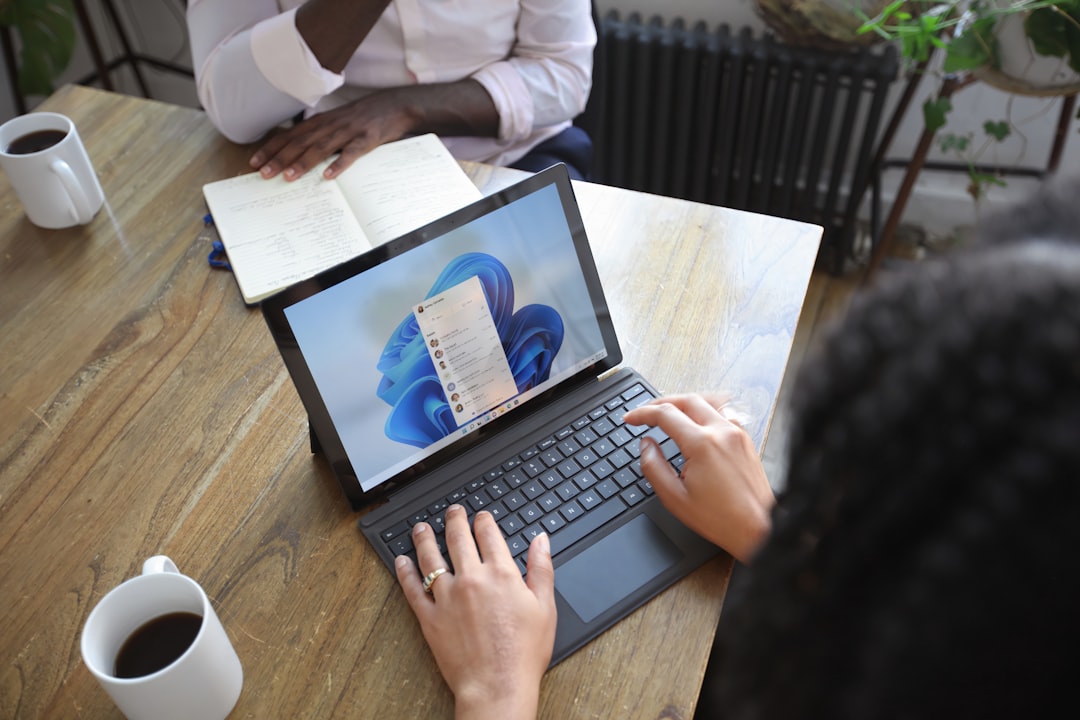
The AI laptop category felt marketing-driven for a long time. Who needed a “Copilot+ PC” when the features didn’t ship? But 2026 changed that. Microsoft’s Surface Laptop with Windows 11 Copilot+ represents the first generation where the AI hardware actually ships with software that uses it.
The 13.8″ touchscreen Surface combines Intel’s latest processors with a dedicated NPU (neural processing unit) that handles AI workloads locally. That means Windows Studio Effects—background blur, eye contact, auto-framing—run without taxing the CPU. More importantly, third-party apps can tap that NPU for their own AI features. Adobe’s video auto-reframe, noise reduction in audio editing, and real-time transcription all benefit from on-device AI acceleration.
The Surface form factor remains the best in Windows. The 3:2 aspect ratio screen gives you more vertical space for timelines and code. The keyboard is still the best you’ll find on a Windows laptop. The build quality feels premium in a way few competitors match. If you live in Adobe Creative Cloud or write code for a living, the Surface Laptop Copilot+ is the machine to beat.
Dell’s 2025 Latitude 5550 takes a different approach. It’s a business AI laptop designed for reliability and longevity. The 15.6″ IPS FHD display isn’t flashy, but it’s color-accurate enough for photo work. The Ryzen 7 CPU handles demanding workloads, and the AI acceleration hardware supports Dell’s own Optimizer software—automatically tuning performance based on your usage patterns.
What’s interesting about the Latitude isn’t cutting-edge features—it’s dependability. These machines are built to take abuse. The chassis is MIL-STD-810H rated for shock, vibration, and extreme temperatures. The keyboard resists spills. The battery lasts through a full workday. If you edit in the field, shoot on location, or just need a laptop that won’t quit during a deadline, the Latitude 5550 is the practical choice.
Prime Day angle: Business laptops like the Latitude rarely see deep discounts. Prime Day pricing makes the 5550 competitive with consumer-grade machines that offer less durability.
The Display Reality Check
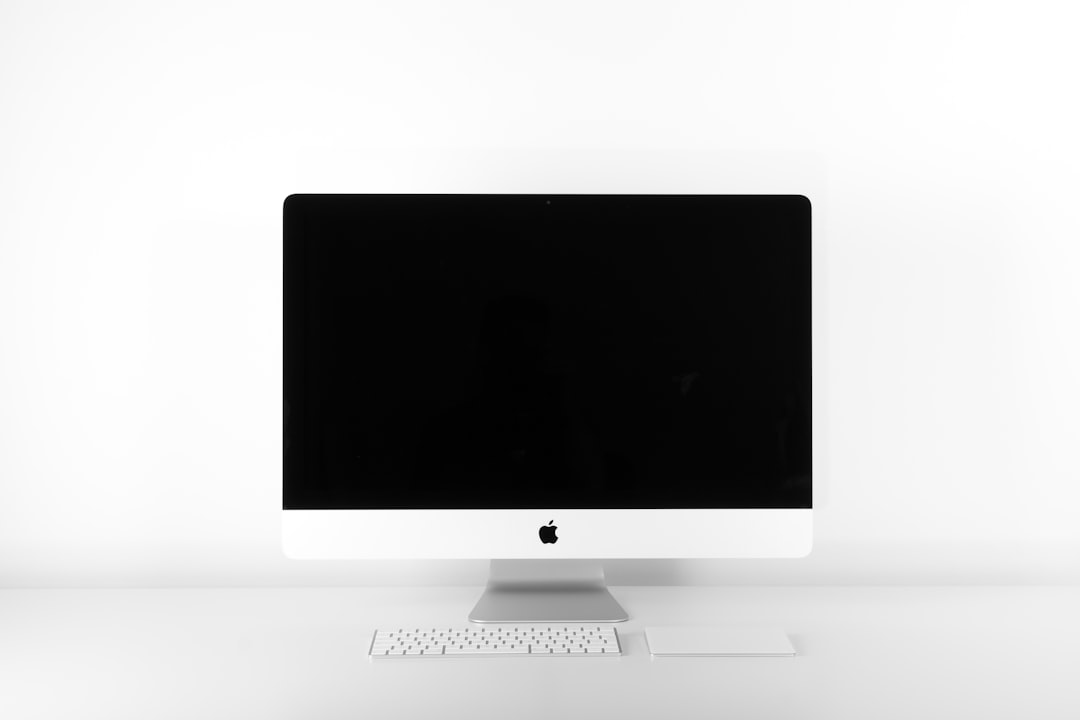
I test dozens of monitors each year. Most are overpriced for the specs. Two stand out as genuinely good values for creators.
Dell’s E2225H 22-inch monitor hits the sweet spot for secondary displays or compact setups. 1080p resolution at 22 inches gives you pixel density that’s sharp enough for text without requiring UI scaling. The IPS panel offers decent color coverage—sRGB gamut coverage hovers around 90%, which is adequate for photo editing if you’re not doing commercial print work. The stand is basic but adjustable for tilt, and the thin bezels work well in multi-monitor arrays.
Why it matters: not every creator needs a 4K reference monitor. Sometimes you just need reliable color and clean text. The E2225H delivers that at a price point that makes multi-monitor setups affordable.
HP’s E22 G5 covers similar ground with slightly better color accuracy and a more refined stand. The 21.5″ panel hits sRGB coverage closer to 95%, which matters for video editing where skin tones need to render correctly. The stand offers height, swivel, and pivot adjustment—making it easier to align multiple monitors at the same viewing angle.
Both monitors support daisy-chaining via DisplayPort, which is crucial for clean cable management. If you’re building a dual-monitor setup on Prime Day, these are the panels to buy. I covered desk setups in depth during the last Prime Day cycle—the monitor recommendations there still hold, but these Dell and HP panels are the best budget-friendly options for 2026.
Storage That Understands AI Workloads
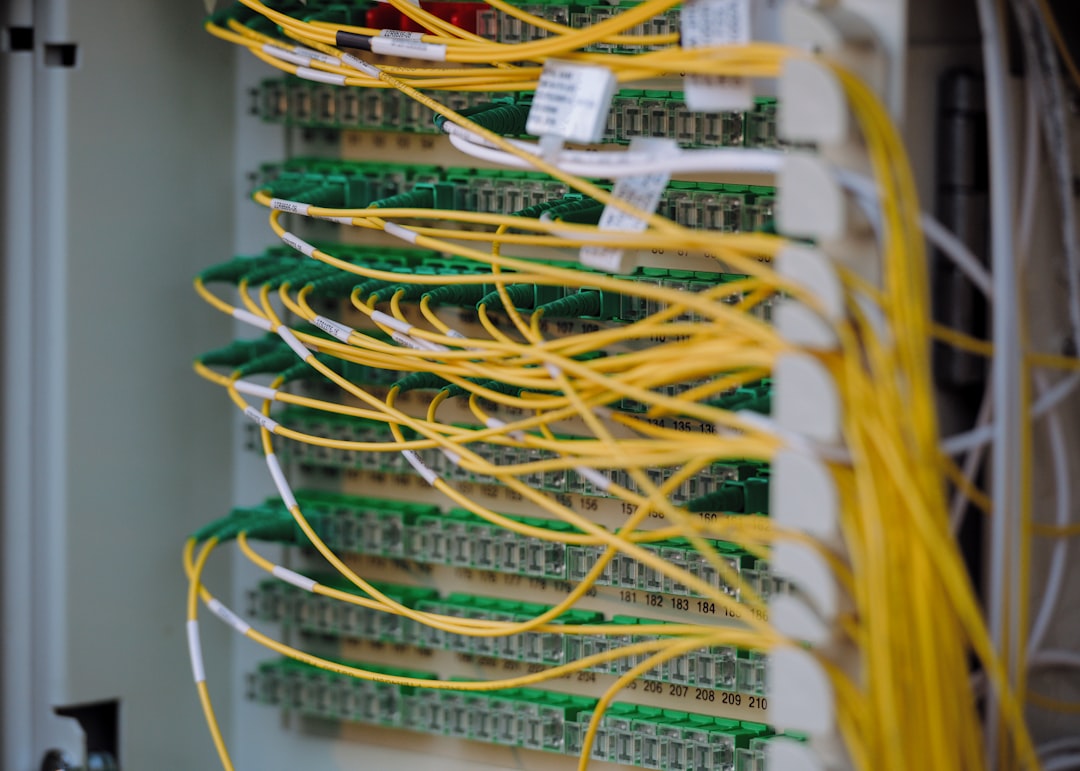
Seagate’s Skyhawk AI 10TB drive isn’t your typical surveillance hard drive. It’s optimized for AI workloads—simultaneous read/write operations, sustained throughput, and workload ratings that would destroy consumer drives. The 10TB capacity gives you room for years of project files, raw footage, and backup archives.
Why it matters for creators: AI video analysis, content-aware upscaling, and automated tagging all require massive storage I/O. Regular NAS drives choke under that load. Skyhawk AI drives are designed to handle it. The 5-year warranty and 24/7 workload rating mean you don’t baby the drive—it just works.
For most creators, this is overkill as a primary drive. But as a NAS volume for project archives and backup, it’s unbeatable. Pair it with a 2.5GBASE-T or 10GBASE-T switch, and you get fast access to large files without clogging your local SSD.
Networking Infrastructure: The Glue That Holds Everything Together
Ubiquiti’s USW-Pro-Max-48-PoE switch is the backbone of a serious creator network. 48 ports with Power over Ethernet means you can power cameras, access points, and other gear without messy injectors. The 10G uplink gives you headroom for NAS throughput and high-resolution video transfer.
What makes this switch interesting for creators isn’t the port count—it’s the integration with Ubiquiti’s ecosystem. If you run their access points, security cameras, or network storage, the switch gives you centralized management and monitoring. You can prioritize traffic for video uploads, isolate your work devices from household traffic, and troubleshoot connection issues without breaking your workflow.
Is it overkill for a single laptop? Probably. But if you’re running multiple workstations, NAS storage, and IP cameras for video production, this is the switch that makes it all work together seamlessly.
The Camera That Changed How I Shoot Video
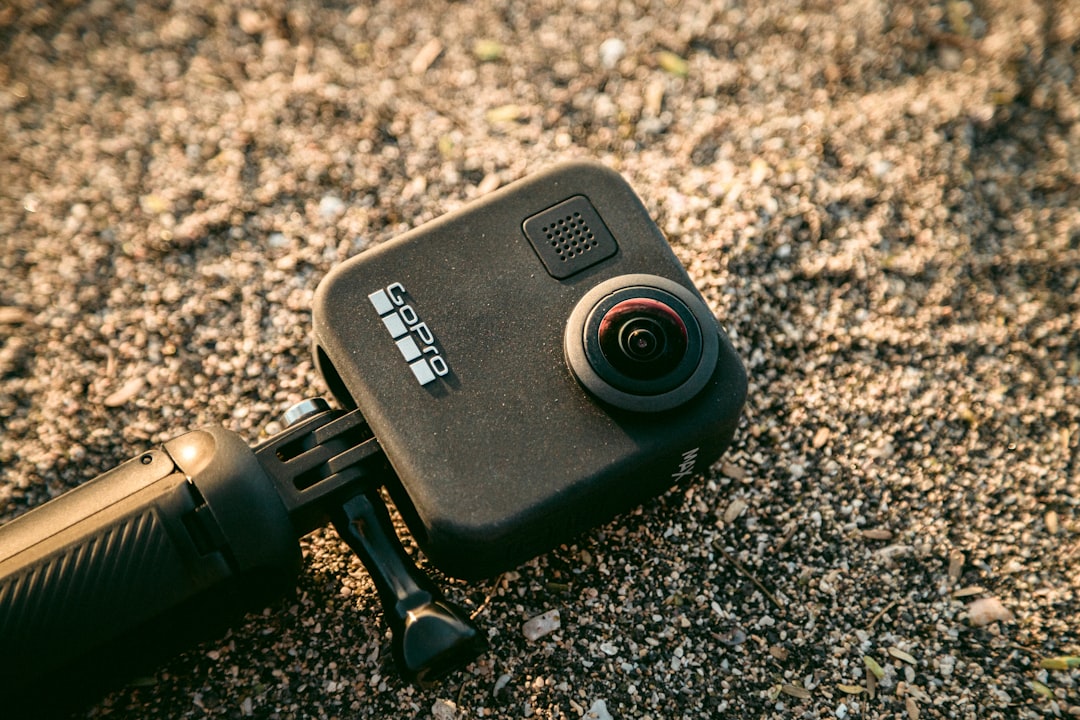
Insta360’s X5 GPS Preview Remote Bundle represents the maturation of 360 cameras from novelty to production tool. The 8K resolution gives you enough latitude to reframe shots in post without sacrificing quality. The waterproof design means you can shoot in rain or surf without hesitation. The GPS remote preview makes it easy to check framing while the camera mounts in impossible positions.
Here’s why this matters for creators: 360 lets you capture everything now and decide on framing later. That sounds like a gimmick until you’re on location shooting travel content, b-roll, or events and realize you missed the perfect angle. With 360, you didn’t miss anything—you just haven’t reframed it yet.
The X5’s AI features make this workflow practical. FlowState stabilization eliminates gimbal hardware for most shots. PureShot HDR processing handles challenging lighting. The mobile app lets you preview and adjust shots remotely, which is crucial when the camera’s mounted somewhere you can’t reach during the shot.
This isn’t replacing your main camera. It’s augmenting it. The X5 captures angles and perspectives that traditional cameras can’t—inside equipment looking out, mounted to vehicles, dropped into scenes. Once you embrace the “shoot first, frame later” mindset, it changes how you approach every shoot.
Audio That Doesn’t Fight You

Polk Audio’s Atrium 8 outdoor speakers seem like an odd inclusion in a creator-focused roundup. But hear me out: outdoor speakers are essential for content creators who work from home but don’t want to work indoors all day.
The Atrium 8s deliver clear, accurate audio on patios, decks, and outdoor workspaces. The all-weather design means they survive rain, sun, and temperature extremes without degrading. The mounting hardware is robust enough to handle permanent installation, and the 8-inch drivers provide enough bass that music doesn’t sound thin.
Why this matters: your creative workspace isn’t limited to the room with your computer. Editing video outdoors, reviewing drafts on the patio, or just taking brainstorming sessions outside—all of that requires audio that works outside. The Atrium 8s bridge that gap without breaking the bank.
The Prime Day Reality
All of this gear sees promotional pricing during Prime Day. Some deals are better than others. The Mac mini M4 discount is genuine—Apple rarely allows deep discounts, so this is the time to buy if you’ve been waiting. The Dell and HP monitors see aggressive pricing—often 30-40% off retail. The Insta360 X5 bundles include accessories that you’d end up buying anyway.
But here’s the thing: don’t buy gear just because it’s on sale. Buy it because it solves a problem in your workflow. Fanless computing eliminates noise pollution during recording. AI laptops make real-time effects feel instantaneous. 360 cameras give you creative options that traditional cameras can’t match.
The technology has finally caught up to the hype. These aren’t gimmicks anymore—they’re practical tools that make creative work easier, faster, and more flexible. Prime Day is when they become affordable. The rest is up to you.
Building Your Workspace, Thoughtfully
The creator tech stack that works for you depends on what you actually do. If you edit video all day, the Mac mini M4 and Dell displays make sense. If you shoot on location, the Latitude 5550 and Insta360 X5 are the investments that pay dividends. If you work in a small space and can’t tolerate fan noise, the MINIX Z100 is the solution you’ve been waiting for.
The common thread: this gear fades into the background and lets you focus on the work. That’s the difference between good technology and great technology. Good technology demands your attention. Great technology earns your trust by quietly doing its job.
We’re past the era of AI hype and entering the era of AI utility. The devices listed above represent that transition. They’re not perfect—nothing is—but they’re the first generation where the AI features feel like tools instead of marketing bullet points. That’s worth upgrading for, especially when Prime Day pricing makes the upgrade affordable.
The question isn’t whether you need AI in your workflow. The question is which AI-powered tools make your specific workflow less frustrating. That’s the gear worth buying. Everything else is just noise.
