

I’ve been working from home for the better part of a decade, and if there’s one thing I’ve learned, it’s that your desk setup either works for you or against you. There’s no middle ground. A great workspace disappears into the background and lets you focus. A bad one nags at you all day — the monitor that’s just slightly too low, the tangle of cables you keep kicking under the desk, the charging situation that never seems to have enough ports. Sound familiar?
Amazon Prime Day is coming up June 23rd through the 26th, and I’ve been tracking price drops on the exact category of gear that makes the biggest difference in a home office: the stuff you touch, plug in, or stare at for eight hours a day. Not the flashy gadgets that look good on Instagram — the practical upgrades that genuinely change how your workday feels. I’ve tested or used versions of every product in this roundup, and the Prime Day promotional pricing on all of them makes this the smartest time to pull the trigger.
My advice? Bookmark the product pages now so you’re ready when the deals go live. The best discounts tend to vanish within hours.
The Mini PC That Reclaimed My Desk
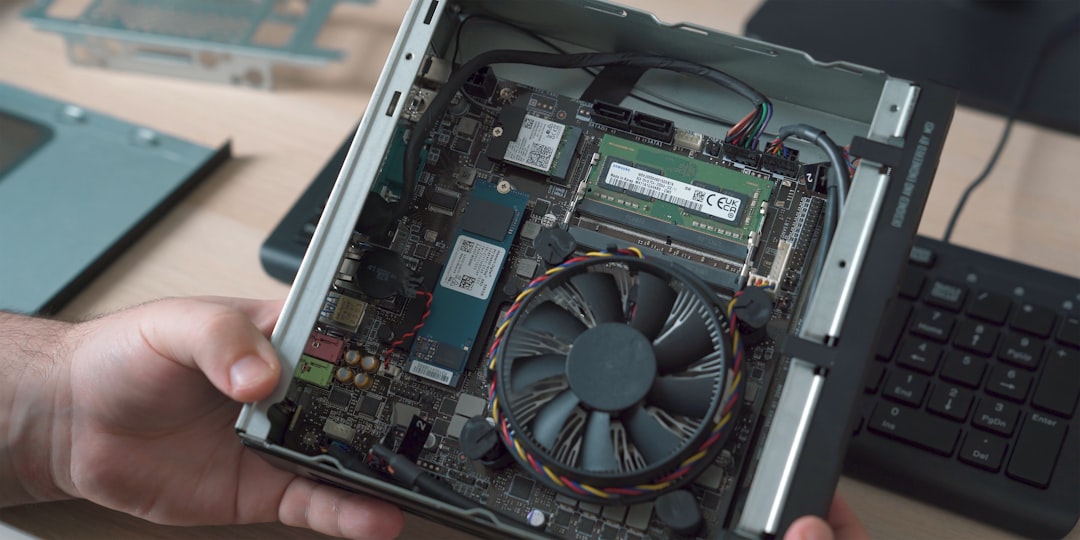
For years, I kept a full-size tower under my desk. It worked fine, but it consumed real estate, generated more heat than I needed in a small office, and turned every cable management session into a wrestling match. Last year I switched to a mini PC mounted behind my monitor, and I’m never going back to a tower for daily productivity work.
The Dell OptiPlex 7020 Micro is exactly the kind of machine that makes sense for a home office in 2026. It’s small enough to mount behind a monitor or tuck into a drawer, runs Intel’s latest enterprise-grade silicon, and handles everything from heavy multitasking across dozens of browser tabs to video calls without breaking a sweat. Dell’s business-line machines also get long-term firmware support, which matters more than most people realize — you’re not replacing this in eighteen months.
What I appreciate most is the silence. No fan ramp-up during Zoom calls, no ambient hum while I’m writing. For anyone whose office is also their living space, that matters more than any benchmark number.
Monitors That Actually Justify the Upgrade

A monitor upgrade is the single highest-impact change you can make to a workspace. I’ve said this before, and I’ll keep saying it because people keep spending $1,500 on a laptop and then suffering through a $120 display. It doesn’t make sense.
The Samsung 32-inch Smart Monitor M7 hits a sweet spot that didn’t exist a couple of years ago. At 32 inches with 4K resolution, it gives you enough screen real estate to run two full-size windows side by side without scaling. Samsung’s Smart Monitor line also includes built-in Tizen apps, meaning you can stream or screen-share without even turning on your computer — genuinely useful for quick breaks or second-screen duties.
For a second display — because dual monitors remain the single biggest productivity boost in any office — the HP 527sw 27-inch FHD Monitor is a clean, no-nonsense IPS panel at a price that makes sense for a secondary screen. 75Hz refresh, anti-glare coating, 300 nits of brightness, and an adjustable stand that actually holds position. HP’s build quality on their business monitors has been consistently good in my experience, and at Prime Day pricing, this is the kind of upgrade that pays for itself in reduced neck strain within a week.
If you’re thinking about how to physically arrange dual or triple monitors without turning your desk into a wobbly forest of stands, I’ll get to that in a moment.
The Dock That Ties Everything Together
If you’re running a laptop-plus-monitor setup, a good docking station is non-negotiable. I spent months testing Thunderbolt docks for a previous article, and the difference between a cheap one and a proper dock is night and day — not in some abstract benchmark, but in whether your monitors flicker during video calls, whether your peripherals randomly disconnect, and whether your laptop actually charges at full speed while everything’s plugged in.
The Plugable Thunderbolt 4 Dock is the one I keep recommending because it simply works. Thunderbolt certified, 100W charging passthrough, dual 4K HDMI output, four USB ports, and gigabit Ethernet. Plug one cable into your laptop and everything else — monitors, keyboard, mouse, ethernet, power — connects through the dock. Unplug that single cable when you want to go mobile, and you’re done. No fumbling with six different connections twice a day.
Cable Management and Power: The Invisible Upgrades
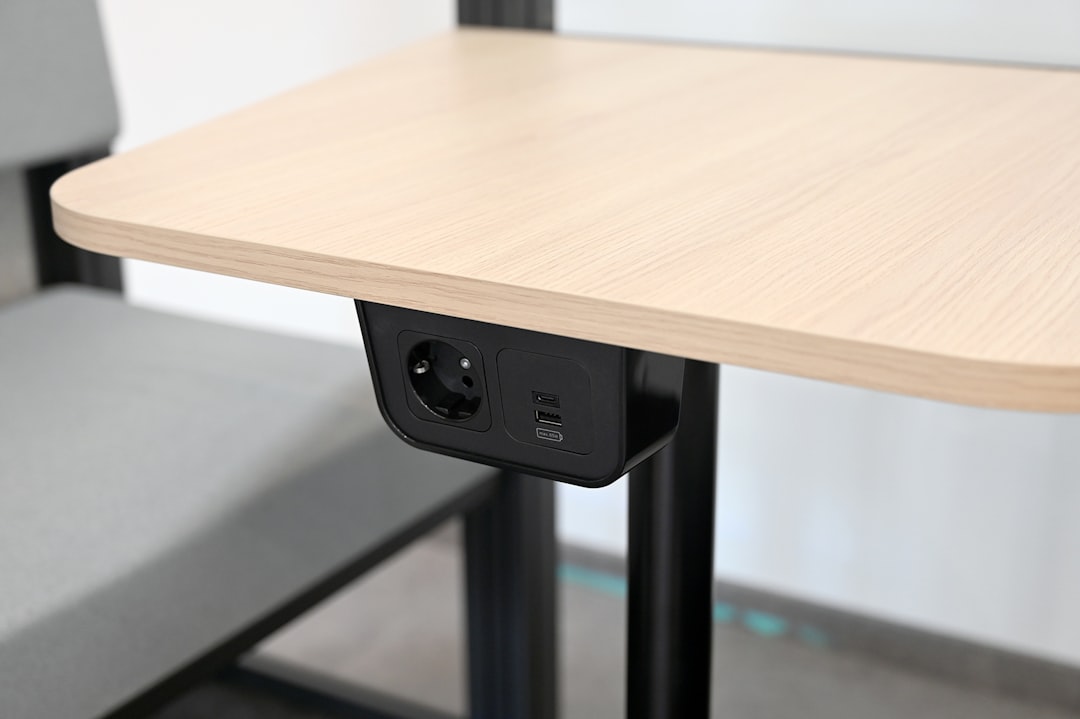
Here’s the thing about power strips and surge protectors: nobody thinks about them until something goes wrong. A power surge fries a drive, or you realize you’ve been daisy-chaining cheap strips because you ran out of outlets, or your desk looks like a snake pit. I’ve been guilty of all three.
The NTONPOWER Surge Protector is the first power strip I’ve used that actually made me feel organized. Twelve outlets, four USB ports (including two USB-C), a flat plug that fits behind furniture, and a 4,900-joule protection rating that’s well above average. At 4.9 stars across thousands of reviews, it’s one of the highest-rated power products on Amazon — and for Prime Day, the pricing makes it a no-brainer even if you’re just replacing an old strip.
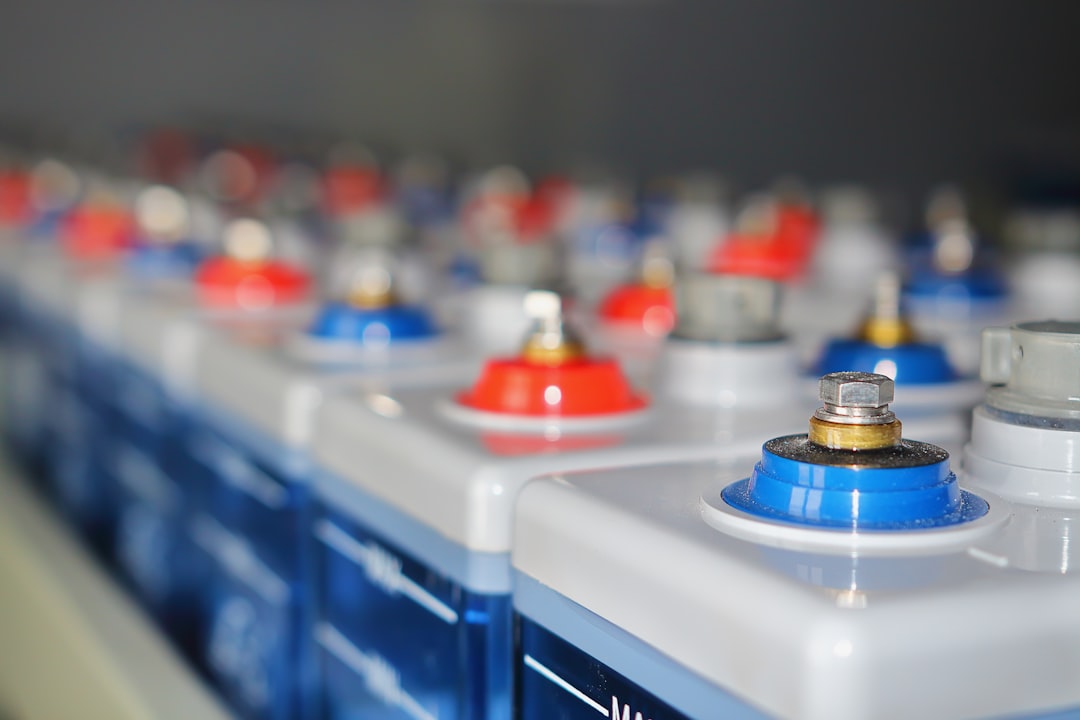
For the gear that truly can’t afford to lose power — your desktop, your network gear, your external storage — the GOLDENMATE 1000VA Lithium UPS is worth serious consideration. Unlike traditional lead-acid units, this one uses a lithium battery that’s lighter, lasts longer, and doesn’t need replacement every two years. It gives you enough runtime to save your work and shut down gracefully during an outage, and it conditions power continuously to protect against brownouts and surges. If you’ve ever lost an unsaved document to a brief flicker, you know why this matters.
Get Your Screens Out of the Way
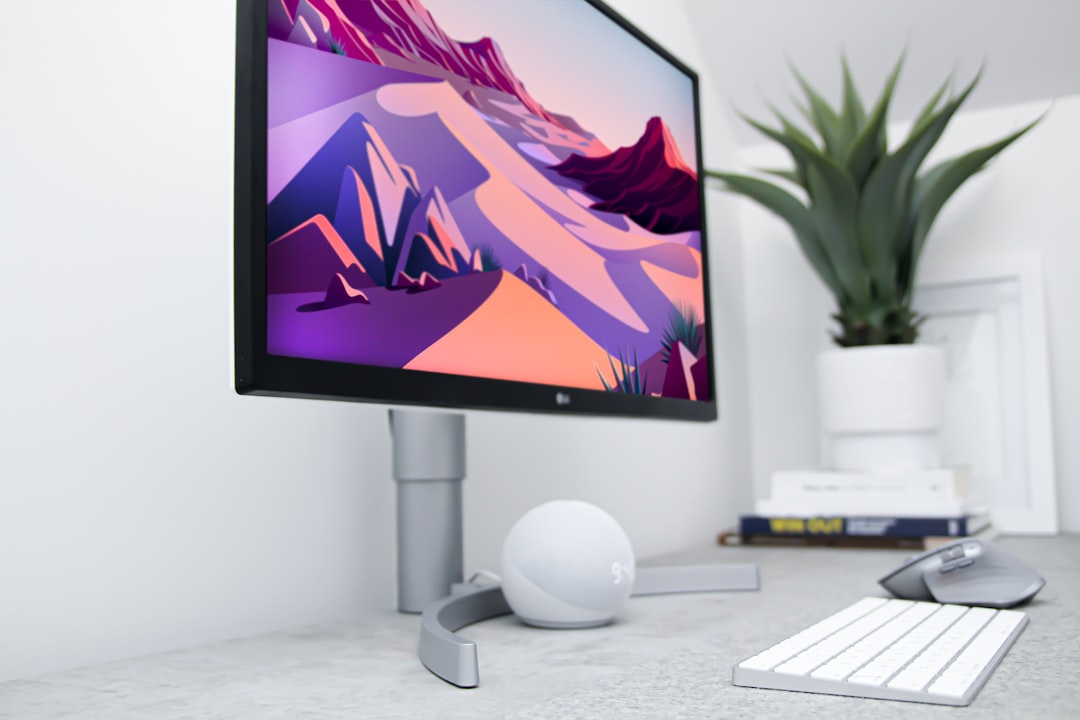
I mentioned monitor arrangement earlier, and here’s my strong recommendation: get your monitors off your desk. Not with stands — with a proper mount. The desk space you reclaim is immediate and dramatic, and the ergonomic improvement from being able to position screens at exactly the right height and angle is something you’ll feel in your neck and shoulders within a day.
The VIVO Triple LCD Monitor Desk Mount handles up to three displays on a single pole. Even if you’re only running two monitors now, having the capacity for a third — for a reference screen, a Slack window, or a dashboard — is smart future-proofing. Full articulation on each arm means you can angle screens for collaboration during in-person meetings and pull them back into a focused arrangement when you’re working solo.
Communication Gear That Doesn’t Embarrass You

Remote and hybrid work means video calls, and video calls mean audio quality matters more than camera quality. People will forgive a mediocre webcam. They will not forgive audio that sounds like you’re broadcasting from inside a washing machine.
The Anker PowerConf Bluetooth Speakerphone has been my go-to recommendation for small office and home setups since I first tested one. Six microphones with enhanced voice pickup, 24-hour battery life, Zoom certification, and it connects via USB-C or Bluetooth. I’ve used it for everything from quick one-on-ones to presentations with a dozen participants, and the clarity is consistently better than any built-in laptop mic I’ve tried. At Prime Day pricing, it’s one of those upgrades that instantly makes every call better.
The Charging Situation, Finally Sorted
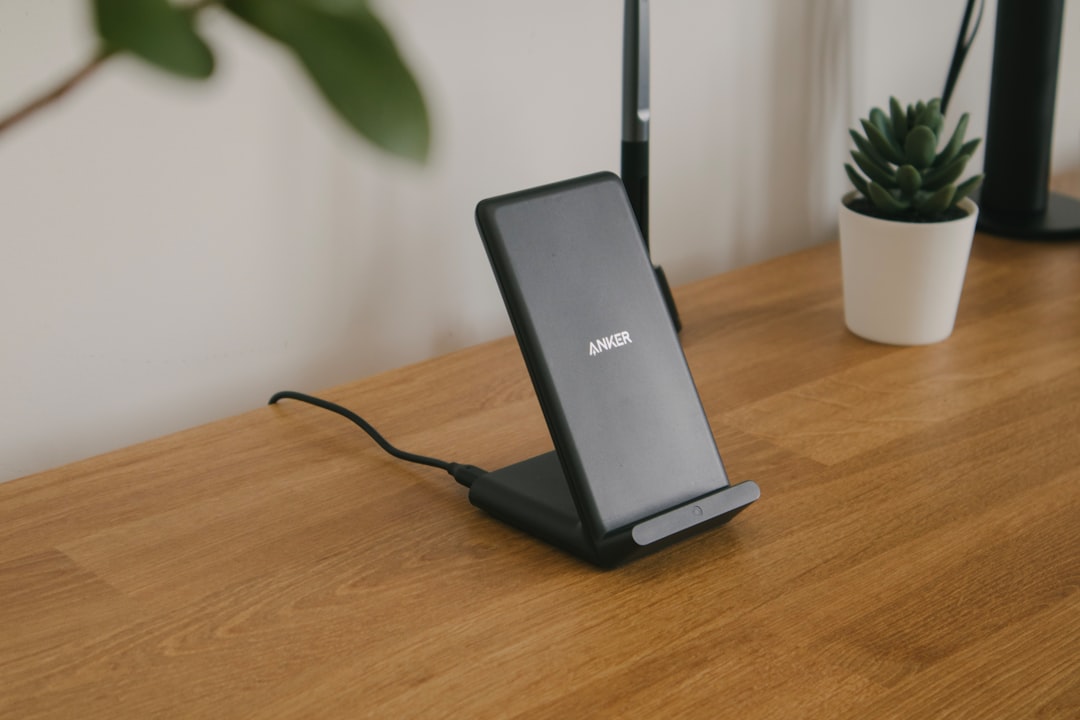
If your nightstand or desk currently has a charging brick for your phone, another for your earbuds, maybe a third for your watch, and cables sprawling everywhere — there’s a better way. I tested charging stations for a recent article and the one pattern that held true is that consolidation beats individual chargers every time.
The GAUOLN 5-in-1 Magnetic Wireless Charger handles phone, watch, earbuds, and two additional USB devices from a single pad. MagSafe-compatible, so your phone snaps into the right position every time, and it’s compact enough to live on a desk or nightstand without dominating the space. When Prime Day pricing hits, this is the kind of accessory that solves a daily annoyance for less than you’d spend on lunch.
And for the times you’re away from your desk — commuting, traveling, working from a coffee shop — the Anker Nano Portable Charger is the power bank I carry every day. 45W output is enough to fast-charge a laptop, 10,000mAh capacity covers a full phone recharge with room to spare, and the built-in retractable cable means you’re never caught without the right connector. Anker’s build quality is consistently excellent, and at Prime Day pricing this becomes almost impulse-buy territory.
Input Devices: What You Touch Matters

A keyboard is the single most-touched item in your office. You spend more physical time interacting with it than anything else on your desk, and yet most people use whatever came bundled with their computer. If you’re typing thousands of words a day — emails, documents, code, chat — the quality of your keyboard directly affects your comfort and speed.
The EDJO Ergonomic Wireless Keyboard is a full-size layout with a built-in wrist rest and 2.4GHz wireless connectivity. The ergonomic angle reduces wrist strain during long typing sessions, the keys have a satisfying travel distance without being mushy, and the battery lasts months on a single charge. It’s not a mechanical keyboard for enthusiasts — it’s a workhorse for people who type all day and want their hands to feel good at 5 PM.
Building Your Setup: My Recommended Approach
If I were starting from scratch today, here’s the order I’d approach these upgrades:
First, the monitor. Nothing else comes close in terms of daily impact. A good display reduces eye strain, improves multitasking, and makes every other task more pleasant. The Samsung M7 or HP 527sw — or both for a dual setup — would be my starting point.
Second, power and organization. The NTONPOWER surge protector and GOLDENMATE UPS protect your investment and clean up your workspace simultaneously. This is boring infrastructure, but it’s the kind of boring that prevents expensive problems.
Third, connectivity. The Plugable dock and VIVO monitor mount together transform your desk from a collection of separate devices into a unified workstation. One cable to connect everything, monitors floating at the perfect height, and a clear desk surface underneath.
Fourth, communication and input. The Anker PowerConf, the wireless keyboard, and the charging station are the finishing touches that make the difference between a functional workspace and one that genuinely feels good to work in.
Timing Matters With Prime Day
All of the products in this roundup are on Amazon’s promotional list for Prime Day, which runs June 23–26. That means each one will see a temporary price drop during that window. My approach is always the same: research now, bookmark the pages, and pull the trigger when pricing goes live. The deals that matter most tend to be the ones that sell out fastest.
There’s also a strategic angle here. If you’re planning multiple upgrades, prioritize the ones with the biggest discount percentage. A $20 saving on a $50 surge protector is proportionally more meaningful than $20 off a $500 monitor — though honestly, if the monitor pricing is right, grab it first. The daily impact of a great display is hard to overstate.
And if you’re building a new setup or considering more structural changes to your workspace, check out my earlier piece on what actually matters for productivity monitors and my deep-dive on desk charging stations that genuinely work. The fundamentals haven’t changed, and both pieces complement the gear recommendations here.
Your desk setup is a tool, not a trophy. Every product in this roundup earned its place because it solves a real problem without creating new ones. That’s the bar I use for everything I test, and Prime Day is the rare moment when the timing aligns with genuinely good pricing. Don’t overthink it — just make the upgrades that will matter most to your daily workflow and get back to the actual work.

2 thoughts on “The Home Office Gear I’d Buy Again in a Heartbeat — Especially at Prime Day Prices”