

I didn’t think much about my mouse until my wrist started waking me up at 3 AM with a dull, grinding ache that radiated up my forearm. For years I’d been using whatever cheap optical mouse came bundled with a computer, or the stock Apple Magic Mouse that looks gorgeous but forces your hand into a flat, unnatural posture for hours on end. I’m a tech reviewer — I test gear for a living — and somehow I’d neglected the one device I touch more than anything else on my desk.
That wake-up call sent me down a rabbit hole of ergonomic mice, vertical mice, trackballs, and roller-bar devices that I’ve been living with for the past four months. I’ve tested over a dozen pointing devices across every major design category, and the differences are staggering. Some genuinely transformed how my hand and wrist feel after a full workday. Others were expensive paperweights with weird angles that made my pain worse.

Here’s what I learned, what I’m still using, and what’s worth your money if you’re dealing with wrist fatigue, tingling fingers, or that low-grade soreness that creeps in after a long session.
Why Your Mouse Is Probably Hurting You
Most of us grip a standard mouse with our palm down and forearm twisted — a position called pronation. Hold that for six to eight hours a day, five days a week, and you’re cooking up a recipe for repetitive strain injury. The tendons in your wrist get compressed against the carpal tunnel, your forearm muscles stay engaged in an unnatural rotation, and small movements add up to real damage over time.

I talked to an occupational therapist friend who summed it up perfectly: “Your hand wasn’t designed to lie flat and make tiny lateral movements for eight hours.” She sees it constantly — designers, developers, writers, accountants — all with the same complaint. The mouse is the last thing people think to upgrade, but it’s often the first thing causing problems, which I discovered during my desk cable management project.
The good news is that ergonomic mice come in several distinct shapes, and each one targets a different kind of strain. The challenge is figuring out which design actually addresses your specific issue. That’s where most people — including me, initially — go wrong by just buying the most popular option without understanding what it’s built to fix.
Vertical Mice: The Handshake That Changed Everything
Vertical mice tilt your hand somewhere between 55 and 70 degrees so your wrist rests in a neutral “handshake” position. This eliminates forearm pronation almost entirely and takes pressure off the carpal tunnel. The first time I tried one, it felt bizarre — like holding a small, sideways potato. Within about 48 hours, though, my hand felt noticeably more relaxed at the end of the day.
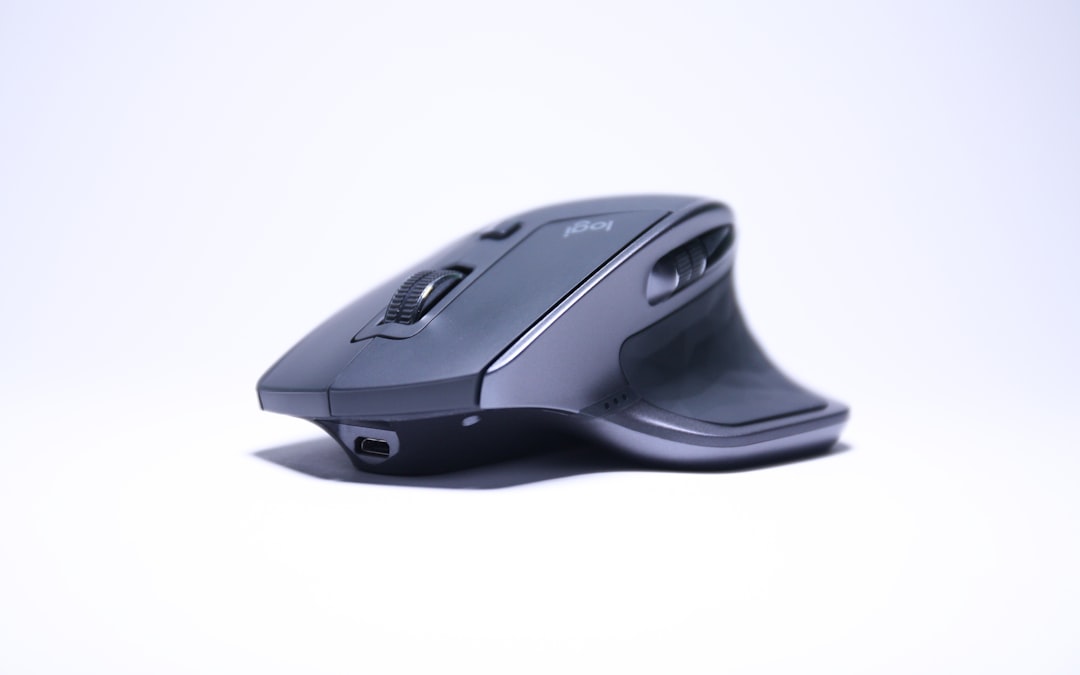
The Logitech Lift is the vertical mouse I keep coming back to. It’s relatively compact, comes in right- and left-handed versions, and has just enough buttons without being overwhelming. The textured rubber grip feels secure, and the quiet-click switches are a godsend if you work in a shared space. Battery life stretches to months on a single AA, and the Logi Options+ software lets you customize the thumb buttons for anything from copy/paste to app switching. At around $70, it’s one of the most affordable entries into ergonomic pointing.
If you have larger hands, the Logitech MX Vertical scales up nicely with a more substantial body and a 4000 DPI sensor that tracks smoothly on virtually any surface. It’s rechargeable via USB-C and pairs with up to three devices simultaneously — handy if you bounce between a desktop, laptop, and tablet throughout the day. The angle is slightly steeper than the Lift, which I found even more comfortable for extended sessions, though it takes up more desk real estate.
For a budget-friendly alternative, the Anker 2.4G Wireless Vertical Ergonomic Mouse has been a surprise hit with several people I’ve recommended it to. It lacks the premium build and customizable software of Logitech’s offerings, but at around $25 it delivers the core benefit — a handshake grip that unloads your wrist. If you’re not sure whether a vertical mouse works for you, this is a low-risk way to find out before committing to something pricier.
Trackballs: When You Want Your Wrist to Do Absolutely Nothing
Trackballs flip the equation entirely: instead of moving the device with your whole arm, you move a ball with your thumb (or fingers, depending on the model) while the base stays planted. Your wrist and forearm remain completely stationary, which makes trackballs arguably the best choice for anyone dealing with active tendonitis or carpal tunnel flare-ups.
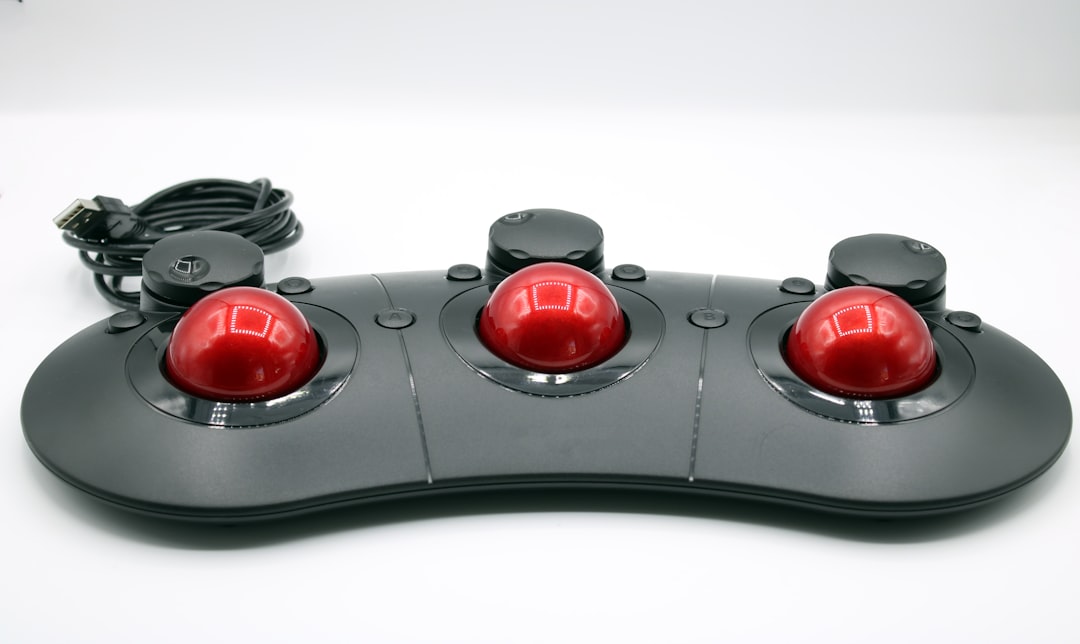
The Logitech MX Ergo is my daily driver right now, and it’s not close. The adjustable tilt angle (0 to 20 degrees) lets you find the sweet spot between comfort and control, and the thumb-controlled trackball is precise enough for photo editing once you dial in the sensitivity. I was worried about precision coming from a traditional mouse, but after a few days the trackball felt second nature. It’s Bluetooth and USB dual-connect, rechargeable, and built like a tank. At around $100, it’s an investment — but cheaper than a physical therapy copay.
If you prefer finger-controlled trackballs, the Kensington Expert Mouse Wireless Trackball uses a large ball centered between a scroll ring and four customizable buttons. The ambidextrous design works for either hand, and the included wrist rest is genuinely comfortable. I found the scroll ring far more satisfying than a traditional scroll wheel — it’s smooth, precise, and doesn’t gum up with dust the way wheel encoders can. Kensington’s TrackballWorks software offers per-application button customization that power users will appreciate.
Roller Bar Mice: The Under-the-Radar Option Nobody Talks About
Roller bar mice sit directly in front of your keyboard, so you never have to reach to the side. You move a small roller bar left and right with your fingertips to control the cursor and use a set of buttons for clicks and scrolling. The concept sounds niche, but for anyone with shoulder or neck pain that extends beyond the wrist — or for people who switch between keyboard and mouse constantly — this design can be revelatory.
The Contour RollerMouse Red is the gold standard here. The roller bar is satisfyingly smooth with adjustable tension, the built-in wrist rests are padded and supportive, and the cursor precision rivals a good traditional mouse once you acclimate. It’s not cheap — expect to pay $220 to $280 — but if shoulder and neck strain are part of your pain profile, it’s worth every penny. I tested one for two weeks and noticed my shoulders stayed more relaxed simply because I wasn’t constantly reaching to the right side of my desk.
What About Traditional Ergonomic Shapes?
Not everyone wants to relearn how to point. If you’d rather stick with a more familiar shape but want something better than a basic mouse, there are a few traditional-form ergonomic mice worth considering. The Microsoft Sculpt Ergonomic Mouse has a slight upward tilt and a thumb scoop that keeps your wrist at a more natural angle without going fully vertical. It’s affordable, wireless, and includes a dedicated Windows button for quick access to the Start menu — small but surprisingly useful if you’re on Windows all day.
The Logitech MX Master 3S deserves a mention too, even though it’s not marketed as an ergonomic mouse per se. Its sculpted body cradles your hand in a way that reduces gripping fatigue, the MagSpeed scroll wheel is genuinely incredible for long documents and code reviews, and the 8000 DPI sensor tracks on glass. It’s the mouse I used before my wrist forced a change, and it’s still the best “normal-shaped” mouse I’ve ever used. If your strain is mild, this might be all you need.
My Setup After Four Months of Testing

Right now I’m rotating between the Logitech MX Ergo trackball for most of my workday and the Logitech Lift vertical mouse for tasks that need more cursor speed — like photo editing and quick navigation across multiple monitors. I switch about halfway through the day, which my occupational therapist friend says is actually ideal: using different muscle groups throughout the day prevents any single pattern from becoming a strain vector.
I also paired my mouse upgrade with a decent ergonomic mouse pad with a wrist rest, which sounds trivial but makes a real difference in maintaining a neutral wrist angle regardless of which pointing device I’m using. Combined with regular hand and grip exercises, the 3 AM wrist wake-ups are completely gone.

The total investment — MX Ergo, Lift, and accessories — came in under $250. That’s less than a single visit to a specialist and a fraction of what I’d spend on treatment if I’d ignored the problem. If there’s one thing I’ve learned from 25 years of testing technology, it’s that the gear you interact with the most deserves the most attention. Your mouse isn’t a commodity. It’s the single most-used input device on your desk, and treating it like an afterthought is a decision your body will eventually make you regret — something I learned the hard way during my full workspace rebuild.
How to Choose the Right Ergonomic Mouse for You
Start by paying attention to where your pain actually lives. If it’s centered in your wrist and the base of your thumb, a vertical mouse is probably your best first move — it directly addresses pronation and carpal tunnel pressure. If your forearm aches or you have active tendonitis, a trackball eliminates the wrist and forearm movement that’s aggravating those tendons. If the pain extends to your shoulder and neck, or if you’re constantly reaching across your desk to grab your mouse, consider a roller bar device that keeps your hands centered.
Budget matters too. You don’t need to spend $200 to get relief. The Anker vertical mouse at $25 and the Logitech Lift at $70 both deliver the core ergonomic benefit that makes the biggest difference. The premium options add refinement, customization, and build quality — nice to have, but not essential for pain reduction.
Finally, give any new mouse at least a week before judging it. Every ergonomic design feels weird at first because your hand has been trained to expect a flat, prone grip. The discomfort of unlearning that habit is temporary. The relief of not waking up with a throbbing wrist is very, very permanent.

One thought on “My Wrists Were Killing Me: The Ergonomic Mouse Journey That Actually Fixed the Pain”