
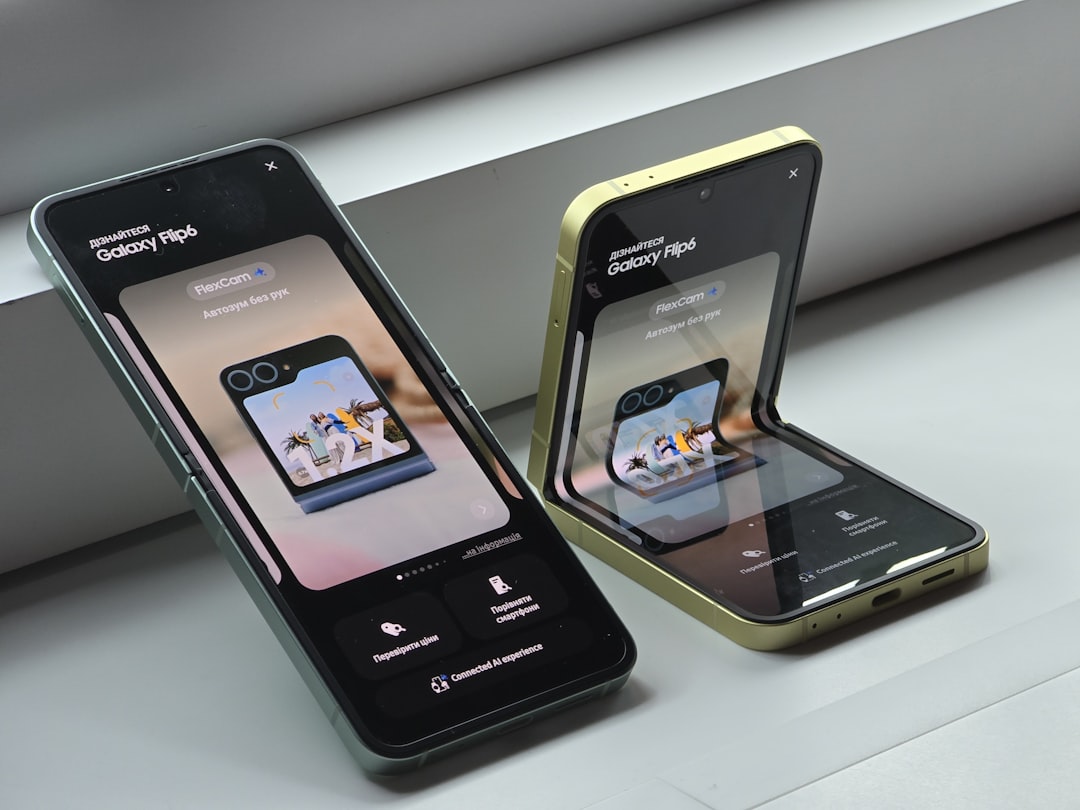
I didn’t expect to be writing this. When Motorola invited me to spend time with the Razr Fold — their first-ever book-style foldable — I figured it would be a competent also-ran, another company jumping on the Galaxy Z Fold bandwagon two stops late. A week later, I’m genuinely conflicted about giving it back.
Let me back up. Motorola has been making foldable phones longer than almost anyone. The original Razr reboot landed in 2019, and the clamshell form factor has been their bread and butter ever since. But book-style? That’s been Samsung and Google territory. The Razr Fold is Motorola saying, finally, that they’re ready to play in the deep end. And honestly? They showed up with a surprisingly strong hand.
Hardware That Doesn’t Feel Like a First Attempt
The first thing that struck me unboxing the Razr Fold was how un-first-gen it feels. This phone draws heavily from Motorola’s years of hinge refinement on the clamshell Razrs, and it shows. The hinge action is smooth with a satisfying spring when you close it — no awkward crackling or grinding. The display crease is present, sure, but after nine months with a Galaxy Z Fold 7, I can tell you the Razr Fold’s crease is less noticeable than Samsung’s was at launch. Not invisible, but perfectly livable.
Motorola designed the frame with a slight inward slope that makes prying the phone open much easier than on Samsung’s devices. It’s a small detail, but one of those things you appreciate every single time you use it. The back has what Motorola calls a “diamond piqué-inspired” finish — it’s attractive and provides decent grip, though the massive camera bump on the back makes the phone wobble annoyingly on a flat surface.
At $1,899, the Razr Fold slots in right alongside Samsung’s premium foldable pricing. You can find the Razr Fold and compatible accessories on Amazon if you want to browse what’s available.
The Battery That Changed How I Use My Phone
Here’s where things get interesting. Motorola packed a 6,000 mAh battery into this thing. That’s not a typo. For context, my Galaxy Z Fold 7 has a 4,400 mAh cell, and I’ve been chained to chargers since the day I bought it. The Razr Fold? Four to six hours of screen time leaves me around 45 percent. I actually went two consecutive nights without charging because I knew I’d have plenty of juice the next morning.
That battery confidence changes your relationship with a device. You stop closing background apps obsessively. You stop dimming the screen to painful levels. You just use the phone like a phone. It sounds simple, but in the foldable world — where battery anxiety is the unspoken price of admission — this feels like freedom.
Wired charging is fast enough that you can top off quickly when needed. Wireless charging is supported but finicky due to that camera bump interfering with pad alignment. If you’re investing in this phone, I’d recommend a larger wireless charging pad that gives you more surface area for alignment.
Cameras: The Surprise Package
Motorola has never been the brand you mention in camera conversations. Samsung and Google dominate that space, and Apple sits comfortably at the top of the mountain. So when I tell you the Razr Fold’s triple 50MP camera system genuinely impressed me, understand that I went in with low expectations.
The main sensor produces crisp, color-rich shots that stand up well against the competition. Low-light performance is better than I’ve seen from any Motorola device, though still a step behind the Pixel 10 Pro Fold’s computational photography magic. The ultrawide is solid for the class, and the telephoto gives you usable zoom without the softness that plagued earlier Moto cameras.
For casual shooters — and let’s be honest, that’s most foldable buyers — this camera system is more than adequate. If you want to step up your mobile photography game, clip-on lens kits can add creative versatility without adding bulk to your everyday carry.
Software: Standing on the Shoulders of Giants
The Razr Fold runs a clean Android build that sits somewhere between Samsung’s OneUI and Google’s Pixel experience. Motorola’s signature gestures are all here — twist-to-launch-camera and chop-to-activate-flashlight remain two of my favorite Android features, period. They’re small, intuitive, and once you use them on a daily basis, every other phone feels broken without them.
The foldable-specific software is where Motorola clearly borrowed from both Samsung and Google, but they’ve added their own twists. The standout feature is how they leverage Android 16’s 90:10 split-screen capability. You can set up three apps in a Rolodex-style rotation, swiping between them instantly. For multitasking — reading an article while keeping Slack open and monitoring email — this is genuinely brilliant. It’s one of those “why didn’t anyone think of this before” features.
Performance comes courtesy of the Snapdragon 8 Gen 5 (not the Elite variant, but the standard one). Here’s the thing: I didn’t miss the Elite. The standard Gen 5 runs cool, handles everything I threw at it, and noticeably runs cooler than Samsung’s current flagship foldable. Sometimes the best chip is the one that doesn’t thermal-throttle during a video call.
If you want to protect your new foldable investment, a quality case is non-negotiable. Browse foldable-friendly cases here to find something that works with your style.
Stylus Support: Finally, a Competitor Answers Samsung
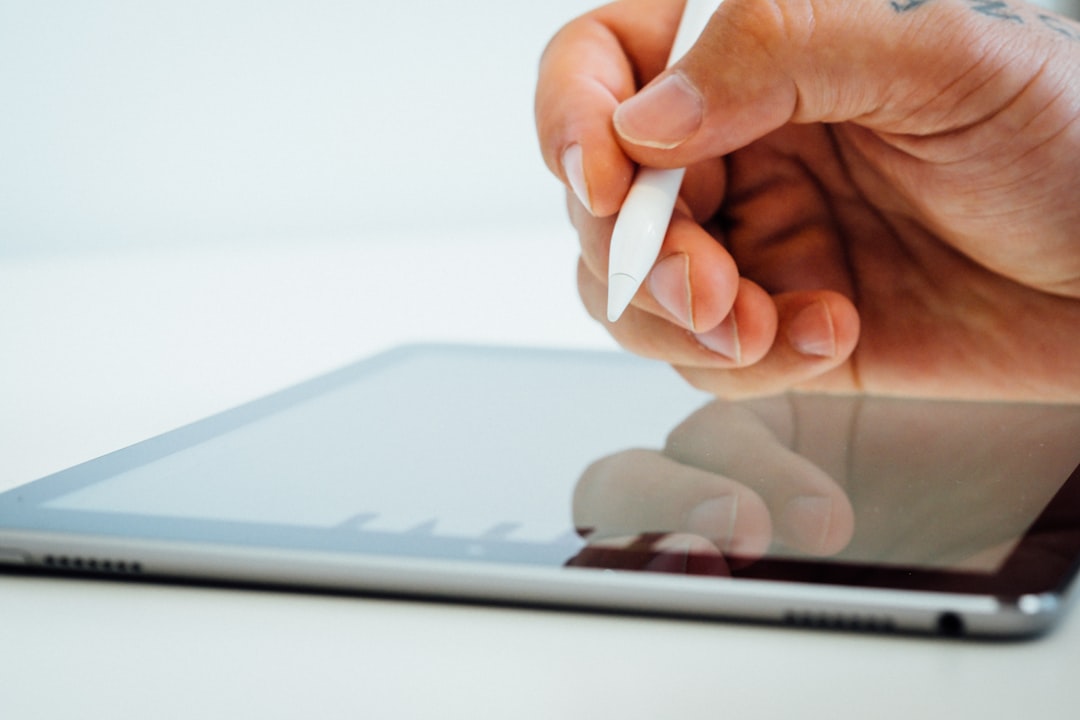
One feature Samsung has held over the foldable market is S Pen support. Motorola counters with the Pen Ultra stylus, and it’s a legitimate accessory rather than an afterthought. The included case holds the stylus and, while it adds bulk, it’s leagues better than Samsung’s holster-style cases from prior generations.
Do I find a stylus essential on a foldable? Honestly, no. But for note-taking, quick sketches, and precise photo editing on that expansive inner display, it’s a nice tool to have in your pocket. If you’re the type who actually uses a stylus regularly, there are great stylus options worth exploring beyond the included Pen Ultra.
Who Should Actually Buy This Thing?
Let’s get real about the audience. The Razr Fold at $1,899 is not a casual purchase. This is a phone for someone already sold on the foldable concept — someone who wants a big screen in their pocket and has already accepted the premium price that comes with it.
If you’re coming from a Galaxy Z Fold 6 or 7, the Razr Fold offers better battery life, a smoother hinge mechanism, cleaner software, and competitive cameras. The trade-offs are a slightly thicker profile, that wobble-inducing camera bump, and Motorola’s shorter track record with book-style devices. It’s a bet on Motorola’s hardware execution, and based on my week with it, that bet looks pretty safe.
If you’re foldable-curious and considering your first device, comparing foldable options side by side will help you weigh what matters most — battery, camera, software, or price. The Razr Fold makes a strong case on at least three of those four. For a different perspective on the Windows Arm side of things, check out our hands-on with the Snapdragon X2 Elite laptop — Qualcomm silicon is having a moment across both mobile and PC.
The Foldable Accessories You’ll Actually Need
Any foldable phone demands a few accessories to live its best life. Beyond a protective case, I’d recommend picking up a quality 65W USB-C charger to take full advantage of the Razr Fold’s wired charging speed. A screen protector designed for foldable displays is also worth the investment — inner screens are still the most vulnerable part of any foldable.
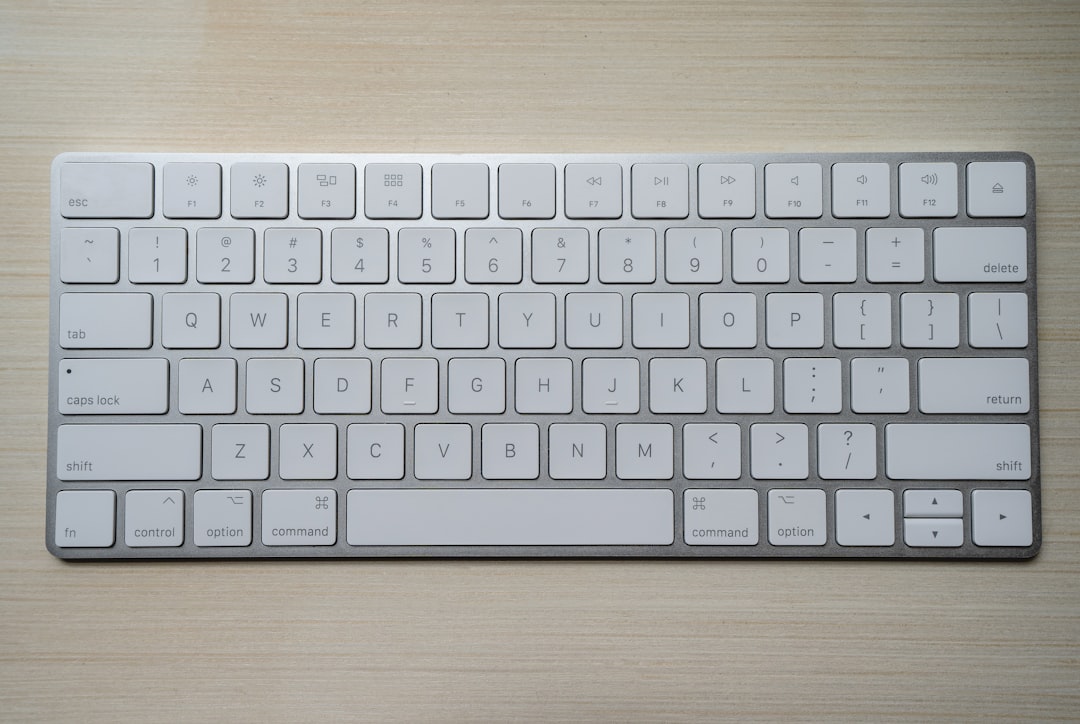
For anyone using this as a productivity machine — and that inner display absolutely invites it — a compact Bluetooth keyboard pairs beautifully with the Razr Fold’s split-screen multitasking. I spent an afternoon writing on this phone with a travel keyboard and was genuinely productive, something I can’t say about most phones regardless of their screen size.
Don’t forget about protecting the hinge area. Hinge protection accessories can prevent dust and debris from working into the mechanism over time — a known failure point for all foldables. And if you’re building out a complete mobile workspace, our guide to desk accessories that actually survive long-term use has some picks that pair well with a foldable setup.
Where Motorola Goes From Here
The Razr Fold is a statement product. It says Motorola isn’t content to be the budget flip-phone company anymore. They’ve built a book-style foldable that competes with the best in the category on its very first attempt, and that’s not something you see often in consumer electronics.
Will it dethrone Samsung? Not this year. Samsung’s ecosystem integration, years of software refinement, and brand loyalty in the foldable space are formidable advantages. But the Razr Fold doesn’t need to dethrone Samsung to succeed. It just needs to be good enough that people considering their next foldable actually cross-shop it. And it is.
If you’ve been eyeing a foldable but holding out for something with better battery life and a cleaner software experience, your wait might be over. The Motorola Razr Fold is the most convincing first-generation foldable I’ve ever tested, and it earns a spot on the short list of devices I’d actually recommend spending your own money on. For more on how this fits into the broader landscape of mobile tech in 2026, check out our coverage of AMD’s Strix Halo and the ongoing hardware arms race.
