
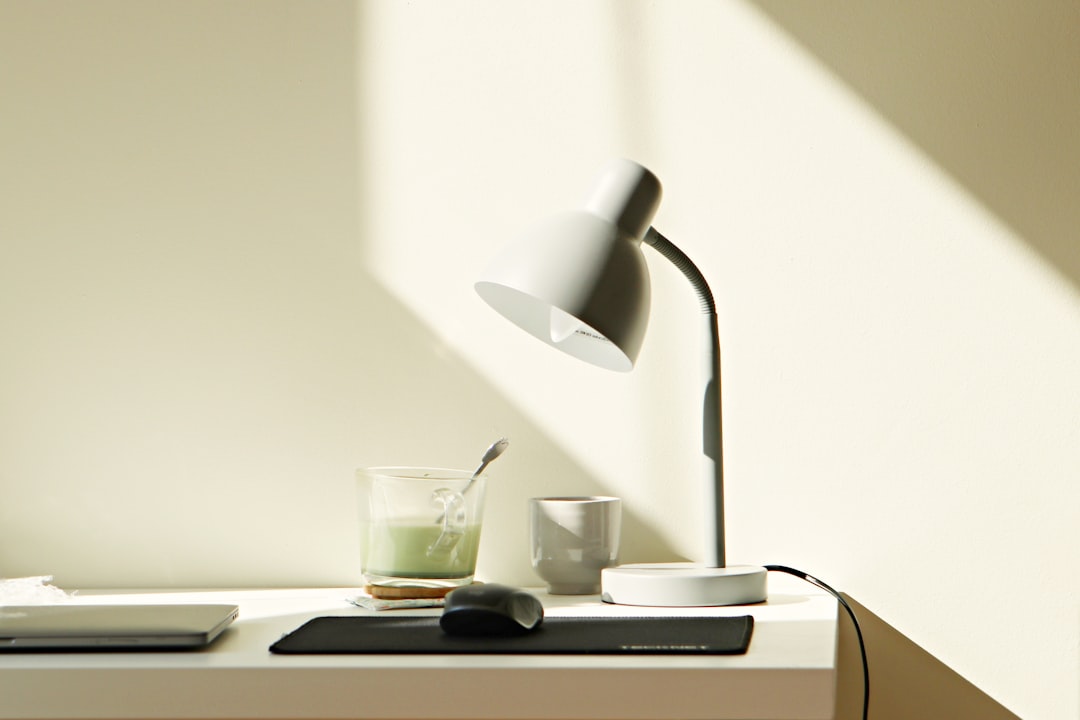
I spent the better part of two decades working under whatever overhead fluorescent light happened to be installed in whatever office I was sitting in. Never gave it a second thought. Then I went full-time remote, set up a desk in a spare bedroom with a single north-facing window, and within six months my optometrist was asking if I’d noticed “increased eye fatigue.” I had. I just didn’t connect it to the fact that I was spending ten hours a day staring at screens in what amounted to a dim cave with a laptop backlight as my only illumination.
That conversation sent me down a rabbit hole I’m still exploring years later. I’ve owned — and returned, gifted, or shelved — more desk lamps than I care to count. Monitor light bars, architectural swing arms, LED strips, ring lights meant for content creators, even a vintage banker’s lamp that looked gorgeous but cast shadows like a film noir set piece. What I’ve learned is that desk lighting is one of those things you don’t realize is broken until you fix it, at which point you wonder how you ever worked without it.
Here’s what matters: the right desk light reduces eye strain during marathon work sessions, makes color-accurate work possible without a separate proofing station, and can actually shift your energy level throughout the day. The wrong one gives you a headache at 3 PM and a photo of your setup that looks like it was taken in a parking garage. I’ve narrowed it down to the approaches and products that genuinely made a difference in my own workflow, and I’ll walk you through what to look for, what to avoid, and what’s actually worth spending money on.
Why Your Desk Lighting Matters More Than You Think
Most people pick a desk lamp the way they pick a mouse pad — they grab whatever’s cheap and available. That’s a mistake. The Cornell University study on workplace lighting found that workers in optimized lighting environments reported measurable productivity gains, and the American Optometric Association lists improper lighting as a leading cause of digital eye strain. If you’re spending eight-plus hours a day at a desk, your lighting setup is doing real work — or real damage — whether you notice it or not.
The problem isn’t usually too little light. It’s the wrong kind of light. A harsh, cool-white LED aimed directly at your screen creates glare. A warm bedside lamp casts uneven pools of light that force your eyes to constantly adjust as you look between your keyboard, your monitor, and your notes. Overhead room lighting creates shadows on your desk surface. The sweet spot is a controllable, directional light source that illuminates your workspace without competing with your screen.
I noticed the biggest change in two areas: late-afternoon focus and nighttime working comfort. Before I upgraded my lighting, I’d hit a wall around 4 PM every day — not because I was tired, but because my eyes were done. After adding a properly positioned task light with adjustable color temperature, that wall mostly disappeared. Your mileage will vary, but if you’ve ever rubbed your eyes at the end of a workday and blamed screen time alone, your lighting might be the real culprit. If you’re ready to make a change, you can browse a wide selection of desk lamps designed for home office use.
Monitor Light Bars: The Setup I Didn’t Know I Needed
Monitor light bars are one of those products that sound gimmicky until you use one. They sit on top of your monitor and cast a pool of light down onto your desk without any light hitting the screen itself. The result is a perfectly illuminated workspace with zero glare. I was skeptical — they looked like an accessory for people who cared more about their YouTube studio aesthetic than actual productivity. I was wrong.
The first one I tried was the BenQ ScreenBar, which is more or less the product that defined the category. It has an auto-dimming sensor that adjusts brightness based on ambient light, and a toggle between warm and cool color temperatures. I found myself using the auto mode almost exclusively — it just works. The light quality is even, the installation takes about ten seconds (it literally rests on top of your monitor), and it freed up desk space that my old lamp had been hogging.
Since then, I’ve also tested options from competing brands at various price points, and the good news is you don’t have to spend BenQ money to get a solid experience. The key features to look for are asymmetric optics (light goes forward onto the desk, not backward onto the screen), adjustable color temperature, and a physical control dial or touch strip. Skip any model that relies solely on a phone app for adjustments — you’ll never use it consistently.
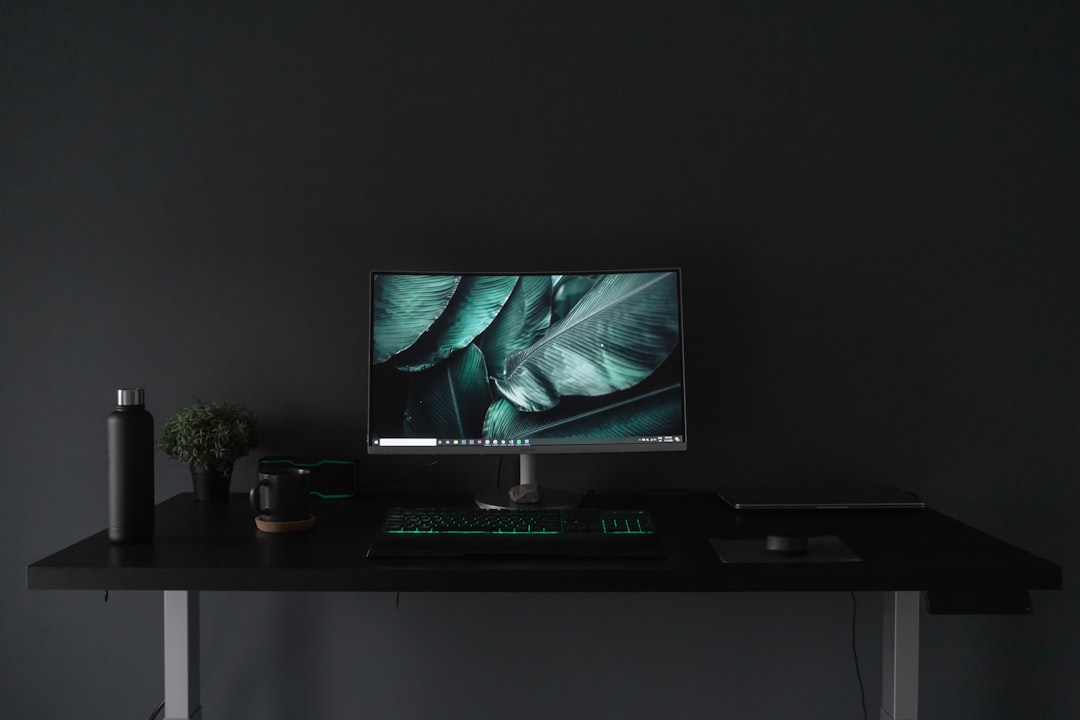
Where monitor light bars really shine is in dual-monitor setups or ultrawide configurations. Traditional desk lamps often can’t evenly cover the width of a 34-inch or 49-inch display. A good light bar spans the full width and keeps your entire keyboard and desk surface evenly lit. I wrote about this in my desk accessories that survived three years of testing, but the light bar is the one thing I keep coming back to — if you’re running an ultrawide display, make sure the bar is long enough to cover it, because some budget models max out at 24-inch coverage.
Traditional Desk Lamps: Still Relevant and Better Than Ever
Monitor light bars are great, but they’re not the only answer. Sometimes you need a traditional desk lamp — for reading physical documents, illuminating a drawing surface, or just because you prefer having a warm glow at a specific angle. The desk lamp market has quietly gotten very good, with LED technology enabling slim, adjustable designs that would have been impossible with incandescent bulbs.
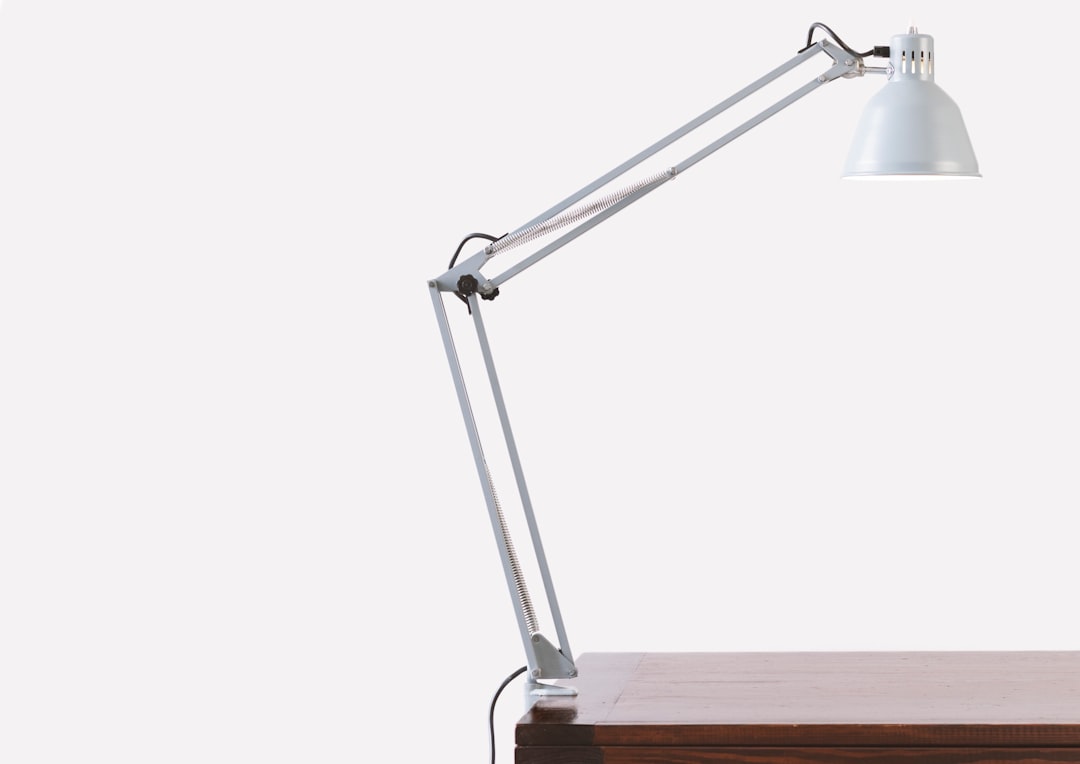
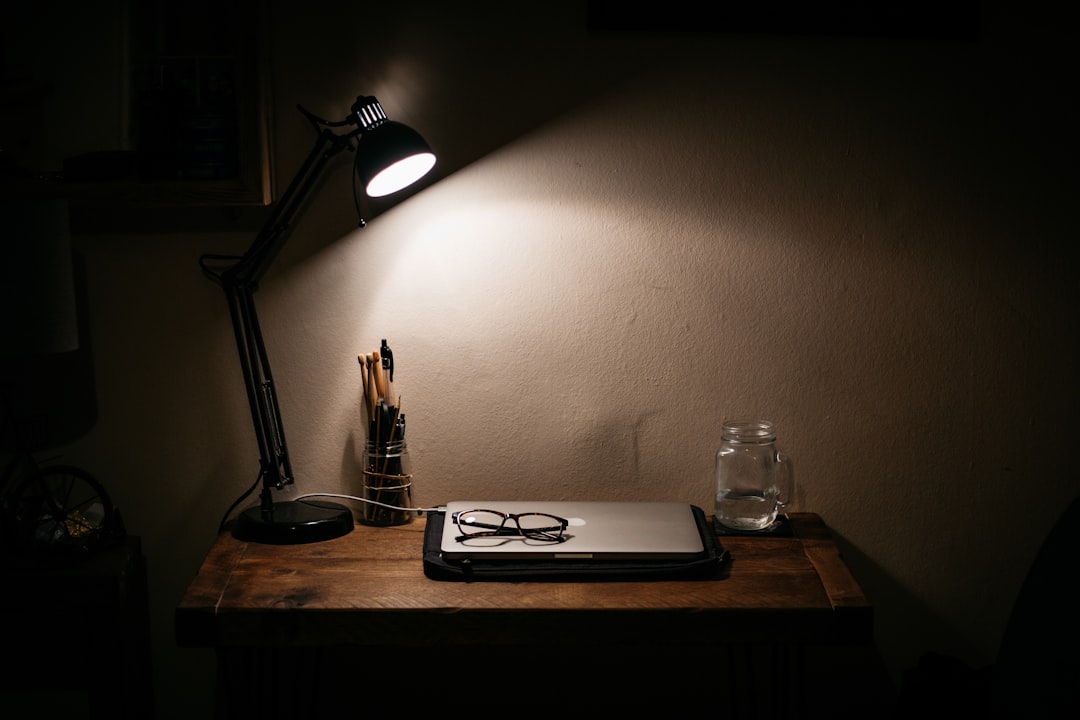
My current favorite category is the architectural swing-arm lamp. These have long adjustable arms that let you position the light head exactly where you need it, then fold it away when you don’t. I’ve been using a slim LED swing-arm lamp on my secondary desk for over a year, and it’s become indispensable for reviewing printed materials and doing soldering work on small electronics. The ability to bring the light source within inches of what I’m working on — without the heat of an old-school bulb — is something you don’t appreciate until you try it.
What sets modern LED desk lamps apart from the ones you might remember from a college dorm room is control. The best ones offer continuous color temperature adjustment from about 2700K (warm, candle-like) to 6500K (cool, daylight). Some include memory presets, built-in USB charging ports, and even wireless charging bases. I’ve found the USB port feature more useful than I expected — it’s one less thing to reach for when your phone needs a top-off during the workday. If you want options with extra features, check out desk lamps with integrated USB ports and wireless charging.
One feature I consider non-negotiable: a weighted, non-slip base. There’s nothing more annoying than a lamp that tips over every time you adjust the arm. Look for a base that’s heavy enough to counterbalance the arm at full extension, with a rubber or silicone pad underneath. This is the kind of detail I cover in my desk gadgets you don’t know you need roundup — small things that make a disproportionate difference.
Light Temperature and Color: The Science Behind the Settings
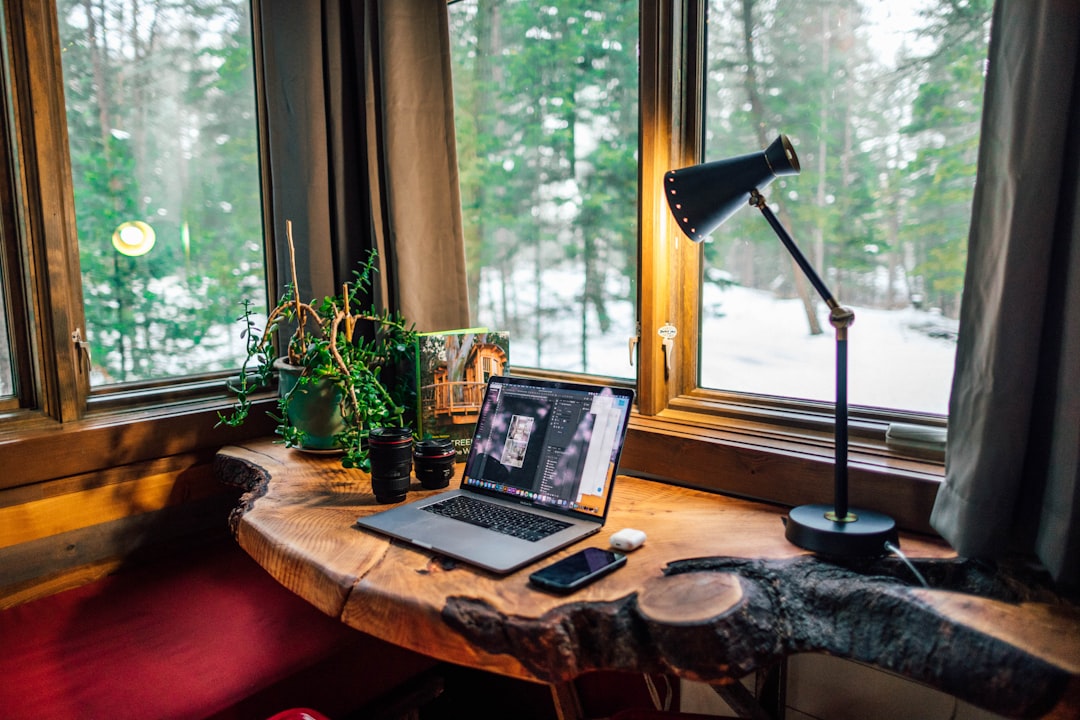
Color temperature is measured in Kelvin (K), and it’s the single most important spec on any task light. Lower numbers (2700K–3000K) produce warm, yellowish light that’s relaxing. Higher numbers (5000K–6500K) produce cool, bluish light that promotes alertness. The sweet spot for focused desk work is generally 4000K–5000K, which mimics natural daylight without being harsh.
I use a two-zone approach that took me a while to dial in but has made a real difference. During morning work hours, I set my main task light to around 5000K for maximum alertness. In the afternoon, I shift to 4000K. After dinner, if I’m doing light email triage or reading, I drop to 3000K. This isn’t pseudoscience — the research on light temperature and circadian rhythm is well-established. Your brain genuinely responds to color temperature, and using it strategically can help smooth out the energy dips that hit most people around 2 or 3 PM.
If you do any kind of color-sensitive work — photo editing, graphic design, even just making sure the products you’re photographing for a listing look right — you need a light with a high Color Rendering Index (CRI). CRI is measured on a scale of 0–100, with 100 being perfect color accuracy. Anything above 90 is excellent. Most cheap LEDs sit around 80, which is fine for general use but will subtly distort colors in ways you might not consciously notice but will absolutely mess with your edits. For color-critical work, look for lamps specifically marketed with high CRI ratings.
Ambient and Accent Lighting: The Underrated Layer
Here’s something most desk lighting guides ignore: your task light shouldn’t be your only light. Working in a room where the only illumination is a pool of light on your desk creates harsh contrast between your workspace and the surrounding darkness. That contrast is fatiguing — your pupils are constantly dilating and constricting as your gaze moves between your lit desk and the dark room beyond it.
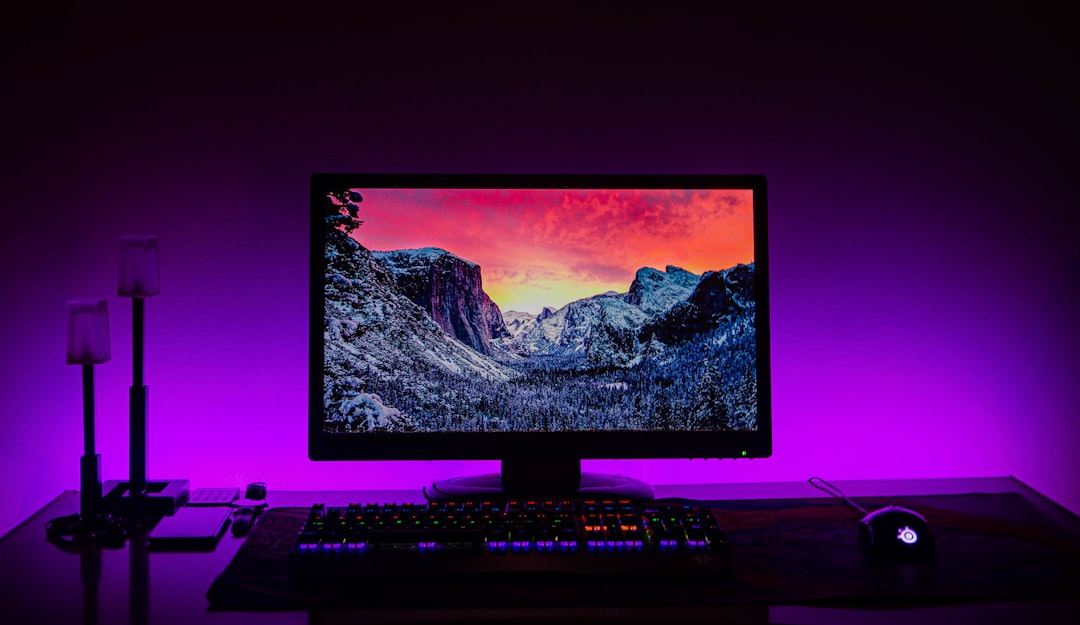
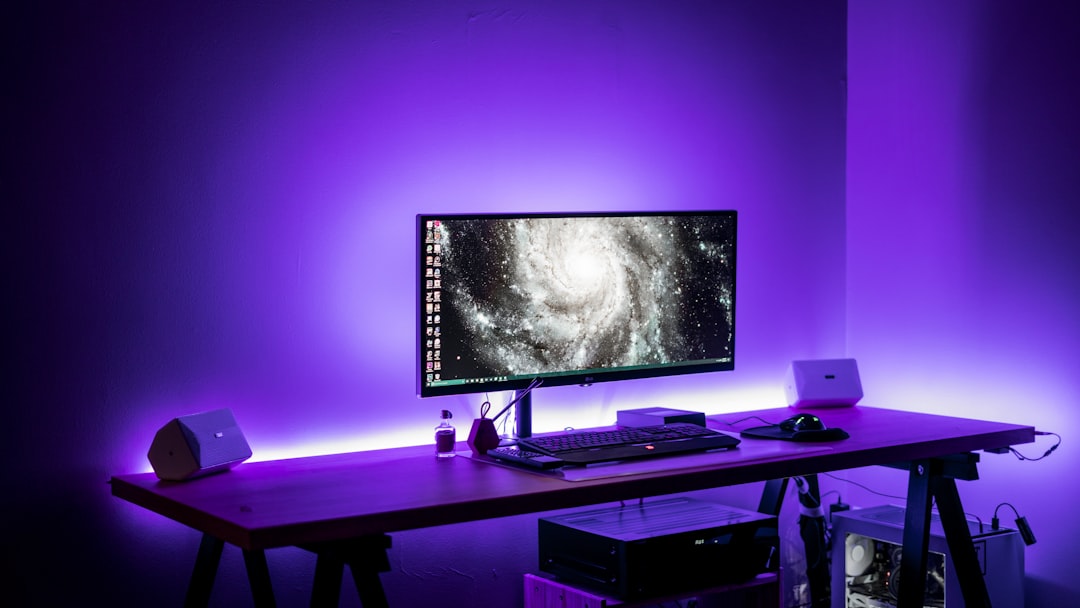
The fix is simple: add a low-level ambient light source behind or beside your monitor. LED light strips are the most popular option, and for good reason. A bias lighting strip mounted to the back of your monitor reduces the perceived contrast between the screen and the wall behind it, which directly reduces eye strain. I’ve been running a bias lighting strip behind my primary monitor for about two years now, and it’s one of the cheapest, most impactful upgrades I’ve made to my setup. Most good ones cost under twenty dollars and take five minutes to install.
Beyond the functional benefits, ambient lighting makes your workspace feel better. A warm glow behind the monitor, a small accent light on a shelf, or even a carefully positioned floor lamp in the corner of the room transforms a sterile home office into a place you actually want to spend time. When your workspace feels good, you work better — that’s not just aesthetics, it’s psychology. I found that out firsthand when I did my full workspace reset — the lighting changes had the biggest impact on how the space felt to work in every day. Smart LED bulbs are a great way to add this layer because you can automate color temperature shifts throughout the day.
What I’d Buy If I Were Starting From Scratch
After all the testing, returning, and iterating, here’s the setup I’d recommend for most people who spend significant time at a desk:
Start with a monitor light bar as your primary task light. It solves the glare problem entirely, takes up zero desk space, and provides even illumination across your entire workspace. If you work with physical materials — paper documents, notebooks, hardware — add a swing-arm desk lamp positioned to the side opposite your dominant hand (so it doesn’t cast shadows when you’re writing or working). Behind your monitor, add a bias lighting strip. Total investment: somewhere between $80 and $200 depending on which products you choose, and it’ll make more difference to your daily comfort than most upgrades costing three times as much.
For the lamp itself, prioritize adjustability over brightness. You want a light you can tune to the task at hand, not one that blasts your desk with the same intensity regardless of whether you’re reviewing spreadsheets or winding down with an ebook at 9 PM. Lamps with stepless dimming and continuous color temperature control give you the most flexibility, and they’re not significantly more expensive than fixed-temperature alternatives anymore.
And please, skip the fluorescent tube under-cabinet lights and the $9 big-box-store special. Your eyes work hard enough already. Give them decent lighting and they’ll return the favor with fewer headaches, less fatigue, and a workspace you actually enjoy sitting down at every morning. It took me far too long to learn that lesson — hopefully you’re smarter than I was.
