
I’ve been staring at screens since dial-up was a personality trait. Twenty-five years of CRT monitors, laptop panels, phone displays, and — for the last few years — an AI workstation setup with enough glowing rectangles to light a small runway. Somewhere around last winter, I noticed the pattern I’d been ignoring for a decade: every weekday at 3 p.m., my eyes started feeling like they’d been lightly sandpapered. Blurry distance vision when I looked out the window. A dull ache behind the bridge of my nose. By Friday, headaches.
I did what most people do. I bought blue light glasses. Then I bought a nicer pair. Then, because I review gadgets for a living, I bought five pairs and handed three of them to my testing team so we could compare notes. The short version of this article: the glasses were mostly a sixty-dollar placebo, and the stuff that actually fixed my eyes cost between nothing and about forty dollars. Here’s the long version.
What Two Decades of Screens Actually Did to My Eyes
Before you take advice from anyone on the internet, it helps to know they went to a professional first. I did — an optometrist who took one look at my screen-time questionnaire and laughed, not unkindly. My vision tested fine. What I had was classic computer vision syndrome: a cluster of symptoms driven not by screen radiation or evil blue photons, but by how we behave around screens.
The mechanics are embarrassingly simple. When you focus on a screen, your blink rate collapses — some studies put the drop at more than half, from around fifteen blinks per minute down to five or fewer. Every one of those skipped blinks is a missed chance to spread your tear film across the cornea. Add a heated, dry office, a monitor positioned too high (gaze should fall slightly downward, not straight ahead), a screen brighter than the room around it, and hours of fixed-focus work, and you’ve built the perfect storm for dry, aching eyes. My optometrist’s summary stuck with me: “Your eyes aren’t damaged. They’re exhausted and dehydrated.”
First, the Blue Light Glasses Confession
I wanted the glasses to work. They’re a tidy answer to a messy problem. But the science has been increasingly blunt about it. A 2023 Cochrane systematic review — the gold standard for evidence reviews — looked at multiple randomized controlled trials and concluded that blue-light filtering lenses probably make little or no difference to eye strain from computer use. Screen brightness in the blue range is also nowhere near the levels that damage retinas; that fear was marketing, not medicine. So if your eyes burn at 3 p.m., tinted lenses with a fancy coating are treating a cause you mostly don’t have.
Here’s the honest nuance, though, because I’m not going to pretend there’s zero use case. Strong amber-tinted lenses at night can help if late screen sessions are wrecking your sleep — that’s about circadian rhythm, not eye strain. And some people simply like the mild glare reduction of an anti-reflective clear lens. If you want a pair for those reasons, don’t spend much. The livho clear-lens computer glasses are around fifteen dollars and get the glare-reduction job done, and ANYLUV’s lightweight metal frames come in under twenty-five with a warmer daytime tint. Just go in knowing what they can and can’t do. As a strain fix, they’re the least effective thing on this list.
Fix One: Blink Like It’s Your Job
This is the free one, and it’s the one nobody wants to hear because it sounds too simple. For two weeks, my team and I ran an experiment where we consciously completed full blinks — lid all the way down, brief pause, back up — during any screen session. Not squinty half-blinks, which most of us default to at a monitor. Full ones. It felt ridiculous for about three days. Then the afternoon grittiness started fading.
I taped a sticky note to my monitor bezel that just says BLINK, which is the least glamorous productivity hack I’ve ever admitted to publicly. My editor did the same and reported that her end-of-day “tired eye” feeling dropped noticeably. There’s a reason every optometry source recommends this first and gadgetry second: the tear film is the actual thing that’s failing, and blinking is its maintenance cycle. Everything after this point is just supporting it.
Fix Two: The 20-20-20 Rule Needs a Physical Timer
Every 20 minutes, look at something 20 feet away for 20 seconds. You’ve heard it; so have I, for about fifteen years, and I ignored it because “I’ll remember to take breaks” is a lie the human brain tells itself. Screen flow states eat time. What finally made it stick was hardware: a little digital Pomodoro cube timer that sits next to my keyboard. Flip it to 20 minutes, it counts down silently, and when it buzzes I look out the window until it resets. No app to ignore, no notification to dismiss.
My streaming-obsessed colleague prefers the simpler flip-style rotating timer because it never needs charging and the tactile flip makes starting a break interval feel intentional. If you’d rather stay in software, macOS Focus modes and Windows clock app both do focus timers now — but in our group test, the physical object on the desk outperformed every software solution, because software lives in the same attention pool as the work itself. The distant-focus part matters too: looking out a window at something genuinely far away relaxes the ciliary muscles that have been locked at arm’s-length focus all day.
Fix Three: Your Air Is the Problem, Not Your Screen
This was the fix I stumbled into by accident. I borrowed a hygrometer while testing home-office gear and discovered my office humidity sat at 27 percent in winter — somewhere between a desert and a kiln. Dry air accelerates tear evaporation, which means even perfect blinking can’t keep up. When we brought the room to a saner 40-45 percent, the difference in end-of-day eye comfort was obvious within a week across four people testing in the same space.
You don’t need a whole-house system. The Levoit 2.5L top-fill humidifier runs quiet enough to sit on a bookshelf a few feet from the desk and covers a decent-size room for about a day per fill. For travel or a temporary desk setup, the pocket-sized Homedics portable humidifier runs off a water bottle. It’s the same principle as the humidifier advice in our writeup on the air purifier that killed my afternoon brain fog — the air itself is workspace infrastructure, and your eyes are the first thing to complain when it’s wrong.
Fix Four: Preservative-Free Drops, and Only Preservative-Free
At the height of the bad months I was using eye drops three or four times a day, and my eyes kept getting worse. Turns out that’s common: many multi-use drops contain benzalkonium chloride, a preservative that’s fine occasionally but can irritate the ocular surface with heavy daily use. My optometrist’s instruction was blunt — preservative-free only, ideally in single-use vials or a dedicated PF bottle.
The two that earned permanent spots in my desk drawer: Refresh Tears preservative-free, which comes in a multidose bottle that keeps well on a desk, and Systane Complete PF in the two-pack, which is the one my editor swears by for longer-lasting relief during marathon sessions. One drop per eye mid-morning and one mid-afternoon, not “whenever it hurts” — the goal is preventing the dryness spiral, not chasing it. And skip the “redness remover” drops entirely; they’re vasoconstrictors, not lubricants, and they rebound badly.
Fix Five: Stop Making Your Monitor the Only Light in the Room
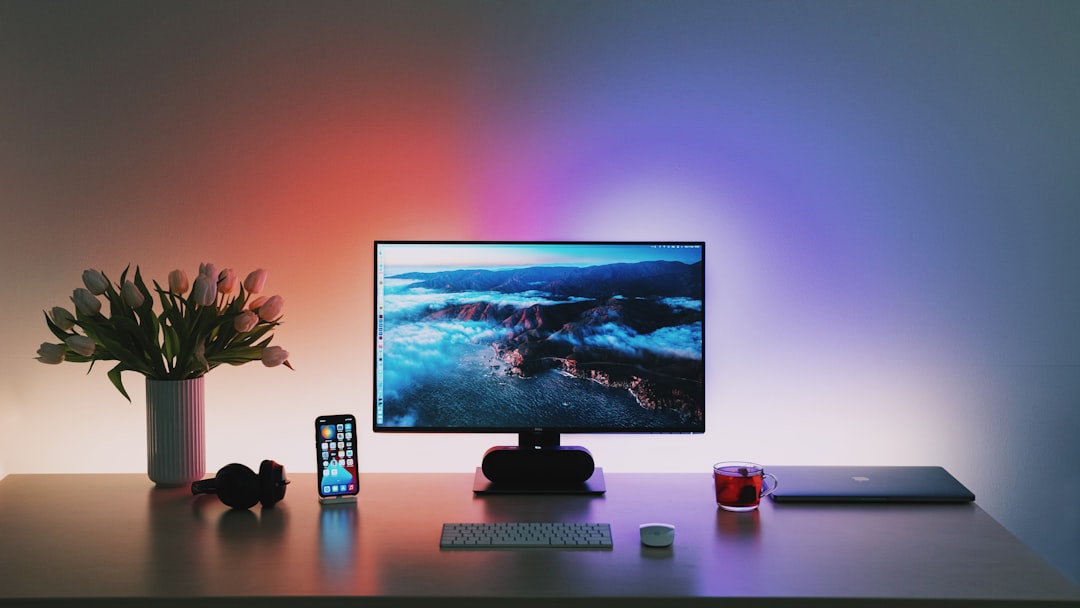
When your screen is dramatically brighter than everything behind it, your eyes are doing constant contrast work — like watching a projector in a bright room, in reverse. The fix is balanced ambient light, and the cleanest desk implementation is a light bar that throws light onto the wall and desk behind the monitor instead of onto the screen itself. I’ve tested six of these at length, and the Quntis monitor lamp with auto-dimming remains the value pick — it sits on top of the display, takes zero desk space, and its ambient sensor actually works. The Yeelight screen bar is the step-up option with nicer stepless dimming for evening sessions.
If you want the full tier-by-tier breakdown including where the quality cliff sits, my light bar shootout covers it in detail. The short version: any monitor light bar beats a bare screen in a dark room, and this change alone killed most of my evening eye fatigue.
Fix Six: Heat, the Fix Nobody Talks About
Here’s the one that surprised me most. A big share of adult dry eye isn’t about tears at all — it’s blocked meibomian glands in the eyelids, the ones that secrete the oily layer that keeps your tears from evaporating. Warm compresses melt the blockage. Ten minutes with heat on closed eyes is the standard at-home treatment, and after a month of near-daily use, my end-of-day grittiness dropped more than from any gadget I own.
The microwave-activated Bruder moist heat compress is the clinical standard — you heat it for twenty seconds and it holds therapeutic temperature for about ten minutes. For gadget people who want the deluxe route, the RENPHO heated eye massager wraps your eyes in heat and gentle air pressure, and it’s become my favorite ten minutes of the workday, even if the “massage” part is more pleasant than medical. Do it while a build compiles or a model trains. Your eyes — and honestly your stress level — will thank you.
The Free Fixes That Beat Everything Money Can Buy
Three settings changes cost nothing and stack with everything above. First, monitor height: the top of your screen should sit at or just below eye level, so your gaze angles slightly downward — this physically reduces the exposed eye surface and cuts tear evaporation. Second, brightness matching: your screen should be roughly as bright as the paper on your desk beside it, not a lightbox. Third, text size: if you’re leaning in to read, the text is too small. Bump the system scaling. Your grandmother’s magnifying instinct was correct all along.
And if you’re rebuilding a desk from scratch anyway, the same principles apply as in my guide to choosing a monitor — panel placement and viewing distance matter as much as the specs on the box. Pair it with a pointing device that doesn’t force a death-grip wrist posture, like the options in our ergonomic mouse roundup, and the whole upper-body-screen relationship improves together.
The Stack, Ranked by Honest Impact
After a year of testing all of this across a team of four, here’s the ranking I’d give a friend, in order of impact: conscious blinking and the timer that enforces breaks (free to twenty dollars), balanced room lighting (forty to sixty), humidity control (thirty-five up), warm compresses (twenty), preservative-free drops (fifteen), and blue light glasses dead last — nice for evening glare, useless for strain. The uncomfortable truth is that eye strain was never a hardware problem looking for a hardware solution. It’s a behavior problem with hardware assist options.
Your eyes are the only display adapters you can’t upgrade. Twenty-five years in, I finally stopped treating mine like they came with an unlimited warranty — and the 3 p.m. burn is gone.
