
The $30 Upgrade That Silenced My Morning Chaos

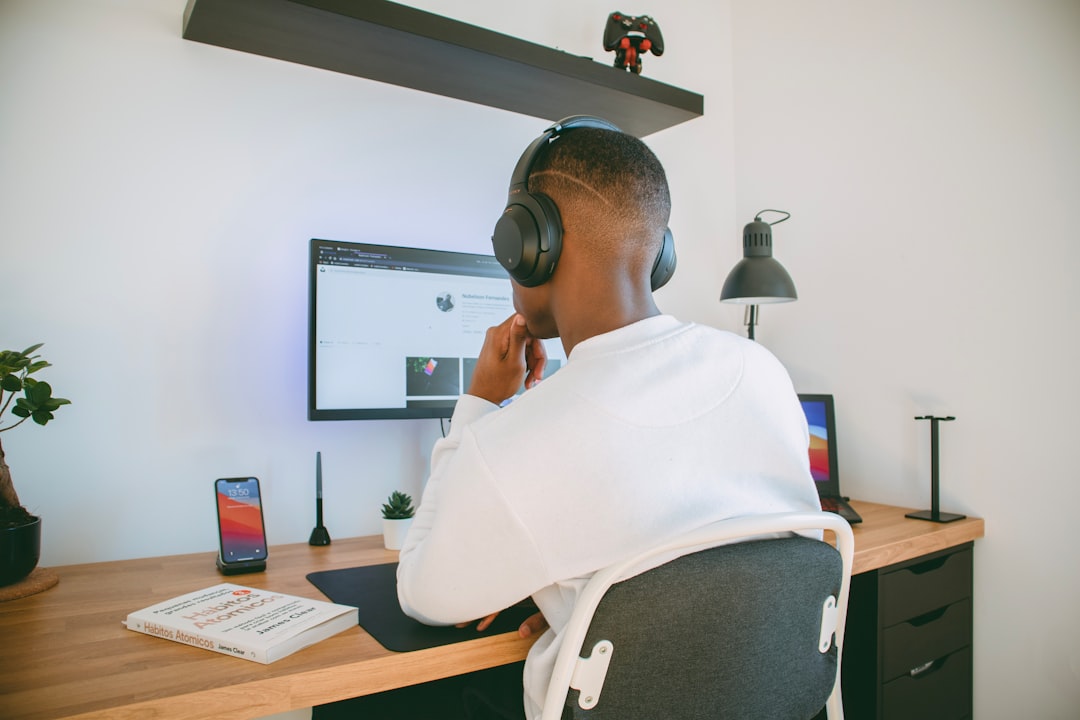
The alarm goes off at 6:00 AM. I stumble out of bed, heading straight for my coffee maker. But first—the lights. The router. The monitor. The speaker. Every morning, I am flipping switches and hunting for power buttons like I am operating some industrial equipment before my first cup of coffee. It is not exactly the peaceful morning routine I envisioned after twenty-five years of testing gear for a living.
I have written about premium monitors, mechanical keyboards, AI-powered laptops, and ergonomic chairs. I have tested thousands of devices over the years, always chasing that next productivity breakthrough. But it took me until last month to realize that the single most impactful upgrade I have made to my home office cost less than a single meal out—and it was not a new gadget or piece of hardware. It was six small devices that each cost about five bucks.
Smart plugs. Specifically, a half-dozen of them scattered around my desk and office. And here is the thing: I used to think they were gimmicks. I used to think they were for people who wanted to turn lights on with their phone because they were too lazy to walk across the room. I was wrong.
What Smart Plugs Actually Do (It is Not What You Think)
Let me be clear about what we are talking about here. These are not smart home hubs. They are not full-blown automation systems. They are simple devices that plug into your existing wall outlets and let you control whatever is connected to them via an app, voice commands, or schedules. The Kasa Smart Plug Ultra Mini 2-pack runs about $14 on Amazon. The Amazon Smart Plug is $25. The Govee Smart Plug Mini comes in around $15-20. We are talking entry-level stuff.
But here is what they actually do: they eliminate friction. And friction, my friends, is the silent killer of productivity. Every time you have to physically interact with a device to make it ready for work, that is a micro-interruption. Multiply that by a dozen devices, multiple times per day, and you have got a cumulative tax on your mental bandwidth that you did not even realize you were paying.
I am not just talking about convenience. I am talking about establishing a workspace environment that supports deep work instead of constantly nudging you out of it. The plug that turns on my desk lamp when my alarm goes off? That is not laziness—that is setting the stage for focus before I have even made coffee. The plug that cycles power to my router and modem every morning at 3 AM? That is not about automation—that is about reliability and preventing the mysterious connectivity gremlins that seem to plague home networks at the worst possible times.
My Current Setup: Six Plugs, Zero Regrets
Here is exactly how I have deployed smart plugs in my home office. This setup evolved over about three weeks of experimentation, and I am still tweaking it. But the foundation is solid, and it has transformed how I interact with my workspace.
Morning Routine Automation (2 plugs): One plug controls my desk lamp—the proper task lighting I wrote about recently that changed how I work. Another handles my Bluetooth speaker. Both are scheduled to turn on at 6:00 AM, synced with my alarm. By the time I am vertical, my office feels like a workspace, not a dark cave. No fumbling for switches. No hunting for the power button on my speaker. It just works.

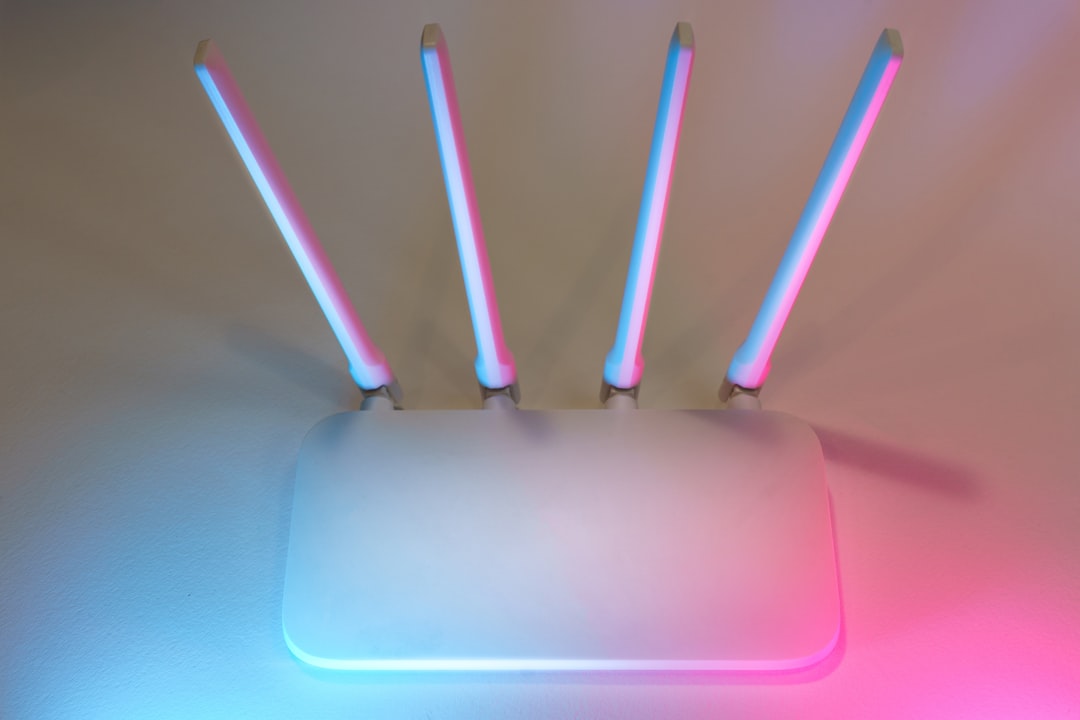
Power Management (2 plugs): One plug cycles my router and modem daily at 3 AM. I know this sounds like overkill, but after testing network gear for years, I have learned that preventive power cycling eliminates a whole category of weird connectivity issues. Another plug controls my monitor is power strip, allowing me to cut all phantom draw to my display setup overnight. Over a year, that is real electricity savings—and it extends hardware life.
Work Session Triggers (2 plugs): This is where it gets interesting. One plug turns on my coffee warmer (yes, I have a coffee warmer on my desk—do not judge) when I start my first deep work block around 9 AM. Another controls a small fan I use for white noise during focus sessions. Neither is essential, but both create environmental cues that signal my brain: it is time to work.

Total investment: roughly $30 for six smart plugs. Total time to set up: maybe an hour, spread over a few days of experimentation. Total daily time saved: probably five minutes. But the real value is not in the time saved—it is in the mental bandwidth preserved.
The Brands I Tested (And What Actually Works)
I did not just buy one brand and call it a day. I tested the major options because that is what I do. Here is what I found after three weeks of living with different smart plugs side by side.
Kasa Smart Plug Ultra Mini: This is what I ended up standardizing on. The app is solid—stable, responsive, does not feel like it was designed in 2016. The scheduling features are flexible, and they have got a handy “away mode” that randomizes on/off times if you are using them for security. The physical design is genuinely compact, which matters more than you would think when you are plugging multiple things into a power strip. The 2-pack for $14 is solid value, and they have got over 40,000 reviews on Amazon for a reason.
Amazon Smart Plug: I wanted to love these—deep integration with Alexa, simple setup. And they are fine. But the app experience felt dated compared to Kasa, and I actually had one drop offline and require a power cycle to reconnect. For $25, I expected more reliability. If you are all-in on Alexa and want voice control above all else, the Amazon Smart Plug works. But I found myself reaching for the Kasa plugs first.
Govee Smart Plug Mini: These surprised me. Govee has been making a name for themselves in the LED space, and their smart plugs are surprisingly capable. The app is modern, the scheduling is intuitive, and they are genuinely compact. I found them comparable to Kasa in most respects. If the price is right, these are a solid alternative. The main knock: slightly more limited ecosystem integration if you are expanding beyond plugs.
The Reality Check: Here is what nobody tells you about smart plugs—they all do basically the same thing. The differences are in app experience, reliability, and form factor. Kasa won for me on reliability and app design, but your mileage may vary. The key is picking one ecosystem and sticking with it for consistency.
Beyond Automation: The Hidden Benefits
After living with this setup for a month, I have noticed benefits I did not anticipate when I started this experiment. Some of them are small. Some of them are surprisingly significant.
Energy Monitoring: Most modern smart plugs include basic energy monitoring. I can see exactly how much power my desk setup is drawing. I discovered that my monitor is standby mode was pulling more power than I realized—which is why I added a dedicated plug to cut power to my entire display rig overnight. Small savings add up, and being aware of my power consumption has made me more mindful about shutting things down properly.
Security Presence: I do not have an elaborate security setup, but smart plugs create a basic “lived-in” effect when I am traveling. A couple of lamps on varied schedules make it look like someone is home. It is not a replacement for proper security—I have written about building subscription-free camera systems—but it is a nice passive layer.
Morning Momentum: This is the big one I did not see coming. Having my office automatically transition from “off” to “on” while I am still waking up creates psychological momentum. I do not have to make a series of tiny decisions about which devices to turn on. The environment is already waiting for me. And in a world where decision fatigue is real, eliminating low-value decisions from my morning routine has a compounding effect.
The Productivity Math: Why $30 Beats $300
I have tested $300 mechanical keyboards. I have reviewed $500 monitors. I have spent $1,000 on ergonomic chairs. And you know what? Those upgrades all delivered value in their own ways. But none of them fundamentally changed how I interact with my workspace the way $30 worth of smart plugs did.
Here is the math: A premium keyboard might improve my typing experience. A great monitor might reduce eye strain. But smart plugs eliminated friction from my environment. They removed the dozens of tiny interactions that were collectively taxing my mental bandwidth without me realizing it. And mental bandwidth is the resource that actually matters for knowledge work.
I am not saying you should not invest in quality hardware. I have written entire guides on building future-proof home offices, and I stand by that advice. But if you are working with a limited budget and trying to figure out where to start, smart plugs deliver outsized returns for minimal investment. They are the foundation that makes every other upgrade more effective.
Setting Up Your Own System: A Practical Guide
If you are convinced this is worth trying, here is how I would approach it. Do not buy a dozen plugs and try to automate everything at once. Start small, identify the friction points in your own routine, and expand gradually.
Week 1: Identify Pain Points – Spend a week paying attention to the devices you interact with most. Which switches do you flip every morning? Which devices do you always forget to turn off? Where is the friction in your current routine? Make a list. Be specific.
Week 2: Test With 2-3 Plugs – Buy a small pack of plugs—Kasa is 2-pack is a good entry point. Pick your top 2-3 friction points and automate those. Live with it for a week. Does it actually help? Adjust as needed.
Week 3: Expand Thoughtfully – If the initial test worked, expand. Add a few more plugs. Experiment with schedules. But do not automate for the sake of automation—every plug should solve a specific problem.
Key Advice: Pick one brand and stick with it. Managing three different apps is its own kind of friction. And if you are already in an ecosystem (Alexa, Google Home, etc.), factor that into your choice. But do not overthink it—the basic functionality is pretty similar across brands like Kasa, Amazon, and Govee.
The Things I Got Wrong
Not everything in my experiment worked. I made mistakes, and you will probably make some too. Here is what I learned from the failures.
Over-Automating at First: I initially tried to automate too much. I had plugs controlling devices that did not need to be controlled. It was a novelty that wore off quickly. Now I stick to devices that see daily use and actually benefit from scheduling or remote control.
Ignoring Schedules: At first, I was manually triggering everything with my phone. That is not an upgrade—that is just moving the switch from the wall to your pocket. The real value is in scheduling and automation. Once you set up your routines, you should not need to open the app most days.
Forgetting About Groups: Most smart plug apps let you group devices. I did not use this feature at first, and it made managing multiple plugs annoying. Once I created logical groups (“Morning Routine,” “Deep Work Session,” “Shutdown”), the experience got much smoother.
Who This Is For (And Who It Is not)
Smart plugs are not for everyone. If you love manual control, if you enjoy the ritual of flipping switches and pressing buttons, that is valid. Some people find satisfaction in tactile interactions with their gear. I get that.
But if you are someone who works from home, if you care about optimizing your environment for focus, if you have ever felt like your morning routine drains your mental bandwidth before your workday even starts—then smart plugs might be the $30 upgrade that changes your daily experience more than a $300 keyboard ever could.
This is not about laziness. It is about being intentional with your attention. It is about recognizing that your environment shapes your behavior, and that small friction compounds into significant cognitive load. And for thirty bucks, it is worth testing whether eliminating that friction changes how you work.
What I Would Do Differently Starting Over
If I were setting this up from scratch today, knowing what I know now, I would make a few changes to my approach:
Start With Lighting: I would automate my lights first. The psychological impact of walking into a properly lit workspace is outsized compared to the effort required to set up.
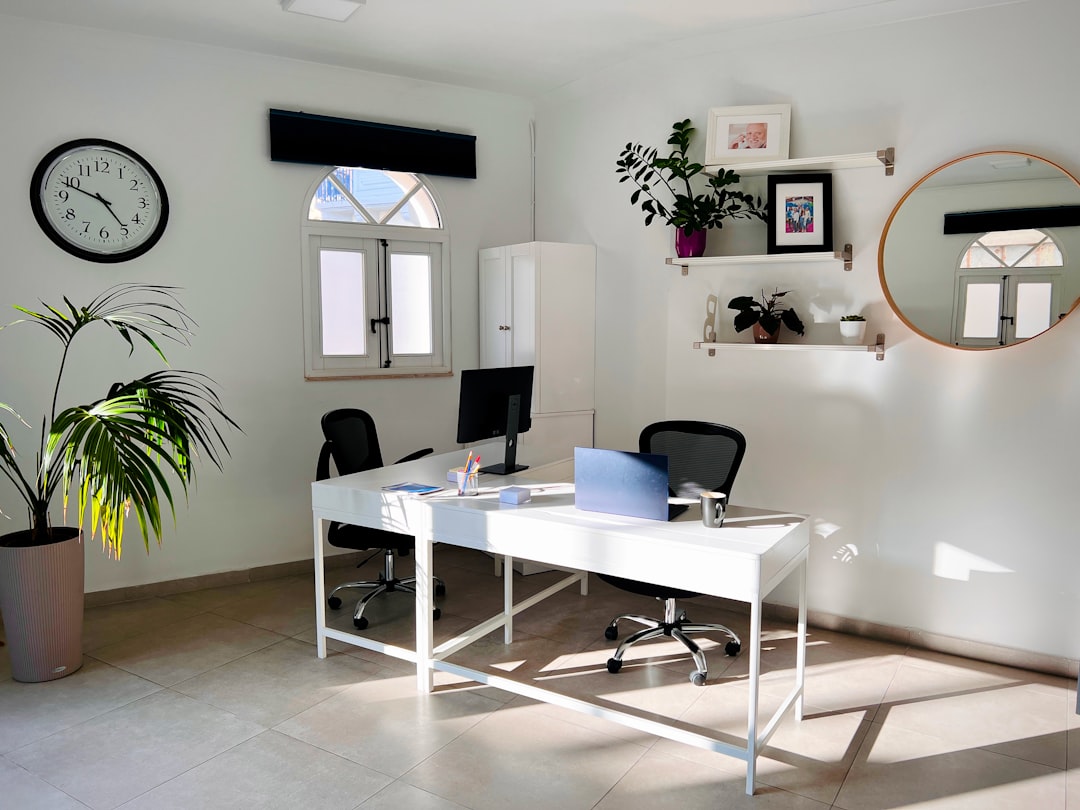
Focus on Morning and Evening Bookends: I would concentrate my initial automation on the transitions into and out of work. Those are the moments when friction costs the most. Midday automation is nice to have, but the bookends matter more.
Embrace Gradual Expansion: I would not try to automate everything at once. I would start with three plugs, live with that for two weeks, and only expand if I found clear value in each addition.
The Bottom Line
After twenty-five years of testing gear, after thousands of dollars spent on hardware, after countless articles about premium keyboards and cutting-edge monitors—the single most impactful upgrade I have made to my home office cost less than a single dinner out. It is not the sexiest tech. It is not going to impress anyone at your next Zoom meeting. But smart plugs eliminated the friction I did not even realize was wearing me down.
If you are still skeptical, that is fair. I was too. But grab a 2-pack of Kasa plugs, automate your desk lamp and your speaker, and live with it for a week. If you do not notice the difference, you are out $14. But if you do—you will have discovered what I did: sometimes the most transformative upgrades are not the ones that cost the most. They are the ones that make your environment work for you, instead of the other way around.
Your morning routine is waiting for an upgrade. And for thirty bucks, it is worth testing whether eliminating friction changes how you work.
