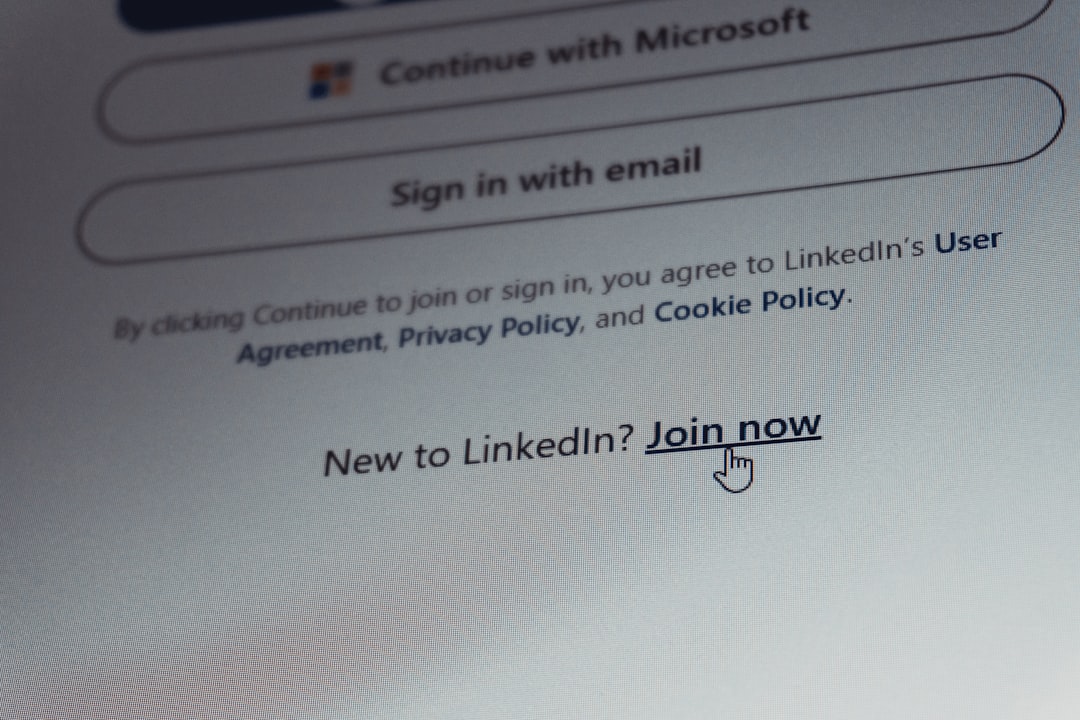
Last April, one of the analysts who runs penetration-test writeups for me forwarded a screenshot that stopped my evening cold. It was a login page for our shared research portal — pixel-perfect, right down to the favicon — hosted on a domain with two letters transposed. She had typed her password into it. The only thing that saved the account was a second factor that expired before the attacker’s relay kit could reuse it. Twenty seconds of luck. That’s what most of us are trusting our digital lives to.
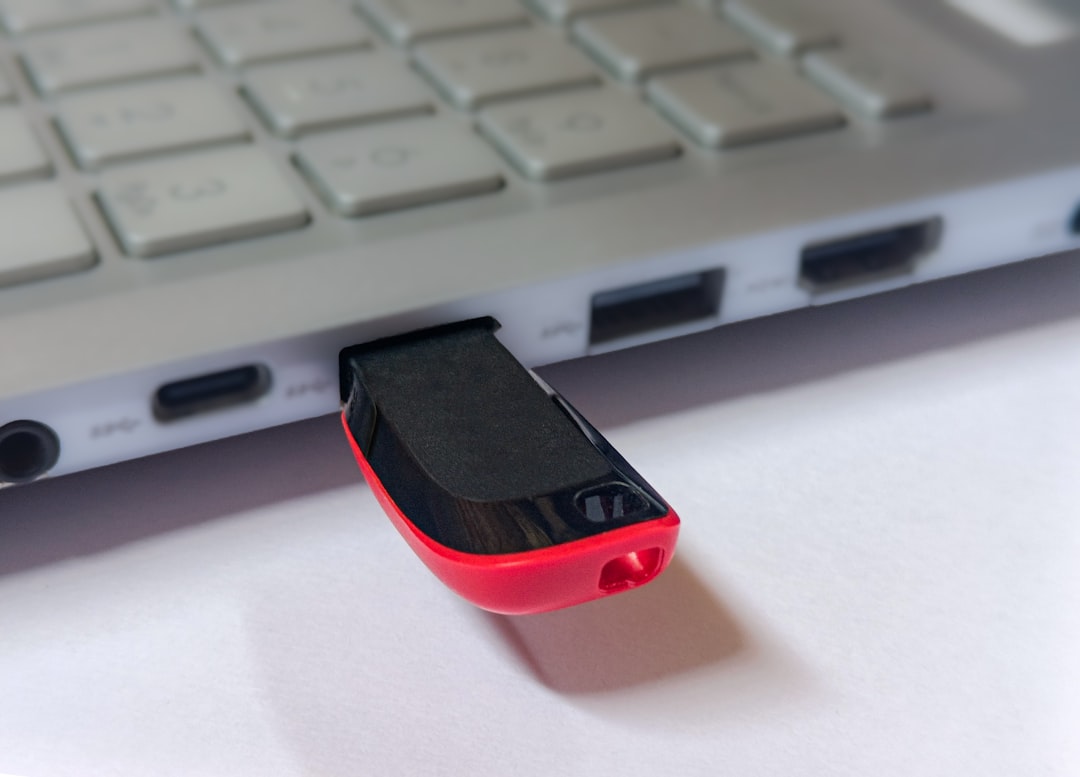
I’ve spent the four months since then migrating every account I care about to hardware security keys — those small metal dongles that look like a thumb drive but function more like a house key for the internet. My team now keeps a drawer of them for testing, we’ve enrolled and un-enrolled dozens of services, and I’ve handed them to exactly the kind of normal, non-technical people this site serves to watch where the friction actually bites. This is the guide I wish had existed when I started: what these keys do, which ones are worth buying, and the enrollment order that keeps you from locking yourself out of your own life.
The Six-Digit Code That Isn’t Saving You
Text-message codes feel like a locked door. In practice, they’re a screen door with a latch. The attack that nearly got us is called an adversary-in-the-middle phishing kit, and it works in real time: you enter your code on the fake page, the kit relays it to the real site before it expires, and the attacker is logged in as you while you stare at a loading spinner. Nothing about the code itself was wrong. The problem is that the code doesn’t know where it’s being used.
SIM swaps are the other classic. A fraudster calls your carrier, convinces a support agent to port your number to a new SIM, and every SMS-based code in your life starts arriving on their phone instead of yours. It takes minutes, it happens to thousands of people a month, and recovering a stolen phone number is a multi-day ordeal with your bank, your email, and your dignity all on hold.
App-based codes are better — they can’t be SIM-swapped — but they still suffer from the same core defect: the code is a bearer token. Anyone who holds it at the right moment can use it, and modern phishing sites are built precisely to hold it at the right moment. The industry’s own answer to this is unambiguous, and it’s been rolling out everywhere from Apple and Google to Microsoft’s Entra ID, which promoted passkey authentication to general availability this past March. The future of login is cryptographic proof that lives on a device you physically control.
How a Metal Stick Outsmarts the Scam
Here’s the part most explanations botch, so let me put it the way I explain it to my parents. When you register a hardware key with a website, your key and that site exchange a cryptographic secret. From then on, every login requires the key to sign a challenge — and critically, that challenge is bound to the real domain of the site. When you plug the key in at the genuine portal, it signs happily. When a phishing kit at the transposed-letter domain asks the same key to sign, the key refuses, because the domain doesn’t match. There is no code to relay, nothing to intercept, nothing that works anywhere other than the one place it’s supposed to work.
The first time you use one, the experience is almost anticlimactic. You tap the key, the browser flashes a prompt, and you’re in — faster than fishing a six-digit code out of your messages. My kit for this piece lived on the keyring next to my house keys, and after a week the muscle memory was automatic.
You’ll hear the word “passkey” in the same breath, and the distinction matters. Synced passkeys — the kind Apple and Google back up to their clouds — are a genuine leap over passwords and I use them for plenty of mid-tier accounts. But this summer brought fresh proof that synced credentials can be attacked at the endpoint rather than in transit, with researchers demonstrating ways to lift synced private keys from a compromised machine. For the accounts that would genuinely hurt — primary email, password manager, brokerage, the works — I want the credential welded to physical metal I can hold. That’s the tier where hardware keys earn their keep, and it’s why compliance regimes from banking to healthcare are quietly mandating them.
The Starter Kit I Now Hand to Friends
The default recommendation I give anyone starting from zero is the YubiKey 5 NFC, which runs about fifty-five dollars. USB-A plug, NFC tap for phones, and it carries the full suite of protocols — FIDO2, plus the older standards you’ll still hit on legacy enterprise logins. If your machines are all USB-C, the YubiKey 5C NFC is the same animal with the modern connector. Either one covers desktop, laptop, and phone with a single purchase.
Buy two. This is the rule everyone ignores and everyone regrets ignoring. A key lost in an airport, a jacket through the wash, and suddenly you’re doing account recovery the hard way. Yubico sells a two-pack of the 5 NFC that prices out a few dollars under buying singles, and the drill is simple: one lives on your keyring, one lives in a drawer at home like a spare house key. I also keep a 5C Nano semi-permanently docked in my travel laptop’s USB-C port — small enough to forget it’s there, which is exactly the point.
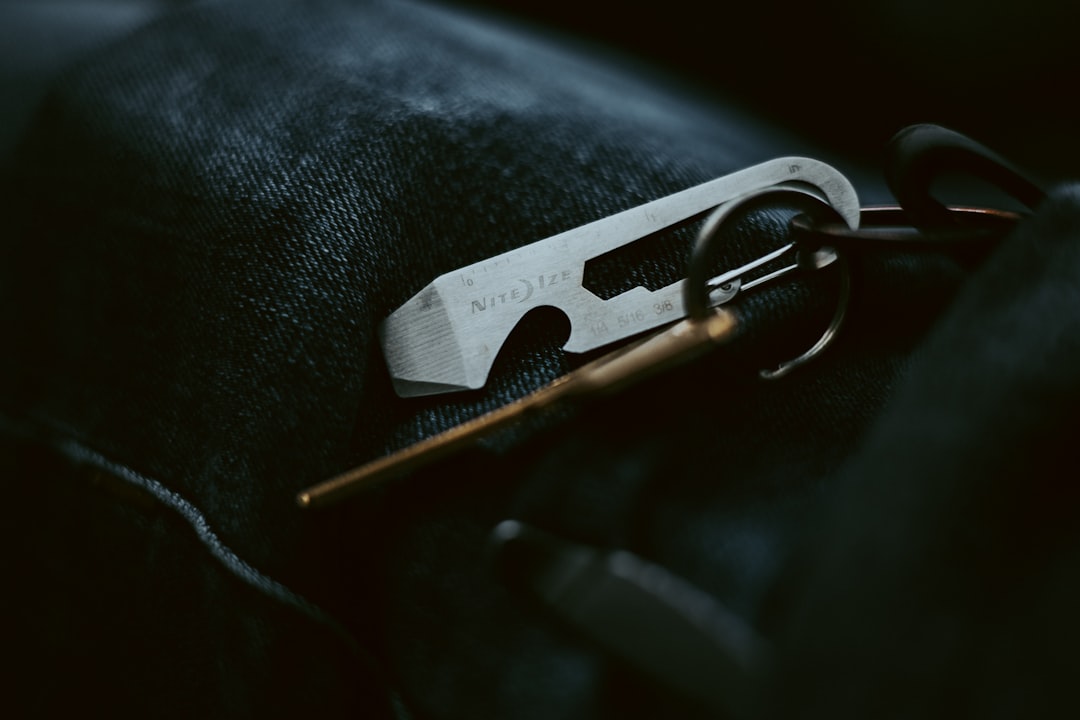
If fifty-five dollars stings for what looks like a thumb drive, the budget shelf is better than it used to be. Yubico’s own Security Key NFC drops the legacy protocols but keeps full FIDO2 passkey support at roughly half the price, and it’s all most personal accounts need. Below that, generic FIDO2-certified keys and the Identiv uTrust USB-C get you the same phishing-proof core for the cost of a pizza. The honest trade-off is fit and finish — cheaper keys occasionally have sluggish NFC taps and plastic bodies that age fast on a keyring — but the cryptography is identical. Nobody’s phishing your email because you saved thirty dollars.
Where Biometrics Fit (and Where They Don’t)
People assume face and fingerprint logins are the same security tier as a hardware key. They’re related but not interchangeable. Biometrics on your own device are excellent — they unlock the passkeys and keys stored locally, and I genuinely enjoy walking up to my desk and having it just open. The Kensington VeriMark Gen2 fingerprint reader is my pick for bringing that convenience to a desktop that lacks a built-in reader; it registers your print on the device itself and works beautifully with Windows Hello.
The caveat is portability. Your fingerprint proves you’re you to your machine — it doesn’t travel to a website as its own credential the way a hardware key does. Lose the phone and the biometric goes with it, which is why biometrics and hardware keys are teammates rather than rivals: face to unlock the device, key to prove the login. The pattern I’ve settled on after months of daily use is exactly that stack, and it’s faster than the password-plus-code dance it replaced.
The Enrollment Order That Saves Your Weekend
Registering keys is painless — nearly every major service now walks you through security settings, add key, tap, done. The part nobody plans is order and aftermath. Enroll your primary email account first, always, because email is the master key to resetting everything else; an attacker with your inbox can worm into most of your digital life regardless of how strong your other locks are. Your password manager comes second, then banks and brokerages, then the rest.
Two housekeeping habits from hard experience: register both keys on every account the moment you enroll the first, and download the recovery codes each service offers before you close the tab. Print them or write them down and store them wherever you keep birth certificates. I watched a colleague skip the codes on a freshly keyed account, lose the keyring the same week, and spend a full Saturday proving his identity to a support queue. Fifteen minutes of prevention, eight hours of cure.
One more planning note: before you commit to an account, confirm it supports multiple keys. A handful of services still cap you at one security key, which quietly defeats the spare-in-the-drawer strategy. The major platforms — Google, Apple, Microsoft, most big banks — all allow several, and that gap has been closing steadily all year.
The Last Mile: Screens, Cameras, and Coffee Shop Wi-Fi
Hardware keys close the biggest door, but the last mile of personal security is physical, and it’s cheap. A sliding webcam cover costs about as much as a stamp — I use these ultra-thin metal slides on every machine that leaves the house. In the same spirit, a magnetic privacy filter on your laptop is the answer to the airplane seat and the café counter; this SightPro 14-inch magnetic screen snaps on for travel and lives in the laptop sleeve otherwise.

Network hygiene is the third leg of the stool, and I’ve written it before: hostile Wi-Fi is a real, current threat, not a theoretical one, which is why I still pack a travel router on every trip and covered that whole category in my hotel Wi-Fi router comparison. And if you’re doing this whole security reset properly, the accounts and the data deserve the same treatment — my pieces on building a personal cloud and the portable SSDs that survive real life cover the backup side of the house.
Who Should Actually Skip This
Fairness demands the counterargument. If you’re already using synced passkeys everywhere, uniquely generated passwords in a manager, and you don’t hold high-value accounts, a fifty-five dollar key is a nice-to-have, not a need-to-have — the marginal threat it blocks is small for your situation. And if you’re the type who loses keys more often than you lose passwords, enroll carefully and keep those recovery codes somewhere genuinely safe, because a key-based lockout is more absolute than any password reset.
For everyone else — anyone with an email account that could reset their bank, a business that would bleed from a compromised inbox, a family whose photos and finances live behind one login — this remains the highest-value fifty-five dollars in my entire desk drawer. The analyst who forwarded me that screenshot in April? Her accounts, like mine, now sit behind metal that a lookalike domain cannot sweet-talk. When the next convincing fake lands in her inbox, the key will simply decline to sign. That’s the whole pitch: not smarter humans, just keys that can’t be fooled by clever ones.