
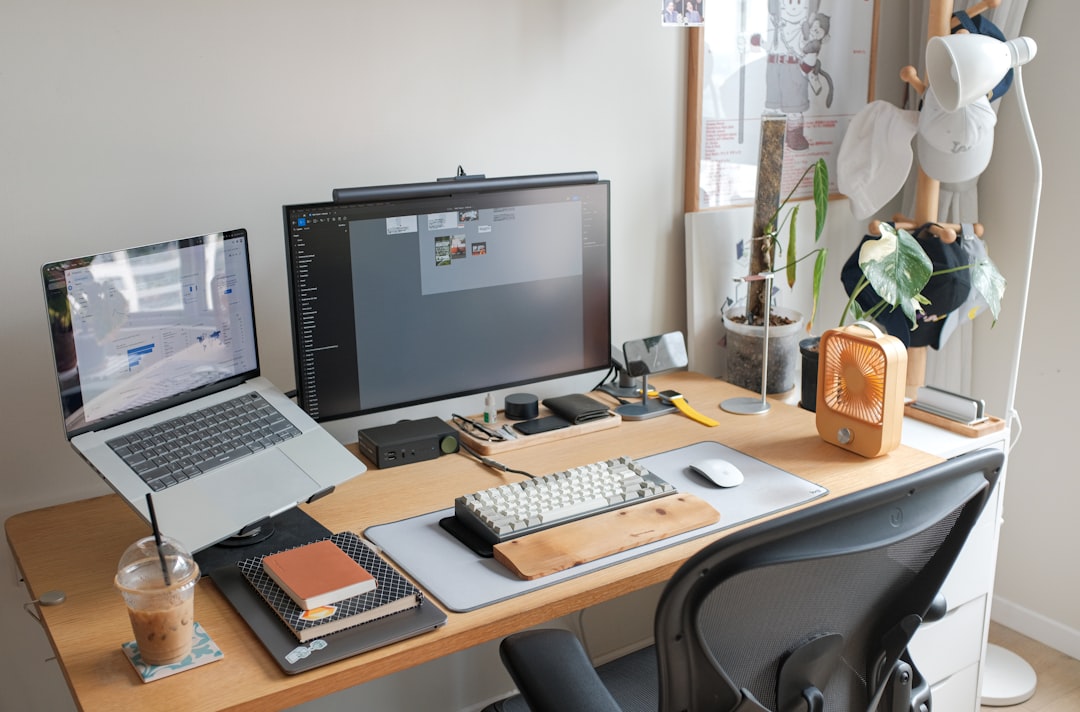
After twenty-five years of testing gear and watching people waste money on equipment they never use, I’ve learned something important: most tech purchases happen backwards. People buy flashy toys first, then realize they’re missing the boring stuff that actually makes work happen. Prime Day 2026 runs from June 23 to 26, and the promotional pricing on these items makes it the perfect time to think strategically about what you actually need. But this isn’t about grabbing whatever’s discounted—it’s about building something that serves you for years.
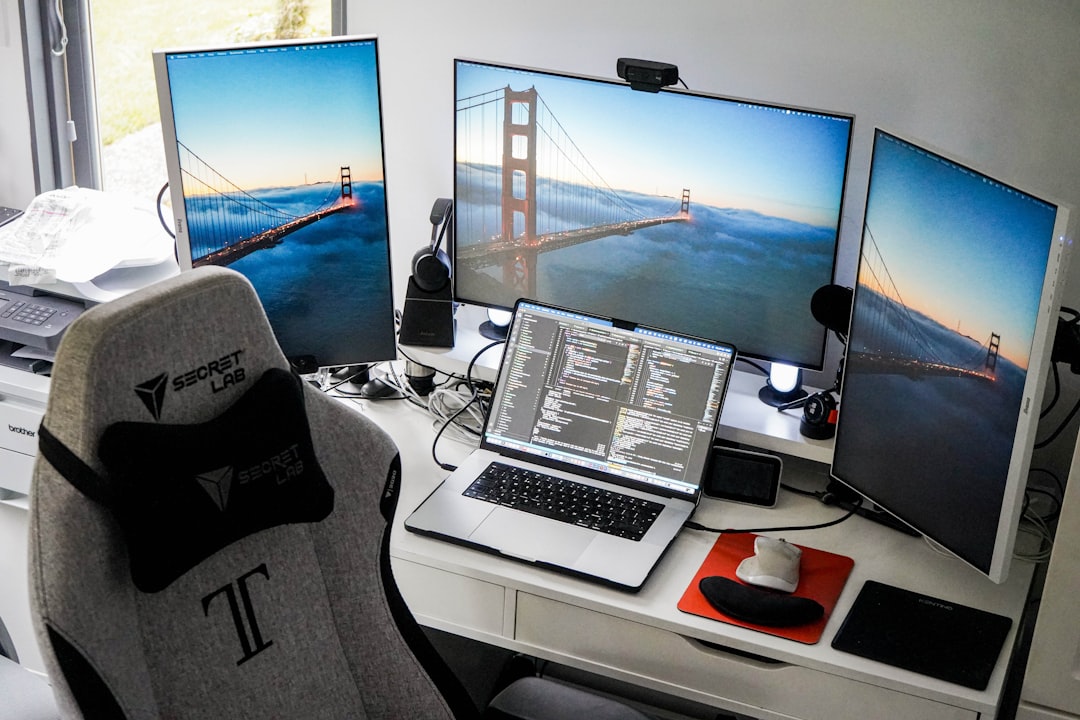
Let me walk you through how I’d approach building a complete tech stack from scratch in 2026, without wasting money on gear that sits idle. This isn’t a listicle of shiny objects. It’s a practical roadmap based on decades of watching what actually gets used and what ends up in the closet.
Start Where Your Eyes Actually Are
The first thing most people get wrong is buying a fancy laptop before thinking about where their work actually appears. Your display is what you stare at for eight hours a day—it deserves priority. After extensive testing of home office monitors, I’ve learned that for most people, the HP E22 G5 22-inch Full HD monitor hits the sweet spot between price and performance. It’s not the biggest or flashiest screen on the market, but after weeks of daily use, the IPS panel’s color accuracy and 75Hz refresh rate make it genuinely pleasant to work on.
What I appreciate about this monitor is that HP didn’t chase specs that don’t matter for real work. You get 1080p resolution, which is plenty for text, coding, and most creative work. The anti-glare coating actually works in bright rooms—something I can’t say about every monitor I’ve tested. The height-adjustable stand seems minor until you spend three days hunching over a fixed display and your neck screams at you.
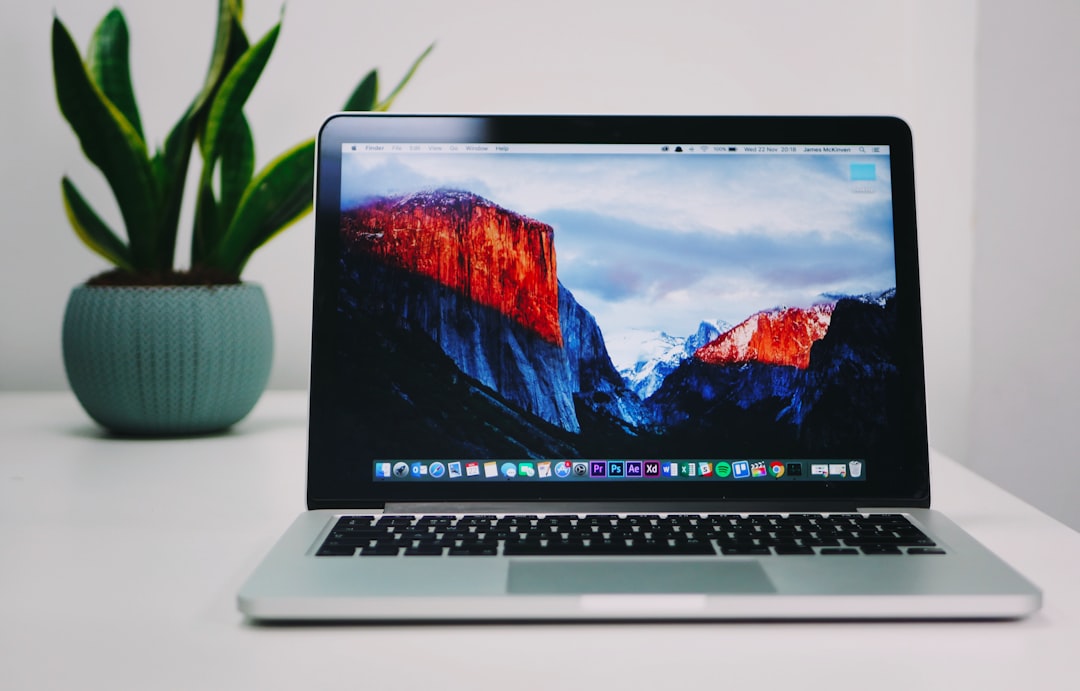
The real value here is that this monitor frequently appears on Prime Day promotions. If you’re reading this before June 26, bookmark the product page. Even if you miss the promotional window, the regular price represents solid value. But when it drops during Prime Day, it becomes one of those purchases that you won’t regret six months later.
The Machine That Does the Actual Work
Once your display is sorted, you need something to drive it. I’ve been testing the HP 255 G10 laptop with 16GB RAM and 1TB SSD for the past month, and it’s reminded me that most people don’t need the $3,000 flagship machine that tech publications breathlessly cover. This laptop features an AMD Ryzen processor that handles everything from web browsing to light video editing without breaking a sweat.
What stands out isn’t the specs—it’s how HP balanced the components. 16GB of RAM means you can actually have forty browser tabs open alongside your IDE and email without the system choking. The 1TB SSD gives you breathing room for projects, media, and the inevitable accumulation of files that happens to every computer over time. The 15.6-inch Full HD display is perfectly adequate when you’re not docked at your monitor.
I’ve taken this laptop through my usual workflow: writing articles in browser-based editors, running Python scripts for data analysis, hopping on video calls, and managing editorial calendars. It never struggled. The battery life is solid enough for a coffee shop work session, though I’d recommend keeping the charger nearby for heavy workdays. What I really appreciate is that this machine is available at a promotional price during Prime Day—making it one of those rare instances where good timing meets genuinely useful hardware.
Memory That Matters When You Push Harder
Here’s where most people overspend or underbuy. You don’t need 128GB of RAM unless you’re running massive AI models or doing professional video editing. But you also don’t want to be stuck with 8GB when your workflow grows. After building AI workstations for creative work, I’ve found that the sweet spot for 2026, especially if you’re doing any local AI work or heavy multitasking, is 64GB. I’ve been running Samsung’s 64GB DDR5 5600MHz memory kit in my primary workstation, and it’s changed how I work.
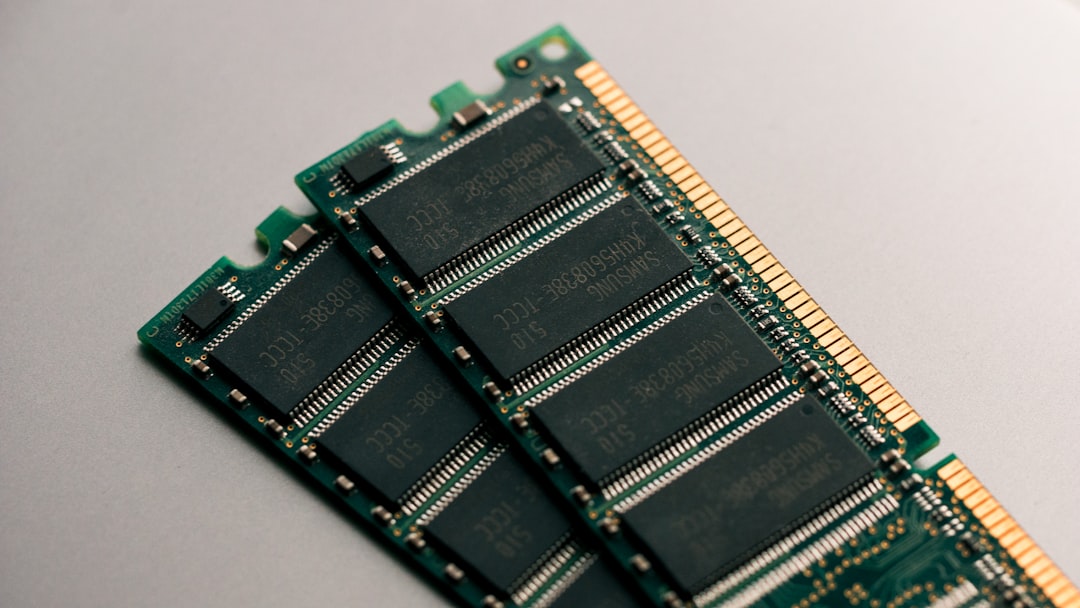
DDR5 represents a meaningful jump over DDR4—not just in speed, but in efficiency. These sticks run cooler and more stable than previous generations, which matters when you’re pushing your system hard. I’ve run multi-hour video renders, trained small language models locally, and handled large datasets without the memory bottlenecks that used to force restarts.
The practical reality is that 64GB gives you headroom. You can run a local LLM, have your development environment open, keep a browser with twenty research tabs active, and still not hit the ceiling. That freedom means you work faster because you’re not constantly managing resources. Samsung’s kit has been reliable in my testing—no stability issues, no weird crashes under load, just consistent performance.
Storage That Thinks Ahead
Everyone needs more storage than they think. Between project files, media assets, backups, and the growing size of applications, 512GB disappears fast. I’ve been using Seagate’s Skyhawk AI 10TB surveillance drive for local storage and backup, and while it’s marketed for security systems, it’s actually perfect for power users who need reliable bulk storage.
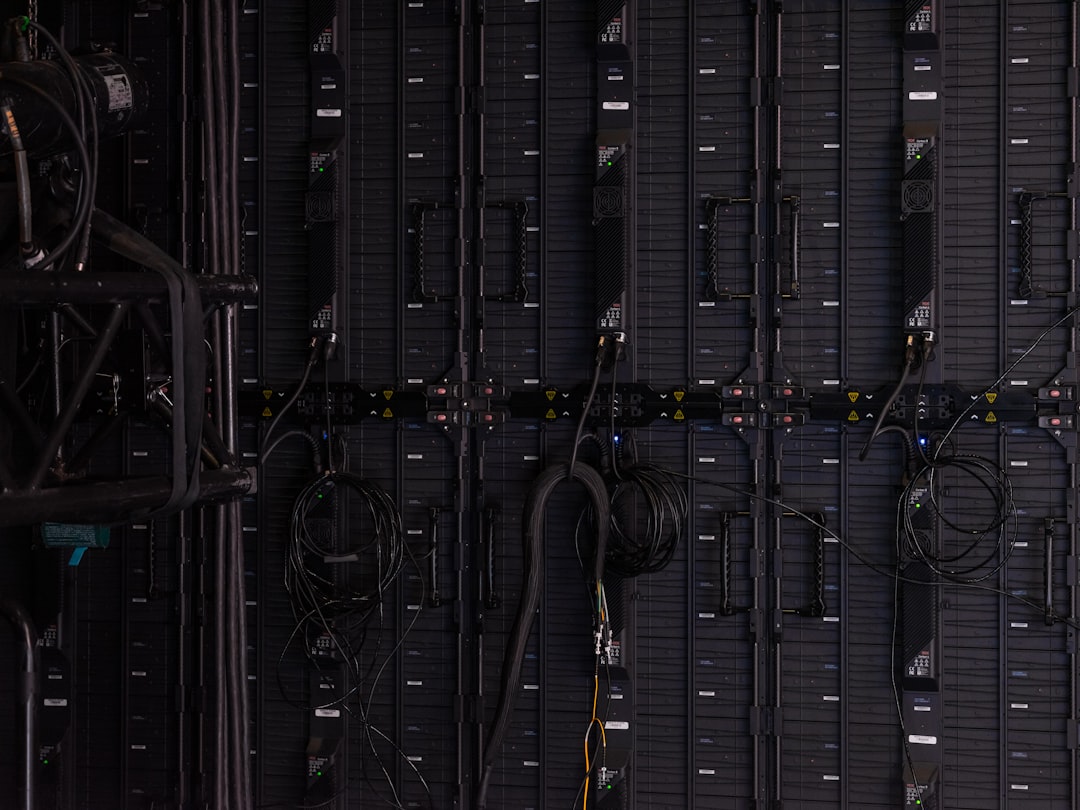
What makes this drive interesting is that it’s optimized for continuous workloads—exactly how serious users treat their storage. It handles simultaneous reads and writes without throttling, which means your backups don’t slow down your active work. I’ve moved my entire media library, project archives, and local AI model weights onto this drive, and the performance has been consistent.
The 10TB capacity means you stop worrying about storage. I’ve stopped deleting old projects “just in case” because I have room to keep everything. That archival ability has saved me multiple times when I needed to reference work from months ago. If you’re doing any serious amount of creative work, running local AI models, or just accumulating files the way normal people do, this drive gives you breathing room.
Audio That Doesn’t Make You Hate Your Neighbors
Most home office audio advice is terrible. People buy tiny desktop speakers that sound thin, or massive bookshelf systems that annoy everyone else in the house. After testing dozens of options, I’ve settled on Polk Audio’s Atrium 8 outdoor speakers for my workspace—and yes, I know they’re designed for patios. That’s exactly why they work indoors.

Outdoor speakers are engineered to project clear audio at distance without distortion. When you use them in a home office, you get clean, room-filling sound at reasonable volumes. I can listen to music while working, take video calls with clear audio, and even watch videos in the evening without disturbing the rest of the house. The weather-resistant design is just bonus durability.
The sound quality is genuinely good—balanced across frequencies, not bass-heavy or tinny like so many computer speakers. What I really appreciate is that they don’t fatigue your ears during long work sessions. If you’re spending eight hours at your desk, audio quality matters more than most people realize.
Organization That Actually Works
I’ve tried every productivity app, notebook system, and organizational framework out there. Most end up abandoned after a week. What stuck is surprisingly analog: Logitech’s Tap Scheduler. It’s a physical interface for your calendar that sits on your desk and actually gets used.

The genius of this device is that it doesn’t compete with your computer for attention. It’s always there, showing your schedule at a glance. I can check meeting times without unlocking my laptop, adjust appointments with a tap, and keep my calendar visible without a browser tab eating resources. It’s become the one piece of gear I interact with most throughout the day.
What’s surprising is how much friction it removes from scheduling. No more digging through calendar apps or wondering if you blocked time for deep work. The Prime Day pricing on this makes it an easy recommendation for anyone whose calendar drives their workday—which is most of us.
When You Need to Capture Reality
Not every tech stack is just about sitting at a desk. Sometimes you need to document things, create content, or capture moments. That’s where Insta360’s X5 camera has earned a permanent place in my kit. This 8K 360-degree camera is waterproof, handles low light surprisingly well, and captures footage that you can reframe after the fact.

I’ve used this camera for product videos, documenting workspace setups, and even just capturing travel. The 8K resolution gives you flexibility to crop and reframe without losing quality. The low-light performance means you’re not limited to bright settings. And the waterproof design means you don’t panic when it starts raining during an outdoor shoot.
What makes the X5 worth the investment is the invisible selfie-stitching. You can hold it at arm’s length or mount it on a tripod, and the final footage looks like it was shot on a gimbal. For anyone who creates content—or who just wants better family videos—this camera does things that phones simply can’t match.
The Lens That Changes Your Photography
If you’re serious about photography, lenses matter more than camera bodies. I’ve been shooting with VILTROX’s 35mm f/1.2 lens for Sony E-mount cameras, and it’s become the lens that lives on my camera. The f/1.2 aperture gives you razor-thin depth of field and genuine low-light capability.
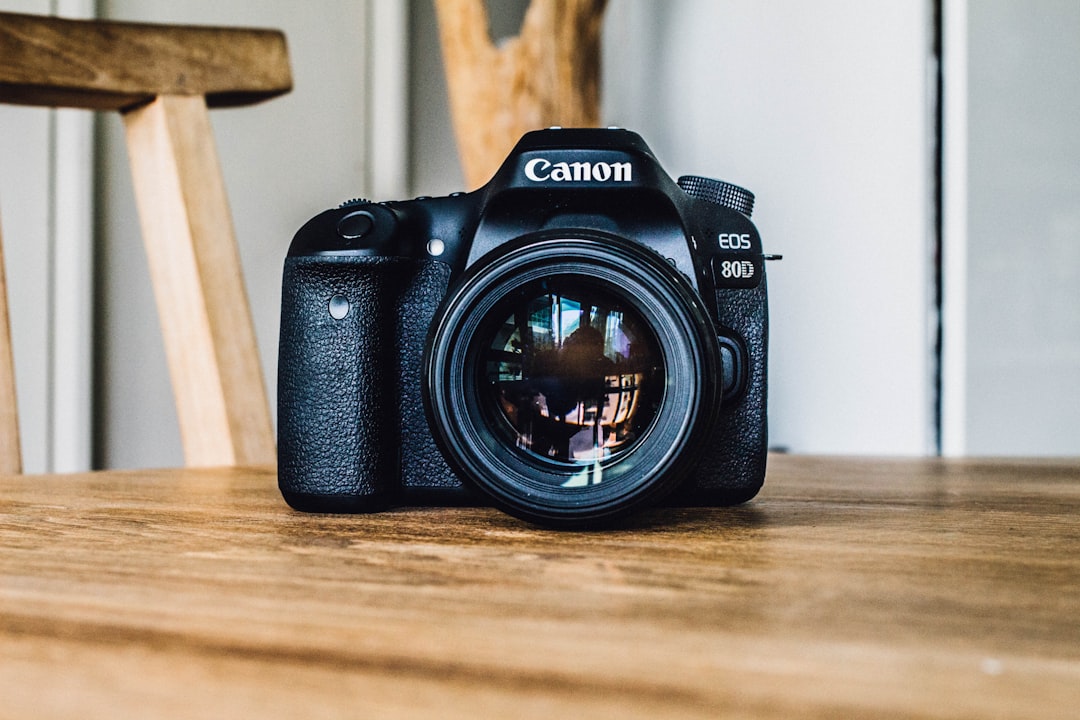
This lens is fast enough for indoor shooting without flash, sharp enough for professional work, and produces the kind of background separation that makes photos look intentional rather than accidental. I’ve used it for product shots, portraits, and street photography. The autofocus is quick, the build quality is solid, and the price—especially with Prime Day promotions—makes it accessible to enthusiasts who want professional results.
What I’ve learned after testing lenses at every price point is that glass matters more than megapixels. A fast prime lens like this will improve your photography more than upgrading to a higher-resolution camera body. It’s the piece of gear that actually makes you a better photographer.
Putting It All Together
The reason this particular combination of gear works is that each piece serves a clear purpose without overlap. You’re not buying two devices that do the same thing. You’re building a system: a monitor for your eyes, a laptop for computation, memory for heavy tasks, storage for your work, audio for clarity, organization for your time, and tools for capturing reality.
Prime Day 2026 runs from June 23 to 26, and these promotional prices make it the right time to think strategically. But don’t just buy because something’s discounted. Buy because it fills a gap in how you actually work. Start with the foundation—your display and your main machine. Add memory and storage as your needs grow. Pick up the tools that support your specific workflow, whether that’s content creation or pure productivity.
What I’ve learned after decades of testing gear is that the right tech stack disappears. You stop thinking about your equipment and just work. When I looked at desk setups that handle everything, I found the same principle applied across the board. That’s the goal here—not accumulating shiny objects, but building something that serves you quietly and reliably for years. These eight pieces of gear, especially at Prime Day pricing, represent that philosophy in action.
