
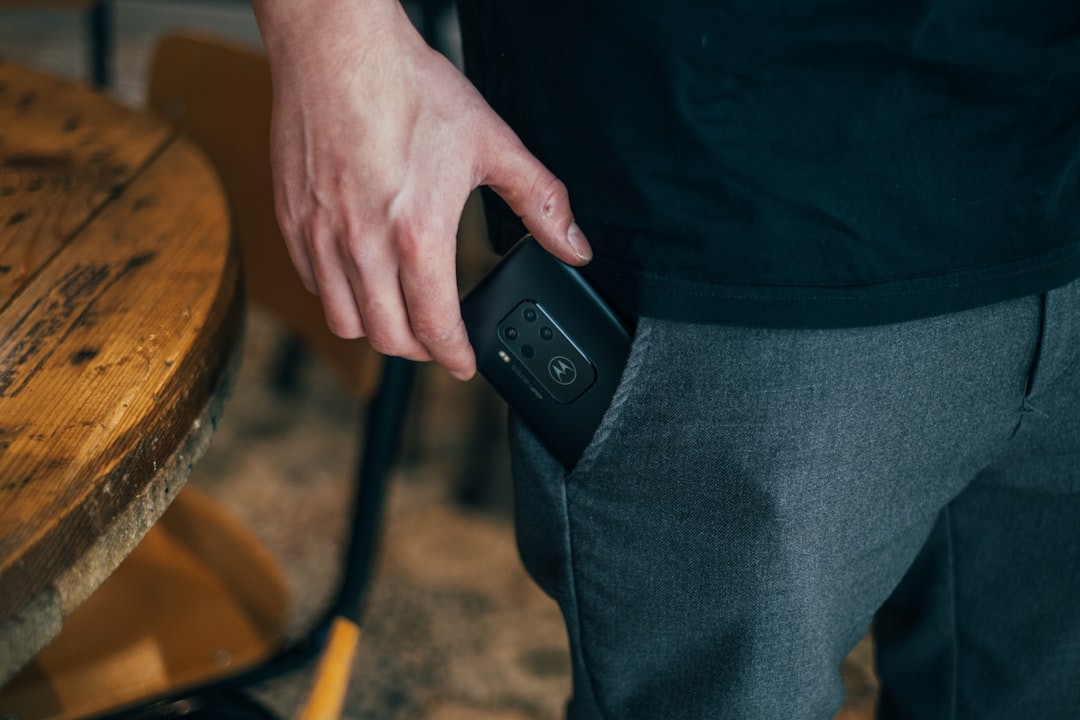
I’ve been carrying portable storage for longer than some of my colleagues have been alive. Floppy disks, Zip drives, the very first pocket-sized USB sticks that held a laughable 128MB. So when I tell you that the portable SSD has fundamentally changed how I work, test, and travel with gear, it’s not hyperbole — it’s the product category I rely on every single day finally getting good enough to stop thinking about.
The market in 2026 is genuinely excellent. Prices have stabilized after the NAND shortage scare earlier this year, speeds have jumped to 2,000MB/s on the newest models, and the form factors have shrunk to the point where a 2TB drive fits inside a jeans pocket without a bulge. But the sheer number of options also means it’s easier than ever to buy the wrong one — to overspend on speed you can’t use, or to cheap out on something that’ll throttle the moment you transfer a 50GB video project.
I’ve spent the last several months running benchmarks on every portable SSD that matters right now. Here’s what I found, and more importantly, what I’d actually spend my own money on.
The Case for Going Solid-State
If you’re still carrying a spinning hard drive, I get it — the price-per-gigabyte is hard to argue with. A 5TB mechanical drive costs about the same as a 1TB SSD. But the trade-offs have become impossible to ignore, and the gap is widening.
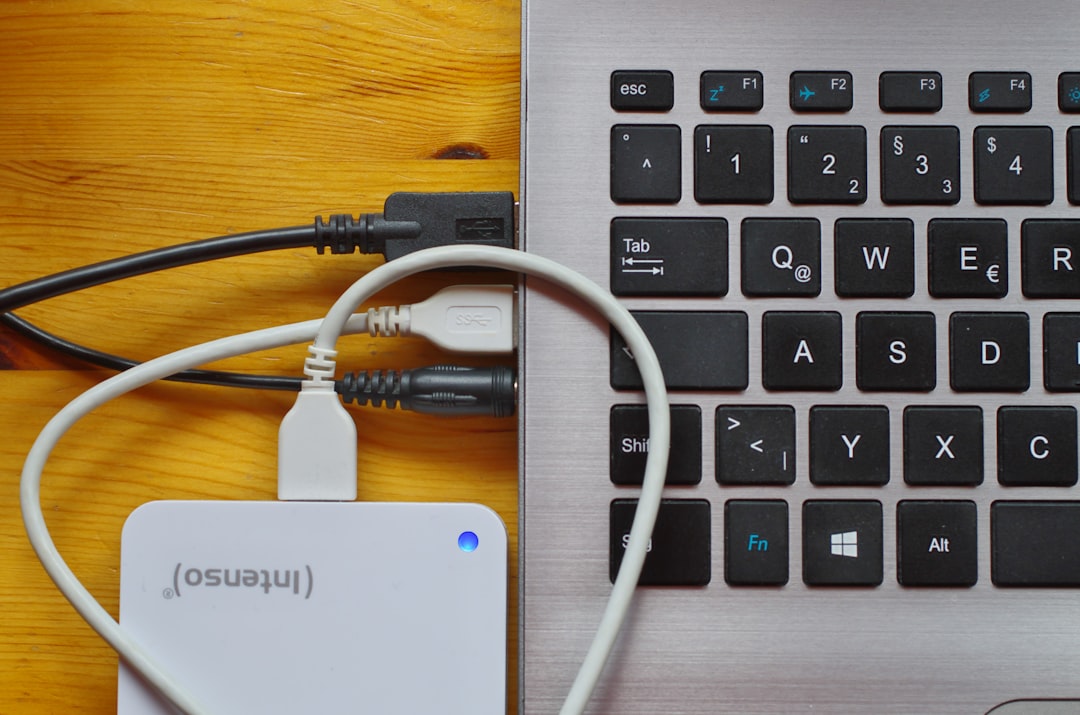
Mechanical drives top out around 130MB/s in real-world transfers. A modern portable SSD connected over USB 3.2 Gen 2 routinely hits 900-1,050MB/s. That’s not a marginal improvement — it’s the difference between waiting twelve minutes for a video project to copy and waiting ninety seconds. When you’re on a deadline or standing in an airport business lounge watching your battery meter drain, that difference is everything.
Then there’s durability. I’ve dropped portable SSDs onto concrete, left them in a hot car in Phoenix, and run them through airport scanners more times than I can count. They keep working. A mechanical drive has a spinning platter and a read head floating nanometers above it — one bad bump and you’re looking at data recovery bills that cost more than the drive itself. The Western Digital My Passport SSD I’ve been testing survived a week in my camera bag without a single corrupted file, and that bag gets thrown around.
What Speed Ratings Actually Mean (And the Cable Trap Nobody Warns You About)
Here’s where most buyers get tripped up. You see “1,050MB/s” on the box and assume that’s what you’ll get. Sometimes you will. Often you won’t. The reason is almost always the cable.
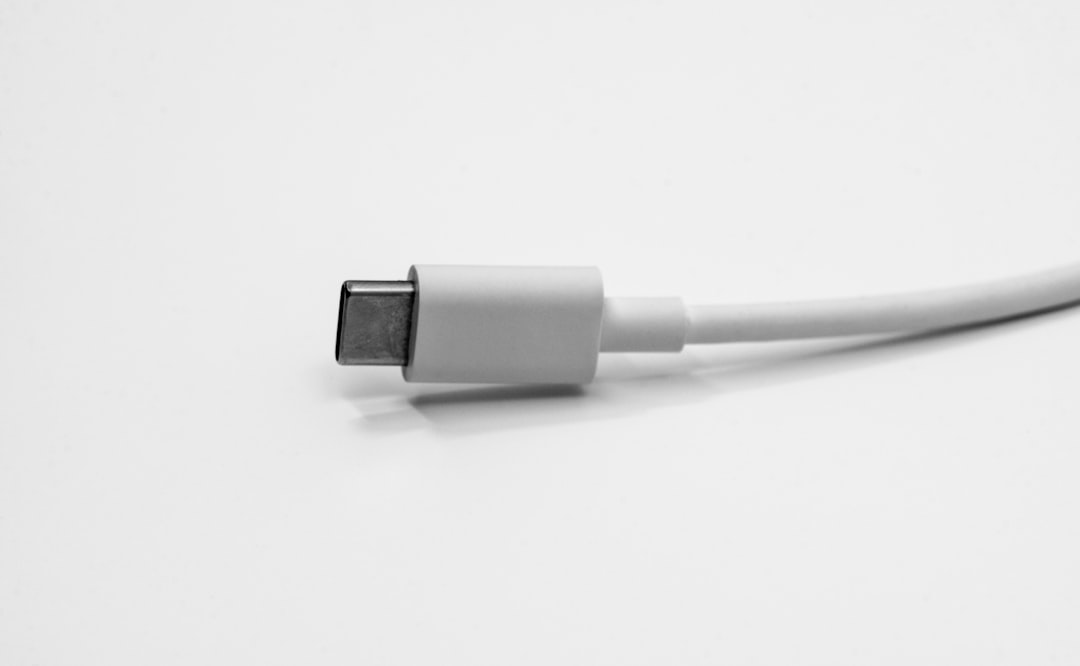
Portable SSDs ship with USB-C cables, but not all USB-C cables are created equal. The cable that came with your phone charger? It might only support USB 2.0 speeds — meaning your 1,050MB/s SSD will crawl along at 40MB/s. I’ve watched people return perfectly good drives thinking they were defective when the real culprit was a charging-only cable.
The fix is simple: use the cable that comes in the box, or buy one that’s explicitly rated for USB 3.2 Gen 2 (10Gbps). I keep a spare Cable Matters 10Gbps USB-C cable in my bag because the bundled cables are notoriously short. For a longer reach, the UGREEN USB 3.2 Gen 2 cable handles both 10Gbps data and 60W charging in a single 6.6-foot cord — useful when your laptop’s only free port is across the desk.
The Drives I’d Actually Recommend in 2026
After running continuous benchmarks, real-world video transfers, and daily-driver usage across a range of machines, here’s where I’d point you based on what you actually need.
The Reliable Workhorse: Samsung T7
The Samsung T7 has been my go-to recommendation for three years running, and the 1TB version remains the best all-around pick for most people. It hits 1,050MB/s read speeds, has AES 256-bit hardware encryption, and the metal body dissipates heat well enough that it doesn’t throttle during sustained writes. I’ve edited 4K footage directly off it without stuttering.
If you need more headroom, the Samsung T7 Shield in 2TB adds a rubberized exterior that’s drop-resistant up to three meters. The Shield is what lives in my camera bag full-time — it survived a tumble down a rocky trail in Utah this spring with nothing but a scuff mark.
The Speed Demon: Crucial X10
For raw throughput, the Crucial X10 is the new champion. It leverages USB 3.2 Gen 2×2 to hit 2,100MB/s reads — double what the T7 manages. In my testing, a 45GB folder of RAW photos transferred in under 25 seconds. The catch is that you need a host that supports Gen 2×2, which most laptops still don’t. On a standard 10Gbps port, it runs at the same ~1,050MB/s as everything else.
Still, if you’ve got a recent desktop or a laptop with the right ports, the X10 future-proofs your investment. And for those who don’t need the extra speed, the Crucial X9 in 2TB matches the T7’s performance at a lower price point — it’s the value play of the year.
The Rugged Traveler: SanDisk Extreme (2026 Model)

The redesigned SanDisk Extreme Portable SSD bumps speeds to 2,000MB/s and maintains its IP65 rating for water and dust resistance. I’ve taken this drive through rainstorms, dropped it in sand, and left it sitting in a humid greenhouse for a time-lapse project. It came through without a single issue. For field photographers and outdoor filmmakers, it’s the one to beat.
The Storage Strategy Nobody Teaches You
Buying the drive is the easy part. Having a system that actually protects your data is what separates people who lose everything from people who sleep well at night. I follow what I call the “two-drive rule” — never let any single project live in only one place.

Here’s how it works in practice: your active projects live on your laptop’s internal drive for maximum speed. A portable SSD serves as your working backup — you clone your project folder to it at the end of each day. For long-term archival, I’m a big believer in network-attached storage at home. I wrote about building a personal cloud setup that eliminates subscription fees earlier this year, and that NAS becomes your third copy. Three copies, two different media types, one off-site. The golden rule still applies.
The portable SSD is the connective tissue in that chain. It’s what travels with you, what you hand to a collaborator, and what you plug into an edit bay at a client’s office. It takes a beating so your data doesn’t have to.
Cables, Cases, and the Accessories That Matter

The drive gets all the attention, but the accessories determine whether your setup actually works when you need it. After years of tossing bare drives into bags and dealing with tangled cables, I’ve standardized on a few essentials.
First, a proper carrying case. The ProCase external drive travel case holds your SSD, a spare cable, and a microSD card or two in a rigid shell that fits in a jacket pocket. It’s saved my T7 from being crushed between a laptop and a power brick more times than I care to admit.
Second, a hub. Most modern laptops have abandoned every port except USB-C, and when you need to connect an SSD, charge your laptop, and plug in an HDMI display simultaneously, you’re stuck without one. The Satechi 4-in-1 USB-C hub handles all of that with 100W pass-through charging. I wrote about the connectivity upgrades that transformed my own office workflow, and a quality hub was at the top of that list.
Third — and I can’t stress this enough — keep a dedicated data cable. Label it. Treat it differently from your charging cables. The number of times I’ve watched someone struggle with a “broken” SSD only to discover they grabbed a USB 2.0 cable from their nightstand is genuinely staggering.
Capacity: How Much Do You Actually Need?

This is where people overspend. The temptation is to buy the biggest drive you can afford, but storage you don’t use is wasted money — especially when SSD prices fluctuate the way they do. My guidance is straightforward.
For most users — students, office workers, casual photographers — a 1TB drive is the sweet spot. It holds roughly 250,000 photos, 500 hours of HD video, or enough documents to last a lifetime. The Samsung T7 1TB lands at a price that makes sense for almost any budget.
For creative professionals working with 4K video, large RAW photo libraries, or local AI model files, jump to 2TB. The Crucial X9 2TB offers the best price-to-capacity ratio right now. Beyond 2TB, you’re entering territory where a portable SSD stops making economic sense and a desktop NAS solution becomes the smarter long-term play.
Don’t Forget About Power Protection
One thing that catches people off guard: portable SSDs are sensitive to power fluctuations just like any other electronics. A surge through a cheap USB hub or a sudden power loss during a write operation can corrupt your data faster than you’d believe. I learned this the hard way during a thunderstorm last summer, which is why I now route everything through a proper surge protector. I covered this topic in detail in my piece about why your setup is one power spike away from becoming a paperweight — and the advice applies equally to your portable storage.
The Bottom Line
A portable SSD is the single most impactful upgrade you can make to your digital life for under $150. It transforms how you move files, how you back up your work, and how much anxiety you feel when your laptop goes in for repair. The technology has matured to the point where even budget options are fast, reliable, and durable enough for daily use.
If you want one recommendation: the Samsung T7 in whatever capacity fits your budget. It’s the drive I recommend to my family, the one I pack for every trip, and the one that has never let me down across thousands of hours of real-world use. For everything else — the cables, cases, hubs, and backup strategy — the right accessories make the difference between a drive that works and a drive that works for you.
Tech should work for you, not the other way around. A good portable SSD gets out of your way and just moves your data. After twenty-five years of carrying storage, that’s the highest compliment I can give a piece of hardware.

One thought on “The Pocket-Sized Speed Demon: Why a Portable SSD Is the Tech Upgrade You Keep Putting Off”