
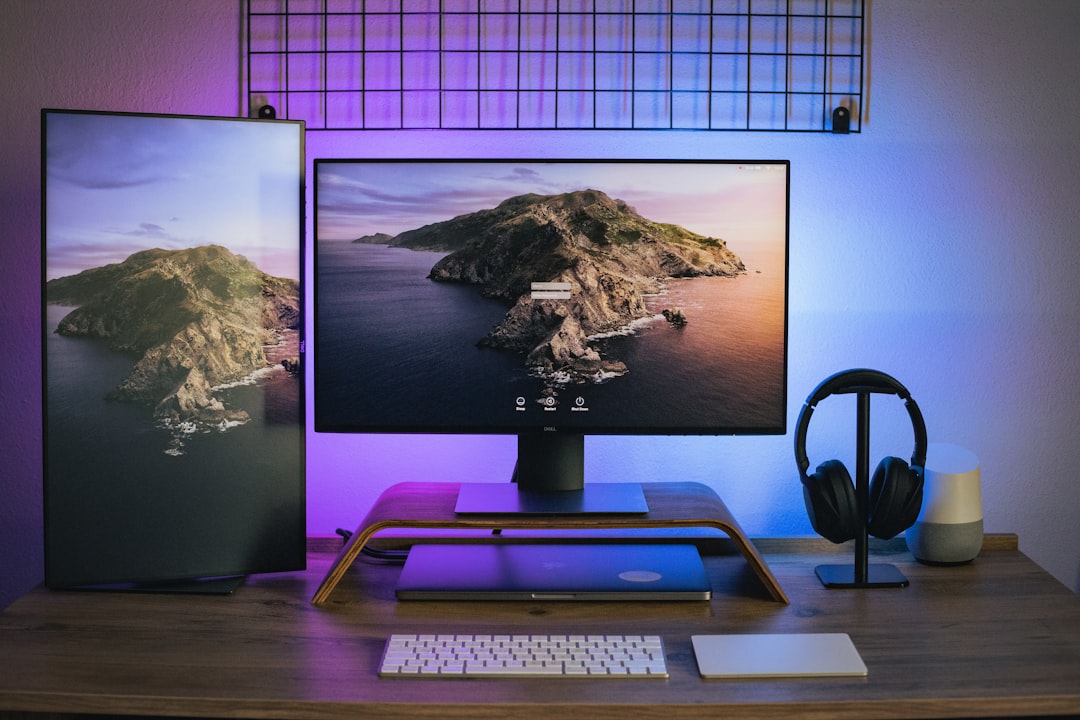
When Your Workspace Works Against You
After twenty-five years of testing gear and writing about technology, I’ve noticed something: most people don’t need a complete desk overhaul. They need to fix the five specific things that drive them crazy every single day. You know the feeling—squinting at your monitor because the lighting’s all wrong, fumbling with cables, or sounding muffled during yet another video call while your workspace looks like a tornado hit it.
Amazon Prime Day runs June 23–26 this year, and it’s actually worth paying attention to if you’re tired of living with these frustrations. I’ve spent the last few weeks testing the upgrades that actually solve these problems, and none of them will break the bank. These aren’t flashy showpieces—they’re the practical fixes that make your workspace work for you instead of against you.
Problem #1: Eye Strain and Glare
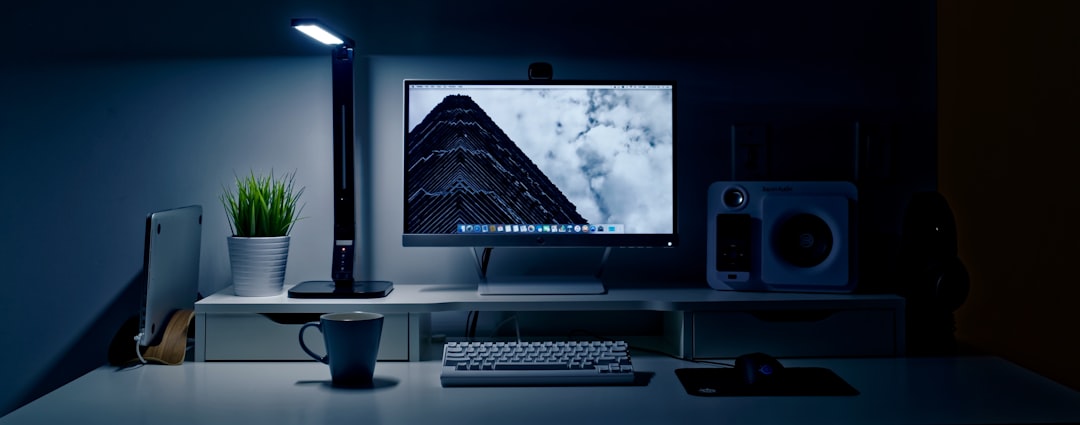
If you’re spending eight hours a day in front of a monitor and your eyes feel like sandpaper by 3 PM, you’re not alone. Most office lighting washes out your screen or creates glare that forces you to constantly adjust your position. It’s subtle fatigue that adds up over weeks and months.
The fix isn’t a brighter overhead light—it’s directional lighting that illuminates your workspace without hitting your screen. I’ve been testing the BenQ ScreenBar Halo, and it’s one of those upgrades you don’t appreciate until you live with it. The light bar sits on top of your monitor and casts light downward onto your desk, eliminating glare while providing exactly the illumination you need for documents and keyboard work.
What makes the ScreenBar Halo worth it during Prime Day is the auto-dimming feature. It adjusts based on ambient light, so you’re not blasting your eyes with unnecessary brightness during midday or straining in dim evening conditions. The wireless controller lets you tweak color temperature too—warmer light for late-night work, cooler for morning focus sessions. It sounds minor until you realize how much energy you’ve been spending just fighting your lighting setup.
If the ScreenBar’s outside your budget even with Prime Day discounts, a solid LED desk lamp with adjustable color temperature does the same job. Look for one with a clamp mount to save desk space and at least 10W of power so you’re not squinting at paperwork.
Problem #2: Sounding Muffled on Video Calls

We’ve all been on that call—the one where someone’s audio makes them sound like they’re broadcasting from a tin can in a wind tunnel. And if we’re being honest, sometimes that person is us. Built-in laptop microphones are convenient, but they pick up keyboard clatter, room echo, and every ambient noise in your house.
A dedicated USB microphone doesn’t have to cost a fortune to make you sound professional. I’ve been testing the Blue Yeti for everything from podcast recording to daily Zoom meetings, and the difference is immediately obvious. The Yeti’s been around for years because it nails the basics: four pickup patterns let you focus on your voice while rejecting background noise, and the gain control means you can adjust for your room instead of fumbling with software settings.
What most people don’t realize is that good audio changes how people perceive you professionally. You could be making the most brilliant point in a meeting, but if you’re cutting out or sounding distant, you’re losing credibility. The Yeti fixes that with one cable plug-in—no drivers, no software wrestling, just better sound immediately.
Positioning matters more than the specific model though. Get your microphone eight to twelve inches from your mouth, slightly off-axis so you’re not talking directly into it, and use a shock mount if you can. That eliminates the thump every time you adjust your position or lean forward to emphasize a point.
Problem #3: Desk Clutter That Never Goes Away
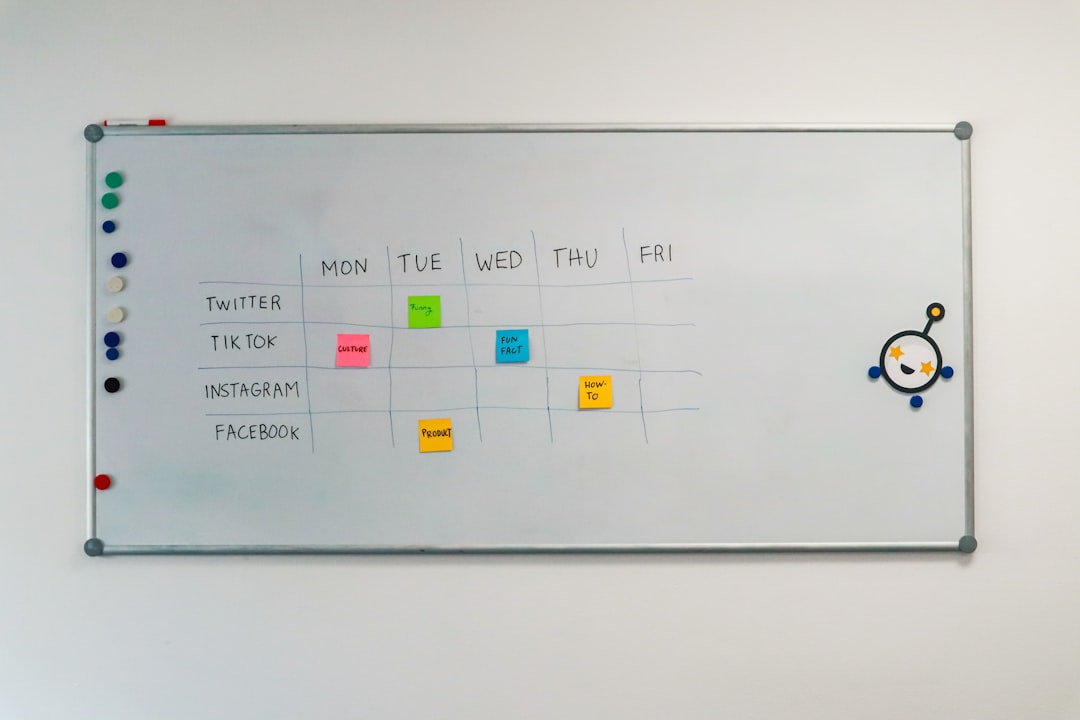
Clutter isn’t just aesthetic—it’s cognitive load. Every time your eyes scan your desk and register a pile of cables, scattered notepads, or disorganized supplies, that’s micro-attention you’re not spending on actual work. The problem is that most desk organizers are either ugly or designed for someone else’s workflow.
I’ve found that layered organization works better than trying to shove everything into one system. Start with what you actually use daily: that TSJ OFFICE Desktop Glass Whiteboard doubles as a keyboard platform and a quick-capture surface for ideas. Instead of digging through notepads or sticky notes that end up everywhere, you jot directly on the glass surface, wipe it clean when you’re done, and keep moving. It’s simple, but having that designated thinking space changes how you work.

For the stuff that accumulates—pens, charging cables, adapters, random hardware—a mesh drawer organizer like the Marbrasse trays keeps it visible but contained. The key is using adjustable dividers so you’re not forcing your gear into predetermined slots. If your workflow involves a lot of small components, whether that’s electronics, craft supplies, or just desk essentials, being able to reconfigure the layout means the organizer actually works for you instead of against you.
And those remote controls that always end up under a stack of papers? A dedicated wooden caddy keeps them accessible without cluttering your workspace. It sounds minor until you realize how much time you spend searching for things that should just be there.
Problem #4: The Cable Tangle Under Your Desk

Cable management is one of those tasks that feels like it should stay done once you’ve dealt with it—but it never does. Cables shift, you add new devices, and suddenly you’re back to fishing around under your desk every time you need to plug something in. The mess isn’t just ugly; it’s actually making your work harder.
An under-desk cable management tray that requires no drilling is the kind of upgrade that pays for itself in saved frustration. The mesh design hides the inevitable tangle while keeping everything accessible, and the clamp mount means you can install it in five minutes without tools. Route your power strips, excess cable length, and those permanent connections into the tray, and suddenly getting behind your computer to plug in a peripheral isn’t an expedition.
The trick is bundling cables by function—power together, data separately—and labeling both ends. That way, when you inevitably need to swap something out, you’re not unplugging half your setup trying to identify which cable belongs to what. It’s the kind of organizational work that feels tedious but saves you five minutes every single time you make a change.
Problem #5: Your Laptop Only Has One USB Port

Modern laptops are beautifully thin and light, but that sleek design comes with a catch—most of them have dropped legacy ports in favor of one or two USB-C connections. That’s great for manufacturers, but it means you’re constantly dongle-hopping just to connect a monitor, external drive, and charging cable simultaneously.
A solid USB-C hub doesn’t need to be expensive to solve this. The Anker 5-in-1 hub covers the basics: HDMI for external displays, powered USB-C and USB-A ports for data transfer and peripherals, and pass-through charging so you’re not choosing between running your laptop and powering your accessories. It’s the kind of practical tool that makes your laptop actually usable as a desktop replacement.
What matters here is powered ports. Cheaper hubs share power across all connections, which means your external drive might disconnect if you plug in too much at once. The Anker hub’s powered architecture avoids that, and at Prime Day prices, the difference between a frustrating hub and one that just works is minor enough that it’s worth spending a little more for reliability.

If you need more connectivity—SD cards for photography, multiple displays, ethernet for stable internet—step up to a 7-in-1 model. The extra ports cost more, but not having to swap connections constantly is worth it if your workflow depends on multiple accessories.
Why Prime Day Makes Sense for These Upgrades

Here’s the thing about workspace upgrades: you don’t buy them because they’re exciting. You buy them because you’re tired of your workspace fighting you every single day. The problem is that when you’re in the middle of dealing with eye strain, cable clutter, or muffled audio, spending money on a fix feels like one more task on an already endless to-do list.
Prime Day creates a window where that calculation shifts. The discounts on these practical items aren’t life-changing, but they’re enough to make the decision easier. A better monitor light bar, a decent microphone, or cable management that actually works—these aren’t impulse buys. They’re investments in not being frustrated for the next three years.
The strategy is simple: bookmark the product pages now, check the prices when Prime Day starts on June 23, and grab what makes sense for your specific setup. Don’t force it—if a category doesn’t apply to you, skip it. But if you’ve been living with one of these annoyances and putting off the fix, this is the time.
If you’re already thinking about a broader desk refresh, I covered building a complete tech stack from scratch in my earlier guide, and for those dealing with audio beyond just microphone upgrades, my piece on sound environments dives deeper into acoustics and focus. Sometimes though, fixing the small annoyances is exactly what you need before tackling bigger changes.
After all, you’re going to be spending time at your workspace regardless. Might as well make it work for you instead of against you.
