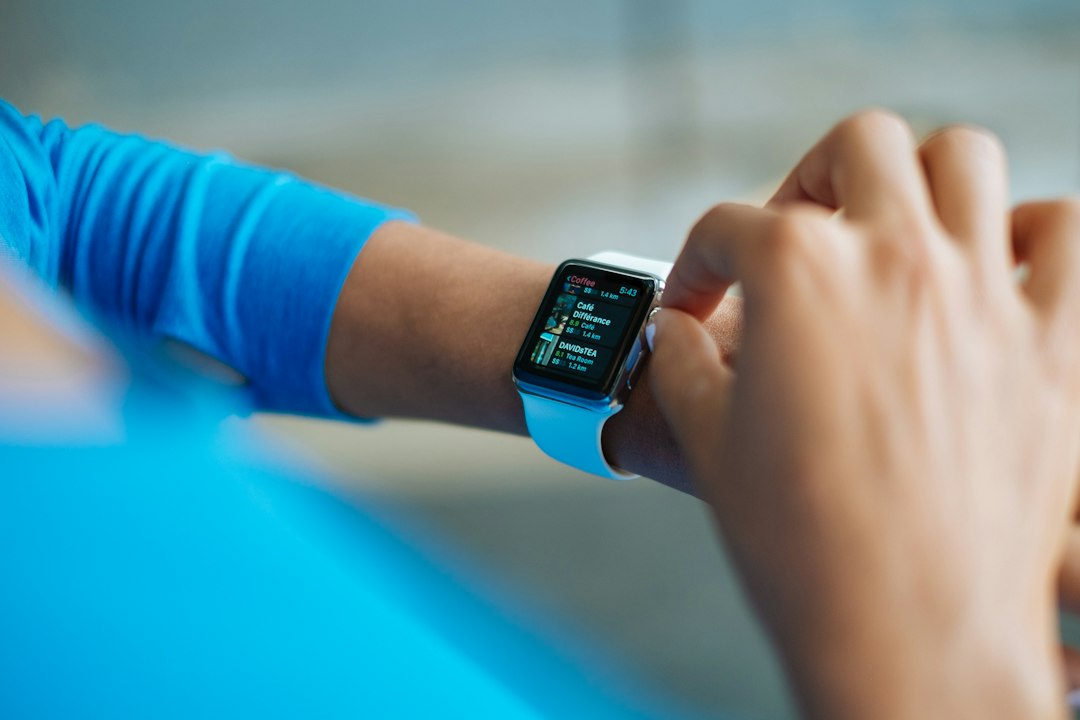
Last winter my mother slipped on the two steps between her kitchen and her garage. She was fine. A bruised hip, a bruised ego, and a story she told at every dinner for a month. What stuck with me was the detail she left out the first few times: she sat on that cold concrete floor for close to twenty minutes before she felt steady enough to get up, and her phone was on the kitchen counter the entire time.
That is the problem a fall-detection watch is built to solve. Not the fall itself. The twenty minutes after it, when the person who fell cannot reach a phone, does not want to bother anyone, or simply is not sure yet whether they are hurt.
So here is my argument for this holiday season, and it is a little unusual for a gift guide. If you are thinking about giving a parent a watch that calls for help, do not wrap it and put it under a tree on December 25. Buy it now, bring it to Thanksgiving dinner on November 26, and set it up at the table while you are both sitting there. The watch is the easy part. The setup is what actually protects them, and the setup needs you, their phone, and about forty-five patient minutes.
The Short Answer
If you only read one section, read this one. These are the pieces I would buy for a parent who lives alone, sorted by the phone they already carry, plus the small extras that make the whole thing work day to day.
- Parent with an iPhone: the Apple Watch SE 3. Fall Detection and Emergency SOS with no monitoring fee. It is the value pick, and it is the one I set up most often.
- Parent with an iPhone who will forget to charge: the Apple Watch Series 12. Same safety features, longer official battery rating.
- Parent with no iPhone, or no smartphone at all: the Apple Watch SE 3 (GPS + Cellular), set up from your own iPhone with Apple’s family setup.
- Parent with an Android phone: the Samsung Galaxy Watch8, with fall detection switched on by hand.
- Parent who wants a person on the line, not a watch: the Lively Mobile2, worn on its lanyard with the fall detection add-on.
- The band that gets it worn: a Hook-and-Loop Sport Loop Band. No buckle, no pins, no frustration.
- The charging spot that becomes a habit: the Belkin BoostCharge Pro 2-in-1 Charging Dock.
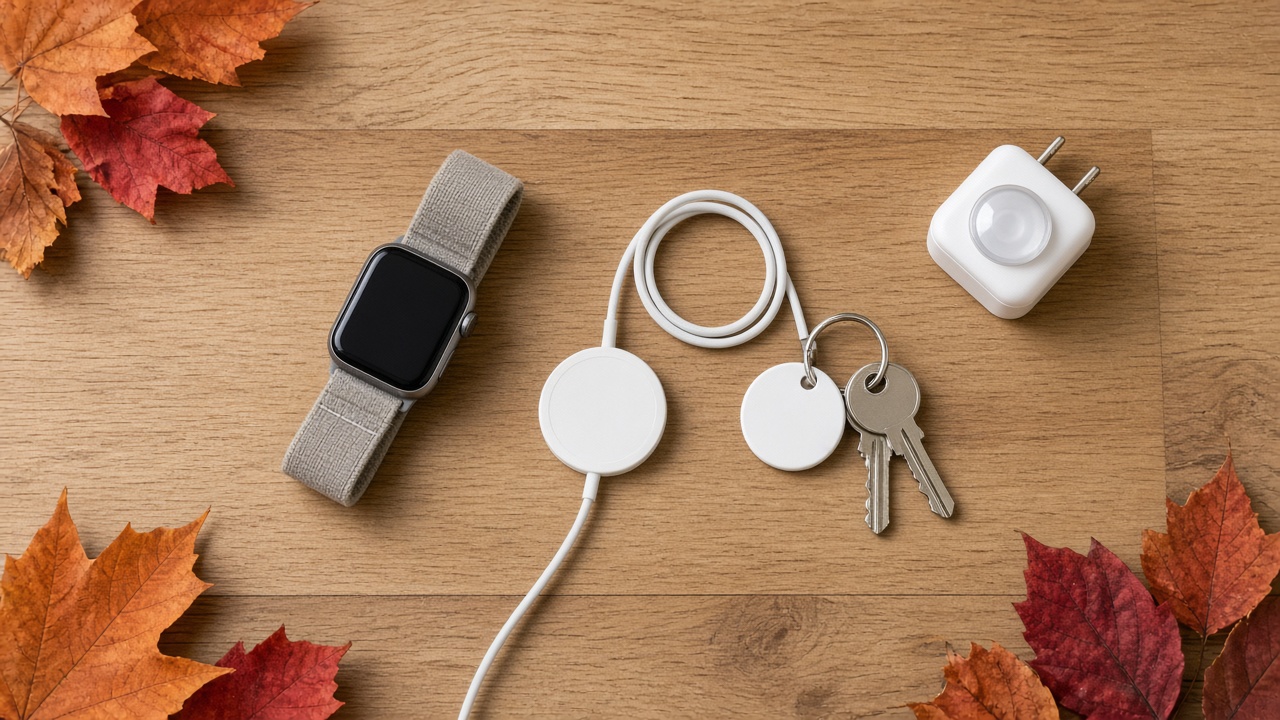
- A spare cable for the travel bag: the Apple Watch Magnetic Fast Charger to USB-C Cable.
- The fall you prevent instead of detect: GE Enbrighten Motion-Sensing Night Lights for the hallway and bathroom.
- The backup when the watch is on the charger: an Amazon Echo Show 5 (3rd Gen) in the room where they spend the most time.
- For the keys and wallet that keep going missing: the Apple AirTag (2nd Generation) 4-Pack.
The rest of this piece explains why each one made the list, what to set up before you leave the table, and where these watches still fall short.
What Fall Detection Actually Does (and What It Does Not)
Every brand describes this feature a little differently, but the mechanics are similar. The watch uses its accelerometer and gyroscope to look for a specific pattern: a sudden, hard impact, the kind of wrist motion people make when they try to catch themselves, and then stillness. When it sees that pattern, it taps the wrist, sounds an alarm, and puts a big prompt on the screen asking whether they are okay.
If your parent answers, they can dismiss it or call for help. If they do not respond for about a minute, an Apple Watch will place an emergency call on its own and then message their emergency contacts with their location. That last part is the whole point. It turns twenty minutes on a garage floor into a phone ringing in your pocket.
Now the honest part, because the packaging will not tell you. Apple says plainly that the watch cannot detect all falls. Slow falls are the hard case: a parent who slides down a wall, sinks to the floor after a dizzy spell, or slumps sideways out of a chair may never produce the hard-impact signature the watch is watching for. On the other side, a vigorous clap, a dropped arm onto a table, or a lively round of yard work can occasionally set off a false alert. Most people learn to tap “I’m OK” within a week, but warn your parent so the first alarm does not frighten them.
This is why I treat fall detection as one layer, not the whole plan. A watch on the wrist, a voice assistant in the living room, and better lighting on the path to the bathroom together cover far more situations than any single gadget.
If They Carry an iPhone: The Apple Watch SE 3 Is the Pick
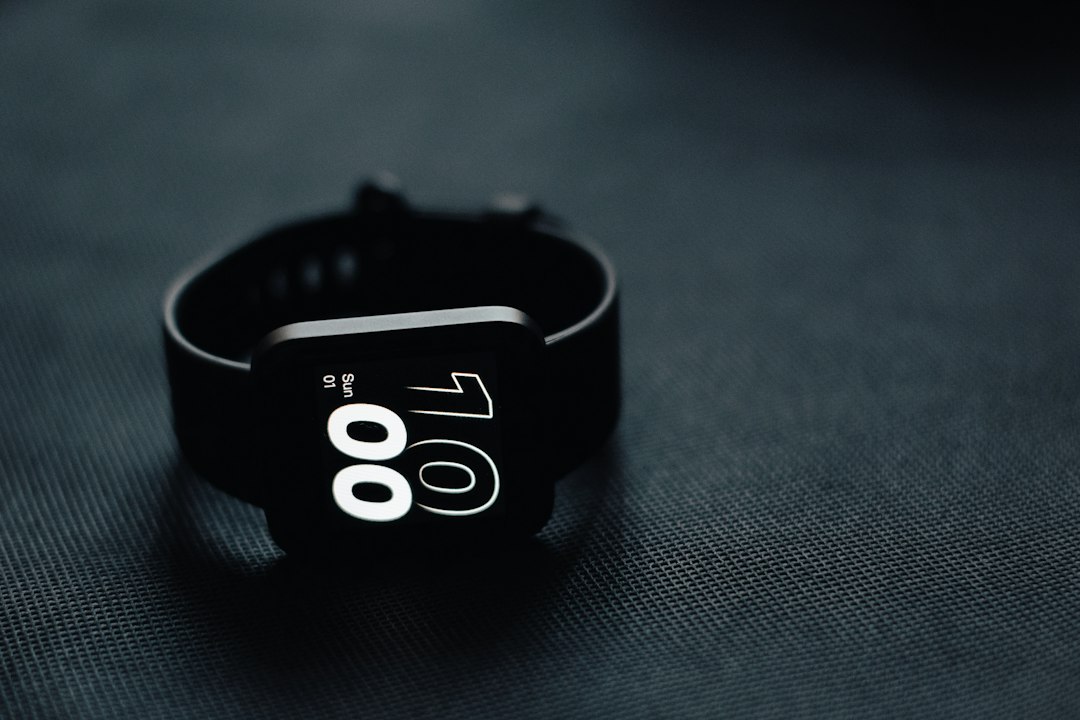
For most parents I talk to, this is where the decision ends. The Apple Watch SE 3 has Fall Detection, Crash Detection, and Emergency SOS, the same safety features as watches that cost twice as much, and there is no monthly monitoring bill attached to any of it. Apple lists it at $249 for the 40mm GPS model. It has an always-on display now, which matters more than it sounds for someone who glances at the time and does not want to lift and twist a wrist to wake the screen.
A word on price before you buy. As I write this, the 40mm SE 3 has been sitting around $239.99 at Amazon for weeks, a token ten dollars off. It hit $199 during October’s Prime event, and it hit $199 last Black Friday too. If you can wait until Black Friday on November 27, wait, and watch for that $199 number. If you cannot, the ten dollars is not worth losing the Thanksgiving setup window over. Either way, run the same quick history check I described in my ten-minute Black Friday price check before you click buy, and make sure the listing actually says SE 3. Older SE generations are still floating around at “deal” prices, and they are not the same watch.
One requirement trips people up. The SE 3 needs an iPhone 11 or newer, including the second-generation iPhone SE or later, running a current version of iOS. If your father is still carrying the phone you handed down to him in 2019, check that first.
When the Series 12 Is Worth the Extra Money
The Apple Watch Series 12 starts at $399 for the 42mm model and dipped to $349 in October. The safety features are the same as the SE 3. What you are paying for is battery. Apple rates the Series 12 at up to 24 hours of normal use against 18 hours for the SE 3, and that gap matters for one specific kind of person: the parent who will absolutely forget to put it on the charger some nights. Six extra hours is the difference between a watch that dies at 3 a.m. and a watch that is still working when they get up to use the bathroom, which is exactly when falls tend to happen. If that describes your mother, spend the money. If she is the type who keeps a pill organizer and never misses a dose, the SE 3 is plenty.
If They Do Not Have an iPhone: Apple’s Family Setup
This is the option most people do not know exists, and it is the one I would point to for a parent who uses an Android phone, a flip phone, or no mobile phone at all. Apple lets you set up a cellular Apple Watch from your own iPhone and manage it for a family member who does not have one. It used to be called Family Setup. The watch gets its own phone number and works on its own.
The catch is that it has to be a cellular model. The Apple Watch SE 3 (GPS + Cellular) starts at $299, and you will need to add it to a carrier plan, which runs around $10 a month with most major carriers in the US. Without that plan, the watch can only reach help over the single Wi-Fi network you set it up on, which means it does nothing for a fall in the driveway. Do not skip the plan.
Fall Detection works in this setup for anyone 18 or older, which covers every parent I can think of. Some features are trimmed, and Apple Pay is not available, but the safety core is intact. You will also need both of you in an Apple Family Sharing group, with you as the organizer. Do that part before Thanksgiving so you are not resetting forgotten passwords between the turkey and the pie.
If They Carry Android: The Galaxy Watch8
For an Android household, the Samsung Galaxy Watch8 is the watch I would pick. It has fall detection that can call an emergency number or your chosen contacts and share location. It works best with a Samsung phone, but it pairs with most modern Android phones through the Galaxy Wearable app.
The one thing to know: do not assume fall detection is on. On Apple, it switches on automatically once the Health profile says your parent is 55 or older. On the Galaxy Watch, plan to go into the safety and emergency settings yourself and turn it on, then add the emergency contacts by hand. I have seen too many Android parents wearing a watch that was never told to look for a fall.
Galaxy Watch pricing has been jumping around all fall, with real dips that disappear within days. If you see it near its low, take it. A cheap fitness band is not a substitute here. The bargain watches in my budget wearable shootout are fine step counters, but automatic fall calling is not a job I would hand to any of them where my mother is concerned.
If They Want a Human on the Line: Lively Mobile2
Some parents do not want a smartwatch. They do not want notifications, they do not want to learn swipes, and they would much rather talk to a calm person than have a device dial 911 on its own. For them, a dedicated medical alert device is the better answer, and the Lively Mobile2 is the one I would start with.
It is a small button device that connects to a staffed response center, and the agent can call family, a neighbor, or emergency services depending on what your parent needs. The device itself is cheap, recently on sale for $89.99. The service is where the money goes. The basic plan is $24.99 a month with paperless billing, and fall detection is another $9.99 a month on top of that. Fall detection only works when it is worn on the included lanyard, not clipped to a belt or left in a purse.
Do the math with your parent. Over three years, the Lively runs well over a thousand dollars. The Apple Watch SE 3 runs $249 once, or about $660 for the cellular model with a $10 plan. What you are paying for with Lively is the person. For some parents, that is worth every cent.

The Band Decides Whether It Gets Worn
A fall-detection watch in a dresser drawer detects nothing. In my experience, the number one reason parents stop wearing these watches is not the screen or the battery. It is the band. The rubber sport band that ships in the box uses a pin-and-tuck closure that is genuinely hard for stiff or arthritic fingers, and it feels sweaty and tight by afternoon.
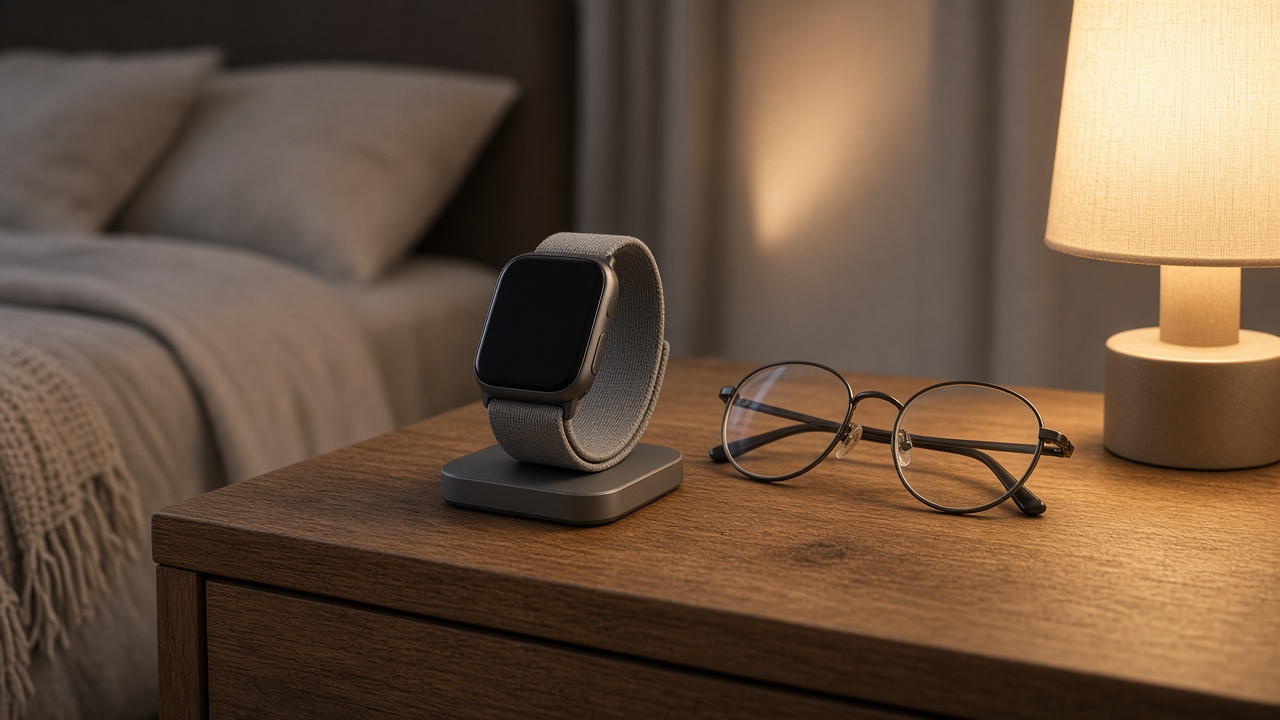
Swap it on day one for a Hook-and-Loop Sport Loop Band. It goes on with one hand, adjusts in half-inch steps without any holes, and is soft enough to sleep in. If your parent will wear the watch to bed, and I hope they will, since nighttime bathroom trips are a high-risk window, this is the band that makes it bearable.
Charging Is the Real Daily Chore
Here is the honest weak point of every smartwatch on this list: it has to be charged nearly every day. The trick is to tie charging to a routine your parent already has. I like a morning shower or the first cup of coffee. Take the watch off, set it on the charger, put it back on with breakfast. Thirty to forty-five minutes covers most of a day.
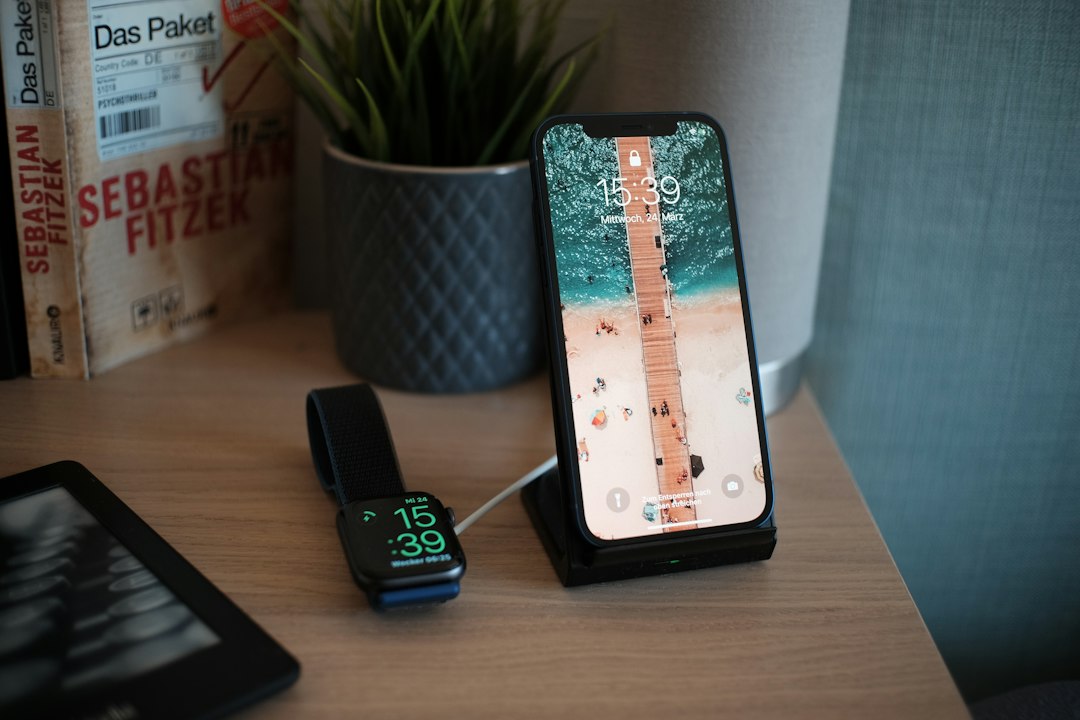
That only works if the charger lives in an obvious, permanent spot. A loose puck on a cable gets knocked behind the nightstand within a week. A weighted stand like the Belkin BoostCharge Pro 2-in-1 Charging Dock holds the phone and the watch in one place, which means one habit instead of two. Then tuck a Apple Watch Magnetic Fast Charger to USB-C Cable into the bag they take when they visit you or travel. The single most common way these watches stop working over the holidays is a parent who packed the watch and left the charger at home.
The Thanksgiving Table Checklist
This is the part that actually matters. Bring the watch fully charged and do this with your parent, not for them. They should know what each setting does and why.
- Enter their real birth date. On Apple, Fall Detection turns on automatically at 55 and up, but only if the age in the Health profile is correct. Then check it anyway in the Watch app under Emergency SOS, and set it to “Always on,” not “Only on during workouts.”
- Build the Medical ID. Medications, allergies, conditions, blood type if they know it. Turn on “Share During Emergency Call” so paramedics get it automatically.
- Add at least two emergency contacts. You, plus someone who lives close enough to get there in fifteen minutes. A neighbor is often better than a child three states away.
- Leave wrist detection on. If it is turned off, an Apple Watch will not place the automatic call after a hard fall, even if it detects one.
- Make the watch face readable. Pick a large-numeral face and turn the text size up. If they cannot read it, they will not trust it.
- Do a practice run together. Show them how to press and hold the side button for Emergency SOS, and how to cancel before the call connects. Practice the cancel more than the call. Nobody wants a surprise ambulance.
- Agree on what happens next. Tell them, out loud, who will call back after an alert. That conversation does more for their willingness to wear it than any feature.
If you are already doing a tech cleanup that weekend, fold this into it. I wrote up the rest of my holiday routine in the Thanksgiving audit that retired 44 remote buttons, and the watch fits right after the TV.
Prevent the Fall in the First Place
The best fall is the one that never happens, and the cheapest tech on this list may do the most good. Most nighttime falls happen on the walk from bed to bathroom, in the dark, half awake. A set of GE Enbrighten Motion-Sensing Night Lights plugged in along that path costs less than a single month of a monitoring plan. They come on only when someone walks by, so they do not light up the bedroom all night. Put one by the bed, one in the hall, and one in the bathroom.
Winter adds its own risk outdoors. If your parent still walks to the mailbox or the car on icy mornings, there is a practical guide over on health.omnux.com to walking safely on black ice that is worth forwarding.
The Backup for When the Watch Is Off
Even a perfect charging routine leaves gaps. The watch comes off for the shower, for charging, and sometimes because it is just annoying that day. A voice assistant covers those hours. An Amazon Echo Show 5 (3rd Gen) in the room where your parent spends the most time lets them call you by saying so, from across the room, from the floor, with no screen to find and no button to press. Set up the calling contacts during that same Thanksgiving visit and test it from the floor yourself.
One Small Gift for the Daily Frustrations
Not every problem is an emergency. Plenty of the calls I get from my mother start with “I can’t find my keys.” An Apple AirTag (2nd Generation) 4-Pack split across the keys, the wallet, the purse, and the TV remote takes that whole category of stress off the table, with no monthly fee. It works with an iPhone; for an Android parent, the tracker comparison in my lost-keys stress test covers the alternatives. It is not a GPS tracker for a person, and I would not use it as one, but it is a lovely stocking stuffer once the watch is set up.
What I Would Do This Week
If your parent carries an iPhone, buy the Apple Watch SE 3 and the loop band now, accept that you might be leaving forty dollars on the table versus a perfect Black Friday price, and get it on their wrist at Thanksgiving. If you want to gamble on the price, set an alert, but have a plan to set it up the weekend after. If they have Android, go Galaxy Watch8 and flip that fall detection switch yourself. If they do not want a smartwatch, sit down with them and price out Lively honestly, monthly fee and all.
Whatever you choose, remember what this is really for. My mother still has the bruise story. What she does not have anymore is the twenty minutes on the floor, wondering whether to wait it out. That is the gift, and it gets wrapped at the Thanksgiving table, not under the tree.