I’ve spent most of this fall telling people to slow down. Memory prices have been climbing all year, a 32GB DDR5-6000 kit that cost around $100 eighteen months ago now sits near $478 at Newegg, and one mainstream 16GB graphics card jumped about $230 between October 21 and November 9. If you’re planning a desktop build or refresh, those two parts are where the pain is, and Black Friday on November 27 is very unlikely to undo a year of increases.
The other half of the parts list is a different story. Look at what’s in a case, a CPU cooler, a power supply or a pack of fans: steel, copper, aluminum, plastic, a fan motor, some power electronics. There’s no pile of DRAM or NAND inside any of them, so the AI-driven memory squeeze never touched their cost. My team tracked a basket of these parts from late October into this week, and the prices barely moved. That flat line is exactly what you want before a sale. When a $70 case drops to $55 on Black Friday, the discount is coming off a real price, not off one that was pushed up in October.
So here’s my plan for anyone building or upgrading a desktop this season: pay a fair price for memory and graphics when you see one, and save the boring parts for the sale. Below are the cases, coolers, power supplies and small extras I’d actually put in a cart, with the price I’d wait for on each.
The Short Answer
- The case most builds should start with: Corsair 3200D RS. Three fans included, room for a 360mm radiator up front, $69.99 at full price. I’d wait for $59 or less.
- The cooler I’d put on almost any gaming CPU: Thermalright Phantom Spirit 120 SE. A seven-heatpipe dual tower at roughly $36, which already makes it a deal. Under $32 is a bonus.
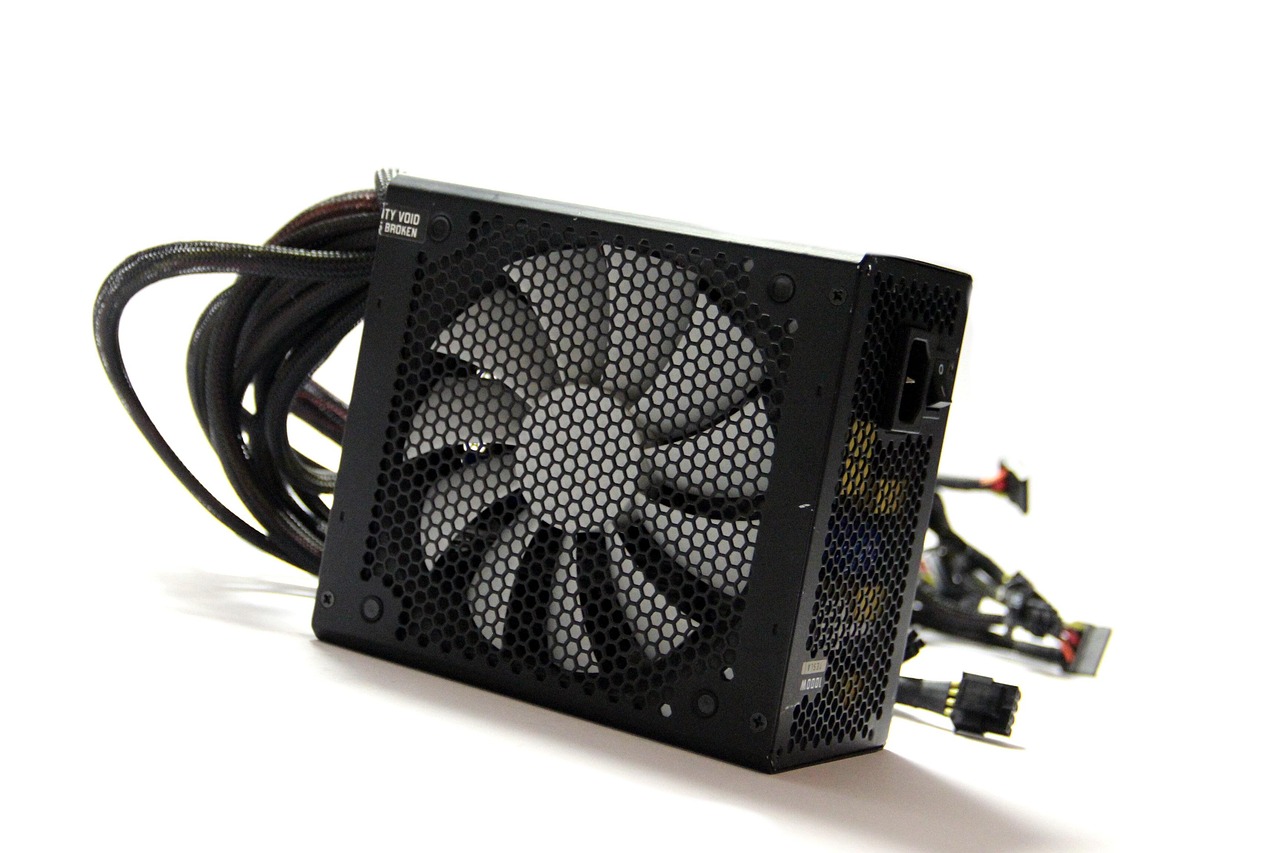
- The power supply for a mid-to-high-end GPU: Corsair RM850e (ATX 3.1, 850W). Fully modular with a native 12V-2×6 cable and a seven-year warranty. Buy it under $100.
- The battery backup nobody budgets for: CyberPower CP1500PFCLCD Pure Sine Wave UPS. A 1500VA, 1000W unit with a true sine-wave output, so a modern power supply won’t freak out when it switches to battery. Anything near $180 is a buy.
- The add-on you’ll forget: ARCTIC MX-6 Thermal Paste (4g). A few dollars, and it’s cheap insurance for the day you have to reseat a cooler.
If you already have a case you like and a power supply under five years old with a decent warranty, you can skip most of this list. Spend the money on the part that’s actually holding the machine back, and come back to the sections on fans and battery backup.

Why the Box Around Your PC Is This Year’s Safest Discount
Every component on a parts list follows its own supply chain, and in 2026 those chains split in two. Memory makers have pushed their factories toward high-bandwidth memory for AI data centers, which left less consumer DDR5 and NAND to go around. That’s why RAM, SSDs and graphics cards (which carry a lot of memory) keep getting more expensive, and why I spent a whole column explaining how gigabytes became the new GPUs for anyone building a local AI machine.
Cases, coolers and power supplies don’t depend on any of that. Their makers have been fighting over the same mid-range buyer for three years, and it shows. Seven-heatpipe coolers cost what single-tower coolers cost in 2021. A $70 case now arrives with three fans and a front USB-C port. Prices like that are a sign of real competition, and Black Friday in a competitive category usually brings real cuts.
Still, a flat price trend only means a discount is likely. It doesn’t make any particular deal a good one. Before you check out, run the same ten-minute price-history check I use on every Black Friday tech deal. A case that’s been $69.99 since spring and shows up at $64.99 with a red banner isn’t worth rushing for. A case that drops to $54.99 is.
There’s one timing trick worth knowing. Newegg’s 2026 Black Friday Price Protection covers items bought between November 1 and 18 that carry its badge. If the same item’s Newegg price drops during the November 19–28 deal window, the difference is refunded automatically, with no claim to file. Doorbusters, combos and third-party promotions are excluded, so read the product page. If you find a badged case or power supply you want right now, buying early costs you nothing.
Cases: Pay for Airflow and Fans, Skip the Fish Tank Tax
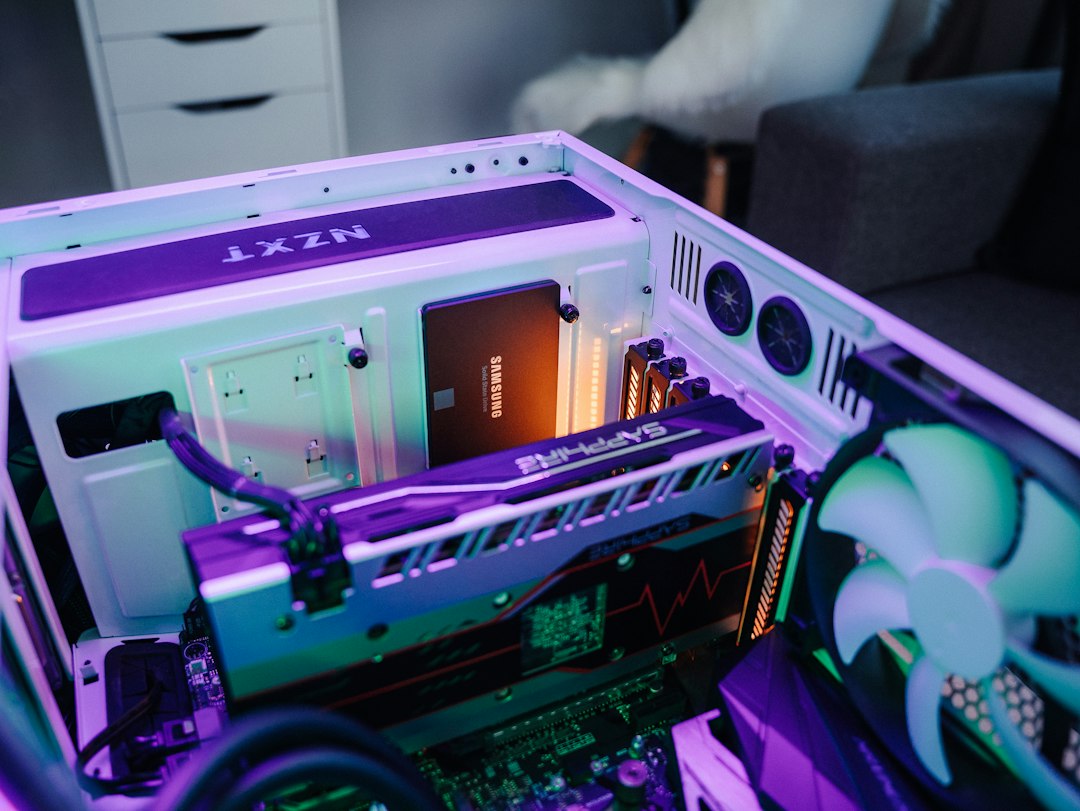
I’ve built in a lot of cases this year, and the lesson keeps repeating: the best-value case is a mesh front, fans already installed, and enough room behind the motherboard tray that you don’t have to fight the side panel. Everything after that is styling.
The Corsair 3200D RS is the one I keep pointing friends toward. It comes with three RS120 fans mounted up front, takes a 360mm radiator in the front or the top, clears a 165mm air cooler and a 370mm graphics card, and supports the newer reverse-connector motherboards that hide their plugs on the back. Two caveats. A 360mm radiator up top is a tight squeeze with thicker fans, and the rear panel has a pressed-in section that makes the side panel a little stubborn if your cables are bunched up. Neither one would stop me at $69.99, and below $60 it’s an easy yes.
If you want more airflow and don’t mind tuning fans, the Phanteks XT Pro Ultra is the alternative I’d watch. It usually sits around $80 and ships with four 140mm fans, three as front intakes and one as a rear exhaust. Out of the box those fans run louder than they need to, so plan on five minutes in the BIOS setting a calmer fan curve. There’s also no removable front dust filter, so cleaning takes a little longer. Under $70, though, four large fans plus the case is hard to beat.
What I’d skip: dual-chamber “showcase” cases with glass on three sides and no front intake. They look great in a product photo. Then a graphics card that draws 300 watts sits in its own hot air, and you end up buying three extra fans to fix a problem the case created.
CPU Coolers: The Ten Dollars That Matter
Air cooling is one of the best values in PC hardware right now. Thermalright’s dual-tower coolers cost about the same as a large pizza and keep up with coolers that sold for $90 a few years ago.
The Phantom Spirit 120 SE is my default. It has seven heatpipes, two towers, two 120mm fans and a height of 154mm. That’s a millimeter shorter than its cousin, the Peerless Assassin 120 SE, which has six heatpipes and costs about the same. If you find the Peerless Assassin for ten dollars less, buy it and don’t look back. Otherwise, take the Phantom Spirit. Either one handles a Ryzen 7 X3D chip or a mainstream Core Ultra without sounding like a hair dryer. The one thing to check is clearance. Both towers sit right over the memory slots, so tall RGB memory sticks can force the front fan up and add height.
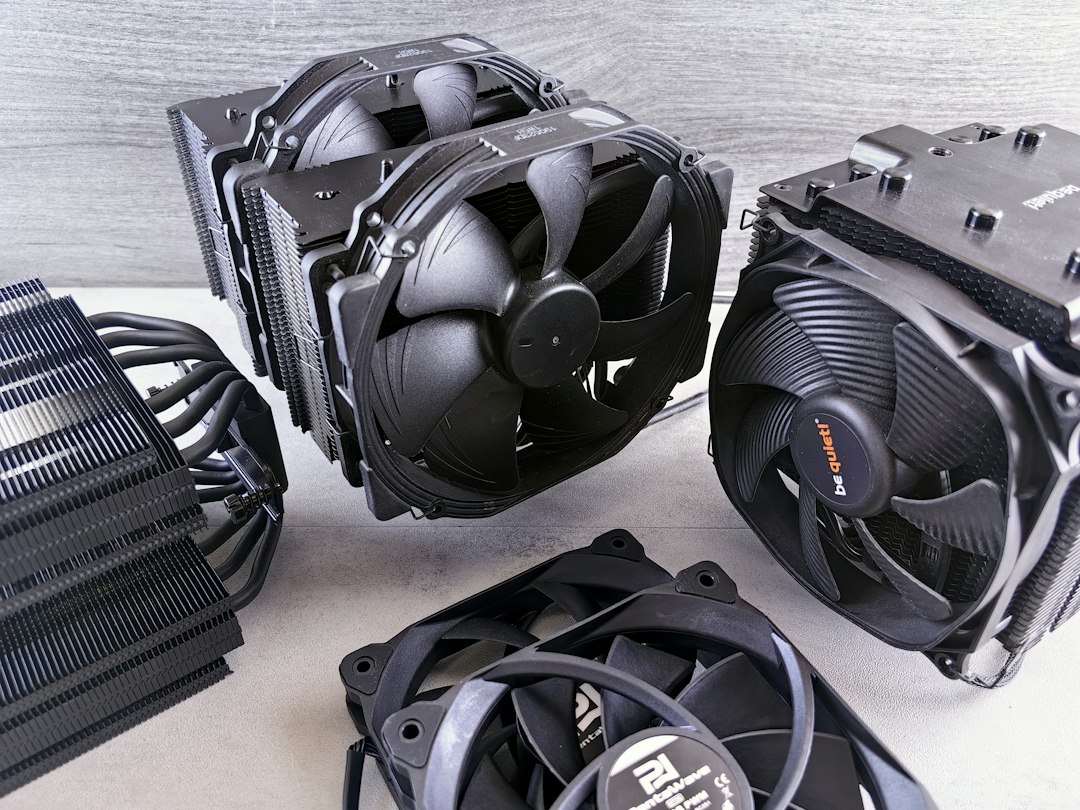
On a budget Ryzen 5 or Core Ultra 5 build, you don’t need two towers. The Thermalright Assassin X 120 Refined SE is a 148mm single tower with four heatpipes and one fan, often around $20. It’s quieter than any stock cooler I’ve used, and it’s much easier to work around when you install the memory.
If you really do need liquid cooling, say for a hot Core Ultra 9 or a small case where a tall tower won’t fit but a radiator will, the ARCTIC Liquid Freezer III Pro 360 is the one I’d buy. It has a thick 38mm radiator, three P12 Pro fans, an offset mount that puts the cold plate over the CPU’s hottest spot, and a small fan on the pump that cools the motherboard’s power circuitry. ARCTIC backs it for six years. I’ve seen it listed around $70 on Amazon, which is excellent for a 360mm unit. Measure first: a 38mm radiator plus 25mm fans needs more room than most people expect, especially up top. And if your PC never runs hours of sustained full load, you probably don’t need one at all.
Power Supplies: Buy the Warranty, Not the Wattage
The power supply is the one part I tell people never to cheap out on, and it’s also the part where Black Friday sales help the most. Good units from good brands are on sale this month, and a one-time $20 saving on a part that should last two builds is a nice bonus.
Here’s my checklist, in order. First, ATX 3.1 with a native 12V-2×6 cable, so a current graphics card plugs in without an adapter. Second, fully modular, so you only run the cables you need. Third, a warranty of seven years or more, since that tells you how long the maker expects the unit to last. Efficiency ratings come after all three. Gold is plenty for a gaming PC that’s idle most of the day.
The Corsair RM850e ticks every box. It’s 850 watts, fully modular, ATX 3.1 with a native 12V-2×6 cable, and carries a seven-year warranty, with a Zero RPM fan mode that keeps it silent at idle. Corsair has just refreshed it with a cable that cuts the GPU’s power if the connector passes about 65°C. That version lists at $139.99 on Corsair’s own store. The earlier version that’s widely stocked on Amazon has the same core features without the thermal switch, and it’s the one I’d buy on sale. One honest caveat: recent lab testing put the RMe line’s ripple and transient response in the middle of the pack, not at the top. It’s a solid, quiet unit with a strong warranty. It isn’t a showpiece.
For a build drawing closer to 450 watts, such as a Ryzen 5 with a mid-range card, the MSI MAG A750GL PCIE5 is a strong 750-watt choice: 80 Plus Gold, fully modular, ATX 3.1 with a native 12V-2×6 cable, and a ten-year warranty. I wouldn’t pay much over $80 for it during the sale.
How much wattage do you actually need? Add your graphics card’s rated board power to your CPU’s maximum power, then add about 150 watts for everything else and for safety margin. An RTX 5070-class card plus a Ryzen 7 lands comfortably on 750 watts. A 9070 XT or anything bigger is where 850 earns its keep. If you’d rather measure than guess, a P3 Kill A Watt P4400 Electricity Monitor costs about the same as lunch. Plug your current PC into it, run a game for twenty minutes, and you’ll know your real draw at the wall.
Fans and Paste: The Twenty-Dollar Upgrades
Many people buy a new case when what they really need is two more fans. If your current case has a mesh front and empty mounts, a five-pack like the ARCTIC P12 PWM PST 5-Pack will do more for your graphics card temperatures than a $150 cooler. The PST part means each fan has a pass-through plug, so you can daisy-chain all five off a single motherboard header and set one fan curve for all of them. It runs about $30 most of the year. Under $25, buy two packs and hand one to the friend who’s been complaining about a loud PC.
Thermal paste is the cheapest thing on this list and the one people most often forget. Most new coolers come with some, but it’s often a single pre-applied pad. If you ever take the cooler off, for a BIOS flash gone wrong, a new CPU or the annual dust-out I describe in my twice-a-year PC maintenance reset, you’ll need fresh paste. A 4g tube of ARCTIC MX-6 covers several remounts and keeps for years in a drawer.
CPUs and Motherboard Bundles: Do the Math First
Processors fall somewhere in between. A CPU has no memory chips to drive up its price, but there are reports of fourth-quarter price increases from both Intel and AMD, and every retailer will push CPU-plus-motherboard combos hard this month. Combos are also excluded from Newegg’s price protection.
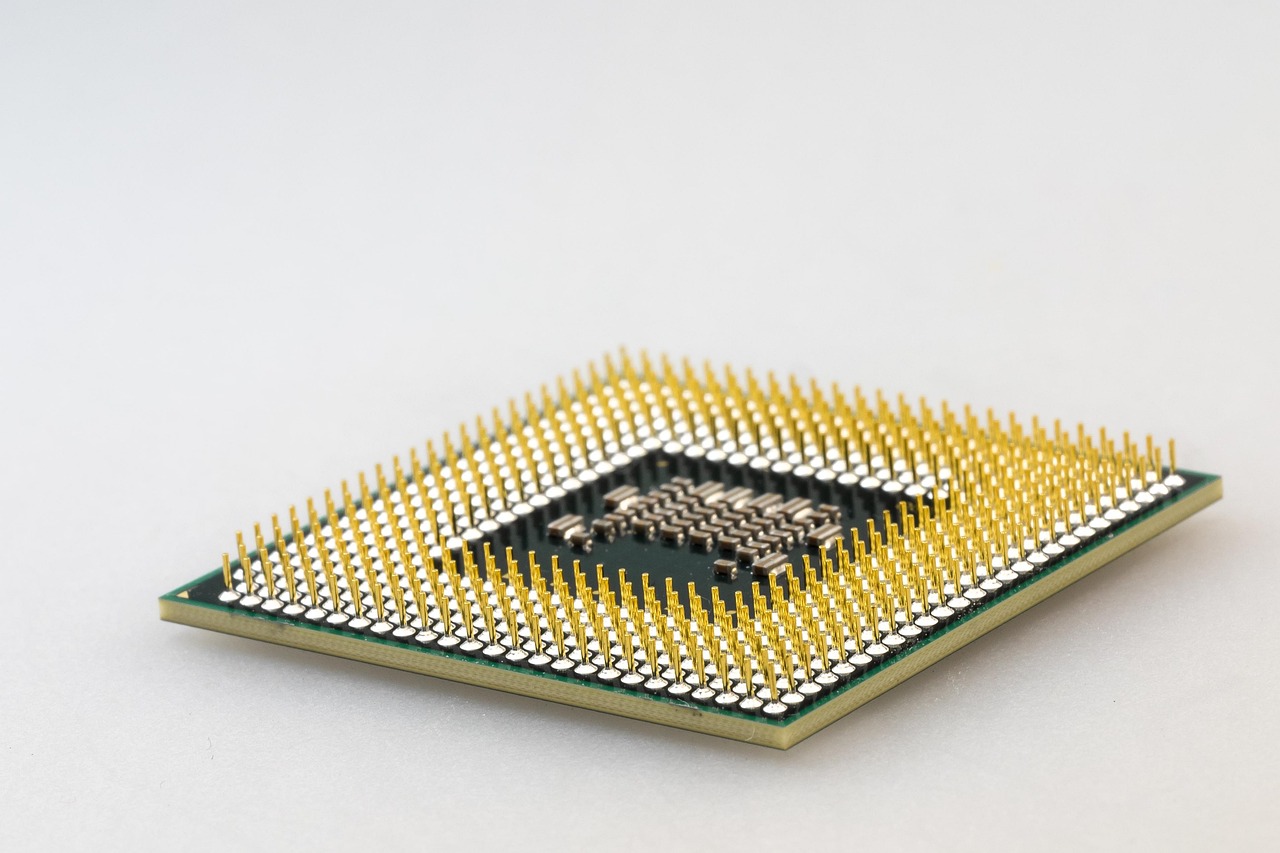
My rule is simple: price each part on its own on the day, then compare the total with the bundle. A recent Core Ultra 5 plus a B860 board came to about $414 bought separately, so any combo has to beat that number to count as a deal. If you’re adding to a prebuilt instead of building from scratch, the same logic applies. It’s the same reasoning behind my take on paying the builder for memory and filling the second M.2 slot yourself.
Battery Backup: The Part That Protects Everything Else
No one has ever bragged about their uninterruptible power supply. Still, every winter my inbox fills with the same story. The lights flicker, the PC reboots in the middle of a Windows update or a long render, and something gets corrupted. A battery backup doesn’t keep you gaming through an hour-long outage. What it buys you is a few minutes to save your work and shut down properly, and protection from the short sags and spikes that happen far more often than full blackouts.
The detail that matters for a modern gaming PC is the waveform. Most good power supplies now use active power factor correction, and some of them don’t get along with the stepped, “simulated” sine wave that cheap backups put out when they switch to battery. Some shut off, some buzz. The CyberPower CP1500PFCLCD outputs a true sine wave, is rated at 1500VA / 1000W, and has an LCD that shows your real-time load. That last feature is great for confirming what your PC actually draws. Batteries are heavy and expensive to ship, so this category tends to see real holiday discounts. If you want backup for more than just the desk, for example the fridge, the router and a space heater, that’s a different tool. My colleague Alex’s portable power station showdown is the place to start.
Build-Day Order of Operations
If you’re doing the full build over Thanksgiving weekend, the order you buy and assemble things in matters more than people think. Here’s how I sequence it:
- Buy the memory and graphics card whenever you see a price you can live with. Don’t wait on those two.
- Write down today’s prices for the case, cooler, power supply and fans, then buy them during the sale window if they drop below your target.
- Before ordering, check cooler height against the case’s clearance spec, and radiator thickness plus fan thickness against the top mount.
- On build day, install the CPU, cooler bracket and memory on the motherboard while it’s still on the box, before it goes into the case.
- Route the power supply cables before you install the graphics card, so you aren’t threading the 12V-2×6 cable around a three-slot card.
- Seat the 12V-2×6 plug until it clicks and sits flush. No gap, no angle.
The last point isn’t paranoia. Most of the melted-connector horror stories from the past few years came down to plugs that weren’t fully seated, and an ATX 3.1 supply with a native cable plus a firm push removes most of that risk.
What I’m Putting in My Own Cart
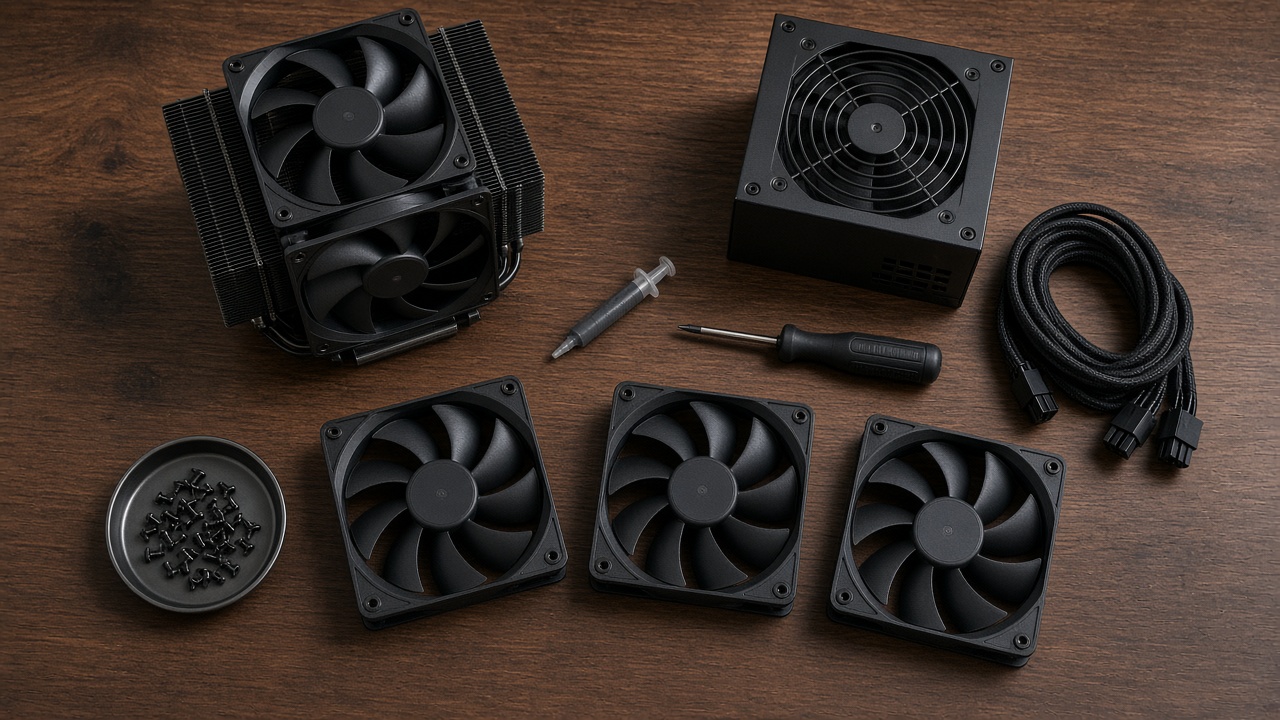
My team is building a second test bench this month, and the plan follows this column exactly. The memory and the graphics card were bought in October at prices I didn’t love but could live with. The case, the cooler, the power supply, a fan pack and a fresh tube of paste are sitting in a wish list with target prices written next to them, and I’m not touching them until the week of November 23. If they drop below my numbers, great. If they don’t, I’ll buy at the normal price in December and lose nothing, because these parts weren’t marked up in the first place.
That’s the real advantage this year. Most of the Black Friday tech coverage is about avoiding traps. This corner of the parts list is one of the few where waiting is low-risk and a sale price can be a real one. Buy the expensive parts when the price is fair, let the boring parts come to you, and put the money you save toward the memory that cost too much.