

The text arrived at 6:40 on a Tuesday morning: “The TV is in Spanish again.” My mother types the way most people her age type, which is to say the message itself was a small victory, so I didn’t push my luck with follow-up questions. I already knew what it meant. It meant the television had switched inputs, the cable remote was controlling the soundbar, and somewhere in the living room three devices were blinking at each other like strangers at a party.
Every November for the past decade, my trip home for Thanksgiving has doubled as a tech audit. It started as a favor and became a ritual: two days, a screwdriver, a label maker, and a running list of everything that broke since my last visit. A few years ago I mentioned the list to my team, and it turned out every one of them keeps the same list. Ours combined eventually showed the same pattern I now consider one of the most reliable findings in consumer tech: parents’ houses fail in the same five ways, over and over, in every part of the country.
The failures are predictable. The fixes are boring, cheap, and — this is the part nobody tells you — mostly permanent. No subscriptions, no smart-home platform migrations, no “just use your phone, Mom.” Here is the 2026 edition of the audit, the same order I work through it, with the gear that finally stuck.
The TV Speaks Spanish Because It Has Five Masters
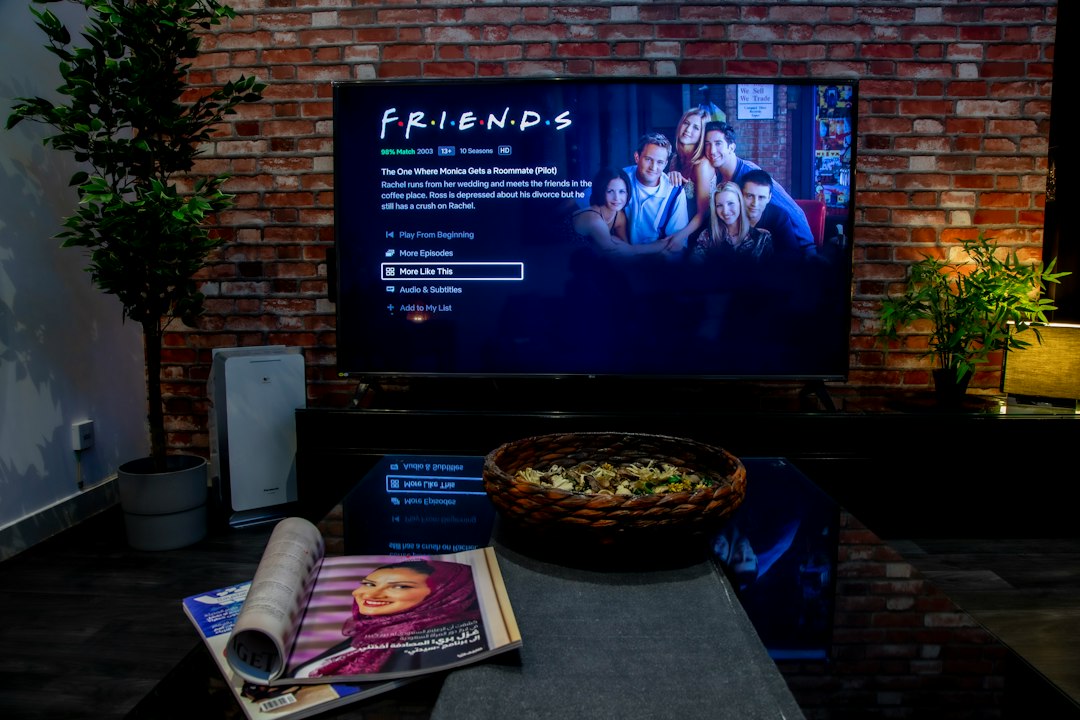
Start here, because this is the 6:40 AM failure and it deserves the first hour. Count the remotes on the coffee table. My mother’s had four: one for the TV, one for the cable box, one for a soundbar, and one for a DVD player she hasn’t used since 2019. Forty-seven buttons spread across all of them. Three of those buttons matter — power, volume, and whatever selects the right box. Every other button is a loaded gun for input sources.
The fix is subtraction, not instruction. A Fire TV Stick 4K in HDMI 1 retires the cable-box remote entirely, and HDMI-CEC — the feature nobody brags about and everybody should — means the television wakes up and switches inputs when the stick does. One remote. Power, volume, and a home screen with six giant app tiles. The other remotes go in a drawer, and the drawer gets a label that says ASK BEFORE OPENING.
If arthritis or low vision is part of the picture, finish the job with a big-button remote built for exactly this situation. Oversized power, volume, and channel keys, no touch surfaces, no gestures to misfire. It is the single most appreciated piece of tech I have ever installed in that house, and it costs less than the pizza we ordered while I set it up.
The Volume War Ends When Dialogue Gets Its Own Dial
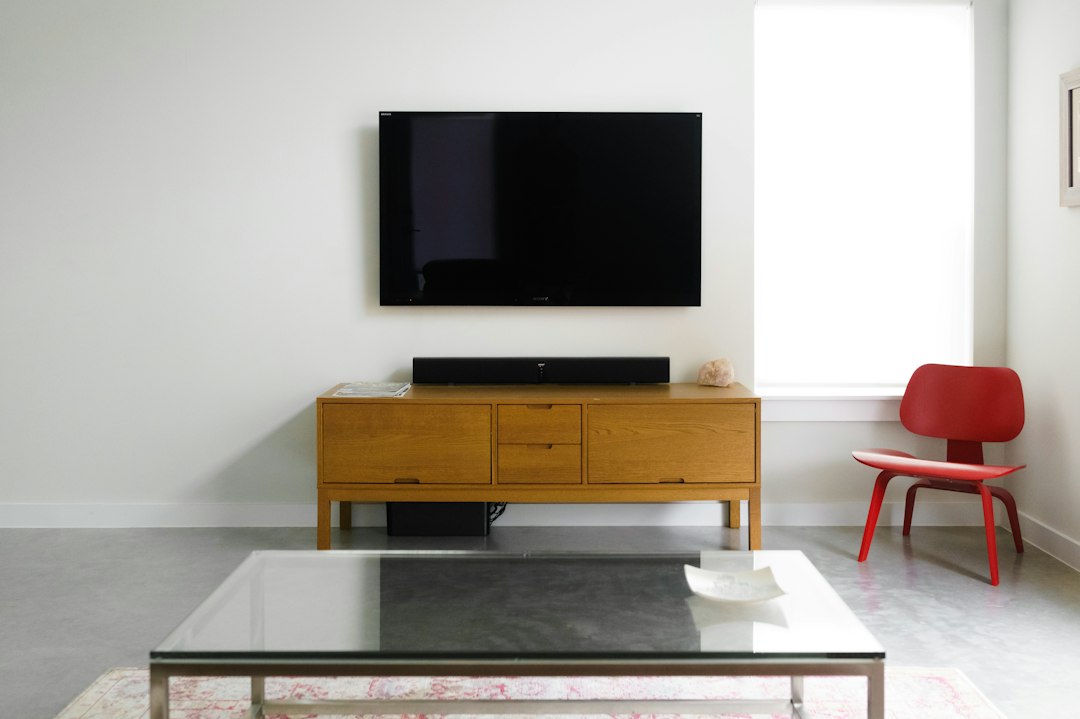
Every audit includes the same crime scene: Dad watching the news at volume 34, Mom asking him to turn it down to 19, and neither of them hearing a single word the anchor says. Here is the uncomfortable physics — age-related hearing loss hits the consonant range first, the exact range where speech lives. Cranking the volume makes the explosions louder without making the words clearer. You cannot fix clarity with a volume rocker.
A soundbar with real dialogue processing can. ZVOX built its entire business on this problem — their AccuVoice setting uses hearing-aid-inspired processing to lift voices out of the background mix, with adjustable boost levels instead of one dumb loudness curve. A ZVOX AccuVoice soundbar is one optical cable, one power cord, no app, no account, no monthly anything. Dialogue up, music down, volume war over. I have watched it end an argument that ran for fifteen years.
When the household schedule splits — one wants the late game, the other wants to sleep — a set of wireless TV headphones settles it. They charge on a cradle next to the recliner, and the good ones mute the TV speakers the moment they’re picked up. One viewer gets the broadcast, the house gets silence, nobody wins an argument they’ve been having since the Clinton administration.
Video Calls That Don’t Require Answering Anything

“Just FaceTime them” is advice written by people whose parents can find FaceTime. The audit’s third hour is about removing the answer step entirely. An Echo Show 8 on the kitchen counter, set up with Drop In enabled for approved contacts only, lets you connect to a video call without them touching a single button. The screen lights up, you’re talking. It is the closest thing to walking into the kitchen that exists at 400 miles.
Two implementation details matter. First, the family-account trick: put the grandparents’ devices on a dedicated Amazon account that contains only family members, so Drop In permissions never collide with the rest of your digital life. Second, leave the camera shutter open on their unit and understand exactly what that means — I wrote an entire piece about firing Alexa from my own house, and I stand by it. My threat model and my mother’s are different. Hers makes calls, sets stew timers, and answers two contacts. Voice purchasing is off. The shutter gets discussed, out loud, with her in the room. That conversation is part of the audit.
One last piece for the iPad that lives face-down on the counter: a gooseneck tablet holder parked beside the recliner. The tablet stops migrating, the camera sits at face height instead of nostril height, and the recipe videos stop requiring somebody to hold the thing like a serving tray.
The Bedroom Where Wi-Fi Goes to Die
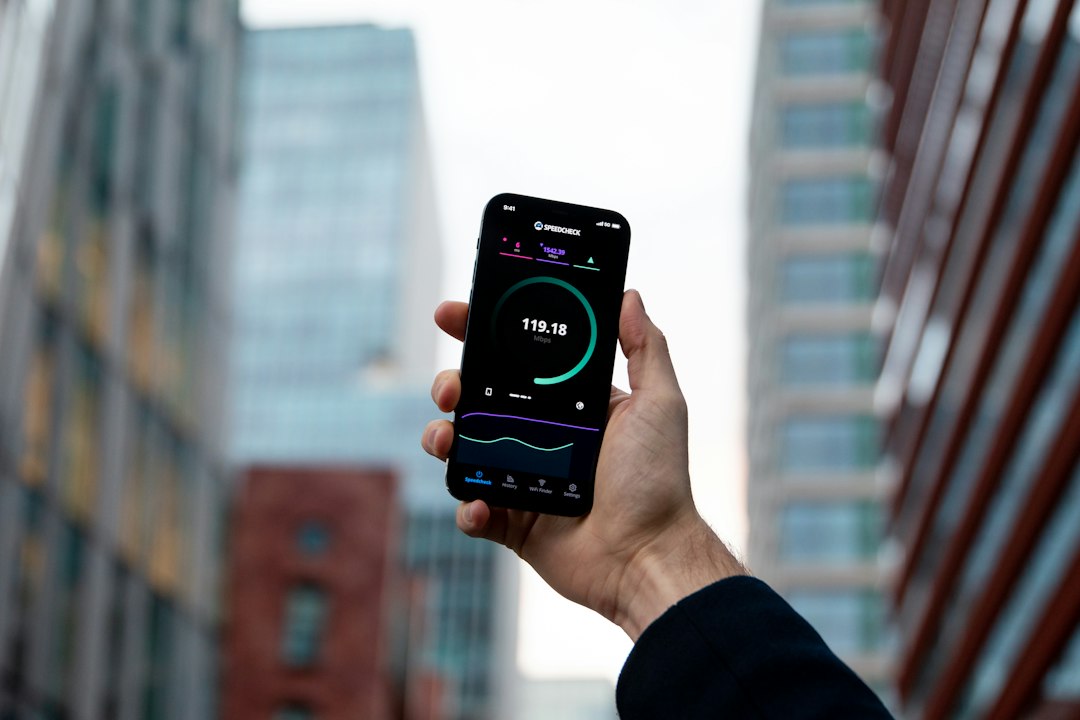
Fourth hour: the walk test. Open a speed test app, run it next to the router, then run it in every room where a human being actually sits. In my mother’s house the basement office got 280 Mbps and the bedroom above the garage got a spinning wheel. The router sat in a corner behind a filing cabinet, exactly where the installer left it in 2017.
Work the ladder in order, because the first rung is free. Move the router to open air, central, off the floor — that alone recovered 40 Mbps in the bedroom. When one room still lags, a TP-Link Wi-Fi extender placed halfway between router and dead zone handles a single room for about the cost of a hardcover book. When the whole house is patchy, stop extending and go mesh — I laid out the full case for why mesh WiFi is the upgrade nobody thinks about, and the short version is that parents notice bad Wi-Fi as “the internet is broken,” which becomes your problem.
Whichever hardware you choose, set it up under your own account. Remote diagnostics only work if you can see the network from your house, at 6:40 on some future Tuesday morning.
Scam-Proofing Without Making Anyone Paranoid
The fifth failure mode is the only one with an adversary. The scams aimed at people my parents’ age are engineered by professionals: the Microsoft security call, the IRS agent who takes gift cards, the grandchild who supposedly needs bail money at 2 AM. Nobody falls for these because they’re foolish. They fall because the scripts are good.
Hardware helps at the front door. If they still have a landline — and most do — a call blocker for the landline with a big physical button stops robocalls at the phone itself and, more importantly, gives them an action to take. On the iPhone, turn on Silence Unknown Callers and show them where blocked callers go, once, while they hold the phone.
Then tape one index card next to the phone: “When in doubt, hang up and call Marcus.” That card has intercepted two fake-IRS calls and one very convincing Medicare scam. It is the highest-performing piece of user-interface design in my entire career.
The Photo Pipeline and the Camera Roll That Ate Thanksgiving

Sixth hour, and this one is fun. Every parent’s iPad is full. Not 80 percent full — full, in the crashing, can’t-take-a-photo-at-Thanksgiving sense. The fix is a pipeline that runs through you, not them. Offload the camera roll to real storage on your visit, then point the ongoing job at a Wi-Fi photo frame. I spent six weeks testing the Wi-Fi frames worth buying, and the insight that matters here is configuration: the frame’s companion app lives on your phone, not theirs. You send photos from your house; the frame updates itself; your parents never open a settings menu again. An Aura frame run this way has quietly become the most-used object in my mother’s kitchen.
Then, while you’re both in the same room anyway: the shoebox. Every house has one, full of prints from before digital. A flatbed scanner and thirty minutes a night for two nights digitized my grandmother’s entire collection while she told me who everyone was. The photos were the excuse. The stories were the payload.
Two Smart Plugs and the Goodnight Signal
The last hour of the audit is the one I resisted longest, because it brushes against surveillance and I hate that stuff. This isn’t that. Two Kasa smart plugs on lamps — the porch lamp and the reading lamp — run a sunset schedule that adjusts itself all year. If the porch light is on at 9:30, everything is fine. If it isn’t, I make a call. That’s the whole system. It’s the same signal the neighbors have read for fifty years, now visible from 400 miles. I automated my own office with the same smart plugs years ago; the version at my mother’s house is simpler and matters more.
The full 2026 audit, itemized: one streaming stick and one simple remote, one dialogue-first soundbar, one screen that takes calls by itself, one network fix on the appropriate rung of the ladder, one call blocker, one taped index card, one photo frame running from your phone, two lamp plugs. Call it 400 dollars across everything, one time, and not a single monthly fee in the pile. That’s less than the cost of one wrong “the TV is broken, we bought a new one” December.
The cadence matters more than the gear. Ninety minutes every visit: firmware on the router, the charge cradles, the drawer where the old remotes live. The list shrinks every year. Mine is down to one line now, and it isn’t a support ticket — it’s a reminder to ask what the neighbor said about the porch light. The calls from home didn’t stop after the audit. They just stopped being about input sources.
