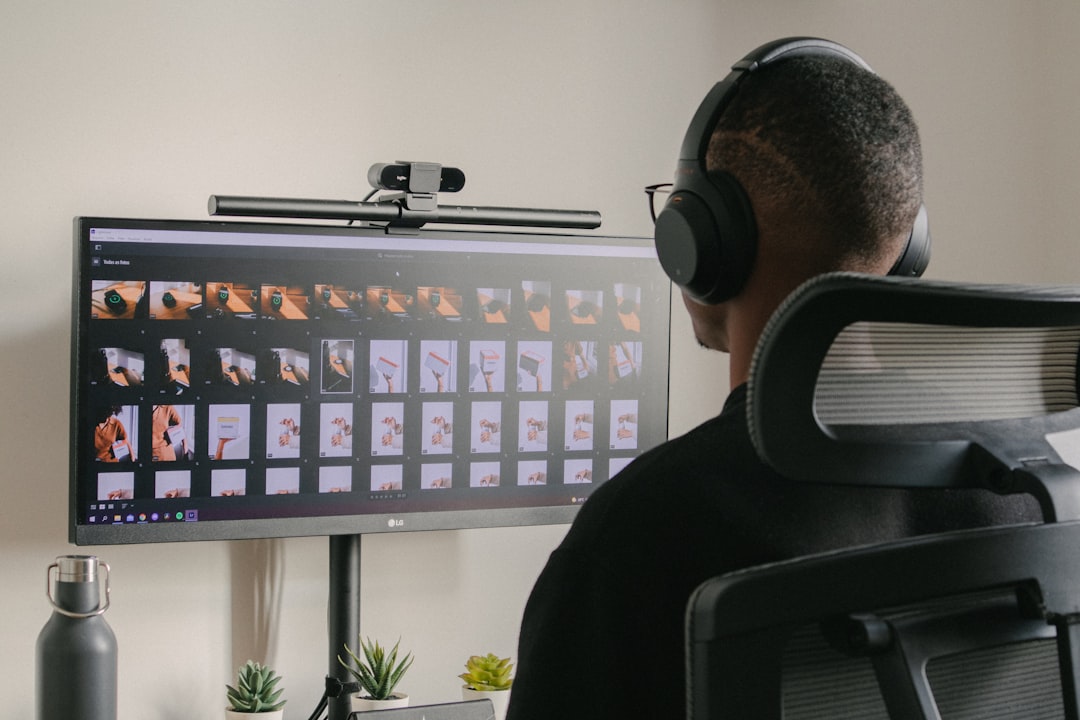
I measured it before I tore it apart. The stock stand under my 27-inch monitor — the plastic wedge the manufacturer threw in the box — was eating a 9-by-7-inch slab of my desk. That’s 63 square inches of prime real estate devoted to holding a screen at exactly one height, exactly one tilt, forever. Multiply that by the three monitors scattered across my office and my test bench, and I was dedicating roughly a square foot and a half of desktop to furniture that does one job badly.
So over the past two months, my team and I pulled every monitor in the building off its stand and bolted it to an arm instead. Six arms, three desks, one laptop tray conversion, and a couple of genuinely educational failures later, I’m never going back. Here’s everything the product listings won’t tell you.
The Case Against the Stand Your Monitor Came With
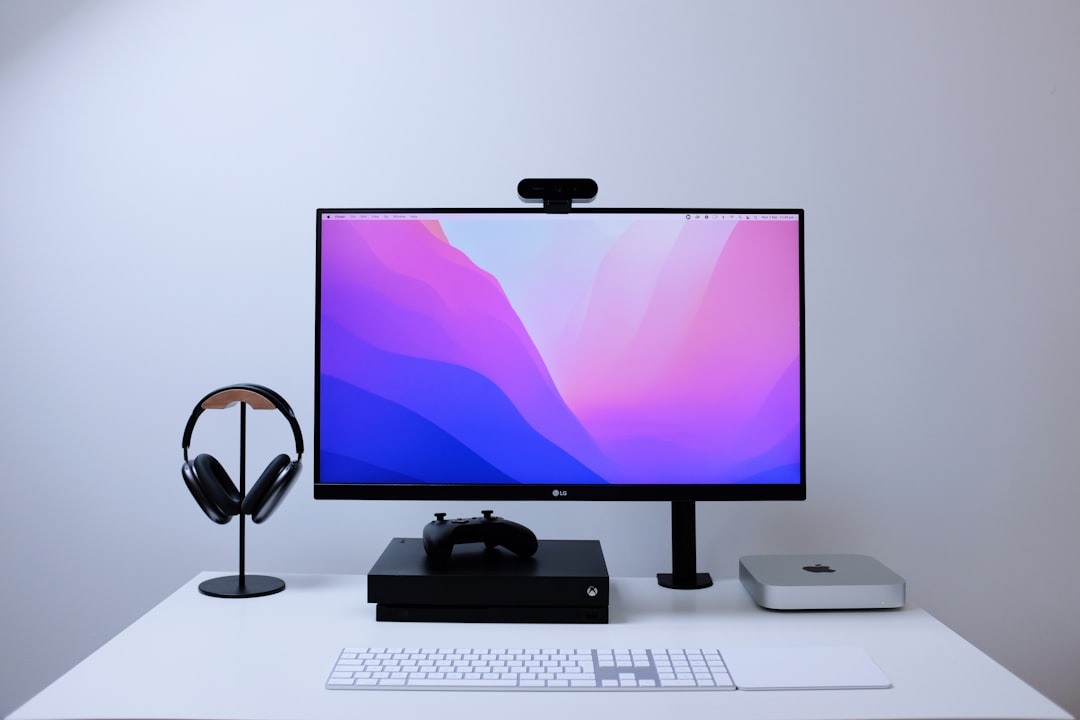
Free monitor stands share a design philosophy with hotel furniture: built to a cost, sized for the average, adjustable by nobody. The stand anchors your screen at whatever height the manufacturer guessed was median. If you’re taller or shorter than their imaginary average customer — and statistically, half of you are — you’ve been compensating with your neck for years. I covered the downstream damage in my standing desk testing, but the short version is that screen height drives head position, and head position drives everything from your shoulders down.
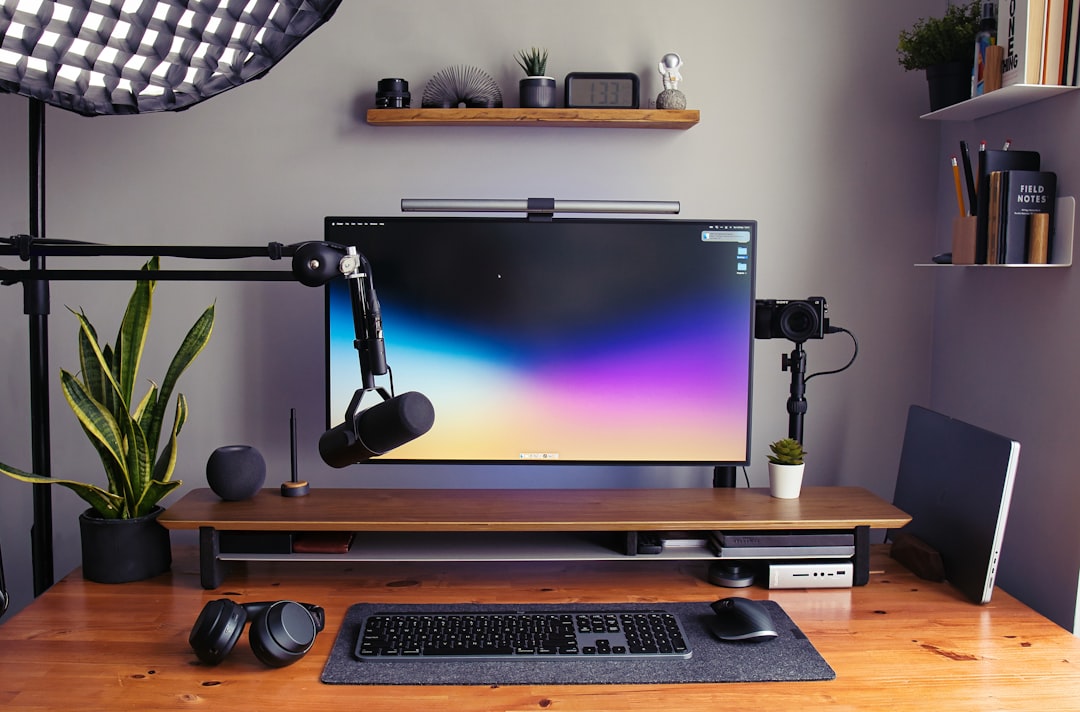
An arm solves two problems at once. It lifts the panel off the desk entirely — my 27-inch now floats with open workspace underneath it, where my keyboard, notebook, and coffee all live now — and it makes height a dial instead of a commitment. Sit, stand, slump on a rough afternoon: the screen meets you. That’s the ergonomic pitch, and it’s real. But honestly, the thing that sold my skeptical self was walking past my desk a week after the first install and realizing the surface looked twice as big. No purchase has ever done more with less money per square inch reclaimed.
Gas Springs, Tension Screws, and the One Spec That Matters
Every arm in this category is some variation of the same machine: a pole, two or three hinged segments, and a mechanism that counterbalances your monitor’s weight so the whole thing floats instead of sagging. The cheap ones use a gas spring you tension with an included Allen key until the arm holds position. The premium ones use factory-tuned mechanisms that barely need touching. Before you buy anything, find your monitor’s actual weight — it’s in the spec sheet, not the box art — and check it against the arm’s rated range. Not the maximum. The range.
That distinction cost me an afternoon. My test monitor weighs about 12 pounds, and I initially mounted it on an arm rated 4.4 to 19.8 pounds. Sounds fine, right? It sat near the top of the spring’s happy zone, and the arm wanted to drift no matter how I tensioned it. An arm rated for roughly double your monitor’s weight gives the spring room to breathe in the middle of its range, where adjustment is smooth and the panel stays put. Also confirm your monitor has VESA mounting holes — the 75x75mm or 100x100mm square of threaded holes on the back. Nearly all do; a stubborn few don’t, more on that in a bit.
The Budget Tier Embarrasses the Price Tags
Here’s the part where I save you money. The HUANUO FlowLift single arm — around $47 at this writing — does ninety percent of what the famous $200 name-brand arm does. Full motion, gas spring, clamp or grommet base in the box, and after eight weeks of daily height adjustments it hasn’t sagged a millimeter. My team bolted one to the review bench first because we assumed it would be the cautionary tale. It ended up the baseline everything else got judged against.
If the FlowLift is sold out or you want a slightly different reach, the standard HUANUO gas-spring mount is the same philosophy in a different package. The honest budget-tier tradeoff is finish and feel, not function: the tolerances are looser, the tensioning takes ten minutes of patient fiddling instead of two, and the cable management channels are an afterthought. But “loose tolerances” on an object you adjust twice a week is a rounding error. If you’re mounting one monitor under 32 inches and 15-ish pounds, buy the cheap arm and spend the difference on something on your desk that actually benefits from premium engineering.

Dual Screens: Buy the Pole, Not Two Bargains
Two monitors is where geometry starts mattering more than price. Two separate cheap arms on two separate clamps means two independent failure points and a clutter of hardware at the desk edge. A proper dual setup on one pole — like the NB North Bayou G35 my team runs on the test bench — keeps both panels moving in coordination, with each arm still independently adjustable. The G35 handles monitors up to 32 inches and 26 pounds per arm, which is genuinely more headroom than the category leader offers at double the price.
The value route is the HUANUO FlowLift dual stand, which puts two full-motion arms on one base for less than most single premium arms. The compromise is stiffness — the budget dual arms take more effort to reposition, which is fine if you set your screens once and leave them, annoying if you’re a constant-fidget type. One structural note from the school of hard knocks: check your desk edge before ordering anything. Clamps need 0.6 to 2.5 inches of overhang depending on the model, and my old butcher-block desk with its square edge rejected the first clamp entirely. Grommet mounting through a cable hole is the fallback, and most arms include the hardware for both.

Ultrawides Are Where Cheap Arms Confess Their Sins
A 34- to 49-inch ultrawide can weigh 20 to 30 pounds with its weight distributed on a long, torque-happy lever. This is the scenario that separates real engineering from rebranded catalog parts. Put a heavy ultrawide on an under-rated arm and you’ll meet the wobble: a slow oscillation that starts when you type and takes five seconds to settle. On a big new panel it’s maddening.
For serious width and weight, you want an arm built for it. The WALI ultrawide arm is rated to 33 pounds and swings 17-to-49-inch panels, and it’s the affordable option that genuinely holds. Ergotron’s LX also carries up to 25 pounds across 34-inch panels if you want the premium route. Whatever you choose, mount ultrawides at the top of the desk’s back edge, weight the base properly, and accept that a 49-inch on any arm will move a little when the desk itself moves. Physics gets a vote.
The Ergotron Tax: What Doubling the Price Actually Buys
Which brings us to the benchmark. The Ergotron LX has been the category’s reference standard for nearly two decades, and after two months on one, I understand why without fully endorsing the price. The Constant Force mechanism holds position from the first minute with no tension ceremony. The motion is damped — the arm glides and stops instead of springing. The 10-year warranty is the longest in the business, and the thing is rebuilt-to-last rather than replace-when-broken. If your monitor arm is a buy-it-for-a-decade purchase, the math on the LX genuinely works.
The newer LX Pro refines it further with a wider weight range and easier tuning. My verdict after living with both budget and premium tiers side by side: if you adjust your screen constantly — shared desks, sit-stand days, review-bench chaos — the Ergotron smoothness is worth real money. If you set your monitor once a season, the budget tier will make you just as happy, and I’d rather see the savings go toward a better chair or monitor. The desk is an ecosystem, not a single-trophy purchase.
Laptop-on-an-Arm: The Move Nobody Recommends and Everyone Should
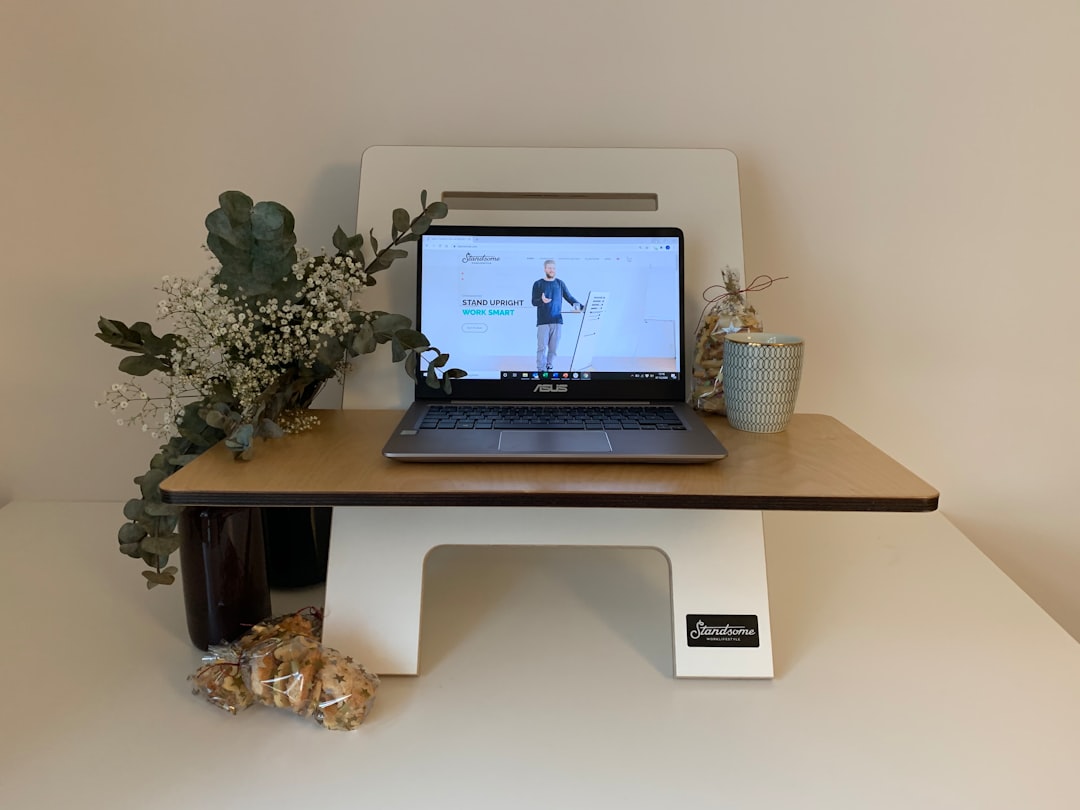
The sleeper upgrade of this whole experiment. A VESA laptop tray turns any monitor arm into a height-adjustable laptop stand — the screen rises to eye level, the desk below it opens up, and a Bluetooth keyboard completes the transformation. If you’re buying from scratch, the HUANUO arm with the tray included bundles the whole concept for budget money. My laptop went from neck-craning liability to a genuine second monitor the week we bolted the tray on, and the total cost was less than a nice dinner.
Three Gotchas From the Field
First: not every monitor has VESA holes. Apple’s Studio Display, some HP and Lenovo consumer panels, and most iMacs ship smooth-backed. A universal VESA adapter bracket straps on and provides the mounting square — inelegant, invisible from the front, and it saves the purchase. Second: clamp desks. Thick butcher block, lipless waterfall edges, and glass desks all reject standard clamps; measure before ordering, not after. Third: standing desks add wobble. An arm is a lever, and every inch of lift multiplies the desk’s motion. My electric desk wobbled more with an arm-mounted screen until I dropped the monitor height and let the arm run at a lower extension. It’s the same settle-the-wobble logic I learned testing 30 standing desks.

Do the Cables Before You Mount Anything
An arm-mounted monitor moves, and its cables need slack to move with it — power, video, USB, all of it looping through the arm’s channels with enough give at full extension. The time to sort this is before the panel goes up, not after you’ve got a floating screen held by one horrified teammate. A pack of reusable velcro cable ties is the whole trick: bundle the run, wrap the excess, leave a service loop. I documented the full desk-side version of this discipline in my cable management reset, and the arm version takes twenty minutes.
The Verdict, Tier by Tier
Buy the FlowLift if you have one monitor under 32 inches and want the maximum result per dollar — it is, dollar for dollar, the best desk upgrade I’ve tested this year, and I’ve tested a comical number of desk upgrades. Buy the G35 or the FlowLift dual if you run two screens; prioritize the shared pole. Buy the WALI if your panel is an ultrawide — weight rating first, always. Buy the Ergotron LX if you adjust your screen daily and want the movement to feel like cabinetry instead of hardware, or if a 10-year warranty lets you sleep better.
And if your monitor is still sitting on its stock stand as you read this, I’ll make it simple: any arm from this article beats no arm. The stand was never furniture. It was a placeholder. Reclaim the desk — it’s the cheapest square footage you’ll ever add to your home office, and it takes twenty minutes with the included Allen key.