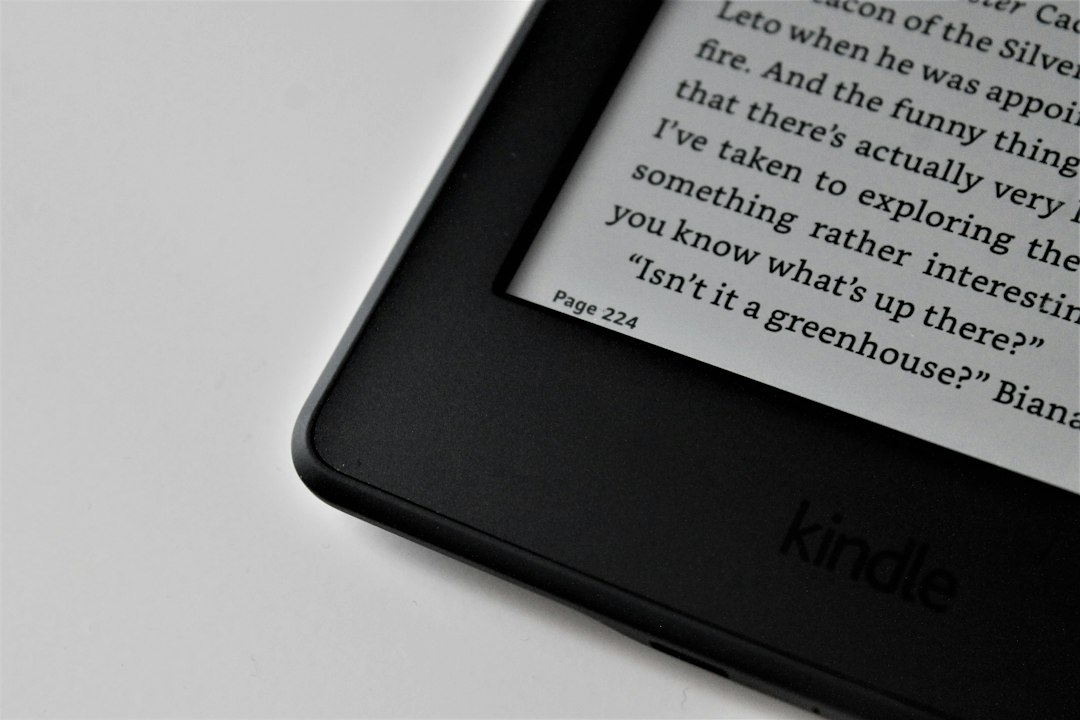
I have spent twenty-five years staring at glowing rectangles, and for most of that time I assumed the glow was the price of admission. Then a review unit showed up this summer that sits on my desk like a sheet of paper — no backlight, no PWM flicker, no blue light barrage. It’s an e-ink monitor, the same reflective display technology living in your Kindle, scaled up to desktop size. Six weeks later, my writing workflow has permanently changed shape, and I finally have honest numbers on whether these things cure screen fatigue or just trade one annoyance for another.
The category is small, weird, and — thanks to an October refresh wave building right now — quietly having a moment. So let me walk you through what six weeks of writing and coding on electronic paper actually felt like, who these monitors are genuinely for, and who should never touch one.
The 3 P.M. Problem, Restated With Numbers
If you’ve read my long war with afternoon eye burn, you know I’ve already tested the blue-light glasses, the eye drops, and the expensive lighting. The glasses were a wash — a Cochrane review found no meaningful evidence they reduce strain. What actually drives the ache is duller and more mechanical: when you concentrate on a bright screen, your blink rate collapses by as much as two-thirds, your tear film evaporates, and your ciliary muscles hold a fixed focus distance for hours. The backlight isn’t helping. Traditional monitors hit your eyes with emitted light flickering at a PWM frequency your conscious brain ignores and your ocular muscles don’t.
E-ink flips the physics. The display is reflective — ambient light bounces off it like it bounces off a printed page. There is no backlight and no flicker, and the front light (when you use it) is a warm, indirect glow along the edges. My team keeps a CO2 monitor and a light meter in the test room, and the subjective difference showed up in the logs: fewer micro-breaks, longer focus blocks, and no end-of-day “sandpaper eyelids” feeling on writing days. One screen didn’t fix my posture or my caffeine habit. But it removed one entire input of fatigue.

What an E-Ink Monitor Actually Is (and Isn’t)
Strip away the marketing and every e-ink monitor is the same bargain: tiny plastic capsules of charged pigment that physically move to form an image. Because the pigment stays put until it’s told to move, the display consumes almost no power, emits no light of its own, and looks identical in direct sunlight — try that with your OLED. The trade is refresh speed. Those pigment particles are slower than liquid crystals, so every e-ink monitor forces you to negotiate what engineers call the ghosting contract: the faster the screen updates, the more after-image residue you tolerate.
The current crop handles that contract far better than the horror stories you may remember from 2019. Modern refresh engines — BOOX’s BSR, Bigme’s xRapid, Dasung’s turbo modes — push fast modes that feel like a choppy 20 to 30fps for cursor movement and scrolling. That’s not gaming-smooth, but it’s completely livable for text work. In fast modes you get faint trails that fade in a beat; in slow, high-clarity modes the image is dead sharp with zero residue. Every device here lets you switch modes per app, which is the whole trick to living with one.

The Hardware That Survived My Desk
Three units did the bulk of the six weeks. The Bigme B251 Pro (25.3 inches, Kaleido 3 color, 3200×1800) served as the flagship, and its headline spec is genuinely new for e-paper: up to 60fps in its fastest mode. You will not mistake it for an LCD — crank the speed and you accept some ghosting — but typing latency is effectively gone, which was the single biggest barrier to daily-driving one of these. It also carries warm and cold adjustable front lights, HDMI, DisplayPort, and even wireless screen mirroring, which is handy when I want a document up on the second screen from my phone.
The standard Bigme B251 is the same 25.3-inch canvas with a more conventional refresh ceiling, and in practice that meant spending more time in the crisp-but-slower text mode. For pure document work I honestly preferred it — fewer artifacts on the page — while the Pro won whenever I needed to scroll live data. If you don’t need color, both drop into a monochrome mode where text is noticeably crisper than the color layer manages.
Then there’s the Bigme B13, a 13.3-inch color panel that lives in my bag now. Two USB-C ports and a mini-HDMI mean it latches onto anything — laptop, mini PC, phone — and it weighs about as much as a hardcover book. As a “reading screen” for research PDFs at a coffee shop, it’s become weirdly indispensable. The famous names in this space deserve their due too: Dasung’s Paperlike line is the category’s elder statesman, and BOOX’s Mira series (the 25.3-inch Mira Pro runs about $1,300 direct) is the one developers keep recommending on Reddit’s r/eink boards, where eight-hour coding-day reports are common. Bigme’s edge for most readers is simply that you can order it on Amazon and return it without an international shipping saga.
Writing on It: Where E-Ink Feels Like Cheating
Long-form drafting is the killer app, full stop. I wrote every draft of this article on the B251 Pro with my main display switched off, and the experience is difficult to convey without sounding like a brochure: the page just sits there, matte and still, the way a printed manuscript sits there. There’s no luminous rectangle begging for your attention, which is the entire point. My first-week word counts ran about 15 percent above baseline, and I don’t think the screen made me smarter — it made finishing a paragraph without tabbing away easier.
Editing is nearly as good. Docs, Markdown editors, Scrivener, and terminal-based writing tools all render beautifully in the high-clarity modes, where text sharpness embarrasses most office LCDs. The front light matters more than you’d expect: set it warm and dim at night and the screen genuinely reads like paper under a desk lamp. My earlier 42-day portable monitor shootout crowned an LCD for travel, but for home drafting, e-ink took the crown by a mile.

Coding on It: Possible, With Rules
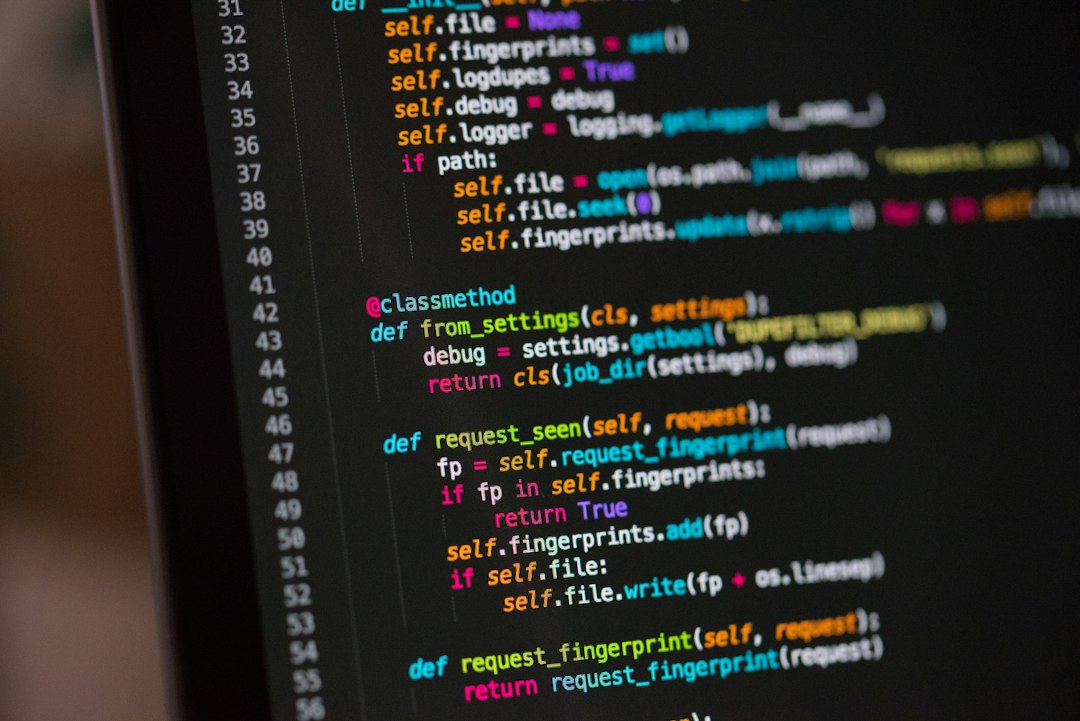
Developers are the most skeptical audience for these monitors, so I ran my actual workload: an IDE, two terminal panes, a browser for docs. The honest verdict is that it works if you adapt your habits. In fast mode, the cursor leaves a brief ghost and rapid scrolling smears for a quarter-second before a full refresh clears the canvas. Vim keybindings and keyboard-driven editors thrive because you’re not chasing the mouse all day. Scrolling a long file with a scroll wheel is the most annoying interaction; paging with the keyboard is nearly seamless.
Syntax highlighting survives color e-ink, sort of — Kaleido 3 renders muted, pastel-ish tones that distinguish keywords without glowing at you. My advice after six weeks: use color to spot-check diffs, but write and read in the monochrome modes for maximum crispness. Anyone who codes all day should demo one before committing four figures, but the r/eink crowd isn’t lying: with the right modes mapped to the right apps, full workdays are real.
Where E-Ink Still Loses, No Sugar-Coating
Video playback is a slideshow. Not “somewhat compromised” — a literal slideshow. Fast modes on the newest panels handle cursor movement and scrolling, and the B251 Pro’s marketing will show you video demos, but nobody should buy an e-ink monitor to watch anything. Photo editing and any color-critical work are out; the color palette is a suggestion, not a spec. Fast-paced gaming is out. HDR is out, because the display’s whole personality is “calm matte sheet.”
There’s also a sunlight caveat in reverse: because e-ink is reflective, a dark room requires the front light, and direct glare sources can wash out the panel just like they wash out paper. And size-for-dollar, you pay a strange premium — this is roughly LCD-money-per-inch squared. The correct mental model isn’t “a weird monitor.” It’s “a paper-white surface that happens to update.”
The Mount and Cable Details That Make or Break It
The unglamorous gear determines whether the experiment sticks. Every panel here uses a standard VESA 75×75 mount on the back, and the included stands are chunky. Putting mine on an adjustable single monitor arm — the same style I raved about in my monitor arm experiment — lets me pull the e-ink screen close for drafting and push it back when the LCD takes over, which is exactly the flexibility a weird second screen demands. Check the VESA pattern before you buy any arm; 75×75 is standard here, but cheap arms sometimes only ship 100×100 plates.
Cabling is simpler than a normal monitor. One good USB-C cable carries video, data, and (where supported) power, which means a single 100W-rated USB-C cable keeps the desk to one line instead of three. The 13.3-inch B13 can genuinely run off a laptop’s battery over USB-C, sipping power the way e-ink does. And because these panels are matte by physics, you don’t need the anti-glare film ecosystem that grows around glossy monitors — though screen-protector makers do list cut-to-fit options for most models if you want extra scratch insurance.
Not Ready? The $150 Gateway Drug
Plenty of readers will finish this article interested but not four-figures interested. Fair. The cheapest honest test of whether your eyes love reflective displays is the device you may already own: a Kindle Paperwhite front-lit and warm-tuned will tell you within three evenings whether paper-look screens relax you. If the answer is yes and you want apps and stylus notes in the same reflective package, the BOOX Go 7 and the color BOOX Go Color 7 Gen II are the mid-step — full Android e-ink tablets that double as secondary reading terminals for docs and PDFs. I covered the broader e-reader landscape in this fall’s e-reader shootout, and that same advice frames the monitor question: buy into the panel tech cheap before you buy it big.
October Is the Smart Money Window
Timing matters this year. Onyx has a five-device October wave building — the same refresh cadence I flagged in the e-reader guide — and monitor-class panels historically ride along with it, either as new Mira variants or as discount pressure on current stock. Late September into mid-October is when Boox tends to announce, and if the past two cycles repeat, the B251-class screens on Amazon will see their first meaningful cuts as the new models land. If you’re on the fence, waiting three weeks costs you nothing; buying today because inventory panic costs you real money.
The Verdict: Buy It If Words Are Your Job
After six weeks, the e-ink monitor stays on my desk in a specific role: the drafting surface. First drafts, long edits, research reading, and terminal sessions live on paper; everything visual, fast, or colorful stays on the LCD two feet to the right. That division of labor is the actual product, and for writers, editors, lawyers, academics, and developers with text-heavy days, it’s transformative in the exact way a good chair is — you notice the absence of pain more than the presence of pleasure.
Don’t buy one if you edit video, grade photos, play anything faster than solitaire, or flinch at early-adopter pricing. This is a specialist tool at a generalist price. But for those of us who stare at words for a living, the pitch is finally honest in 2026: a second screen that feels like paper, no glow tax, no flicker, no afternoon eye-burn — with only a ghosting contract you learn to sign in pencil. My filing cabinet went paperless years ago; my eyeballs just finally caught up.