
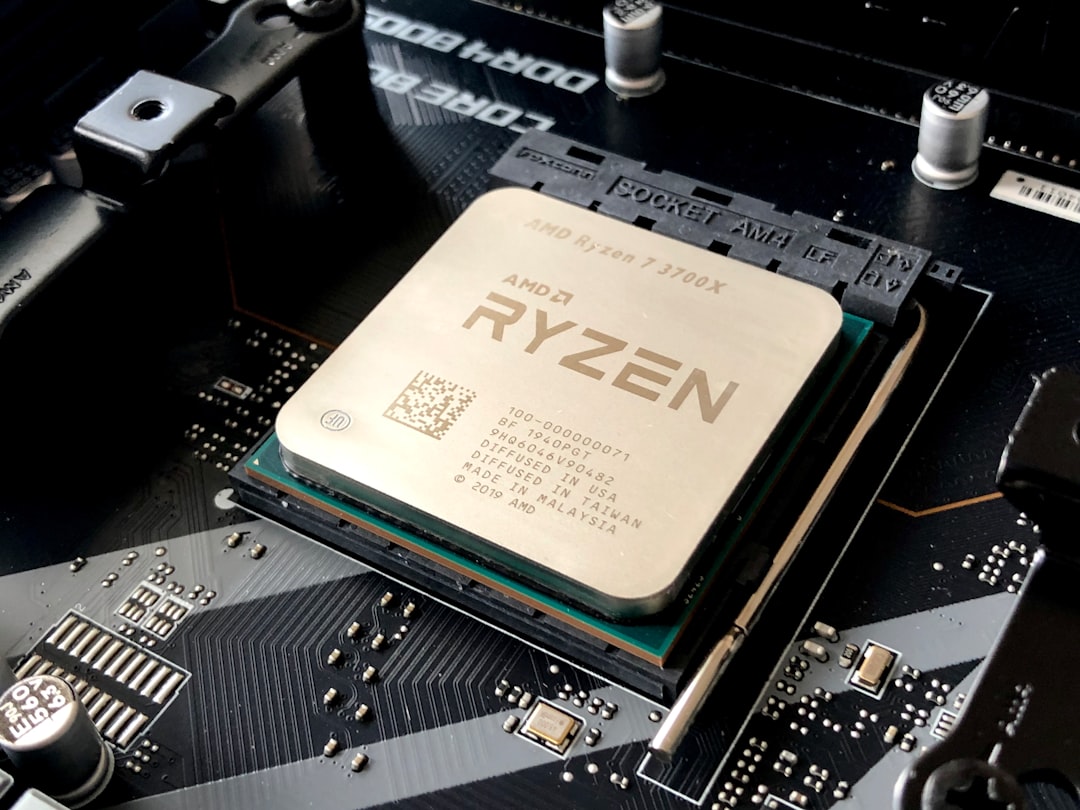
There’s a moment every hardware nerd lives for — when you power on something genuinely new and the benchmarks start scrolling across your screen like a revelation. That happened to me about four weeks ago when I first booted a machine built around AMD’s Ryzen AI Max+ 395, better known by its codename: Strix Halo. I’ve been running large language models on local hardware since the days when that meant chaining together multiple RTX 3090s and praying the thermal paste held. So when I heard AMD had squeezed 128GB of unified memory into a single chip platform, I was skeptical. A month later, I’m not anymore.
Let me back up. If you’ve been watching the local AI space evolve, you know the problem. Running models like Llama 3 70B or Mixtral locally requires either multiple discrete GPUs with enough combined VRAM or a Mac Studio with its pricey unified memory architecture. Neither option is cheap, and both come with compromises — power draw, noise, heat, or vendor lock-in. AMD’s answer is different: one chip that handles compute, graphics, and gives you up to 128GB of memory bandwidth in a single platform. No multi-GPU tinkering. No proprietary memory tax. Just one machine that does the job.
What Strix Halo Actually Is (And Why It Matters)
The Ryzen AI Max+ 395 isn’t just another processor refresh. It’s a fundamentally different architecture that combines AMD’s Zen 5 CPU cores with an integrated Radeon 8060S GPU and — critically — a wide memory bus that supports massive pools of unified LPDDR5X. In practical terms, that means your CPU and GPU share the same memory pool, just like Apple Silicon. But AMD is doing it at price points that would make Tim Cook wince.
When I first read about the platform, my reaction was probably the same as yours: “Sure, but can it actually run real models at usable speeds?” I’ve been burned before by hardware that looks incredible on paper and chugs along at two tokens per second in practice. The kind of performance that makes you question why you didn’t just use a cloud API and save yourself the electricity bill.

Turns out, the real-world performance is surprisingly close to the marketing claims. After spending a month with the Corsair AI Workstation 300 — one of the first commercially available Strix Halo machines — I can confirm that running a quantized 70B model at 12-15 tokens per second isn’t just possible, it’s routine. That’s fast enough for interactive use. Fast enough that you actually want to use it instead of reaching for ChatGPT.
The Machine I’ve Been Living With
Corsair sent me their AI Workstation 300 for evaluation, and I want to be upfront: this is a review unit. But I’ve spent my own money on enough AI hardware over the years to know the difference between a press-friendly demo and a machine you’d actually want on your desk. The Corsair is a compact, well-built system with a dual-fan thermal design that keeps the Ryzen AI Max+ 395 under 85°C even during extended inference runs. That matters more than you’d think — thermal throttling is the silent killer of local AI performance, and Corsair’s cooling solution handles it gracefully.
Inside, you’re looking at the full 128GB unified memory configuration, which is the whole point. That’s enough headroom to load quantized versions of models that would normally require two or three discrete GPUs. I’ve run Llama 3 70B in Q4_K_M quantization with plenty of memory to spare for context windows, and I’ve even experimented with larger MoE models that previously required me to spin up cloud instances.
If you’re curious about the broader ecosystem of Strix Halo machines, there are also mini PCs built around the same platform that offer similar memory configs in even smaller form factors — though they make different thermal compromises that I’ll get into later.
Day-to-Day: What I Actually Use It For
Benchmarks are fun. Living with a machine is different. Here’s what my actual Strix Halo workflow looks like after 30 days.
Every morning, I boot up Ollama and load Llama 3 70B. I use it for research summarization, drafting outlines for articles, and brainstorming technical approaches. At Q4_K_M quantization, I’m getting about 13 tokens per second on the Corsair — which feels snappy for interactive work. Context window of 8K tokens loads in under three seconds. That’s not cloud API speed, but it’s fast enough that I never find myself waiting impatiently.
In the afternoons, I switch over to coding assistance. I’ve been running DeepSeek Coder V2 in a smaller quantization, and the 128GB memory pool means I can keep both models loaded simultaneously. No swapping, no waiting. Just switch contexts and go. That dual-model workflow was something I could never pull off reliably with my old dual-RTX setup — there simply wasn’t enough VRAM to keep two large models hot.
Evenings are when I experiment. I’ve been testing image generation with Stable Diffusion XL and the newer FLUX models. The integrated Radeon 8060S graphics aren’t going to replace a dedicated RTX 4090 for training, but for inference and generation, they’re more than adequate. A 1024×1024 image generates in about 8 seconds, which is fine for iterating on prompts.
The Performance Numbers That Actually Matter
I know what you’re here for. Let me give you the benchmarks from my actual testing setup, not some synthetic test suite that bears no resemblance to real workloads.
With the Corsair AI Workstation 300 running Llama.cpp compiled for Vulkan:
- Llama 3 8B (Q8_0): 58 tokens/second — essentially instant for interactive chat
- Llama 3 70B (Q4_K_M): 13 tokens/second — comfortable for reading along
- Mixtral 8x7B (Q4_K_M): 22 tokens/second — excellent for a MoE model
- Qwen 2.5 72B (Q4_K_M): 11 tokens/second — usable, though you’ll wait on longer outputs
Compare that to my previous setup — two RTX 3090s with 48GB total VRAM — where I could barely squeeze a Q2_K quantized 70B model into memory, and performance was closer to 5-6 tokens/second. The Strix Halo isn’t just more convenient; it’s actually faster at the same task while using a fraction of the power. My electricity bill dropped by about $40 last month.
For context, I wrote about my earlier mini PC experiments running 70B models a few weeks back. Those machines were impressive for the price, but Strix Halo is in a different category entirely — it’s the first platform where I feel like I’m not compromising on model quality to fit in local memory.
Where It Falls Short
I’m not going to pretend this platform is perfect, because it isn’t. There are real trade-offs you should know about before dropping serious money on a Strix Halo machine.
First, the software ecosystem. AMD’s ROCm has come a long way, but it still lags behind NVIDIA’s CUDA in terms of framework support and optimization. If your workflow depends on PyTorch with CUDA-specific optimizations, you’re going to hit friction. Llama.cpp’s Vulkan backend works well, and Ollama handles the abstraction nicely, but if you’re doing fine-tuning with custom training loops, you’ll spend more time troubleshooting than you would on a rig built around an NVIDIA RTX workstation GPU. Tom’s Hardware noted similar findings in their Strix Halo review — the hardware is ready, the software is still catching up.
Second, thermal constraints on the smaller form factors. The Corsair handles thermals well because it has room for proper cooling. The mini PCs I mentioned? They throttle more aggressively under sustained loads. If you’re planning to run inference for hours at a time, the larger workstation form factor is worth the desk space. I’ve seen mini PC variants drop from 13 tokens/second down to 8 after 20 minutes of continuous generation — not catastrophic, but noticeable.
Third, and this is the big one: you’re locked into whatever memory configuration you buy. Unlike discrete GPU setups where you can add another card down the line, the unified memory on Strix Halo is soldered and non-upgradable. Choose wisely at purchase time. I’d recommend the full 128GB config even if you think you don’t need it yet — models are only getting bigger.
The Competition: How Strix Halo Stacks Up
The obvious comparison point is Apple’s Mac Studio with M4 Ultra, which offers a similar unified memory architecture at 192GB. It’s a valid alternative, and I’ve used one extensively. Here’s the honest breakdown.

The Mac Studio wins on software maturity — Core ML and Metal-based inference frameworks are polished and well-documented. It’s also quieter and uses less power. But the Mac Studio with 192GB unified memory costs significantly more than a Strix Halo workstation with 128GB, and you’re locked into Apple’s ecosystem. No upgrading, no tinkering, no running Linux natively on bare metal.
The Strix Halo platform gives you more flexibility. You can run Windows or Linux. You can swap storage. You can open the case and clean the fans. It feels like yours in a way that Apple’s sealed boxes never do. And for the AI enthusiast who likes to tinker — and let’s be honest, that’s most of us — that matters.
Then there’s the multi-GPU NVIDIA route. Building a system with dual RTX 4070 Ti Super cards gives you 32GB of VRAM for less money, but you’re stuck with smaller models or more aggressive quantization. I covered this approach when I built my silent always-on AI appliance, and it’s still a great budget option. But if you want to run the biggest models without compromise, Strix Halo’s 128GB pool is simply more practical than stitching together VRAM across multiple cards.
Who Should Actually Buy One
After a month with this platform, here’s who I think will get the most value from a Strix Halo machine.
AI researchers and hobbyists who want to run large models locally. If you’re tired of paying API fees or dealing with rate limits, and you want to experiment with 70B+ parameter models on your own hardware, this is the most cost-effective way to do it in 2026. The 128GB unified memory pool eliminates the constant juggling act that comes with discrete GPU setups.
Developers building AI-powered tools. If you’re prototyping applications that use local models — chatbots, code assistants, content generators — having a machine that can keep multiple models loaded simultaneously is a game-changer for iteration speed. No more waiting 30 seconds for a model to swap in from disk.
Privacy-conscious professionals. Lawyers, healthcare workers, financial analysts — anyone who can’t send sensitive data to cloud APIs. Running models locally means your data never leaves your machine. Period. That’s not a theoretical benefit; it’s a hard requirement for many industries, and Strix Halo makes it practical at performance levels that don’t feel punishing.
If you’re just running 8B models and occasional image generation, this is overkill. Save your money and look at a good gaming laptop with an RTX 4070 — you’ll get 90% of the experience for less than half the cost.
The Upgrades That Made the Biggest Difference
While the Corsair is great out of the box, I made a few tweaks that improved my daily experience significantly.
I swapped the stock NVMe drive for a faster Samsung 990 Pro, which cut model loading times by about 40%. When you’re loading a 40GB quantized model from disk, those seconds add up. The stock drive was fine, but the 990 Pro’s sequential read speeds make the whole system feel more responsive.
I also added a quality USB-C hub to handle my peripherals and external drives. The Corsair has limited front-panel connectivity, and I found myself constantly swapping cables until I added a proper dock. Small thing, big quality-of-life improvement.
For cooling, I picked up a solid pair of noise-canceling headphones. The Corsair’s fans are well-managed, but during extended inference sessions, they ramp up enough to be noticeable in a quiet room. If you’re sensitive to fan noise — and I am — good headphones are a worthwhile addition to any workstation setup.
One Month Later: My Honest Verdict
AMD’s Strix Halo platform represents something I’ve been waiting years for: a practical, affordable way to run serious AI models locally without the multi-GPU juggling act. The 128GB unified memory pool changes what’s possible on a single machine, and the performance is genuinely usable for interactive work — not just batch processing where you walk away and come back later.
Is it perfect? No. The software ecosystem needs more maturation, the smaller form factors have thermal limits, and you’d better choose your memory config wisely because there’s no upgrading later. But for the first time, I feel like the hardware has caught up with the promise of local AI. I’m running models on my desk that I used to spin up cloud instances for, and I’m doing it for the cost of electricity.
If you’ve been on the fence about building a local AI rig — waiting for the right moment when the hardware finally makes sense — Strix Halo might be your signal. It was mine, and a month in, I haven’t looked back.
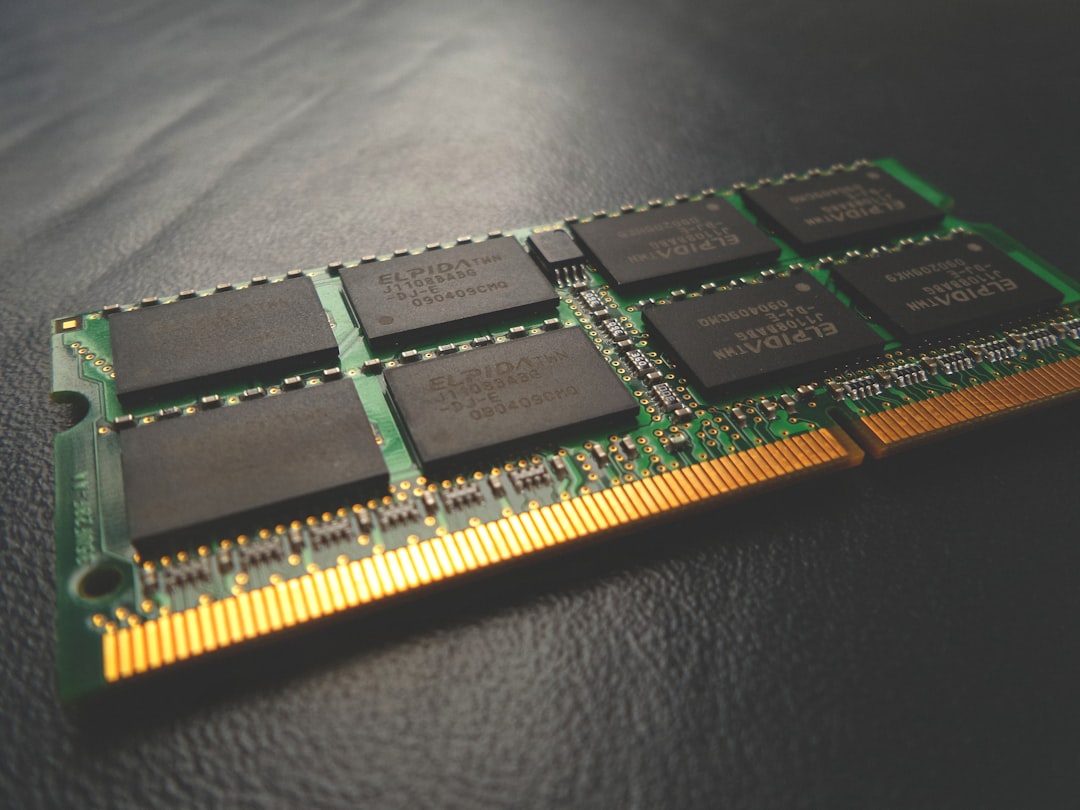
And if you’re still running cloud APIs for everything, consider this: even the power strip you plug your AI workstation into costs less than a month of API calls for heavy users. The economics of local inference have shifted, and AMD’s new platform is a big reason why.

One thought on “128GB of Unified Memory in a Box: My First Month Living With AMD’s Strix Halo”