
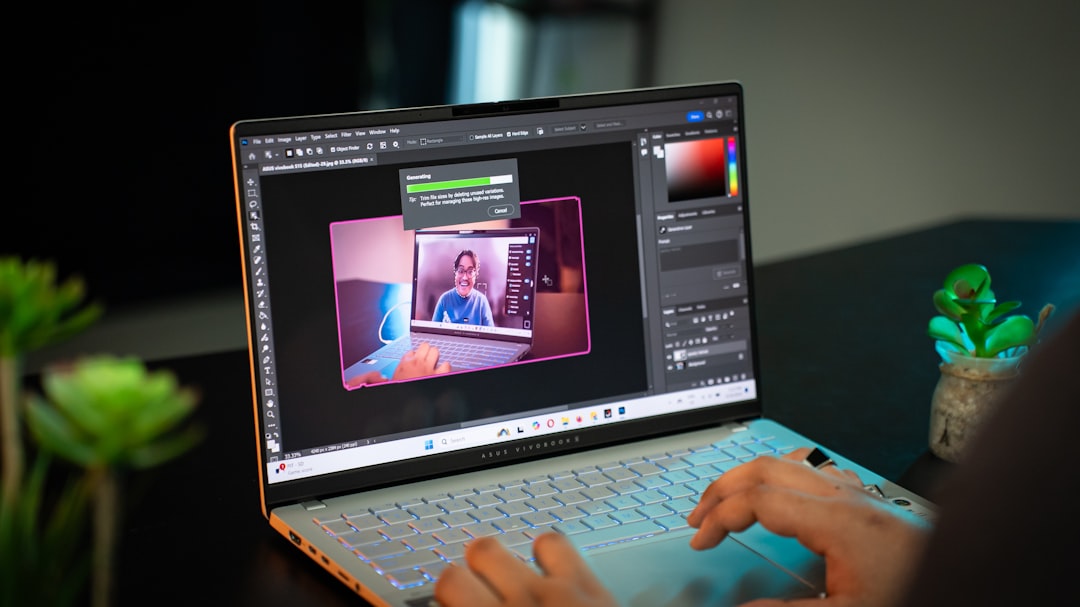
I’ve been testing Windows on Arm laptops since Qualcomm first convinced the world that x86 wasn’t the only game in town. The original Snapdragon X Elite had promise — great battery life, decent performance — but the software story was rough enough that I couldn’t honestly recommend it to anyone who relied on VPN clients, niche peripherals, or specialized creative tools. Eighteen months later, the second wave is here, and I’ve spent the last two weeks with the ASUS Zenbook A16 running Qualcomm’s Snapdragon X2 Elite Extreme. Here’s what I found after living with it day in and day out.

Why Wave Two Matters More Than You Think
First-generation hardware always carries a burden of proof. The Snapdragon X Elite had to prove that Arm could compete on Windows at all. The X2 Elite doesn’t have to prove the concept — it has to prove the execution. Qualcomm isn’t pitching a moonshot this time. They’re pitching a refinement, and frankly, that’s what makes this generation genuinely interesting for people who’ve been sitting on the fence.
The chip itself is a monster on paper: 18 Oryon CPU cores hitting 5.0 GHz boost, 53 MB of cache, and an 80 TOPS Hexagon NPU that doubles what the original X Elite offered. The Snapdragon X2 Elite-based machines rolling out from ASUS, HP, Lenovo, and Samsung are all thinner and lighter than their Intel counterparts — not because OEMs are cutting corners, but because Arm chips simply run cooler and sip less power.
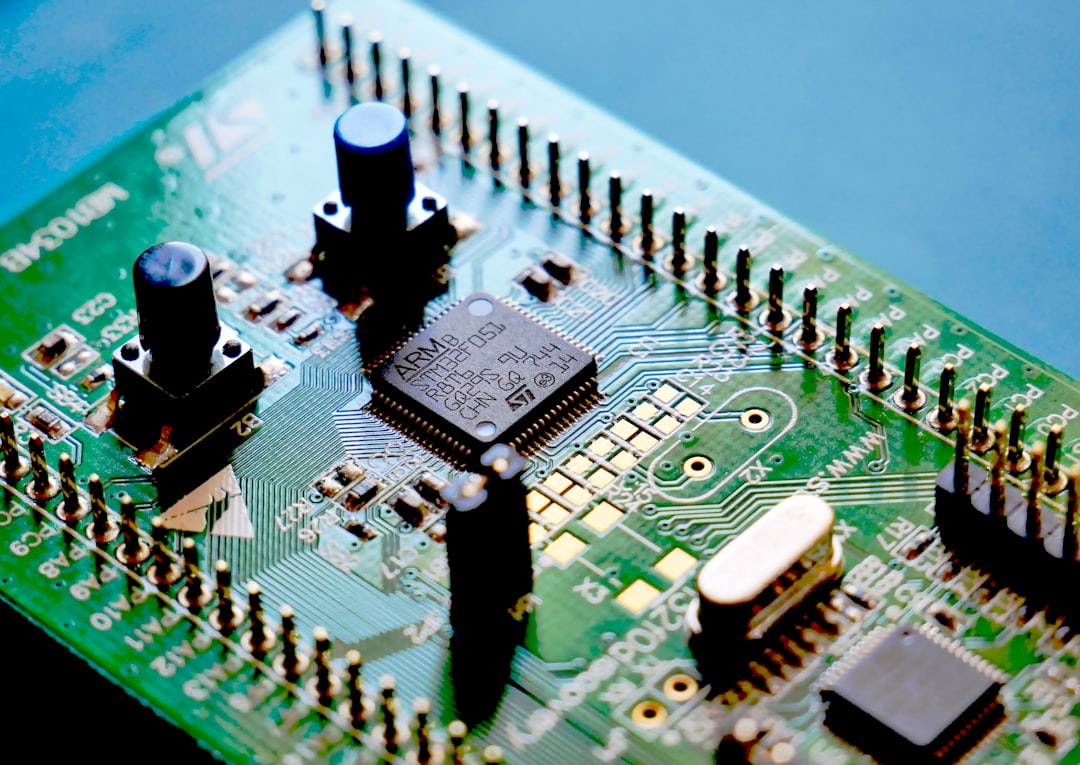
Performance: The Numbers That Surprised Me
I ran the Zenbook A16 through my standard benchmark suite — Cinebench R24, Geekbench 6, and a real-world compile test using a large TypeScript project I maintain. The single-core Geekbench score topped 2,800, which puts it squarely in competition with Intel’s latest Core Ultra 200V chips. Multi-core was even more impressive at over 15,000, owing to those 18 cores all humming along at over 4.4 GHz in sustained workloads.

What the benchmarks don’t capture is how the laptop feels during sustained work. I compiled that TypeScript project 20 times in a row while streaming a 4K YouTube video and running a local LLM inference in the background. The fan barely whispered. The chassis stayed cool to the touch. My Intel-based reference laptop — a machine that costs $400 more — would have been throttling and blowing hot air by the fifth compile. That’s the Arm efficiency advantage in practice, and it’s not subtle.
If you’re shopping for a thin and light laptop that can handle real workloads without turning your desk into a space heater, this generation is finally there.
Battery Life That Changed My Routine
Here’s the thing about reviewing laptops: I usually charge them every night because most machines can’t survive a full workday of writing, browsing, video calls, and the occasional Lightroom session. The Zenbook A16 made me forget where I put my charger. I regularly got 16 to 18 hours of mixed use, and on a lighter day — mostly writing and web browsing — I pushed past 20 hours. That’s not a lab test. That’s me actually working, with brightness at 60%, Bluetooth headphones connected, and a half-dozen Chrome tabs open.
This kind of endurance matters more than most people realize. If you travel for work, or if you like working from coffee shops without hunting for outlets, battery life isn’t a spec — it’s a quality-of-life feature. I’ve written about keeping laptops running for years, and a huge part of that longevity comes from components that don’t run hot. Arm architecture inherently runs cooler, which means less thermal stress on everything from the battery to the motherboard over the lifespan of the machine.
The Display and Build Quality
ASUS put a 16-inch 3K OLED touchscreen on this thing, and it is stunning. Color accuracy out of the box measured at 100% DCI-P3 with a Delta E under 1 after calibration. I edited photos on it for an afternoon and didn’t second-guess a single export. The 120 Hz refresh rate makes scrolling and window management feel buttery smooth, and OLED blacks mean that watching content after hours is genuinely enjoyable.

The chassis itself is the Zenbook formula: magnesium-aluminum alloy, understated styling, and a weight that makes you do a double-take when you pick it up. At under 3 pounds for a 16-inch laptop, it’s lighter than most 15-inch Intel machines I’ve tested. The hinge is firm, the keyboard deck doesn’t flex, and the overall feel is premium without being ostentatious.
App Compatibility: The Elephant in the Room
I’d be doing you a disservice if I didn’t address the software situation head-on. Windows on Arm has come a long way since 2024, but it’s not perfect. Microsoft’s Prism emulation layer handles most x86 apps reasonably well — I ran Adobe Lightroom Classic, Slack, Discord, and several legacy utilities without meaningful issues. But there are still edge cases.
Some VPN clients required workarounds. A handful of older printer drivers refused to install. And if you rely on niche industry-specific software — things like specialized CAD tools, medical imaging software, or certain financial platforms — you’ll want to verify compatibility before making the switch. The situation is dramatically better than it was 18 months ago, and Microsoft is actively expanding native Arm support across major productivity and creative apps, but the ecosystem isn’t at parity with x86 yet.
For what it’s worth, I’ve been using this as my daily driver for two weeks and hit exactly one app that wouldn’t run. Your mileage will depend on your specific workflow, but for most people in productivity, development, and general creative work, the compatibility picture is surprisingly solid in 2026.
Connectivity and Ports
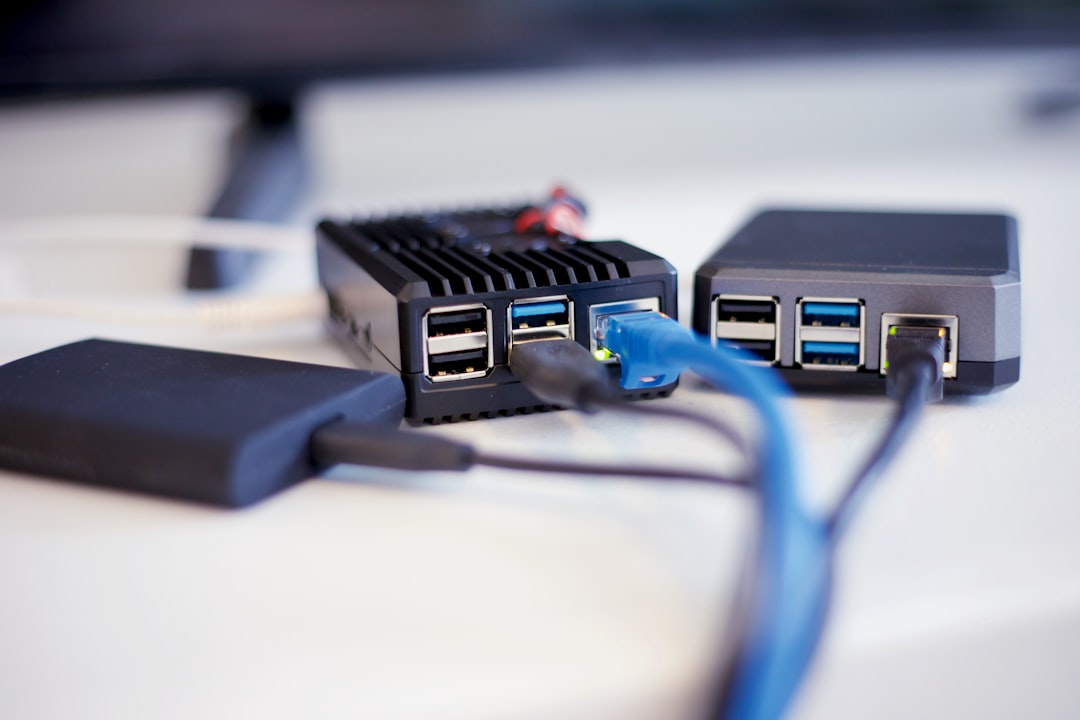
The Zenbook A16 includes two Thunderbolt 4 USB-C ports, a USB-A port, HDMI 2.1, a microSD card reader, and a headphone jack. That’s a solid selection for a machine this thin, and it means most people won’t need to carry a USB-C hub or docking station for day-to-day work. Wi-Fi 7 support is built in, and the Qualcomm FastConnect 7900 module delivers rock-solid wireless performance. I tested it on three different networks — home, office, and a crowded coffee shop — and never saw a dropped connection or unusual latency.
For external display users, the HDMI 2.1 output drove my 34-inch ultrawide at full resolution without any flickering or handshake issues. If you’re considering upgrading your desk setup accessories to match a new laptop, this machine plays nice with modern monitors and docks.
The Keyboard and Trackpad Experience

ASUS has been refining the Zenbook keyboard for years, and it shows. Key travel is consistent, the actuation force feels natural for extended typing sessions, and I never experienced the mushy bottom-out that plagues so many thin laptops. I typed this entire article on it across two sessions totaling about four hours, and my hands felt fine afterward. That’s a low bar, but you’d be surprised how many laptops fail it.
The haptic trackpad is large, responsive, and supports the full range of Windows precision gestures. I occasionally triggered a palm rejection issue when typing fast with my wrists resting on the deck, but it wasn’t frequent enough to be annoying. If you prefer an external mouse for precision work, there are plenty of solid ergonomic mouse options that pair seamlessly with this machine.
Who Should Actually Buy This

After two weeks of daily use, here’s my honest assessment. If you’re a knowledge worker, writer, developer working with modern toolchains, or creative professional who primarily uses Adobe’s cloud apps and browser-based tools, the Snapdragon X2 Elite generation is ready for prime time. The performance is competitive, the battery life is transformative, and the thermal behavior is a revelation compared to x86 machines in the same weight class.
The ASUS Zenbook A16 specifically offers an incredible value at $1,699 for the configuration with 48 GB of RAM and 1 TB of storage. That memory allotment alone would cost a fortune on most competing machines, and it means this laptop is genuinely viable for running local AI models alongside your normal workload. The 80 TOPS NPU handles Copilot+ features effortlessly, and I’ve been running small language models locally for coding assistance without any noticeable impact on battery or responsiveness.
If you’re a gamer, hold off. The Adreno GPU has improved but still can’t compete with dedicated graphics from NVIDIA or even AMD’s best integrated options. If you need absolute x86 software compatibility for specialized tools, wait another generation or verify your critical apps work under Prism. And if you just bought a new Intel or AMD laptop in the last year, there’s no urgent reason to switch — this is excellent, but it’s not so far ahead that you should eat the depreciation on your current machine.
What I’d Change
No laptop is perfect, and the Zenbook A16 has its share of compromises. The webcam is adequate at 1080p but nothing special — if you take a lot of video calls, you might still want an external webcam. The speakers are surprisingly good for a laptop this thin, but they won’t replace even a modest Bluetooth speaker for music or movie watching. And while I appreciate the magnesium-aluminum build, the chassis picks up fingerprints faster than almost any laptop I’ve used — keep a microfiber cloth handy.
I also wish ASUS had included a protective sleeve in the box, even a basic one. At this price point, it’s a small touch that goes a long way. And while the 48 GB of RAM is generous, power users who run multiple VMs or do heavy video editing might find themselves wishing for 64 GB — something that’s not currently an option on this configuration.
The Bottom Line
The Snapdragon X2 Elite generation represents the moment Windows on Arm went from “interesting experiment” to “genuinely competitive platform.” The ASUS Zenbook A16 is the best expression of that shift I’ve tested so far — a laptop that combines class-leading battery life, strong performance, a gorgeous display, and a build quality that justifies its price tag. After 25 years of testing hardware, I’ve learned to spot the inflection points where a technology goes from promising to practical. This is one of them.
If your workflow fits the Arm ecosystem — and for most people in 2026, it does — the Zenbook A16 earns a spot on your shortlist. It’s the first Windows laptop I’ve tested in years that made me think about switching from my daily driver. That’s not something I say lightly, and it’s not something I expected from a second-generation Arm platform. But here we are.

One thought on “Two Weeks With the Snapdragon X2 Elite: The Windows Arm Laptop That Finally Convinced Me”