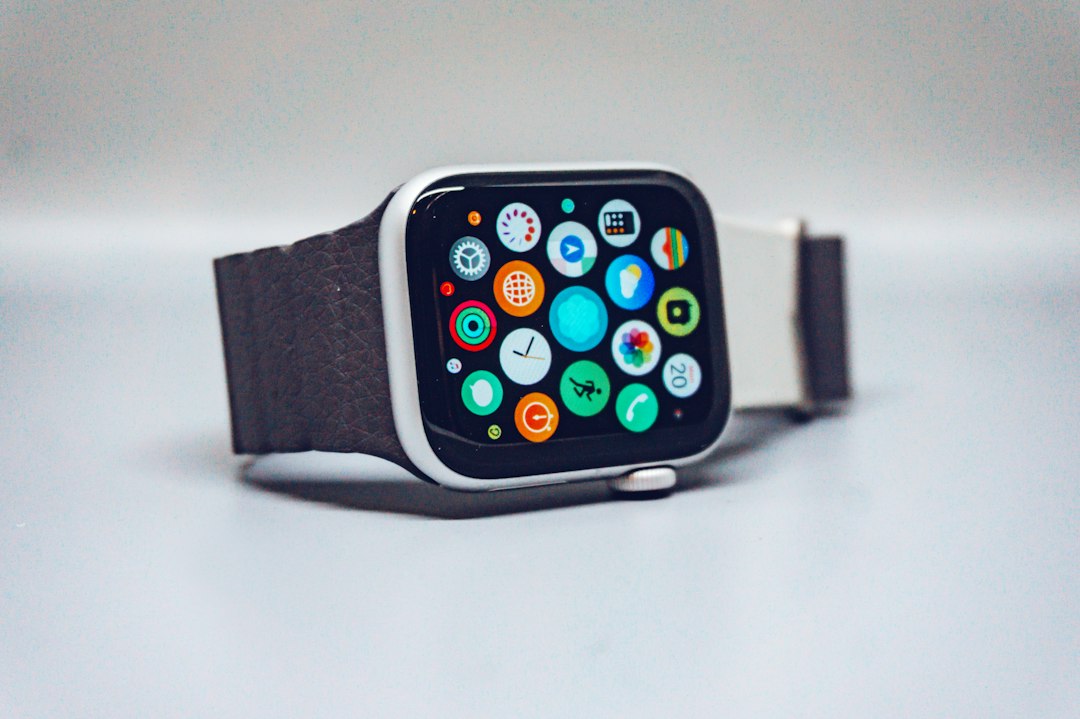
There is a Fitbit Versa 3 in the top drawer of my test bench that I have never had the heart to retire. It was the watch I handed people for years when they asked for “something like an Apple Watch, but for my Android phone, and please not expensive.” Last week I took it out, charged it, and scrolled through the clock faces and little apps people loaded onto watches like it: a golf yardage app, a tide clock, a big-number face for reading without glasses, an interval timer for the gym. Every one of those came from an independent developer, not from Fitbit or Google.
On November 28, 2026, the Saturday after Black Friday, those developers lose their storefront. Google is closing the Fitbit App Gallery to third-party apps and clock faces on the Versa and Sense smartwatches. Nothing goes dark that morning. But the clock starts on a slow fade, and the timing is awkward: the deadline lands right in the middle of the biggest smartwatch sale of the year.
So this is a decision piece, not a eulogy. If you or someone at your Thanksgiving table wears a Versa or a Sense, you have three honest options: keep it, switch, or sell. Here is how I would make that call, what to do with the watch before the 28th no matter which way you go, and what is actually worth buying if you switch while the Black Friday prices are live.
The Short Answer
If you only read one section, make it this one. These are the picks I would make for a Versa or Sense owner this week, sorted by the phone you carry and how much watch you really use.
- Keep it, and make it last: a fresh Replacement Sport Band for Fitbit Versa 4 / Sense 2, a Spare Charging Cable for Fitbit Versa 3 / Sense, and a Screen Protector for Fitbit Versa 4 / Sense 2. That is a small spend that buys another year or two.
- Switch, Android phone, want the Fitbit app experience: the Google Pixel Watch 4, the best value Google watch at its current price.
- Switch, Android phone, want the newest: the Google Pixel Watch 5, which is already discounted in the smaller size.
- Switch, Samsung phone: the Samsung Galaxy Watch9.
- Switch, iPhone: the Apple Watch SE 3.
- Switch, battery life matters most, any phone: the Garmin Venu 4, or the Garmin Forerunner 70 if you mostly run and walk.
- Switch on a tight budget, any phone: the Amazfit Active 2.
- You only ever looked at steps, sleep and heart rate: the Fitbit Charge 6, which keeps your Fitbit history right where it is.
What Actually Changes on November 28
The fine print matters here, because a lot of the chatter online makes this sound worse than it is. According to Google’s own support page, starting November 28, 2026, you can no longer install or update third-party apps and clocks on Fitbit smartwatches. The affected models are the Sense 2, the original Sense, the Versa 4, Versa 3, Versa 2, Versa Lite, the original Versa, and the Ionic, which was already under a voluntary recall.
What keeps working is the part most people actually use. Third-party apps and clock faces that are already on your watch keep running. Fitbit’s own tracking keeps working: steps, heart rate, sleep, exercise modes, alarms, weather, and the rest of the built-in apps. Google says the gallery will continue to offer apps and clocks made by Fitbit and Google, and it asks owners to update to version 5.12 of the companion app, now called the Google Health app, so those first-party apps keep behaving.
What you lose is the safety net. If you delete a third-party app or face after the 28th, it is gone for good. If you factory reset the watch, every third-party app and face goes with it, and you cannot get them back. And because developers can no longer push updates, any app that relies on a web service will eventually break the first time that service changes something on its end. That is the slow fade I mentioned. A transit app or a weather-based face is the most likely to go first. A simple offline timer could run happily until the battery gives out.
None of this is a surprise if you have followed Google’s wearable plans. Europe lost third-party Fitbit apps back in 2024. Google has been clear that the full smartwatch job belongs to the Pixel Watch, while the Fitbit name now lives on simpler health trackers like the Charge 6 and the screenless Fitbit Air. I ranked the whole Google wearable lineup back in August in my Made by Google 2026 breakdown, and the writing was on the wall then.
The Fifteen-Minute Watch Audit Before the Turkey
Whatever you decide, do this first, and do it before November 28. It takes about fifteen minutes, and if you are the family tech person, you can do it for everyone at the table on Thanksgiving afternoon while the dishes soak.
1. Update the companion app. Open the Google Health app on the phone and make sure it is on version 5.12 or newer. Google specifically ties the continued function of its own watch apps to that version.
2. Write down every third-party app and face. In the app, tap the watch under connections, then open the Apps and Clocks tabs. Anything not made by Fitbit or Google is on borrowed time. Take a screenshot of each list. If you love a face that is not installed right now, install it before the 28th, because after that you cannot.
3. Install the one or two you might want later. The Versa and Sense hold a lot of apps at once. Google’s own help page lists up to 39 apps installed at a time. If there is a face you like for travel and a different one for work, put both on the watch now and switch between them. It costs you nothing.
4. Do not factory reset, and do not “clean up.” This is the one I would tape to the fridge. People reset watches to fix sync glitches all the time. After the 28th, a reset means your watch comes back with only the Fitbit and Google faces. Try restarting the watch and re-syncing first. Treat a factory reset as the last step before selling, not as a troubleshooting move.
5. Check the battery honestly. Charge it to full, wear it normally for a day, and note how much is left at bedtime. A Versa 3 or Sense that still gets four or five days is a perfectly good watch to keep. One that is gasping by dinner is telling you something.
Here is what that looks like in practice. Charge the watch on the kitchen table while everyone eats, go through the lists after dessert, and you have your answer before anyone asks for leftovers.
Keep It: When the Old Watch Still Earns Its Spot
I want to be clear about this, because the Black Friday ad machine will not be: for a lot of people, the right answer is to do nothing at all. If your watch counts your steps, tracks your sleep, buzzes when your phone rings and lasts most of a week on a charge, losing the ability to download new faces from strangers is not a reason to spend three or four hundred dollars.
Keep it if you mostly use the built-in tracking, if your one beloved face is already installed, and if the battery passes the bedtime test above. Keep it especially if you are on a fixed income or the watch was a gift you are attached to. Your Fitbit data is not going anywhere, and if you later move to a Pixel Watch or a Charge 6, your history comes along because it lives in your Google account, not on the watch.
If you keep it, spend a little to make it last. Bands are the first thing to go on these watches. The silicone stiffens, the pin loop tears, and people stop wearing a watch long before the electronics fail. A Replacement Sport Band for Fitbit Versa 4 / Sense 2 fits the Versa 3, Versa 4, Sense and Sense 2, since they share the same band connector. The Versa 2 and older use a different connector, so check the listing before you buy.
The charger is the second weak point. The magnetic cable for the Versa 3 and Sense family is small, easy to leave in a hotel, and it is the single most common reason I see a working watch end up in a drawer. A Spare Charging Cable for Fitbit Versa 3 / Sense for the travel bag solves that for a few dollars. Then add a Screen Protector for Fitbit Versa 4 / Sense 2, because a cracked screen on a watch with a frozen app store is the kind of damage that makes it not worth repairing.
Walk with it, sleep with it, and let it be a fitness tracker with a nice screen. If winter training is the reason you wear it, our sister health site has a sensible eight-week winter build for a first HYROX that any of these watches can track without a single third-party app.

Switch: Pick by the Phone in Your Pocket
The single biggest mistake I see in smartwatch shopping is choosing the watch before checking the phone. Fitbit’s watches worked with both iPhone and Android, which is part of why people loved them. Most of their replacements do not. Start with the phone, then pick the watch.
Android Phone: Stay With Google
If you have an Android phone and you liked the Fitbit app, the smoothest move is the Google Pixel Watch 4. It runs Fitbit’s health tracking built in, uses the same Google Health app you already know, and keeps your step and sleep history in one place. The 45mm model was around $370 at Amazon this weekend. That is a real discount, and the Pixel Watch 4 is not suddenly obsolete just because a newer model exists: it already has the brighter screen, the better battery and dual-band GPS. Plan on about a day and a half of battery with the always-on display, not the five days you got from the Versa. That is the trade.
If you want the newest, the Google Pixel Watch 5 in the 41mm size was listed at $299.99 on Amazon this weekend, which is unusually aggressive for a watch that launched in August. It adds more memory, offline Gemini and newer strength-training tools. For most Versa refugees, though, the Watch 4 at its sale price is the better value.
Samsung Phone: Go Galaxy
Samsung owners should look at the Samsung Galaxy Watch9. It starts at $379.99 at list, and some health features lean on having a Galaxy phone. Like the Pixel, it gives you a full app store, which is the thing you are losing on the Versa. Like the Pixel, it gives you a day or two of battery, not a week.
iPhone: The Fitbit Trick Is Over
iPhone owners were the Versa’s quiet fan club, because it was one of the few good watches that did not require an Apple Watch budget. If you are on an iPhone and you want a real smartwatch, the Apple Watch SE 3 is where I would point you. It lists at $249, it does everything the Versa did and much more, and it has the biggest app catalog of any watch. Just know the rated battery is about 18 hours, and you will charge it every night.
Any Phone: Battery Life First
If you picked a Fitbit because you hated charging, the Google, Samsung and Apple watches will annoy you. Look at Garmin instead. The Garmin Venu 4 works with both iPhone and Android, has a bright AMOLED screen, and is rated up to 12 days on the 45mm model, or about four days with the screen always on. It hit a record low around $450 earlier this month. Garmin has its own app store, called Connect IQ, so you get faces and apps back too.
For runners and walkers who do not care about paying with their wrist, the Garmin Forerunner 70 is the sleeper pick. It was down to $199 in white, its lowest price yet, and it runs the same Garmin software as the expensive models.
And if you want the Versa experience at a Versa price, the Amazfit Active 2 is the closest thing I know. It works with both phones, has a good screen and long battery life, and costs well under the Garmins. The app selection is thinner, and the software is less polished than Google’s or Apple’s, but most former Fitbit owners won’t miss much. I put several budget watches through a month of daily wear in my sub-$70 smartwatch shootout, and the lesson still holds: cheap watches track fine, and the difference shows up in the apps and the screen.
You Never Wanted a Smartwatch
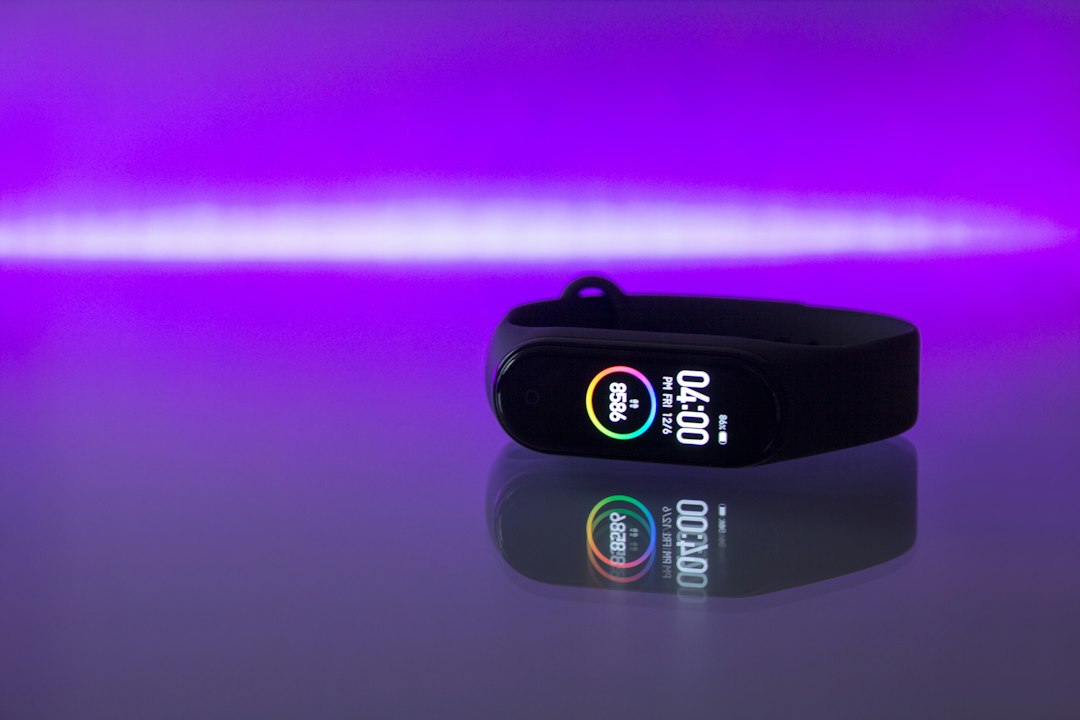
Here is the honest question I ask every Versa owner: when was the last time you installed anything? If the answer is “never” or “the week I got it,” you may not need a smartwatch at all. The Fitbit Charge 6 gives you a screen, built-in GPS, heart rate, ECG and sleep tracking in a slim band, it uses the same Google Health app, and your entire Fitbit history stays exactly where it is. It is also the Fitbit currently getting the steadiest Black Friday discounts.
If even a screen feels like too much, Google’s new screenless Fitbit Air is the other direction. And if you are curious about the ring route, I lived with four of them for four months in my smart ring sleep tracking experiment. Rings are great for sleep and terrible for checking the time.
The Black Friday Math, and the One Watch Not to Buy
The timing works in your favor if you are going to switch. Black Friday is November 27, the gallery closes on the 28th, and Cyber Monday is the 30th. Several of these watches are already at or near their lowest prices of the year, and the sale is not even officially here.
Here is a rough snapshot of what I saw at Amazon over the weekend. Prices move daily, so treat these as a yardstick, not a promise.
- Pixel Watch 4 (45mm): about $370
- Pixel Watch 5 (41mm): about $300
- Garmin Venu 4: about $450 at its recent low
- Garmin Forerunner 70: $199 in white
- Galaxy Watch9: $379.99 list, with deals expected
- Apple Watch SE 3: $249 list, with deals expected
Before you buy any of them, pull up the price history. I walked through exactly how in my ten-minute Black Friday price check. A watch that was $299 in October and is “on sale” for $299 now is not a deal, no matter how red the banner is.
Now the warning. You will see the Sense 2 and Versa 4 on clearance this month, and some of those discounts will look great. Do not buy one. They are good hardware, but you would be paying for a smartwatch on the day its app store closes to everyone but Google. Even 9to5Google pointed out that these two probably should not still be on sale. If you want Fitbit tracking at a low price, the Charge 6 is the honest version of that purchase.

Sell It: Getting Your Data Out and a Few Dollars Back
Let me set expectations: an older Versa or Sense is not going to pay for your next watch. Used ones sell for modest amounts, and the price will only drift down as more people make the switch. Check sold listings, not asking prices, on eBay before you set a number. Still, a working watch in a drawer is worth exactly zero, and somebody out there wants a cheap tracker.
If you are selling, do it in this order.
1. Set up the new watch first. Get your replacement working and syncing before you touch the old one, so you never lose a day of data.
2. Download your data. Your history stays in your Google account, but if you are leaving Google entirely for Apple or Garmin, request a copy of your data through the account export options in the Google Health app or Google Takeout first. It can take a while to arrive, so start it early.
3. Remove the watch from your account. In the Google Health app, open the watch, scroll to the bottom and remove it. A buyer cannot set up a watch that is still tied to your account.
4. Factory reset it. Now, and only now, reset the watch from its own settings menu. This wipes your data and payment cards off the device. Be honest in your listing that third-party apps and faces cannot be reinstalled after November 28.
5. Ship it with the charger. A Fitbit without its charger is a paperweight to a buyer. Clean the band, include the cable, and pack it in a small box with some padding. The listings that include the charger and a clean band sell first.
If no one bites, look at trade-in programs from retailers and carriers during the holiday sales, and recycle it properly if all else fails. Lithium batteries do not belong in the kitchen trash.
My Decision Table
When people at the table ask me what to do, I run through the same questions. Here is that conversation in list form. Pick the first line that fits you.
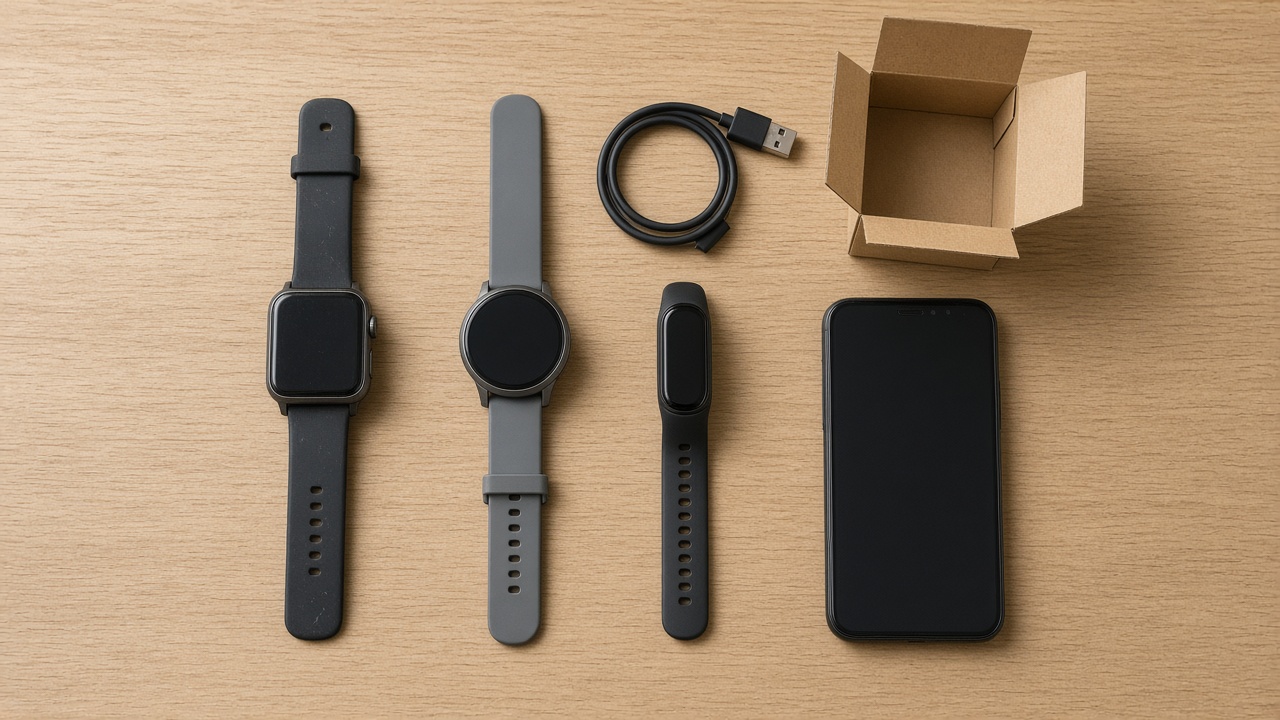
- Battery still lasts four or more days and you rarely install anything: keep it. Add the band, charger and screen protector from the Short Answer, and stop worrying about it.
- Android phone, you live in the Fitbit app: stay with Google. The current Pixel Watch at its sale price, or the newer one if you want the newest.
- Samsung phone: go Galaxy.
- iPhone: go Apple, and get used to nightly charging.
- You picked Fitbit for the battery: go Garmin. The Venu for everyday wear, the Forerunner for runners and walkers.
- Tight budget, any phone: the Amazfit pick.
- You only ever used steps, sleep and heart rate: skip the smartwatch and get the tracker.
Every one of those picks is linked in the Short Answer at the top, with the reasoning in the Switch section.
The Part Nobody Puts in the Press Release
I have watched a lot of platforms wind down over the years, and they almost never end with a switch being flipped. They end with a thousand small things that stop getting fixed. A face that showed the weather now shows a dash. An app that synced your golf rounds stops syncing. The watch itself keeps going, so you keep wearing it, and one day you realize you have not looked at it in a week.
That is why I like making the call on purpose, this month, with real prices in front of you. Run the fifteen-minute audit, install the faces you care about, and do not factory reset anything you plan to keep. If the watch still fits your life, keep it and spend twenty dollars making it last. If it does not, pick a replacement by the phone in your pocket, check the price history, and buy it before Cyber Monday ends. Either way, you will not be scrolling the gallery at midnight on the 27th wondering what happens next.
My old Versa 3 is going back in the drawer with its one favorite face installed and a note on it: do not reset. It earned that much.