
Every November my inbox fills up with the same question in a dozen different outfits: “Should I wait for the Switch 2 to go on sale?” This year I can answer it in one breath. Nintendo raised the U.S. price of the standalone Switch 2 from $449.99 to $499.99 on September 1, and the two holiday bundles were priced off that higher number. Nobody serious expects Nintendo to cut the console itself for Black Friday on November 27. The bundles are the deal, and the bundles are the only deal.
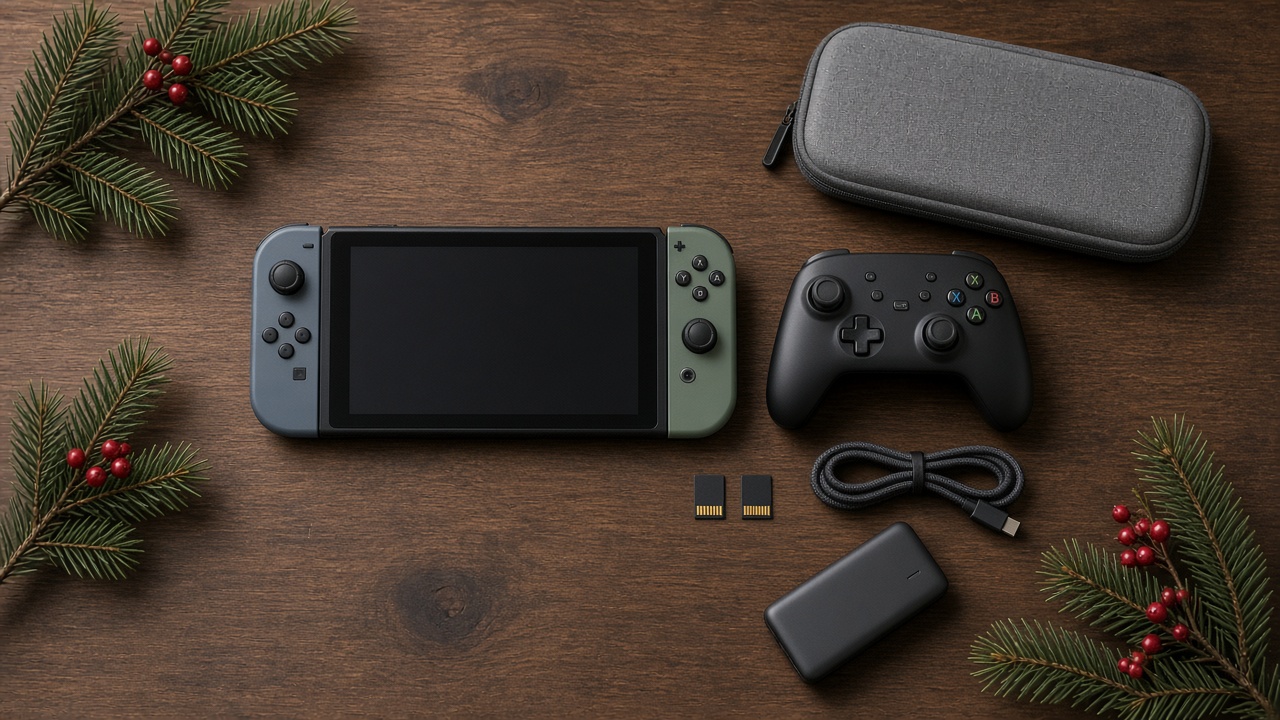
That changes where the smart money goes. If the box costs what it costs, the real decisions sit in the bag next to it: the storage card, the second controller, the case, the power bank, and whether a camera for GameChat is a gift or a drawer-filler. My team and I spent the last week pricing every add-on that matters, reading the early Black Friday listings, and checking what actually works with the Switch 2, because a surprising number of “compatible” accessories on store shelves were built for the original Switch and quietly fail at the one thing you bought them for.
I have bought, broken, and returned more console accessories than I care to admit over 25 years. Here is the short version of what I would spend on this season, followed by the reasoning, so you can adjust it for your own household.
The Short List, If You Only Have a Minute
These are the add-ons I would actually put under the tree with a new Switch 2, in the order I would buy them.
- Storage, first and always: the Samsung P9 256GB microSD Express Card. It doubles the console’s space and has been dipping under fifty dollars.
- The controller that ends the thumb cramps: the Nintendo Switch 2 Pro Controller, for the person who plays docked more than an hour at a time.
- The budget second player: the PowerA Wired Controller for Nintendo Switch 2, for little siblings and visiting cousins.
- Protection for the screen: an amFilm Tempered Glass Screen Protector for Switch 2, applied on day one, before anyone gets sticky fingers on the glass.
- A case that survives a backpack: the tomtoc Slim Carrying Case for Nintendo Switch 2.
- Power for the long drive: the Anker Zolo 20,000mAh 30W Power Bank.
If your household already owns a pile of original Switch Pro Controllers and the new console is mostly going to live under the TV, you can skip most of the controller spending. Start with storage and a screen protector, and wait to see what your family actually complains about by New Year’s.
Why the Console Price Is Not the Number to Watch
Nintendo’s own holiday math tells you most of what you need to know. The Switch 2 plus Mario Kart World bundle is $549.99 and includes a full download of the game and a three-month Nintendo Switch Online membership; Nintendo pegs the savings at $37.98 compared with buying the pieces separately. The Switch 2 plus Nintendo Switch Sports Resort bundle, which arrived October 22, is $529.99 with the same three-month membership and a smaller $27.98 saving.
Those are not big numbers, but they are real, and they are about the only discount on the hardware you are likely to see. In past years Nintendo’s own Black Friday sale has started in mid-November and focused on games, not consoles. Retailers have been creative with gift cards and store credit, and refurbished units have popped up at Amazon’s sister site Woot, but a straight price cut on a new console would surprise me. The memory crunch that pushed Nintendo’s price up is the same one I wrote about when I looked at getting a PS5 ready for GTA VI, and it is not letting go before Christmas.
So pick the bundle based on the game, not the savings. Mario Kart World is the better all-ages pick and it is the game everyone at Thanksgiving will want to try. Sports Resort is the better pick for a household that wants to get off the couch, or for grandparents who loved the original Wii bowling. Either way, budget roughly another $100 to $200 for accessories. That is where this season’s real choices live.
Storage Comes First, and Only One Kind of Card Works
This is the single most important thing to understand before you buy anything else. The Switch 2 ships with 256GB of internal storage, part of which the system reserves for itself. Big first-party games eat that quickly; Mario Kart World alone takes more than 20GB, and third-party ports of large console games can be several times that. A family that buys three or four big titles over the holidays will hit the wall by February.
The catch is that the Switch 2 only runs games from microSD Express cards. Not regular microSD. Not the fast “A2” card you bought for the original Switch. The older cards can still be read to copy over screenshots and videos, but you cannot play a game from one. Express cards use a faster interface, and the console simply refuses anything slower. Every year someone finds this out at 7 a.m. on Christmas morning, and I would rather it not be you.
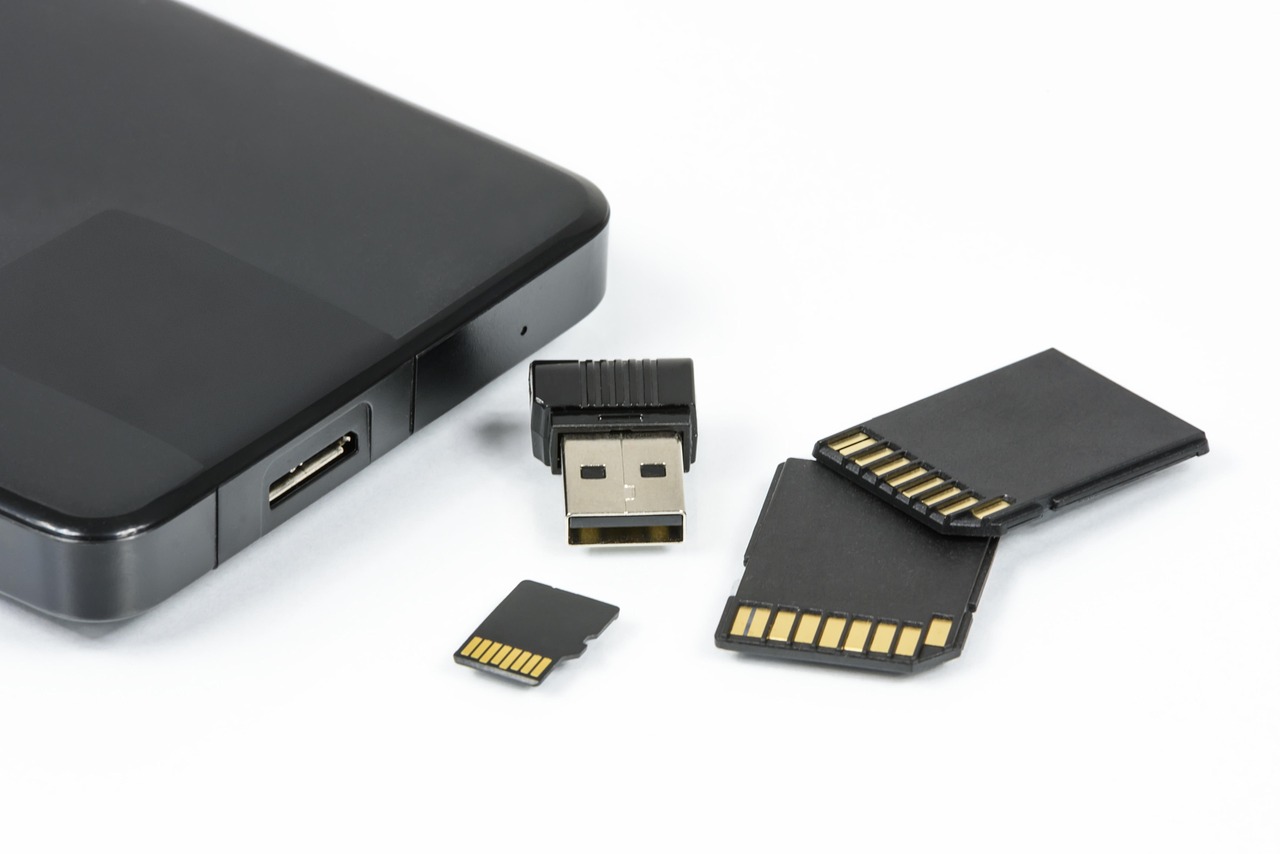
Look for the “microSD Express” wording and the small “EX” marking on the packaging, and buy from the manufacturer’s own storefront or a major retailer, not a mystery marketplace seller. The Samsung P9 256GB microSD Express Card has been the value pick this fall; the 256GB version has been listed under $50 during early sales, down from roughly $80 at its usual price. SanDisk sells an officially licensed alternative, the SanDisk 256GB microSD Express Card for Nintendo Switch 2, which tends to cost a bit more for the Nintendo branding. Performance between the two is close enough that I would buy whichever is cheaper the day you shop.
How much do you need? My rule of thumb for a family console: if you mostly buy physical game cards, 256GB of extra space is plenty for years, because cartridges keep the bulk of their data on the card. If you buy digitally, or if a teenager is going to be grabbing every eShop sale, step up to the Samsung P9 512GB microSD Express Card. The 512GB tier has been running around $95 to $100 at its best prices this fall, which works out cheaper per gigabyte than the smaller card at full price. I would not go above 512GB this year; prices for the 1TB cards are still inflated by the same NAND shortage driving up SSDs.
Docked Play Changes the Controller Question
The Joy-Con 2 controllers that come in the box are genuinely better than the originals. They attach magnetically, they feel sturdier, and they double as a mouse in games that support it. They are also small. Hand one to an adult for a two-hour Mario Kart session on the TV and you will hear about it.
If someone in your house plays docked more than an hour at a time, the Nintendo Switch 2 Pro Controller is the best accessory money can buy for this console. It adds two programmable rear buttons, a dedicated button for GameChat, improved rumble, and a 3.5mm headphone jack, which matters more than it sounds once the house gets loud. Its list price is $84.99, which stings, and one early Woot coupon that knocked it into the high sixties expired at the start of November. I would watch for it in the Black Friday listings, but I would not skip it just to save twenty dollars.
One detail trips people up: the new Pro Controller does not work with the original Switch. If your family is keeping the old console for a younger child, the old Pro Controller works on both machines, while the new one only works on the new one. That alone might decide which one you buy.
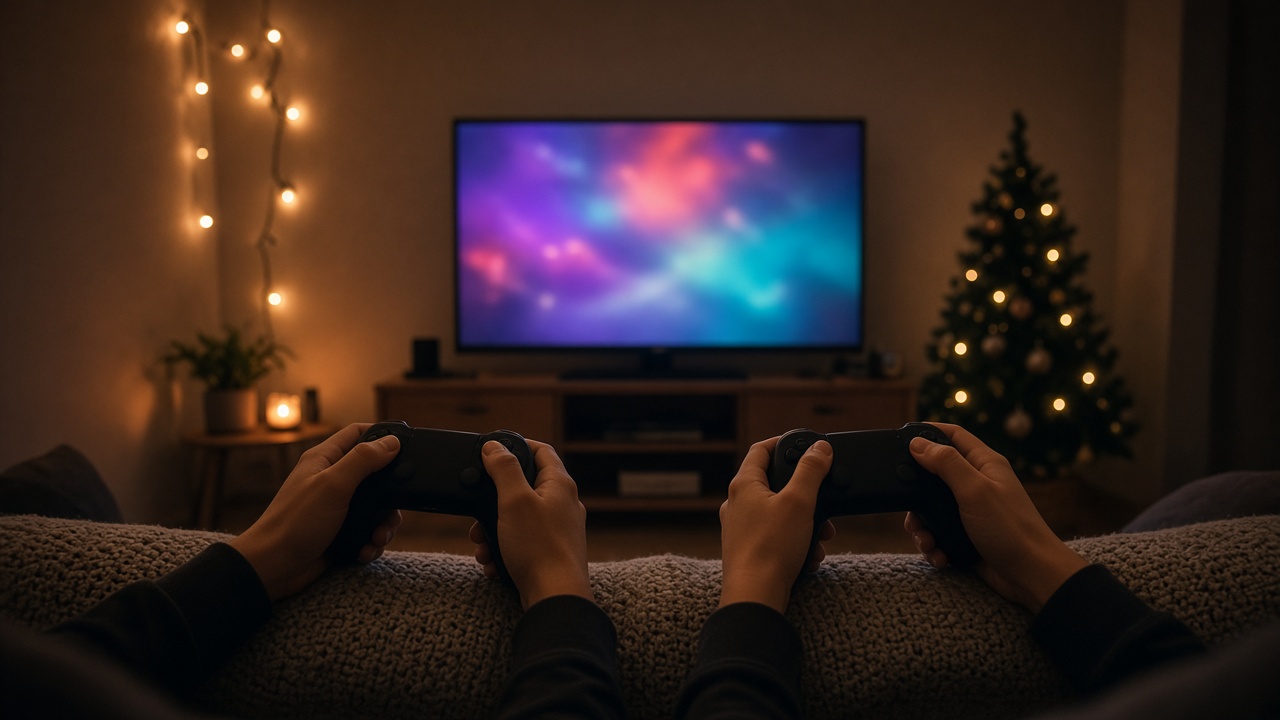
For the second, third, and fourth players, I would not pay Pro prices. The PowerA Wired Controller for Nintendo Switch 2 is the sort of controller I like handing to kids: wired, so there is no battery to die halfway through a race, cheap enough that a cracked one is not a tragedy, and licensed, so it shows up correctly in the system menus. Make sure the listing says Switch 2 specifically; many third-party pads on the shelf were built for the original console and lack the new GameChat button, or need a firmware update to pair at all.
If your family is sticking with the included Joy-Con 2 pair, consider the Joy-Con 2 Charging Grip. The basic grip in the box holds the controllers but does not charge them. The charging version lets you play while the Joy-Cons top up, which ends the “my controller died” interruptions during long docked sessions. At around $35 it is the cheapest way to make the stock controllers feel less temporary.
GameChat, Cameras, and the Headset Nobody Asks For
GameChat is the Switch 2 feature I expected to ignore and ended up liking. It lets friends voice chat, share their game screens, and, with a USB camera, see each other while they play. For kids who live in a different state from their grandparents or cousins, it is a sweeter use of a game console than it has any right to be.
The Nintendo Switch 2 Camera is the official route. It clips to the top of the TV, plugs into the dock, and just works, with no guessing about drivers or resolution. You can use some generic USB webcams too, but this is one place I would pay a little more for the sure thing, because nothing kills a holiday call faster than a camera that refuses to show up in the menu. Keep in mind that GameChat requires a Nintendo Switch Online membership, so the camera alone is not the whole gift.
As for headsets: do not overthink this one. The console’s built-in microphone handles casual chat well, and the Pro Controller’s headphone jack means any decent pair of wired headphones you already own will work. I would rather spend the money on the membership than on a branded “gaming” headset that does nothing a $20 pair of earbuds can’t do here.
The Membership Is the Gift That Keeps the Console Busy
Both holiday bundles include three months of Nintendo Switch Online. That runs out around the end of February, right when the novelty of the new console wears off and the family starts asking why online races stopped working. Plan for it now.
The Nintendo Switch Online 12-Month Family Membership covers up to eight Nintendo Accounts, which makes it a far better deal than individual plans for any household with more than one player. It unlocks online play, GameChat, cloud saves, and the library of classic games. It is also the rare digital gift that grandparents can buy without needing to know which game a kid already owns. I put this ahead of any second controller for families that plan to play online with friends.
Cables, Chargers, and the Dock You Already Own
One accessory I would not buy is a third-party dock. The Switch 2 comes with its own dock, which includes a cooling fan and handles 4K output in supported games. Original Switch docks are not a reliable substitute, and the cheap “portable docks” that flooded marketplaces after launch have a spotty track record. If you need a second TV setup, Nintendo sells its own dock set; if it feels expensive, playing handheld in the second room is a better plan than gambling on a no-name brick.
The same caution applies to charging. The Switch 2 charges over USB-C Power Delivery, and the included adapter is a good one. A random phone charger from a kitchen drawer will charge the console slowly at best, and I have seen too many bargain bricks lie about their wattage. The rule is simple: buy from a brand that publishes its specs, and use a cable rated for the power you need.
Power for the Road, and a Case That Earns Its Keep
The Switch 2’s battery is fine, not great. Depending on the game, you are looking at roughly two to six and a half hours of handheld play, and graphically demanding games land at the low end. That is enough for a short flight and not enough for a Thanksgiving drive across three states.
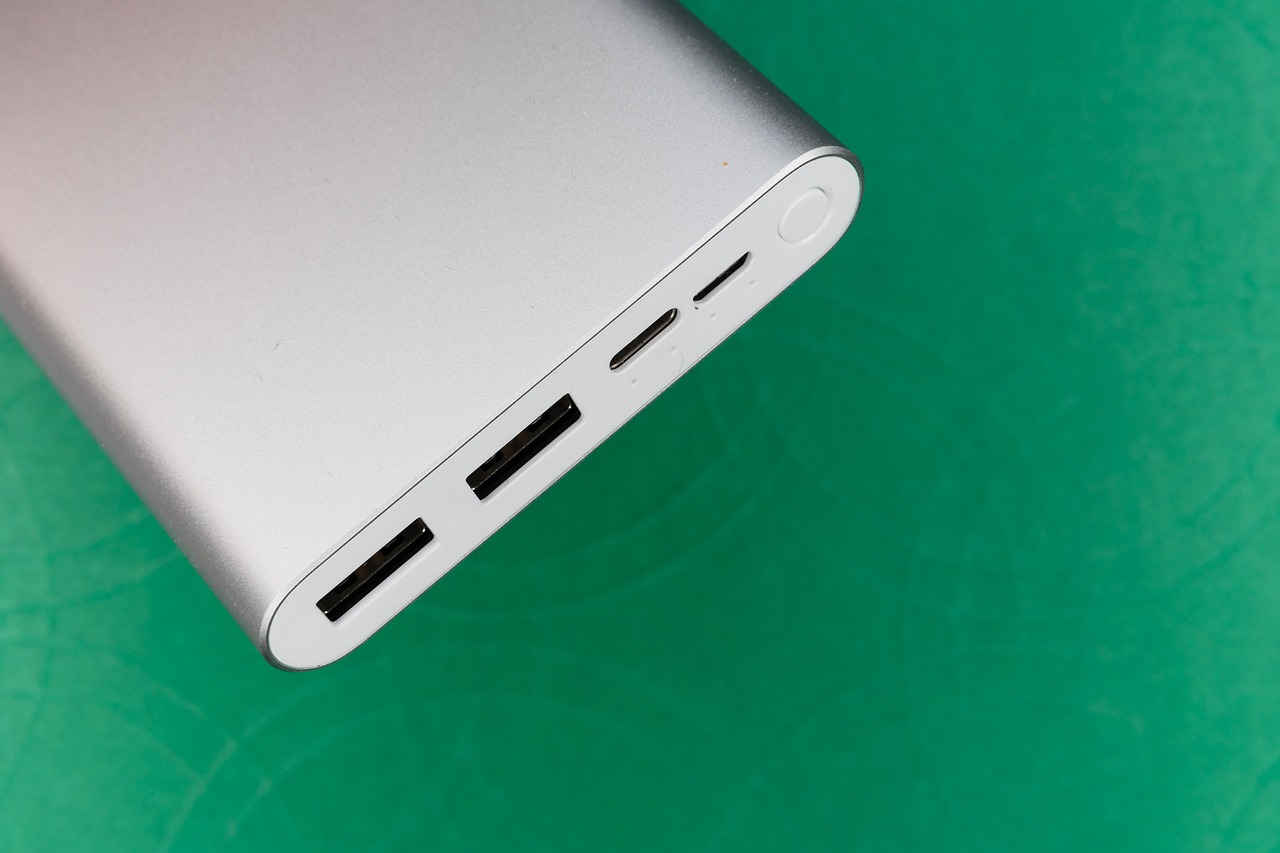
For travel, I like a 20,000mAh bank with at least 30W USB-C output. The Anker Zolo 20,000mAh 30W Power Bank hits that mark at a reasonable price and still fits in a coat pocket. It will refill the console more than once and still have room for a phone. If you want a deeper dive on capacity, ports, and airline rules, my power bank roundup covers the full range.
Now the case. The Switch 2’s 7.9-inch screen is bigger than the original’s, so old Switch cases do not fit, no matter what the marketplace listing claims. The tomtoc Slim Carrying Case for Nintendo Switch 2 is the one I would put in a kid’s backpack: a hard shell, a molded interior so the console does not slide around, and slots for game cards. Pair it with the amFilm Tempered Glass Screen Protector for Switch 2 and apply it before the first game is played. A tempered glass protector is the cheapest insurance you can buy for a $500 handheld, and it is far easier to install on a clean, new screen than on one that has already been through a road trip.
If your family is traveling for the holidays, pack the console, case, power bank, and a short USB-C cable in the same pouch, and download games and updates before you leave home. Hotel and airport Wi-Fi are terrible for multi-gigabyte downloads. My colleague on the travel side has an hour-by-hour plan for driving to Thanksgiving that pairs nicely with a fully charged handheld in the back seat.
Matching the Bundle and the Add-Ons to Your Household
Not every family needs the full list. Here is how I would split the budget, based on who is actually going to play.
One kid, mostly handheld: the Mario Kart World bundle, a 256GB Express card, a screen protector, and a case. That is about $650 all in and covers everything a single player will run into this winter. For the bigger picture on limiting screen time without turning it into a fight, I laid out a plan in the stack that gets a tablet put down, and the Switch 2’s parental controls app fits the same approach.
A family that plays together on the TV: either bundle, the Pro Controller for the grown-up who plays most, one or two wired PowerA pads for everyone else, and the family Switch Online membership. Add the camera if grandparents live far away. Budget roughly $750 to $800.
The teenager or adult who buys digital games: skip the extra controllers, go straight to the 512GB card, and add the Pro Controller and a power bank. Storage is the thing this player will regret skimping on.
The PC gamer weighing a handheld: if you mainly want big third-party games on the go, compare carefully with the Windows and SteamOS handhelds I covered in every handheld I would actually buy now. The Switch 2 wins on Nintendo exclusives and family play; a PC handheld wins on game library and price per game.
When to Buy, and What to Ignore
Here is my timing advice. Storage cards and screen protectors are worth buying now if you see a good price; they are not going to get dramatically cheaper, and you want them on hand when the console is unboxed. Controllers and cases are worth watching through Black Friday on November 27 and Cyber Monday on November 30, when accessory discounts are most common. The membership is worth buying anytime, but buy it before the bundle’s three months run out, not after.
Ignore anything that promises “Switch 2 compatible” without naming the model, any dock that costs less than a pizza, and any microSD card that does not say Express in big letters. Ignore the bundles from third-party sellers that pile a dozen cheap accessories into one box; half of it will be built for the original Switch.
And ignore the voice in your head telling you to wait for the console to go on sale. It is not going to. Buy the bundle with the game your family will actually play, put the savings into storage and a good controller, and spend the rest of the holiday playing instead of shopping. Tech should work for you, not the other way around, and a Switch 2 with the right four or five add-ons does exactly that.