
For six weeks, a glowing rectangle on my desk has been showing me the weather, the time in three time zones, a rotating gallery of pixel-art cats, and — during one ill-advised afternoon — a live Bitcoin ticker I still haven’t fully emotionally recovered from. It started as a skeptic’s assignment. My team keeps a running list of gadgets that dominate TikTok’s #desksetup hashtag, and the Divoom Times Gate had been sitting at the top of it for two months straight. I ordered one to prove it was a novelty. Instead, it quietly became the thing every visitor to my office asks about first.

Here’s the thing I didn’t expect: a pixel-art desk display is not a gadget you evaluate with benchmarks. There’s no transfer rate to chart, no dB to measure. It’s closer to evaluating a piece of furniture that happens to run firmware. So consider this less of a review and more of a field report from the vibe economy — with a few honest catches at the end that the TikToks don’t show you.
What the Times Gate Actually Is
The Divoom Times Gate ($129.99) is a desk appliance with five full-color 128×128 LCD panels arranged in a single arc. Each panel runs its own widget: a clock, a weather forecast, a stock or exchange-rate dashboard, a social-media follower counter, or a looped pixel animation. One glance, five answers. The silver version I tested looks like something a cyberpunk prop department would have rejected for being too on-the-nose, in the best possible way. There’s also a pastel pink variant that my daughter has already claimed in writing, should a second unit ever arrive.
Setup took about ten minutes: power it over USB, pair it to the Divoom app over Bluetooth and Wi-Fi, then drag widgets onto panels like you’re arranging a phone’s home screen. The weather pulls a forecast for your zip code. The finance panel can track indices, currencies, or individual tickers. The follower counter hooks into YouTube and other platforms, which is why half the creator setups on my feed have one of these running a subscriber odometer in the background.
The Vibe Economy, Quantified
Understand what this category is selling. It is 90 percent mood board, 10 percent information. That sounds dismissive, but it shouldn’t be. There’s a reason smart displays keep failing on kitchen counters while pixel displays keep selling on desks: nobody ever felt anything about a kitchen countertop computer, but a tiny animated fireplace in the corner of your vision changes the room. My editor calls it the aquarium effect — the same reason fish tanks end up in waiting rooms. A small living, moving thing in your peripheral vision lowers the temperature of an entire workspace, and unlike an aquarium, it never needs feeding or a filter change. The same desk that hosts my monitor arm experiment and the Qi2 dock that killed seven cables is a workspace I spend ten hours a day looking at — and the difference between a desk that feels like a cubicle and one that feels like a cockpit is exactly this kind of ambient personality. Pixel art is having a moment precisely because it’s warm and analog-feeling in a way that razor-thin OLED panels deliberately aren’t.
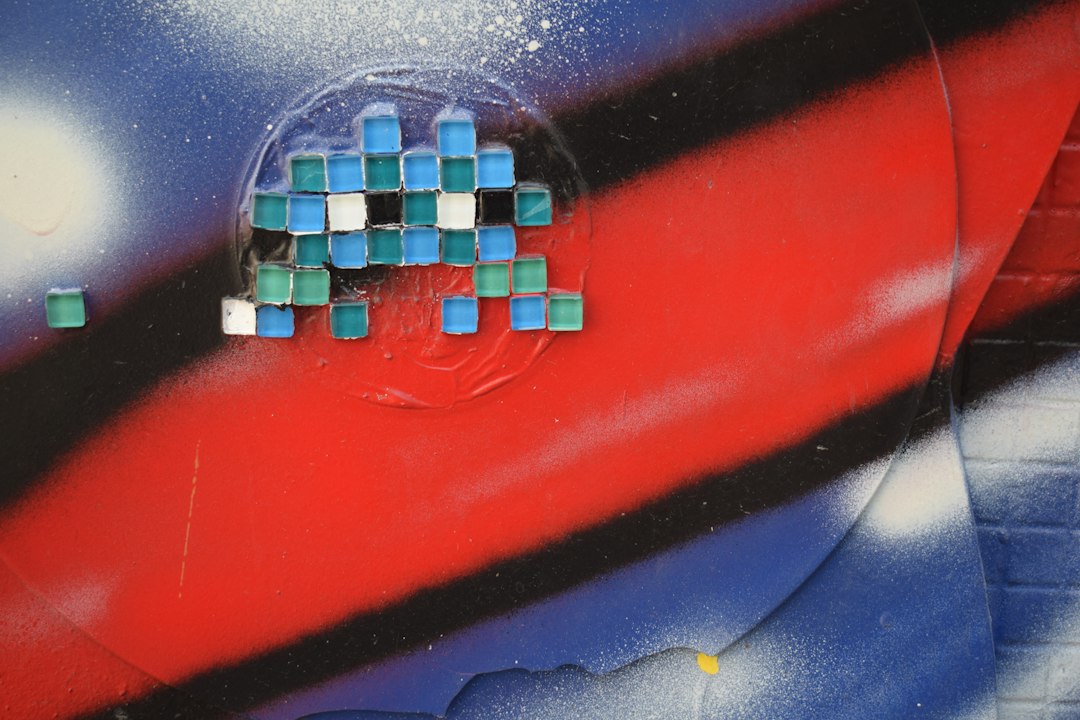
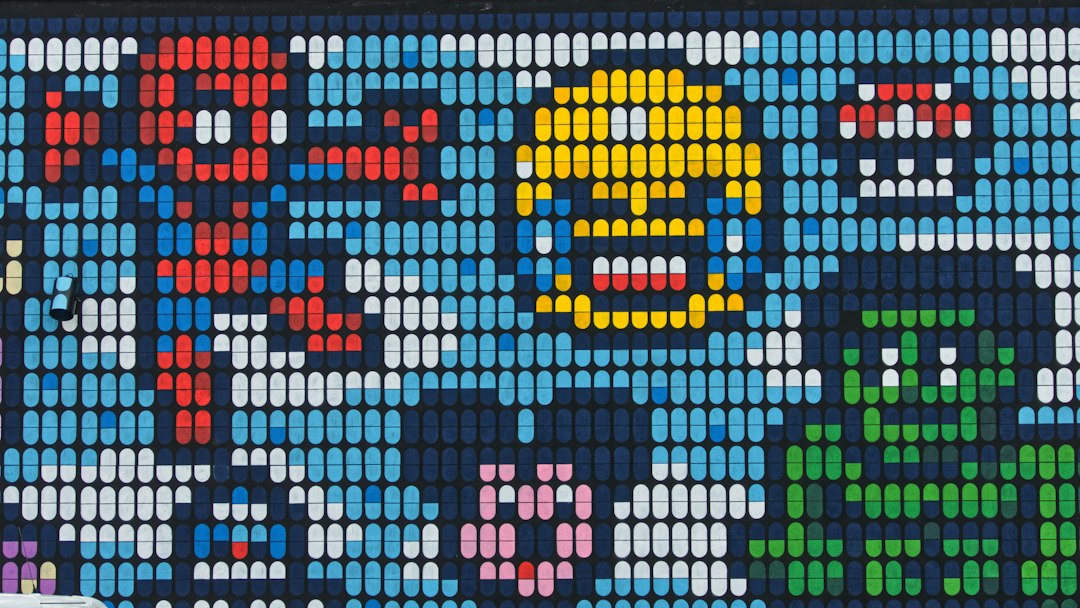
The nostalgia does heavy lifting. A 16×16 grid of chunky glowing squares reads as retro arcade, not corporate dashboard. When BGR ran a feature on the pixel-display scene last month, the comment section was full of people my age describing the same feeling: it looks like the computer you imagined owning in 1992. That’s not a spec you can put on a box, but it’s the entire product.
The Community Gallery Is the Killer Feature
Nobody buys one of these for the weather widget — and Divoom clearly knows it, because the real heart of the ecosystem is the community gallery inside the app. Thousands of user-submitted animations, sortable by category and holiday, one tap away from your desk. Someone spent hours animating a lofi raccoon spinning vinyl. Someone else recreated the boot sequence of an original Macintosh, which I have running on panel three right now and which sparks more joy than I’m comfortable admitting in print.
There’s also a full pixel editor built into the app. My youngest spent an evening drawing a custom birthday animation frame by frame, and the barrier to entry is genuinely low — 16×16 is a canvas that forgives complete lack of talent. If you’ve ever wanted a tiny creative outlet that doesn’t involve a subscription, this is one. It’s the same anti-subscription instinct that made me appreciate the battery-drawer detox so much: buy the gadget once, own the hobby forever.
Times Gate vs. Ditoo vs. Tivoo: Which One Earns the Desk Space
The lineup confuses people, so here’s the shorthand we landed on after living with all three form factors. The Times Gate is the information appliance — pure display, five panels, no speaker, best for the center of a desk or a shelf. The Divoom Ditoo (~$80) is the desk companion: a 16×16 screen on the front of an adorable retro-computer body, with a 15W Bluetooth speaker, white noise machine, alarm, and actual mini games playable on its clicky little keys. If the Times Gate is your dashboard, the Ditoo is your desk pet. It’s the one I’d gift a teenager or a coder with a sense of humor.
The Tivoo 2 (~$60) splits the difference: pixel display, FM radio, and a battery inside so it can roam the house — kitchen counter duty during dinner, nightstand shift after. The cream-colored version genuinely looks like a vintage radio, which wins it permanent counter placement in a way no glossy black gadget ever has. And if even $60 is more than the joke budget allows, the MiniToo shrinks the retro-PC speaker idea into a stocking-stuffer with a DIY pixel face. The whole family shares one app and one gallery, which matters if this turns into a collection.
The Pixoo 64: Wall Art Disguised as Hardware
One more branch of the family deserves its own paragraph. The Pixoo 64 is a 64×64 WiFi pixel frame — think digital picture frame, except the pictures are animated sprites, sports scores, or a follower counter mounted on the wall behind your streaming chair. Dual-band WiFi on the current version means it stays connected reliably, which was the older model’s biggest complaint. Of everything here, this is the one with actual small-business utility; I’ve seen two coffee shops running their daily specials on one. For pure desk use it’s overkill. For a shelf or wall in camera frame, nothing else in this price class does it.
Pairing It With Light: The Full Mood Board
If the pixel display is the star, lighting is the supporting cast that makes the whole scene read correctly in photos and at 9 p.m. alike. The pairing you’ll see on every serious setup is a Govee RGBIC neon rope light bent along the back edge of the desk. The diffused glow eliminates the harsh ceiling-light look, and because the rope can display multiple colors at once, you can actually match it to whatever animation is running on the pixel panels.
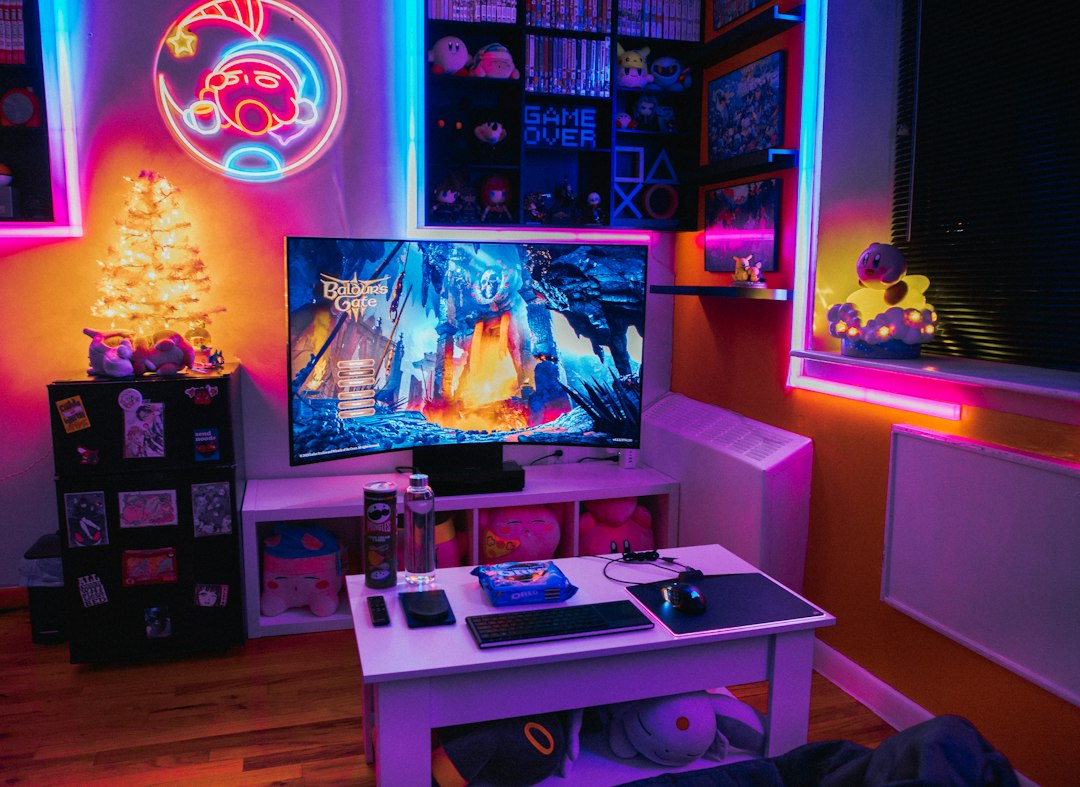
Measure before you buy, because the 10-foot rope covers a standard desk and not much more. For an L-shaped battlestation or a desk plus shelf, the 16.4-foot version is the one that reaches. And keep the desk surface itself calm — one glowing display plus one light source reads intentional. Three RGB sources fighting each other reads like a frat house lobby, and no amount of community gallery curation will fix that.
The Honest Catch List
Now the fine print, because there is real fine print. First, the Times Gate has no battery — it’s a USB-powered appliance that needs a port, so factor that into your cable situation. Second, brightness management matters if this lives in a bedroom; the app supports schedules and dimming, and you’ll want both, because five glowing panels in a dark room are five glowing panels in a dark room. Third, the weather and finance data come through app-fed services — good enough for glances, not a replacement for a proper weather station. Fourth, the app is functional but occasionally quirky; the first firmware update fixed my only real complaint (a widget that refused to stick to its assigned panel), but expect a small learning curve.
Fifth, and this matters for the Ditoo especially: the speaker is a bonus, not a hi-fi. Fifteen watts from a happy little retro computer is genuinely charming for lofi and podcasts, and the white noise function is better than it has any right to be. Nobody at Divoom is claiming it replaces an actual audio setup, and you shouldn’t either.
Who Should Save Their Money
If you need precise environmental data, buy a real weather station or the air quality monitor that fixed my afternoon brain fog — this is not that instrument, and I’ve covered the difference in depth. If you’re outfitting a desk purely for productivity, the money goes further in a monitor arm or a proper charging dock first. The pixel display is a want, not a need, and pretending otherwise would be dishonest.
But as wants go, it’s a durable one. Six weeks in, none of the novelty has worn off for me or, more tellingly, for anyone who sits down at my desk. With Q4 gift season approaching, I’ll make the call now: this is the gadget that’s going to be on half the gift guides and under a lot of trees, and the full pixel-display lineup spans stocking-stuffer to showpiece price points without a bad pick in the range. Buy the one that matches your desk, load the gallery, and let a raccoon spin vinyl next to your second monitor. Your 1992 self already approved.
