

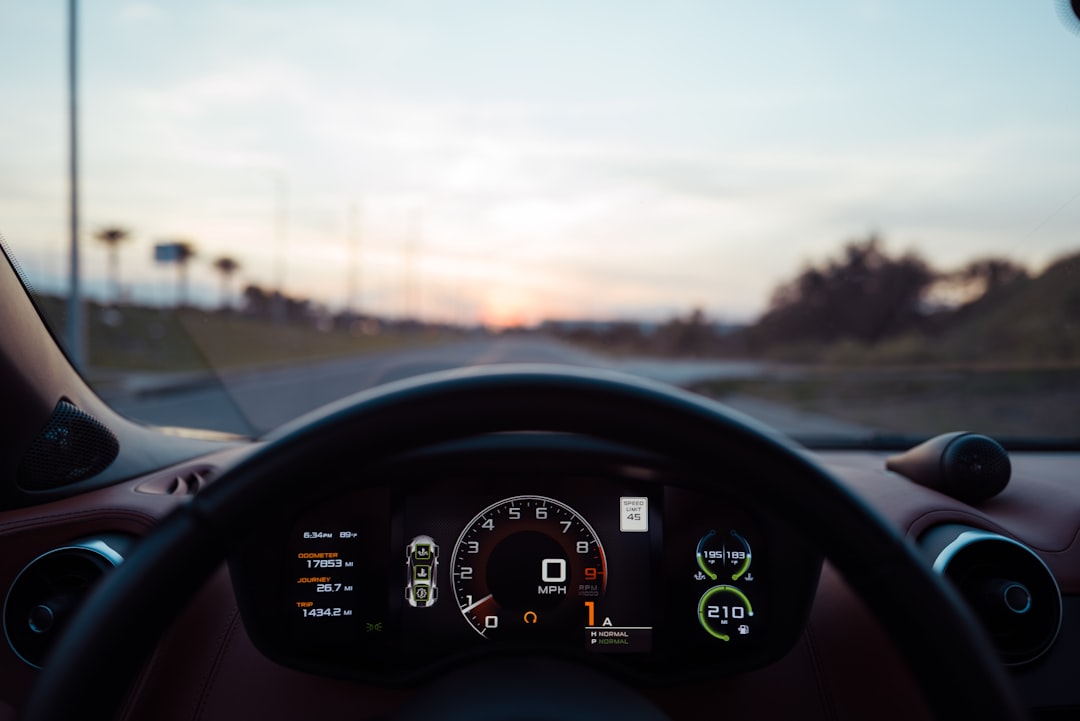
My 2015 Accord has a CD player. It has a 3.5mm auxiliary jack that I actually used to use. And until six months ago, the most advanced piece of technology in the center stack was a Bluetooth module so bad that calls sounded like I was broadcasting from inside a tin can at the bottom of a swimming pool. Meanwhile, my buddy picks up a 2026 lease with wireless CarPlay, and suddenly his decade-newer dashboard isn’t doing anything mine can’t do — once I spent ninety-nine bucks and about nine seconds of patience.
That’s not clickbait. Wireless CarPlay and Android Auto adapters are the most consequential car tech upgrade nobody talks about. They take any vehicle that already has wired CarPlay or Android Auto and cut the cord, turning your phone into the brain of your infotainment system without a single wire, mount modification, or trip to the dealer. After testing five adapters across two vehicles over six months, I’m convinced this is the highest-impact hundred dollars you can spend on an older car.
What These Little Boxes Actually Do
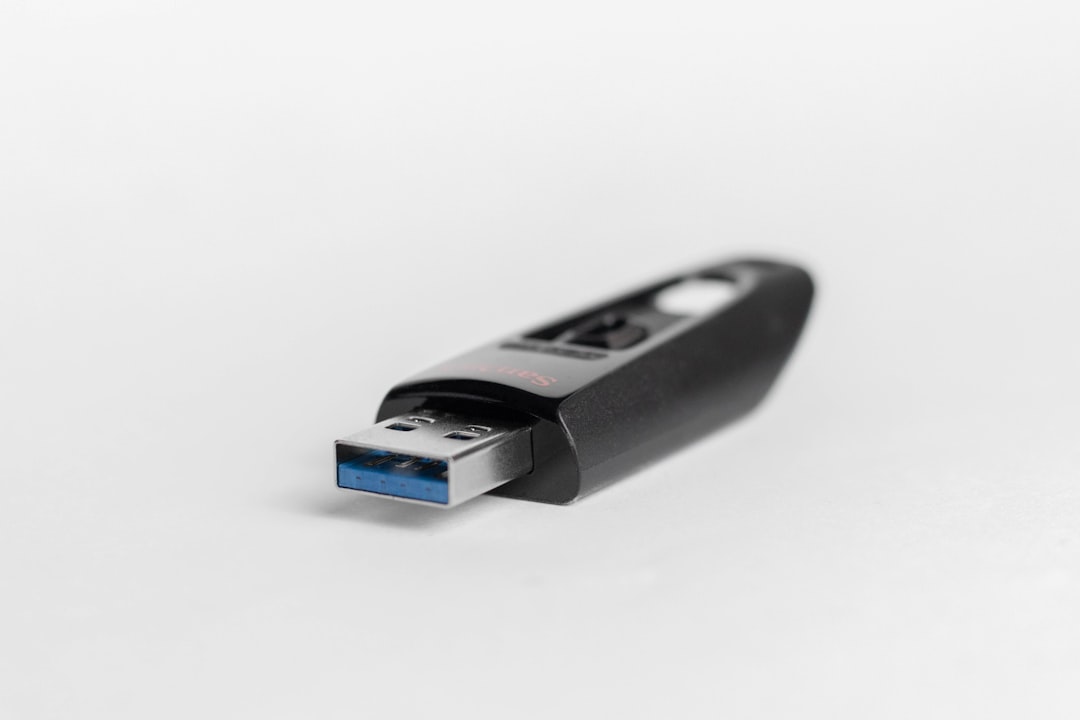
The concept is almost insultingly simple. If your car already supports wired CarPlay or Android Auto (and most vehicles from 2016 onward do, even base trims), you plug a small USB dongle into the port your phone cable normally goes into. The dongle pairs with your phone over Bluetooth, establishes a Wi-Fi Direct connection, and then feeds CarPlay or Android Auto to your factory screen wirelessly. Your car’s head unit doesn’t know the difference. It thinks a phone is still plugged in via USB. The adapter handles all the translation invisibly.
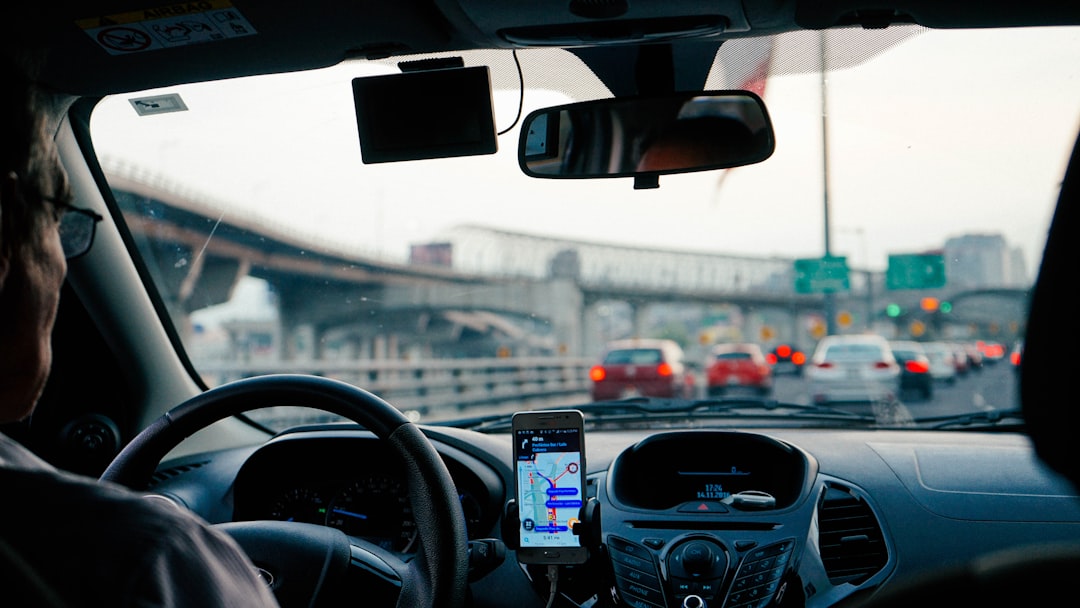
The result? You start the car, your phone stays in your pocket, and within seven to fifteen seconds, CarPlay or Android Auto appears on your dashboard screen. Navigation, music, podcasts, audiobooks, messages, phone calls — all running through your factory speakers and display, no cable required. It pairs naturally with a solid power bank setup for road trips where you want everything charged and ready. It’s the exact experience new-car buyers pay a $4,000 technology package premium for, and it costs less than a decent dinner.
Not every adapter is created worth recommending, though. Some are plagued by connection drops, audio glitches, and boot times that make you question whether plugging in a cable was really so bad. I tested five adapters ranging from $55 to $129, across a 2015 Accord with factory wired CarPlay and a 2018 CR-V with wired Android Auto, and the differences were genuinely surprising.
The One I Actually Recommend: CarlinKit 5.0 2air
After six months of daily use, the CarlinKit 5.0 2air is the adapter that stayed permanently plugged into both vehicles I tested. At roughly $99 (pricing fluctuates with Amazon’s mood), it handles both CarPlay and Android Auto on the same unit — critical if you share a car with someone on a different platform. My partner uses an iPhone, I use Android, and the 2air seamlessly switches between us based on whoever’s phone is closer to the dongle when the engine turns over.
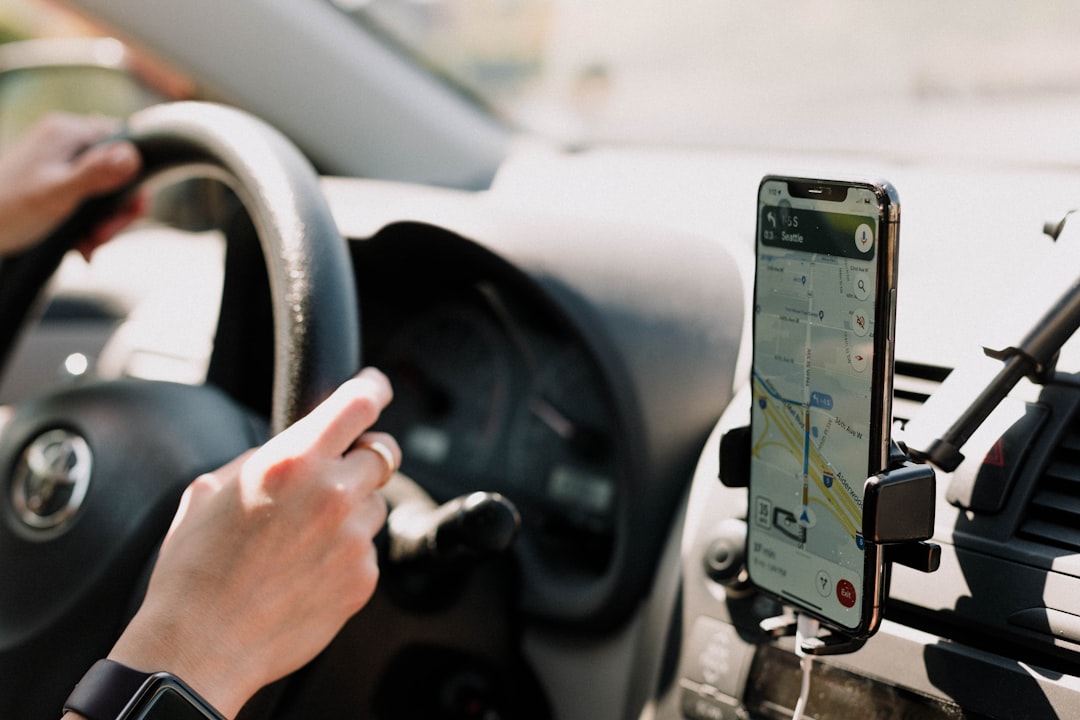
Boot time averages about eight seconds from engine start to CarPlay appearing on screen. Not instant, but once it connects, the connection is rock-solid. In six months of daily commuting, I’ve had exactly two dropouts, both in the same underground parking garage where my phone also loses LTE — so that’s a phone signal issue, not an adapter issue. Audio quality through the factory system is indistinguishable from wired. There is zero perceptible lag on navigation, music playback, or phone calls.
The build quality is the part that surprised me most. The CarlinKit 5.0 is roughly the size of a matchbox, weighs almost nothing, and has a satisfying matte finish that doesn’t look cheap in a dashboard cubby. It comes with both USB-A and USB-C cables in the box, which matters because car manufacturers couldn’t agree on a port standard for a solid decade. If your car has the older square USB-A port, the CarlinKit has you covered. If it has the newer oval USB-C port, same deal.
The Premium Pick: Ottocast Mini Cube 3.0
If you want the absolute fastest boot times I measured, the Ottocast Mini Cube 3.0 connects in about five seconds — noticeably quicker than the CarlinKit. It’s the newest 2026 model from Ottocast, a company that has been making these adapters longer than most, and it shows in the firmware polish. The initial pairing process is slightly more guided than the CarlinKit, with clearer on-screen instructions.
The trade-off is price. The Mini Cube 3.0 typically runs around $119-129, putting it at the top of the adapter market. Is four fewer seconds of boot time worth $30 more? For most people, no. But if you’re the type who gets genuinely irritated by that brief moment between starting the car and seeing your map appear, the Ottocast delivers the snappiest experience I’ve tested. It also supports both CarPlay and Android Auto, and handles dual-phone households gracefully.
One area where Ottocast pulls ahead is update frequency. Their companion app pushes firmware updates roughly every 4-6 weeks, and I’ve seen genuine improvements in connection stability over the five months I’ve had it. CarlinKit updates too, but less frequently. Both are far better than the budget no-name adapters that never see a single firmware revision after leaving the factory.
The Budget Option: CarlinKit Mini SE
Not everyone needs dual-platform support or sub-five-second boot times. If you just want to cut the cord without spending triple digits, the CarlinKit Mini SE gets you there for around $55-65. It’s CarPlay-only (no Android Auto), boot times are closer to twelve seconds, and the build quality feels exactly like what you’d expect for half the price of the 5.0. But once it connects, the experience is perfectly fine.
I recommended this exact adapter to my brother, who drives a 2017 Camry and has never once cared about Android Auto. His take after three months: “It works.” That’s his complete review, and honestly, for a $55 car tech purchase, that’s a five-star endorsement. The Mini SE won’t impress anyone at a car meet, but it will reliably put CarPlay on your screen without a cable every time you start the engine.
The Android-Only Pick: Motorola MA1
If you’re exclusively on Android and want the closest thing to a factory-faithful experience, the Motorola MA1 is the only Google-authorized wireless Android Auto adapter on the market. That authorization matters — it means Motorola worked directly with Google on the protocol implementation, and in my testing, it showed. The MA1 connects with that same “just works” quality you expect from a first-party accessory.
The MA1 is Android Auto only. No CarPlay. So if anyone with an iPhone ever rides shotgun and wants to DJ, they’re out of luck unless you keep a separate cable around. At around $90, it’s priced competitively with the CarlinKit 5.0, but with half the platform support. I’d only recommend it if you are absolutely certain no iPhone will ever need to connect to your car. For mixed-phone households, the CarlinKit 5.0 2air or Ottocast remain the better picks.
The Accessories That Make or Break the Setup
Here’s what the adapter reviews don’t tell you: the dongle is only half the equation. The supporting cast matters just as much for a clean wireless CarPlay experience.
The Charger Situation
Your adapter draws power constantly while the car is running. Plugging it into a wimpy USB port is a recipe for slow charging and intermittent adapter power. The solution is a dedicated high-output charger in your 12V outlet. I use the Anker 167.5W three-port car charger in my Accord, and it’s been flawless. Three ports means one for the adapter (via USB-C to USB-A cable), one for my phone on the mount, and one for a passenger. At 167.5 watts total output, nothing ever charges slowly.
For a budget alternative, the LISEN 90W car charger handles the essentials at about half the price. Two ports is enough for adapter plus phone, and 90 watts is more than sufficient for simultaneous fast charging.
The Phone Mount
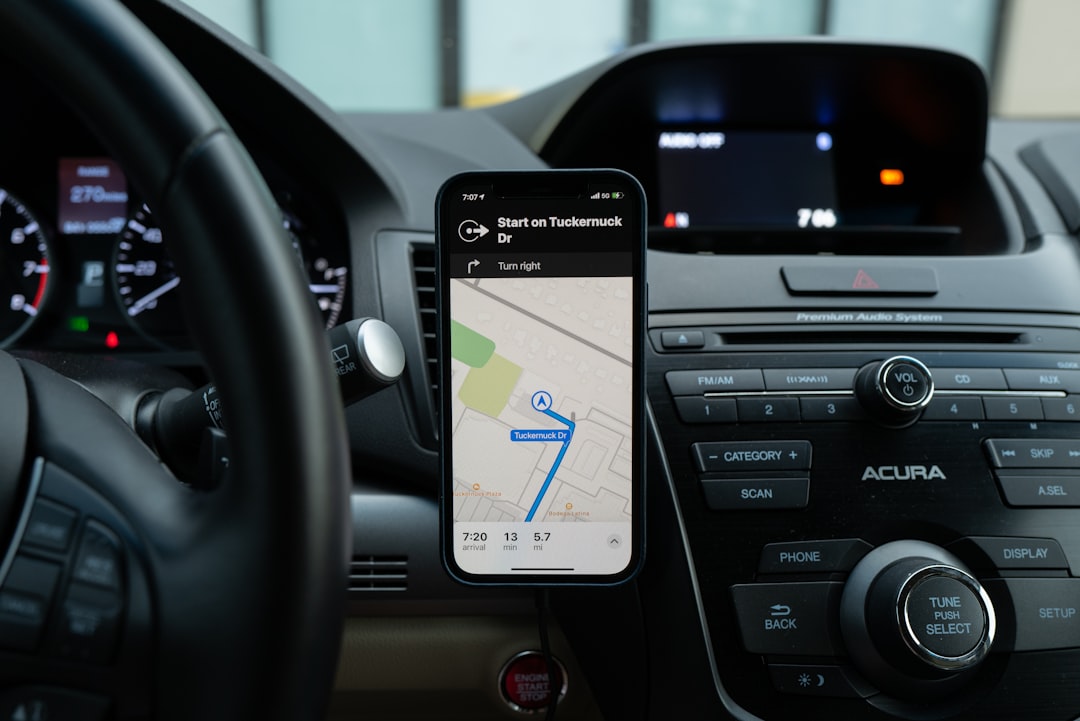
Wireless CarPlay means your phone is free, but it still needs a home. A MagSafe-compatible magnetic mount is the cleanest solution for iPhone users — your phone snaps on, charges, and stays visible for the occasional glance at Waze’s actual map view versus the CarPlay projection. For Android phones without MagSafe, a quality Scosche magnetic mount with the included metal plate stuck inside your case works just as well.
The Cable (Yes, You Still Need One)
The adapter comes with cables, but the included USB cables tend to be thin and short. I replaced mine with a braided Anker USB-C cable that reaches from the 12V charger to the adapter without strain. Cable quality directly affects power delivery to the adapter, and a flaky cable is the number one cause of mysterious CarPlay dropouts that people wrongly blame on the adapter itself.
For cars without USB but with a 3.5mm auxiliary input, a quality aux cable from Syncwire is still the cleanest audio path — if your adapter supports analog audio out. Most modern ones are USB-only, but some older vehicles can benefit from the wired aux approach as a backup.
What Six Months of Daily Use Taught Me
The biggest surprise was how quickly going cable-free stops feeling like a luxury and starts feeling like a necessity. Within two weeks, I stopped reaching for my phone when I got in the car, the same way I stopped fumbling with USB-C dongles once I found the right hub for my desk. Within a month, the idea of physically plugging in felt like a chore. Now, when I drive a rental car that requires a wired connection, it genuinely irritates me. The cable gets in the way of the cupholders. The phone slides around the center console. It feels primitive.

The second surprise was how much more I use CarPlay when it’s wireless. With wired CarPlay, I’d often skip connecting for short trips — five minutes to the grocery store wasn’t worth fishing out the cable. With wireless, CarPlay is just always there. Every trip, no matter how short, gets navigation, music, and hands-free texting. Combined with a decent smartwatch on your wrist, your phone genuinely never needs to leave your pocket. That safety improvement alone — eyes on the road instead of on my phone — is worth the price of admission.
The third lesson was about phone battery. Wireless CarPlay uses more phone battery than wired (roughly 8-12% per hour of driving in my testing, versus near-zero drain when wired because the phone charges simultaneously). That’s why a quality mount with built-in charging is part of the system, not an optional add-on. If your phone is on a MagSafe mount getting topped up while the adapter handles CarPlay wirelessly, you arrive at your destination with more battery than you started with. Problem solved.
Real Problems Worth Knowing About
I’m not going to pretend the experience is flawless. Here are the genuine downsides after six months:
Initial pairing friction: The first time you set up any of these adapters, there’s a sequence of Bluetooth pairing, Wi-Fi confirmation, and CarPlay trust prompts that takes about three minutes. It’s a one-time process, but it’s not as simple as plugging in a cable. My partner needed verbal walkthrough assistance the first time, and she’s more tech-literate than most.
Boot delay: That 5-12 second delay from engine start to CarPlay appearing is noticeable. You start the car, put it in gear, pull out of the parking spot, and only then does your map appear. With wired CarPlay, it’s instant. You adapt quickly, but it’s a real difference.
Firmware updates: All of these adapters benefit from firmware updates that fix bugs and improve performance. But applying those updates requires downloading a companion app, connecting your phone to the adapter’s update mode, and waiting. It’s not painful, but it’s maintenance you don’t have with a dumb cable.
Vehicle compatibility isn’t universal: These adapters only work if your car already has wired CarPlay or Android Auto. If your car has Bluetooth calling but no CarPlay at all, a dongle won’t help — you need a head unit replacement. Check your car’s manual or look for the CarPlay/Android Auto icon on your infotainment screen before buying anything.
The Total System Cost (And Why It’s Still a Steal)
Here’s what a complete wireless CarPlay setup actually costs when you add up everything I recommend:
- CarlinKit 5.0 2air adapter: ~$99
- Anker 167.5W car charger: ~$35
- MagSafe phone mount: ~$20
- Anker USB-C cable: ~$14
That’s roughly $168 for a complete system that transforms your daily driving experience. Compare that to a $600-1,200 aftermarket head unit installation (which also requires a dash kit, wiring harness, and potentially steering wheel control adapters), and the value proposition is absurd. Compare it to trading in your car for a newer model just to get wireless CarPlay, and it’s even more absurd.
The accessories I’ve been testing daily — chargers, mounts, cables, and adapters — have become an essential part of my driving experience. If you’ve been living with wired CarPlay and thinking “this is fine,” you’re right. It is fine. But wireless is genuinely better, and the upgrade costs less than a single car payment on any vehicle built in the last decade.
My Accord still has the CD player. It still has the aux jack. And now it also has wireless CarPlay that connects before I’ve backed out of the driveway. The best hundred dollars I’ve spent on car tech? Without question.
