

I’ve Tested Dozens of Smart Home Gadgets—These 12 Actually Deliver
Spend enough time in this business and you accumulate a lot of smart home gear. My basement currently houses a graveyard of abandoned hubs, glitchy bulbs, and speakers that promised to change everything but mostly just took up shelf space. But somewhere between the hype cycles and the disappointing reality checks, a few genuinely useful devices emerged. The stuff that’s actually worth your money in 2026 isn’t necessarily the flashiest or the most talked about—it’s the gear that quietly makes daily life smoother without demanding constant attention or troubleshooting sessions at 11 PM.
I’ve been living with various smart home configurations for the better part of a decade, and I’ve learned that the best additions solve real problems. Not imaginary problems cooked up by marketing teams, but actual friction points in your day: lights that should turn themselves off, thermostats that learn your schedule instead of fighting it, vacuums that handle pet hair so you don’t have to. The twelve gadgets below are the ones that have earned permanent spots in my home after months (sometimes years) of testing. They’re the products I recommend to friends and family without caveats, the ones I’d buy again if everything disappeared tomorrow.
A quick note before we dive in: I’ve focused on devices that work across multiple ecosystems. I know plenty of people locked deep into Alexa’s world or Apple’s walled garden, but the best gear plays nice with others. Nothing here requires you to abandon your current setup or commit to a single platform for life. That’s how smart home gear should work.
The Foundation: Start Here First
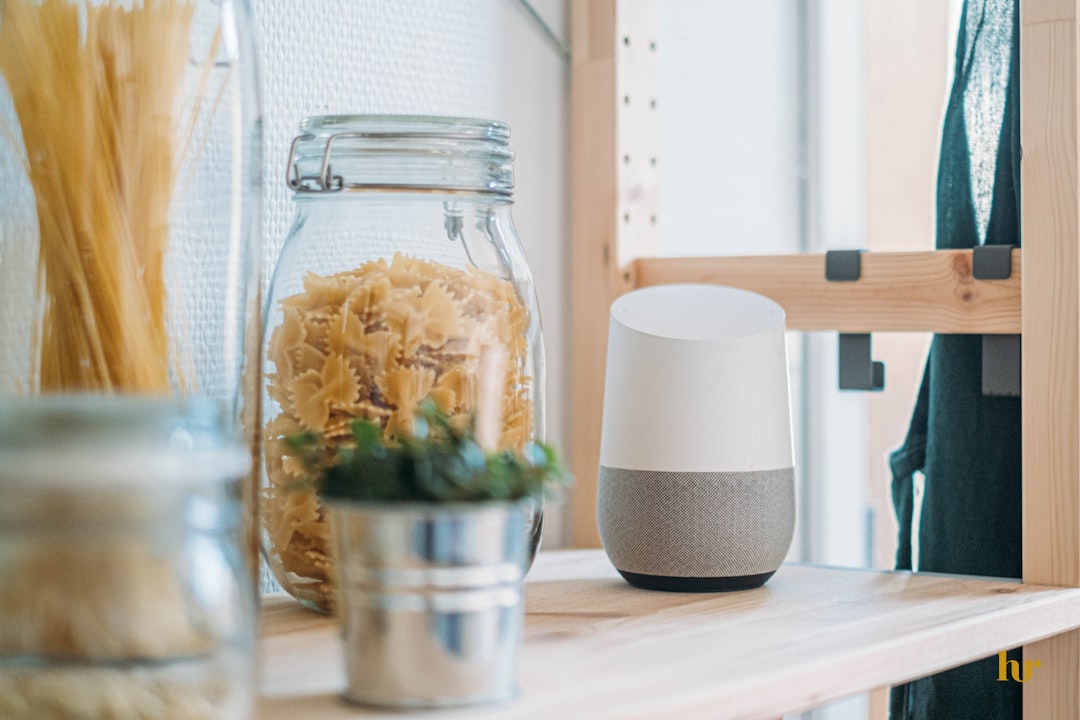
Before you buy a single smart bulb or sensor, you need a hub that ties everything together. The Amazon Echo Dot (5th generation) remains the best entry point for most people, and I say that as someone who has tested competing hubs extensively. The sound quality has improved enough that it works as a decent bedroom speaker, but the real value is in the ecosystem integration. Matter support means it plays nicely with smart home gear from other manufacturers, and the setup process is still the simplest I’ve encountered. You can be up and running in under ten minutes, which is more than I can say for some alternatives that require reading a 40-page manual just to get the lights connected.
Google’s answer is the Nest Mini, which I’ve found superior for answering questions and handling complex queries. If you’re the type who relies on voice assistants for everything from weather updates to unit conversions, Google’s knowledge edge is noticeable. Both hubs cost roughly the same and perform the core functions well enough that you won’t regret either choice. The deciding factor usually comes down to which ecosystem you’ve already bought into. If you’ve got an Android phone and use Google services, Nest makes sense. If you’re invested in Amazon’s world, stick with Echo. Either way, pick one and commit—they’re both competent platforms that will serve you well for years.
Lighting: The Gateway Drug That’s Actually Worth It

Smart lighting was the first category I dismissed as gimmicky, and I was wrong. Once you live with automated lighting that adjusts throughout the day, going back to manual switches feels primitive. Philips Hue bulbs remain the category leader for good reason: the color accuracy is exceptional, the app is mature, and they just work. The starter kit with two bulbs and the hub costs more than some alternatives, but reliability matters. I’ve tried cheaper smart bulbs that disconnect randomly or require app updates every other week, and that frustration quickly outweighs the savings. Hue’s ecosystem is vast, meaning you can expand from basic white bulbs to full color bars, outdoor strips, and sync-with-TV setups without swapping platforms.
If you want to save money and don’t care about color changing, Hue White bulbs offer the same reliability at a lower price point. They’re tunable from warm to cool white, which covers 90% of everyday lighting needs. I’ve gradually replaced most of my home’s fixtures with these, and the consistency is remarkable. No more flickering when the microwave runs, no more mystery dimming at random times. They just do their job, year after year. For the bedroom, consider adding a smart dimmer switch instead of just bulbs—you’ll still get voice control and automation, but you won’t need to hunt for the app if the internet goes down.
One often-overlooked addition is smart plugs, which are the simplest way to add intelligence to dumb devices. I use Kasa Smart Plugs for lamps, fans, and even my coffee maker. The app scheduling feature means my coffee starts brewing before I get out of bed, and energy monitoring helps identify which devices are quietly driving up my electric bill. At roughly $15 per plug, they’re an affordable way to automate without rewiring your house.
Climate Control: Set It and Forget It
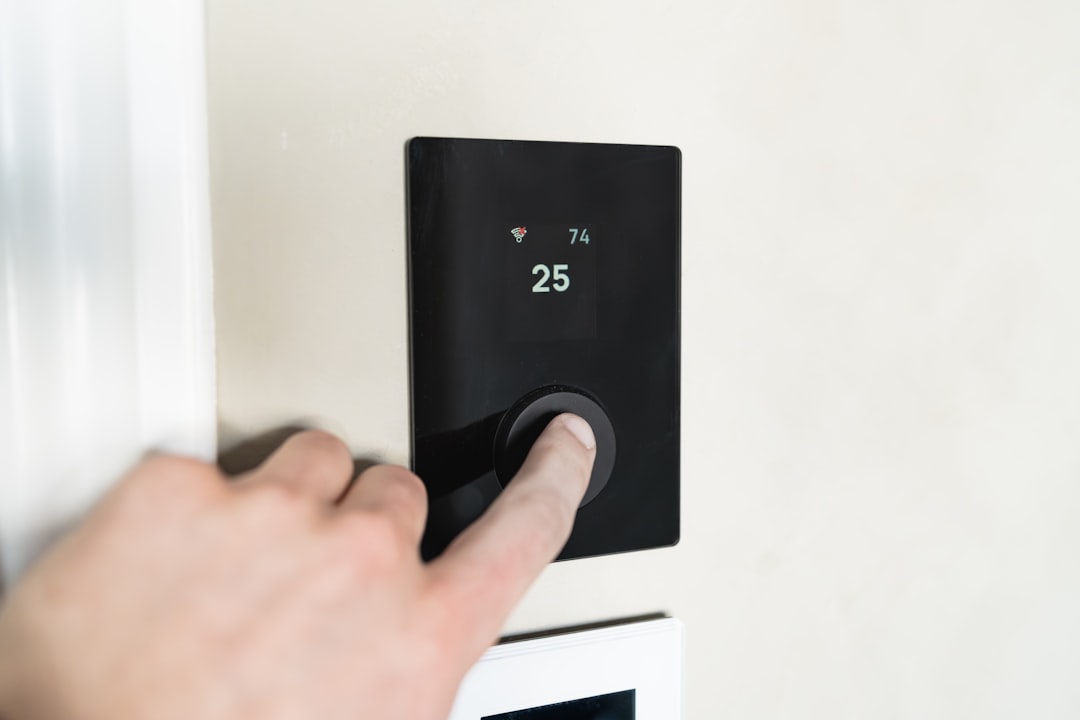
The Ecobee Smart Thermostat transformed how I think about heating and cooling. Previous homes had basic programmable thermostats that required constant manual adjustment—the schedule never quite matched my actual routine. Ecobee learns your habits over time and adjusts accordingly, but the real game-changer is the room sensor. You place it in whatever room you actually occupy (bedroom at night, office during the day), and the thermostat prioritizes temperature there instead of averaging the whole house. The difference in comfort is noticeable immediately, and the energy savings are real enough that the device pays for itself within two years for most people.
What sets Ecobee apart from competitors is the interface. The touchscreen is responsive, the menus are logical, and the app doesn’t feel like an afterthought. I’ve used thermostats that require a PhD to program and apps that crash half the time, but Ecobee nails the basics. Installation takes about 30 minutes if you’re comfortable with basic wiring, and the included step-by-step guide covers most scenarios. If you’re unsure about compatibility, Nest’s Learning Thermostat is a solid alternative with a sleeker design and more aggressive learning algorithms, though I find Ecobee’s room sensor approach more practical for larger homes.
For smaller spaces or if you rent and can’t swap the thermostat, consider a smart AC controller. These small devices sit over your window unit’s infrared receiver and add app and voice control to dumb air conditioners. They’re not perfect—every button press adds a few seconds of delay—but they make it possible to turn on the AC from bed or set cooling schedules without buying a new unit. I’ve used one for three summers now, and it’s transformed a barely-functional rental AC into something tolerable.
Security: Peace of Mind Without Monthly Fees
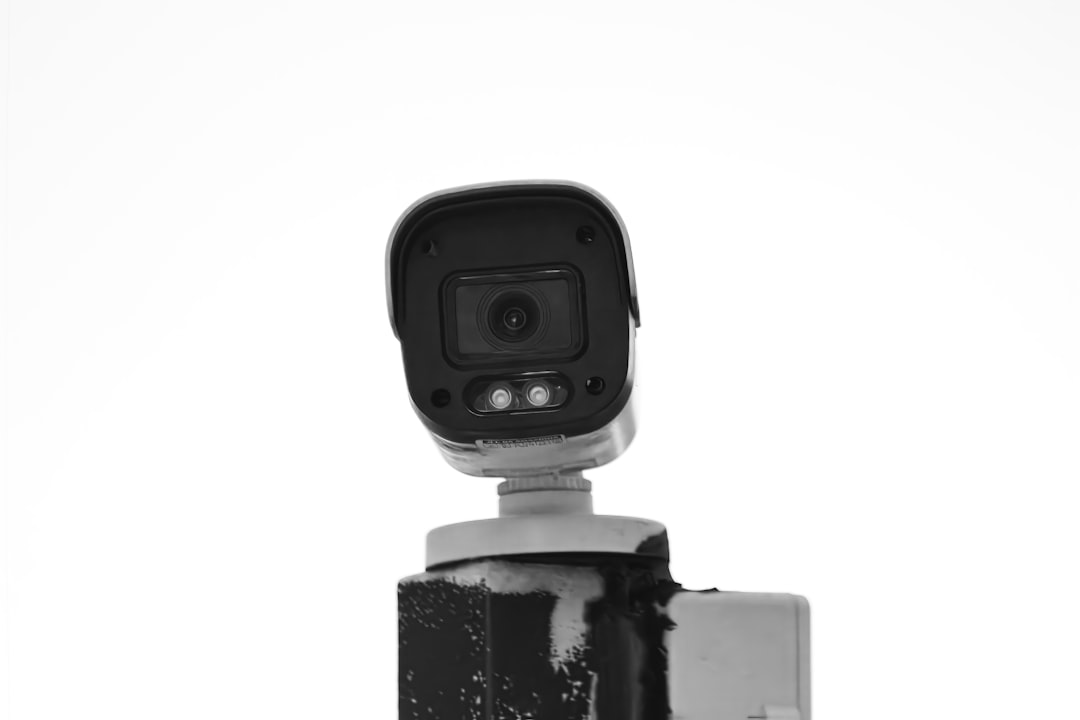
Security cameras have come a long way from the grainy, motion-blighted disasters of a few years ago. The Wyze Cam v3 offers night vision and weatherproofing at a price that makes it easy to cover every entry point without breaking the bank. I’ve got one watching the front door and another in the backyard, and both have captured useful footage that helped identify package thieves and roaming wildlife. The free tier gives you two weeks of rolling cloud storage, which is plenty for most people, and local storage via microSD card means you’re not locked into a subscription if you’d rather keep everything offline.
For video doorbells, Ring’s lineup dominates for good reason. The app is polished, motion detection is reliable, and the integration with other Ring products (like smart locks) creates a cohesive security ecosystem. I recommend the wired version if your doorbell wiring works—it never needs charging, which is one fewer thing to worry about. Battery models offer more flexibility if you’re renting or lack existing wiring, just be prepared to recharge every few months depending on usage. One note: Ring does push hard for its subscription service, but the free tier still lets you view live footage and receive motion alerts, which covers the basics for most people.
Cleaning: Let Robots Handle the Grunt Work
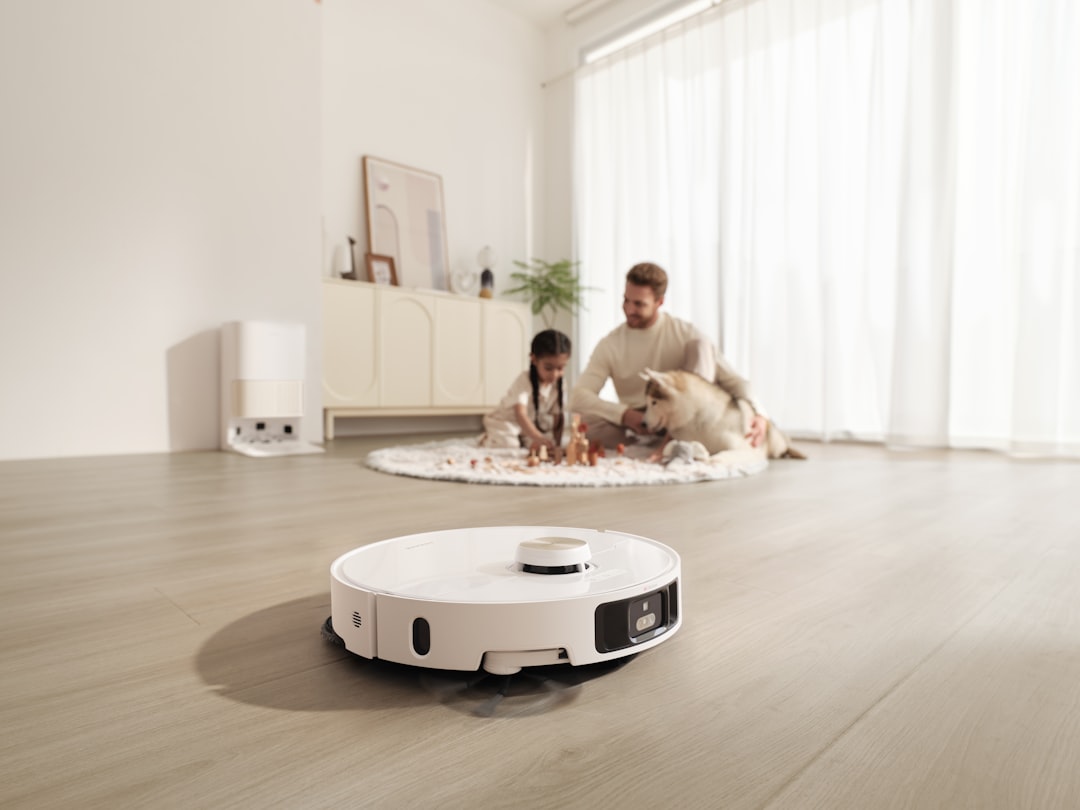
Robot vacuums have improved dramatically in recent years, and the Roborock S7 MaxV Ultra is the best I’ve tested. It navigates complex floor plans without getting stuck, empties its own dustbin, and mops hard floors with surprising effectiveness. The lidar mapping means it learns your home’s layout over time and cleans in systematic rows instead of bouncing randomly like cheaper models. I’ve watched it navigate between furniture legs and around rug edges with a level of intelligence that feels almost human—no more rescuing it from under the sofa every five minutes.
At $1,600+, it’s a serious investment. If that’s more than you want to spend, the Roborock Q5 offers similar navigation without the mopping and self-emptying features for about a third of the price. You’ll trade away some convenience, but the core cleaning performance is excellent. Either way, I strongly recommend robot vacuums to anyone with pets or allergies—they keep floors consistently cleaner than most people manage with weekly manual vacuuming, and the time saved adds up fast.
Kitchen and Laundry: Small Upgrades, Big Impact

Smart appliances often feel like gimmicks, but a few are genuinely useful. Smart coffee makers let you schedule brewing from bed, which sounds luxurious until you experience it and realize it’s just common sense. Waking up to fresh coffee instead of waiting for the brew cycle is one of those small upgrades that fundamentally improves your morning routine. Similarly, smart air fryers with app control mean you can adjust cooking temperature from the couch—handy when you’re multitasking and don’t want to walk back to the kitchen to check on food.
For laundry, smart dryers can notify you when cycles finish, which is more useful than it sounds. No more discovering damp clothes hours later because you forgot to transfer them from the washer. Some models can even diagnose problems remotely and order replacement parts automatically, which saves a service call for certain issues. I wouldn’t replace a perfectly functional appliance just to get smart features, but if you’re in the market anyway, the connectivity is worth the small premium.
The Bottom Line: Start Simple, Expand Thoughtfully
Building a smart home isn’t about buying everything at once—it’s about identifying friction points and solving them systematically. Start with a hub, add lighting to the rooms you use most, then expand into security and automation as you identify needs. The twelve products above represent a curated starting point, but the best smart home is the one that addresses your specific habits and pain points.
Over the next year, I’ll be testing new releases and updating recommendations as technology evolves. Smart home gear moves fast, and today’s cutting-edge gadget is tomorrow’s clearance bin item. But the products listed here have proven themselves through months or years of daily use, which counts for more than any spec sheet or marketing promise. They’re the ones that actually make life easier, which is the whole point of this stuff in the first place.
