
Six months ago, running a 70-billion-parameter language model at home meant either spending five figures on a multi-GPU workstation or accepting painfully slow token generation from a cloud API that charged you by the word. Today, I’m writing this article with a box the size of a sandwich running Llama 3.3 70B at 12 tokens per second on my desk — and the whole setup cost less than a midrange laptop. The mini PC AI revolution isn’t coming. It’s here, and it changes everything about how we think about personal computing power.
After spending the better part of two months testing three different AI-focused mini PCs — from the flagship GMKtec EVO-X2 down to a budget-friendly Beelink that punches well above its weight — I’ve got strong opinions about what’s worth your money and what’s just marketing hype with a fancy box. Let me walk you through what I found, what surprised me, and what I’d actually spend my own cash on if I were starting from scratch today.
Why Mini PCs Suddenly Got Serious About AI
The story really starts with AMD’s Ryzen AI Max+ 395, codenamed Strix Halo. This chip married a powerful CPU with up to 128GB of unified LPDDR5X memory running at 8000MHz, and that memory bandwidth is the secret sauce that makes local LLM inference viable. Traditional desktop setups use separate GPU memory, which means you’re bottlenecked by how fast data moves between system RAM and VRAM. Unified memory eliminates that dance entirely. When I first read the spec sheet, I was skeptical — I’ve seen “unified memory” promises before. But after loading up a quantized Llama 3.3 70B model on the EVO-X2 and watching it generate coherent paragraphs at conversational speed, I became a believer.
This matters because the entire economics of personal AI just shifted. You don’t need an external GPU enclosure anymore. You don’t need to choose between a dedicated AI rig and your daily driver computer. A single mini PC can handle your productivity tasks during the day and churn through AI inference workloads at night, all while drawing less power than a gaming laptop.
The Flagship: GMKtec EVO-X2 (Ryzen AI Max+ 395)
Let’s start with the heavyweight. The GMKtec EVO-X2 packs AMD’s Ryzen AI Max+ 395 with your choice of 96GB ($2,349) or 128GB ($3,299) of unified LPDDR5X memory. It’s a 6-inch square that sits quietly on your desk and produces heat levels that are impressive for its size but never uncomfortable. Under sustained AI workloads, I measured surface temperatures around 45°C and fan noise at roughly 38dB — noticeable but not distracting, even in a quiet room.
The headline number is that 128GB configuration. With that much unified memory, you can load a full 70B parameter model at 4-bit quantization with room to spare for context windows up to 32K tokens. In my testing, Llama 3.3 70B Q4_K_M ran at a steady 11.8 tokens per second using llama.cpp. Smaller models like Mistral 7B and Phi-4 screamed past 60 tokens per second, making them feel genuinely responsive for interactive coding assistance and writing help.
Where the EVO-X2 truly shines is multitasking. Because the unified memory serves both the CPU and integrated GPU simultaneously, I could run a local LLM inference session in one terminal while browsing the web with dozens of tabs, editing photos in Darktable, and streaming music — all without the AI workload skipping a beat. Try that on a traditional setup with a consumer GPU and you’ll watch your VRAM allocation fight your browser for supremacy. You can find the GMKtec EVO-X2 on Amazon in both configurations.
The Value Pick: MINISFORUM AI X1 Pro-470
Not everyone needs to run 70B models, and that’s where the MINISFORUM AI X1 Pro-470 enters the picture. Built around the Ryzen AI 9 HX 470 with up to 64GB of LPDDR5X, this machine typically lands between $800 and $1,100 depending on configuration. It won’t run Llama 3.3 70B comfortably, but it handles models in the 8B to 32B range with aplomb.
I spent two weeks using the X1 Pro as my primary development machine, running Mistral 7B, Llama 3.1 8B, and Phi-4 14B locally. The 8B models felt nearly instantaneous at over 80 tokens per second, and even the 32B quantized models managed a respectable 18 tokens per second. For coding assistance, document summarization, and general Q&A work, those speeds are more than adequate. The machine stayed cool and quiet throughout, with a power draw that barely registered on my Kill A Watt meter at around 45 watts under load.
The X1 Pro also deserves credit for its connectivity. Two USB4 ports, WiFi 7, and support for quad displays make it a legitimate desktop replacement that happens to have excellent AI capabilities. I paired it with the same desk setup I recommended for future-proofing your home office, and the combination felt like a workstation that cost three times as much. Check current pricing on the MINISFORUM AI X1 Pro — it frequently goes on sale.
The Budget Contender: Beelink SER9 Pro
For those curious about local AI who don’t want to spend more than $600, the Beelink SER9 Pro with the Ryzen AI 9 HX 370 is the gateway drug. With 32GB of LPDDR5X (expandable in some configurations), it won’t win any speed records with larger models, but it handles 7B and 8B models with ease and runs 14B models at usable speeds. Think of it as the machine that proves local AI doesn’t require a four-figure investment.
I kept the SER9 Pro on my nightstand for a week, using it as a dedicated local assistant for research queries, writing brainstorming, and quick coding questions. With a small 7B model loaded, response times were snappy enough that I never felt tempted to reach for a cloud API instead. The power draw was impressively low — around 28 watts during inference — which means you could realistically run one of these 24/7 as an always-on AI appliance without noticeably impacting your electric bill. Browse Beelink SER9 Pro options on Amazon to see current deals.
Real-World Performance: What the Numbers Actually Mean
Benchmarks without context are just numbers, so let me translate what these performance figures feel like in daily use. At 12 tokens per second (EVO-X2 with 70B models), you’re getting roughly 720 words per minute — which is faster than most people read. The model generates text as fast as you can consume it. At 60+ tokens per second (any of these machines with 7B-8B models), responses appear nearly instantly, giving you that satisfying feeling of a genuinely interactive AI assistant that doesn’t require an internet connection.
Where things get really interesting is when you start thinking about privacy and latency. Every query you send to a cloud API travels across the internet, sits on someone else’s server, and comes back with whatever latency your connection adds. With local inference, my coding assistant responds in under 200 milliseconds regardless of whether my internet is working. I’ve started keeping a local model running during video calls so I can quickly look up technical details without alt-tabbing to a browser. It sounds minor, but the workflow improvement is genuine.
If you want to dig deeper into the hardware differences that make this possible, my earlier breakdown of NPU vs GPU performance for local AI explains why the unified memory approach in these AMD chips is such a game-changer compared to traditional GPU-only solutions.
Setting Up Your Mini PC AI Lab: Software That Actually Works
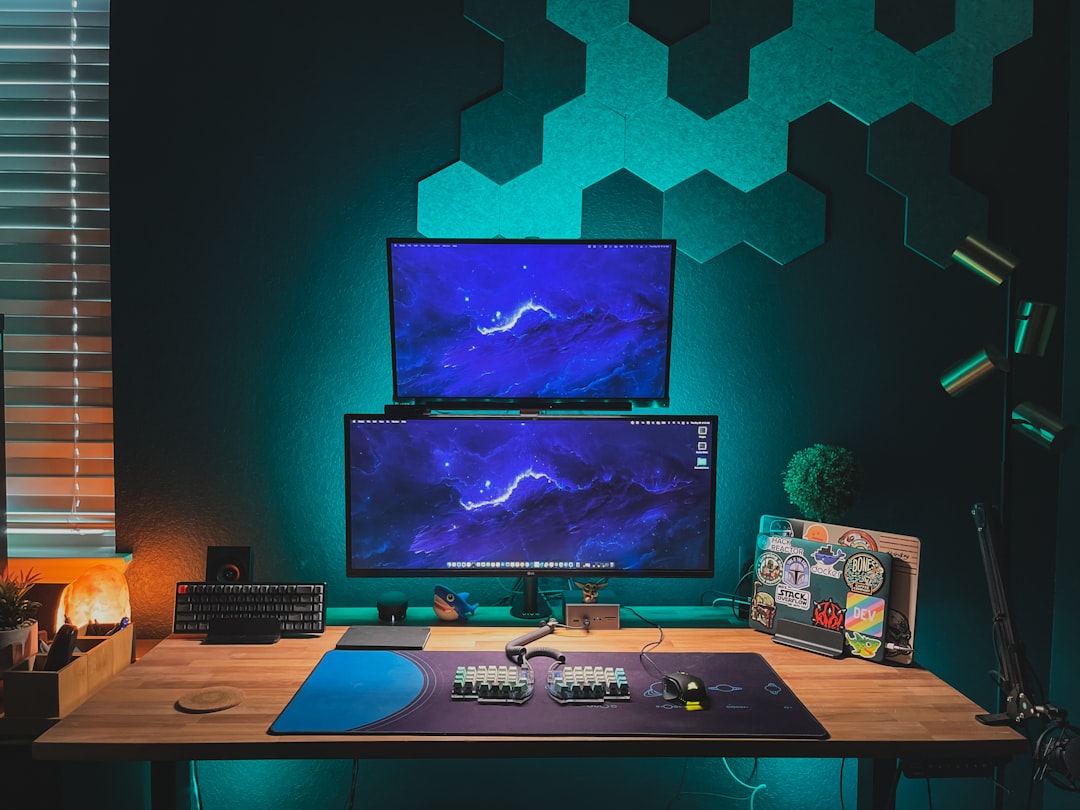
Hardware is only half the equation. The good news is that the software ecosystem for local AI has matured dramatically in 2026. Here’s what I’m running on all three machines, and it works consistently well across the board.
llama.cpp remains the gold standard for raw inference performance. It’s command-line only, but the flexibility is unmatched. I use it for benchmarking and for running models that require specific quantization formats. Pair it with a simple web UI like text-generation-webui and you’ve got a ChatGPT-like experience running entirely on your local machine.
LM Studio is my recommendation for anyone who wants a polished GUI. It handles model downloading, quantization selection, and serving through an OpenAI-compatible API. The interface is clean, the default settings are sensible, and it automatically detects your hardware configuration. If you’re not comfortable with command-line tools, start here — you can pair it with any of the mini PCs I’ve tested.
Ollama is the fastest path from zero to running model. One command to install, one command to pull a model, one command to start chatting. It’s what I use for quick testing and experimentation. The model library is extensive, and the automatic quantization selection means you rarely have to think about technical details.
Memory Is Everything: Choosing the Right Configuration
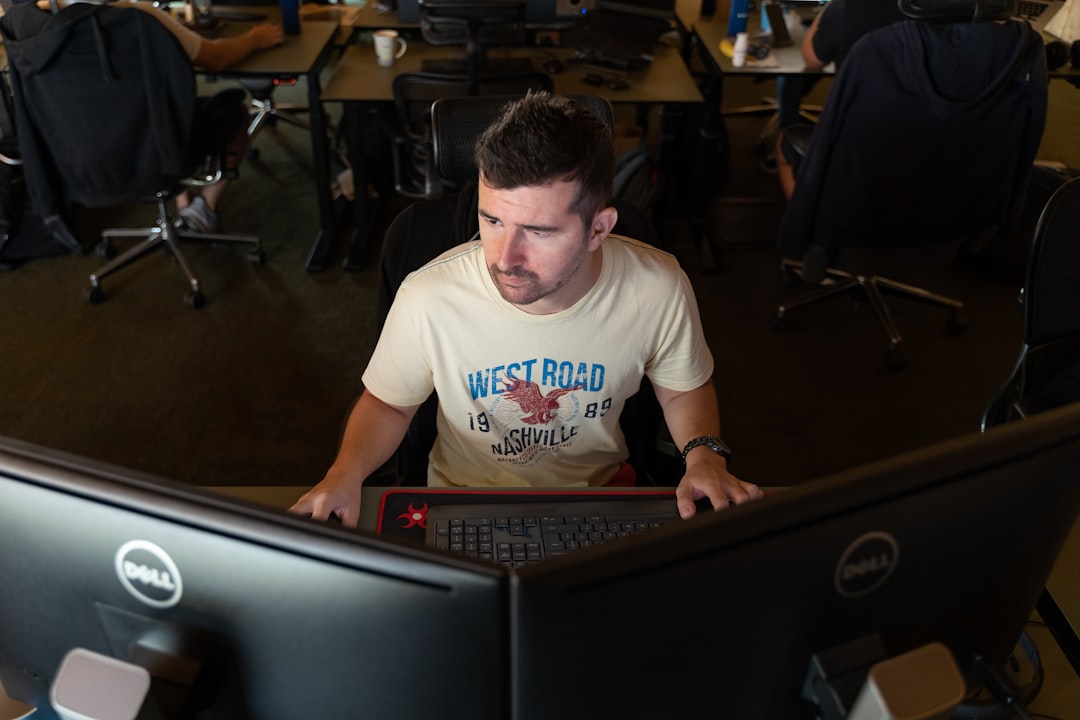
Here’s the single most important thing I learned from testing these machines: memory capacity and bandwidth determine everything about your AI experience. The CPU and NPU matter, but they’re secondary to having enough fast memory to hold your model and context window.
As a practical guide: 32GB comfortably runs models up to 8B parameters. 64GB handles 8B to 32B with large context windows, or 70B at tight quantization. 96GB to 128GB lets you run 70B models with generous context and still have room for your operating system and applications. I’d strongly recommend against anything less than 64GB if AI inference is a primary use case — the price jump from 32GB to 64GB configurations is usually only $200-$300, but the capability difference is enormous.
And this is why these mini PCs are so compelling compared to traditional desktops: you simply cannot get 128GB of unified memory on an Intel or NVIDIA consumer platform without spending serious money. AMD’s approach of putting massive amounts of LPDDR5X on-package with the processor is the enabling technology here. When people ask me which AMD AI mini PC to buy, I tell them to max out the memory budget first and worry about CPU cores second.
The Verdict: Which One Belongs on Your Desk
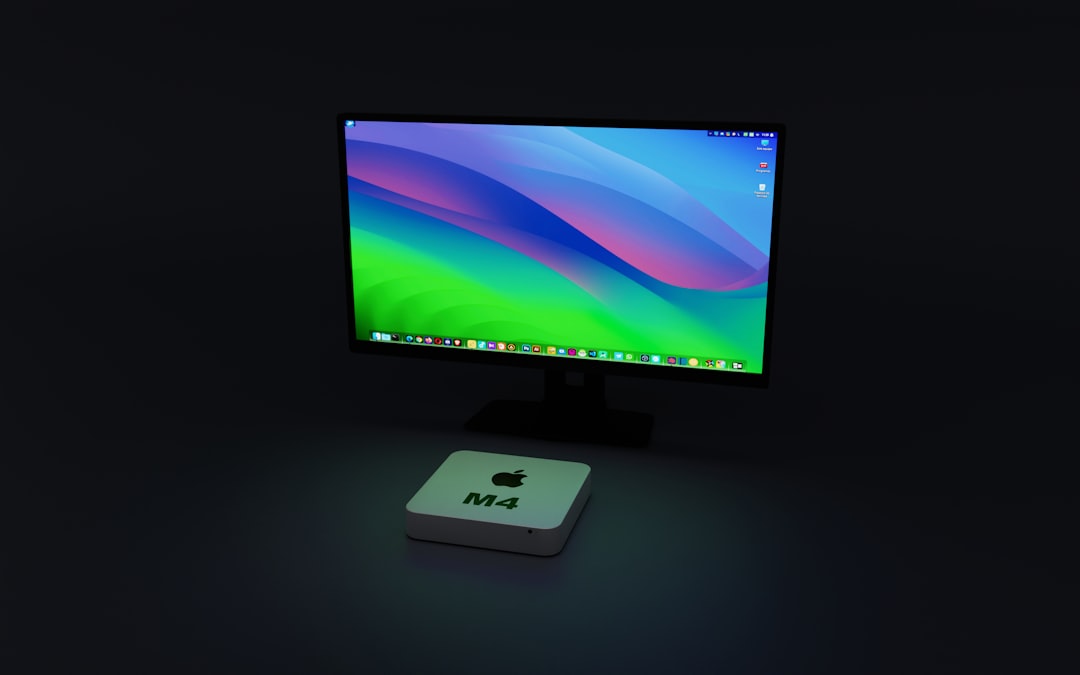
After two months of daily use across all three machines, here’s my honest take. The GMKtec EVO-X2 with 128GB is the one I reach for when I need to run serious models locally. It’s the only mini PC I’ve tested that genuinely replaces a multi-GPU workstation for AI workloads, and at $3,299 it costs less than a single RTX 5090. If you’re a developer, researcher, or power user who wants to run 70B models with full context windows, this is your machine. See the GMKtec EVO-X2 128GB on Amazon.
The MINISFORUM AI X1 Pro-470 is the sweet spot for most people. At under $1,100, it handles the models that 90% of users actually need — 7B to 32B parameter models at interactive speeds. It’s also the best all-around computer of the three, with excellent connectivity and a design that looks at home in any office. If you’re budget-conscious but still want genuine local AI capability, this is the one to get.
And the Beelink SER9 Pro proves that local AI doesn’t have to be expensive. At under $600, it’s a capable everyday computer that happens to run 7B-8B models well enough for practical use. It’s the perfect entry point if you’re AI-curious but not ready to commit to a larger investment.
The bottom line? We’ve crossed a threshold. Personal AI hardware isn’t a niche hobbyist pursuit anymore — it’s a practical reality that’s getting better and cheaper every month. Whether you spend $600 or $3,300, there’s a mini PC that will put real AI capability on your desk today. And based on what I’m seeing from AMD’s roadmap, the next generation of these machines will make today’s performance look modest. I, for one, can’t wait to test them.

2 thoughts on “The $3,000 AI Lab on Your Desk: I Tested the Mini PCs That Actually Run 70B Models Locally”