
How to Choose the Right Laptop: A Tech Expert’s 2026 Buying Guide
After spending decades testing thousands of laptops, I’ve learned that finding the perfect machine isn’t about chasing the latest specs—it’s about matching the right tool to your specific needs. Whether you’re a student on a budget, a creative professional, or a business traveler, the laptop market has never been more confusing or more exciting. Let me cut through the marketing noise and give you the practical advice you need to make the right choice.
Understanding Your Needs: The Foundation of Smart Buying
Before you even look at specifications, you need to honestly assess what you’ll be doing with your laptop. I’ve seen too many people buy overpowered machines for simple tasks, or underpowered ones that can’t handle their workflow. Here’s how to think about your needs:
For Students & Everyday Users: You need reliability, battery life, and portability. Look for machines that can survive being tossed in a backpack and last through a full day of classes. Battery life should be 8+ hours for all-day use.
For Creative Professionals: If you’re editing photos, videos, or designing, prioritize screen quality, color accuracy, and processing power. A good display and fast processor will save you hours of frustration.
For Creative Professionals: If you’re editing photos, videos, or designing, prioritize screen quality, color accuracy, and processing power. A good display and fast processor will save you hours of frustration.
For Business & Productivity: Focus on keyboard comfort, port selection, and security features. You’ll be typing for hours, connecting to various peripherals, and handling sensitive data.

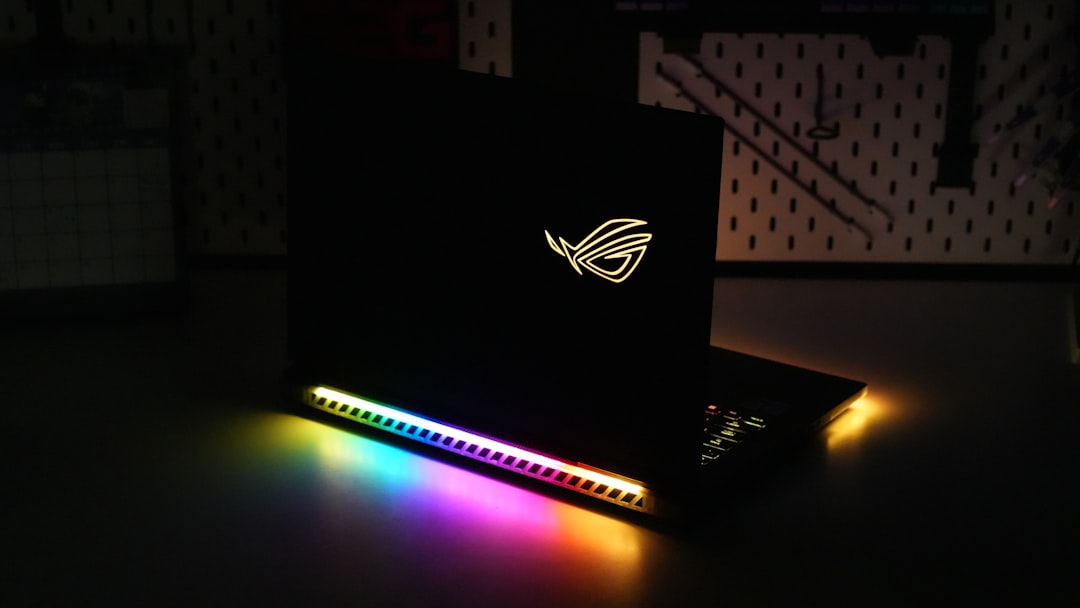
For Gamers & Power Users: Don’t just look at GPU specs—consider thermals, display refresh rates, and build quality. A laptop that overheats or has a poor screen will ruin even the best gaming experience.
For Gamers & Power Users: Don’t just look at GPU specs—consider thermals, display refresh rates, and build quality. A laptop that overheats or has a poor screen will ruin even the best gaming experience.
The Three Ecosystems: Apple, Windows, and ChromeOS
Each ecosystem has its strengths, and your choice here will significantly impact your experience.
Apple MacBook Pro/MacBook Air:
Pros: Excellent build quality, macOS reliability, long battery life, great for creative work
Cons: Premium pricing, limited port selection (especially on newer models), macOS may not suit all workflows
Best for: Creative professionals, students in Apple ecosystems, those who value build quality
Windows Laptops:
Pros: Wide price range, maximum flexibility, best for gaming, extensive software compatibility
Cons: More variability in quality, potential bloatware, Windows updates can be disruptive
Best for: Gamers, business users, anyone needing maximum flexibility
ChromeOS Devices:
Pros: Affordable, excellent for web-based work, long battery life, built-in security
Cons: Limited offline capabilities, not ideal for demanding software
Best for: Students, casual users, those primarily working in browsers
Key Specifications That Actually Matter
Processor (CPU)
Processor (CPU)
Don’t just look at the GHz number. For most users, an Intel Core i5 or AMD Ryzen 5 is sufficient. If you’re doing intensive tasks like video editing or 3D modeling, step up to an i7 or Ryzen 7. Remember that newer generation chips (like 13th/14th gen Intel or Ryzen 7000 series) offer significant efficiency improvements.
RAM
Storage
8GB is the minimum for basic tasks, but 16GB is the sweet spot for most users. If you’re a power user, consider 32GB. More RAM helps with multitasking and prevents slowdowns when you have multiple applications open.
Storage
Solid-state drives (SSDs) are non-negotiable. They make your laptop feel dramatically faster. Aim for at least 512GB, but 1TB is better if you work with large files. Consider external storage for media libraries.
Display
Look for:
– Resolution: 1080p (Full HD) is standard, 1440p is nice for creative work
– Size: 13-14 inches for portability, 15-16 inches for desktop replacement
– Refresh Rate: 60Hz is fine for most, 120Hz+ for gaming or smooth scrolling
– Color Accuracy: Important for creatives, look for sRGB coverage of 100% or more
Battery Life
This is crucial for portability. Manufacturers often overstate battery life, so look for real-world tests. Aim for 8+ hours of actual use, not just “up to” claims.
Port Selection: Don’t Get Trapped by Dongles
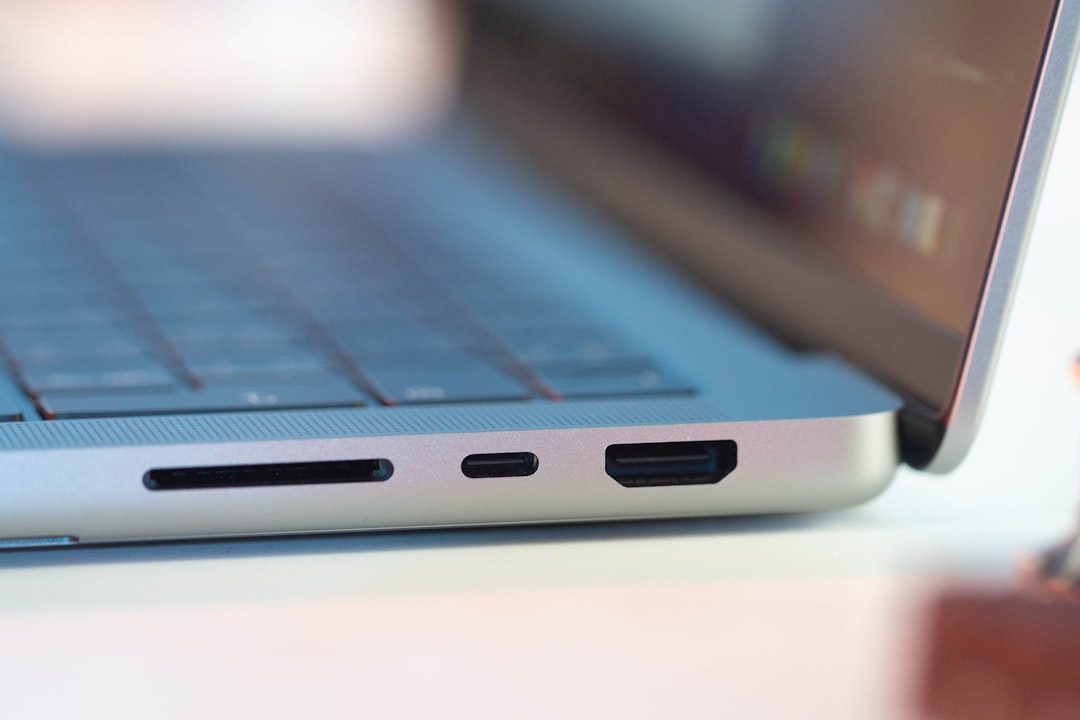
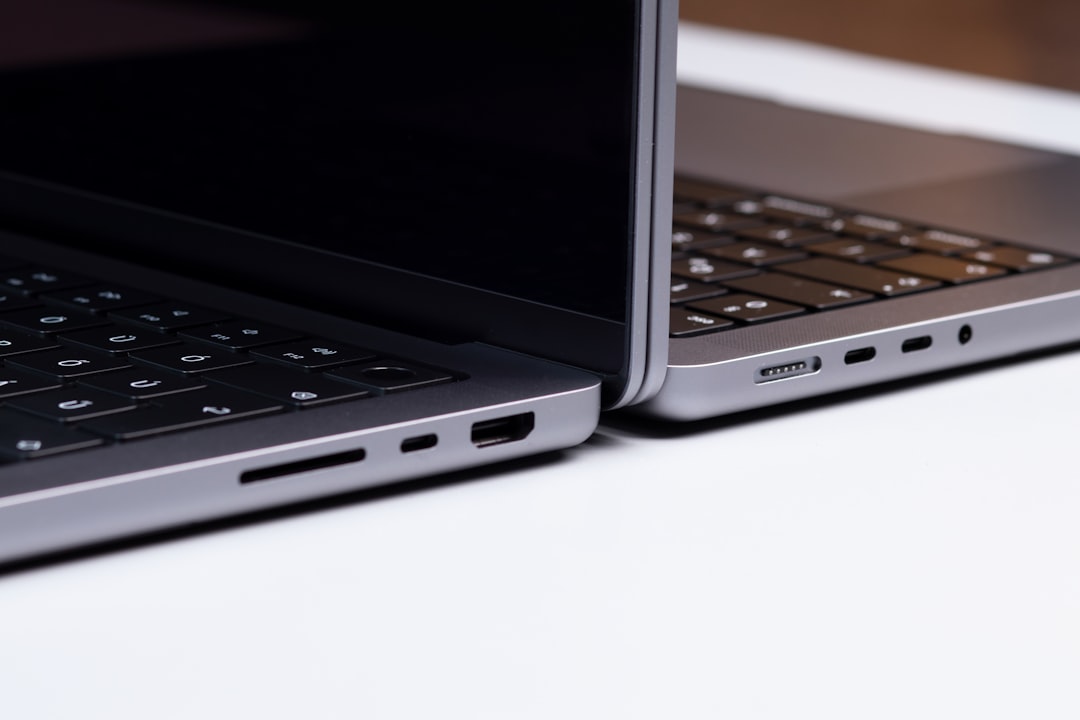
One of the most overlooked aspects is port selection. I’ve seen too many people buy beautiful laptops only to discover they need a dongle for everything. Look for:
One of the most overlooked aspects is port selection. I’ve seen too many people buy beautiful laptops only to discover they need a dongle for everything. Look for:
- USB-A ports (for older peripherals)
- USB-C/Thunderbolt ports (for modern devices)
- HDMI or DisplayPort (for external monitors)
- SD card reader (invaluable for photographers)
Build Quality and Durability
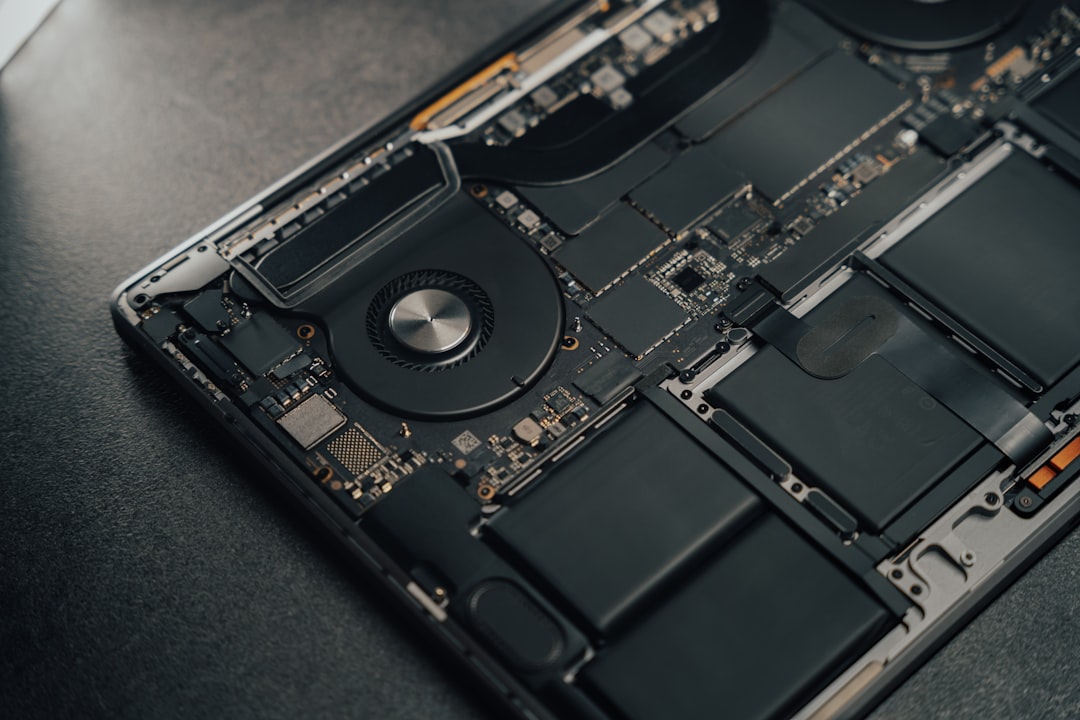
A laptop that looks good but feels cheap will frustrate you daily. Pay attention to:
A laptop that looks good but feels cheap will frustrate you daily. Pay attention to:
- Materials: Aluminum is premium, plastic is budget-friendly
- Keyboard feel: Try before you buy if possible
- Trackpad quality: A good trackpad makes a huge difference
- Weight and thickness: Will you actually carry it daily?
Budget Considerations
Laptops range from $300 to $5,000+, but you don’t need to break the bank for a great machine.
Budget ($300-$600): Basic Chromebooks or Windows laptops for simple tasks
Mid-Range ($600-$1,200): Excellent all-around machines for most users
Premium ($1,200-$2,500): Top-tier performance and build quality
Enthusiast ($2,500+): For professionals and power users
Remember that spending a bit more often means better build quality, longer lifespan, and better resale value.
Here are some affiliate links to help you find the right laptop:
Red Flags to Avoid
Laptops range from $300 to $5,000+, but you don’t need to break the bank for a great machine.
Budget ($300-$600): Basic Chromebooks or Windows laptops for simple tasks
Mid-Range ($600-$1,200): Excellent all-around machines for most users
Premium ($1,200-$2,500): Top-tier performance and build quality
Enthusiast ($2,500+): For professionals and power users
Remember that spending a bit more often means better build quality, longer lifespan, and better resale value. Quality laptops tend to hold their value better and provide a better long-term experience.
For creative professionals, you might also be interested in my article on The Solo Creator’s Video Kit which covers the essential gear for video production.
And if you’re interested in AI capabilities, check out my review of The $3,000 AI Lab on Your Desk for insights on local AI processing.
Red Flags to Avoid
- Bloatware: Pre-installed trial software that slows down your machine
- Poor keyboard: You’ll be typing on it daily—make sure it’s comfortable
- Limited upgradeability: Some laptops make RAM and storage upgrades difficult
- Questionable cooling: Overheating leads to performance throttling
- Dubious battery claims: Always check independent reviews
My Top Recommendations by Category
Best for Students: MacBook Air or Dell XPS 13 (balance of portability, battery, and performance)
Best for Creatives: MacBook Pro 14″ or Dell XPS 15 (excellent displays and build quality)
Best for Business: ThinkPad X1 Carbon or MacBook Pro (reliability and keyboard comfort)
Best for Gamers: Razer Blade or ASUS ROG (performance and cooling)
Best Budget Pick: Acer Swift or Lenovo IdeaPad (great value for the price)
For more specific recommendations, check out these affiliate links:
The Final Decision: Trust Your Gut
Best for Students: MacBook Air or Dell XPS 13 (balance of portability, battery, and performance)
Best for Creatives: MacBook Pro 14″ or Dell XPS 15 (excellent displays and build quality)
Best for Business: ThinkPad X1 Carbon or MacBook Pro (reliability and keyboard comfort)
Best for Gamers: Razer Blade or ASUS ROG (performance and cooling)
Best Budget Pick: Acer Swift or Lenovo IdeaPad (great value for the price)
The Final Decision: Trust Your Gut
After considering all the technical aspects, remember that you’ll be using this machine daily. If a laptop feels right in your hands and meets your core needs, that’s often more important than having the absolute latest specs. I’ve seen people love “inferior” laptops because they fit their workflow perfectly.
Take your time, do your research, and don’t let marketing hype dictate your decision. The perfect laptop is out there—you just need to know what to look for.
