
I’ve been that person — the one scrambling for an outlet at the airport, watching my laptop hit 3% during a client call, or realizing my phone is dying right when I need to pull up a boarding pass. After years of traveling with tech that demands more power than ever, I finally got serious about portable charging. Over the past three months, I’ve tested over a dozen power banks in real-world conditions: coffee shops, airports, long flights, even a camping trip where the nearest outlet was a mile away. Here’s what actually works for tech professionals who can’t afford to run out of juice.

Why Every Tech Professional Needs a Serious Power Bank in 2026
Here’s the thing nobody tells you when you start working remotely or traveling for business — your devices will always die at the worst possible moment. Laptops are getting more efficient, sure, but we’re also pushing them harder with AI tools, video calls, and multi-monitor setups on the go. A modern MacBook Pro might last 18 hours on a light workload, but throw in a few Zoom calls, some local AI inference, and a brightness boost for outdoor work, and you’re lucky to get eight.

And phones? Between hotspot duty, navigation, photography, and the constant ping of Slack notifications, my phone rarely makes it past 4 PM when I’m on the road. The solution isn’t carrying more chargers and hunting for wall outlets. It’s having a portable power station that handles everything you throw at it. I’m not talking about those lipstick-sized 2,000mAh sticks from the checkout aisle at Best Buy. I mean real power banks with enough capacity and wattage to charge a laptop, fast-charge your phone, and still have juice left over.
What I Actually Tested (And How)
I didn’t test these in a lab with perfect conditions. I tested them the way you’d actually use them — tossed in a backpack, pulled out at coffee shops, used during long layovers, charged multiple devices simultaneously. My testing criteria was straightforward: How fast does it charge my MacBook Pro? Can it handle my phone and laptop at the same time without overheating? Is it portable enough that I’ll actually bring it everywhere? And critically, does it still work after three months of daily abuse?
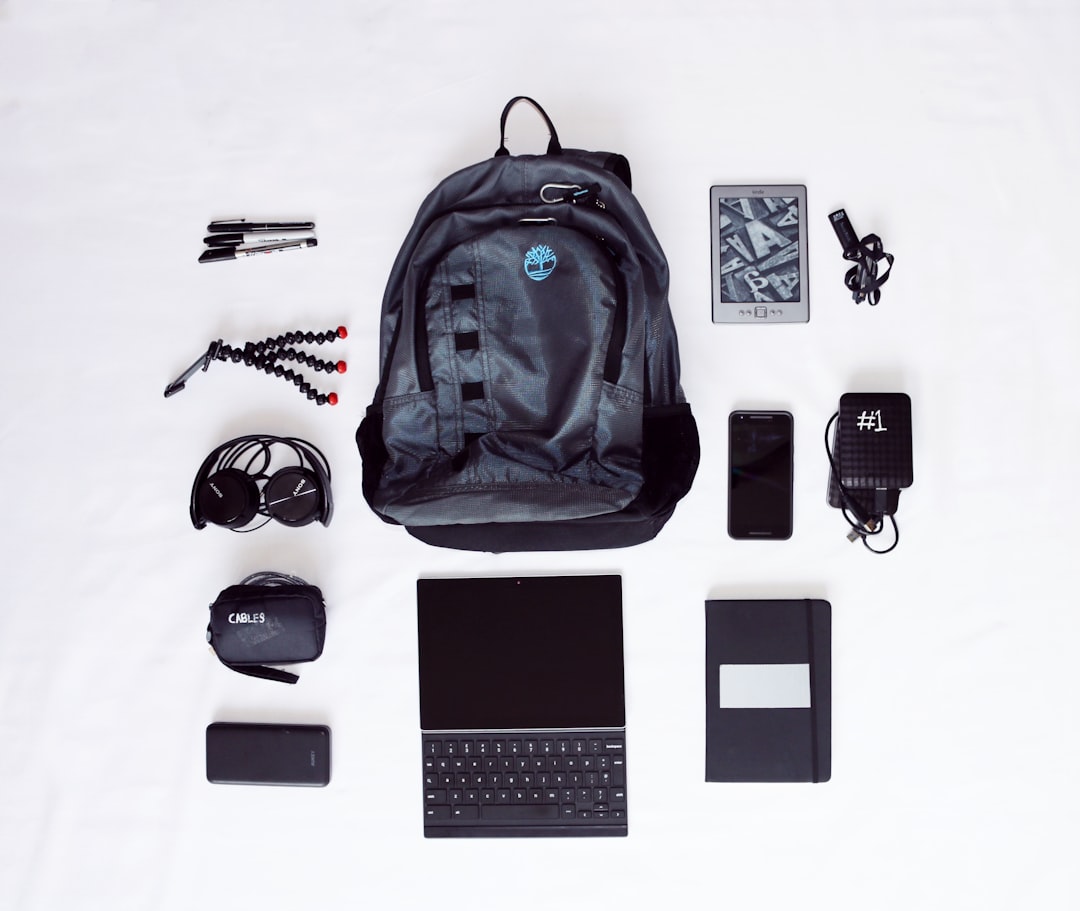
I tested with a 14-inch MacBook Pro, an iPhone 16 Pro, a pair of wireless earbuds, and occasionally an iPad Air. Every power bank on this list was used for at least two full weeks as my only backup power source. No kid gloves, no special treatment. If you’re also thinking about keeping your wireless earbuds charged on the go, a good power bank solves that problem too.
The Sweet Spot: 20,000mAh Power Banks That Charge Laptops
This is the category most tech professionals should be shopping in. A 20,000mAh power bank hits the sweet spot between capacity and portability — big enough to fully recharge most laptops at least once, small enough to fit in a laptop bag or personal item. The key spec to watch isn’t just capacity, though. It’s wattage. You need at least 30W output to meaningfully charge a laptop, and 65W or higher if you want it to charge at a reasonable speed while you’re actually using the computer.
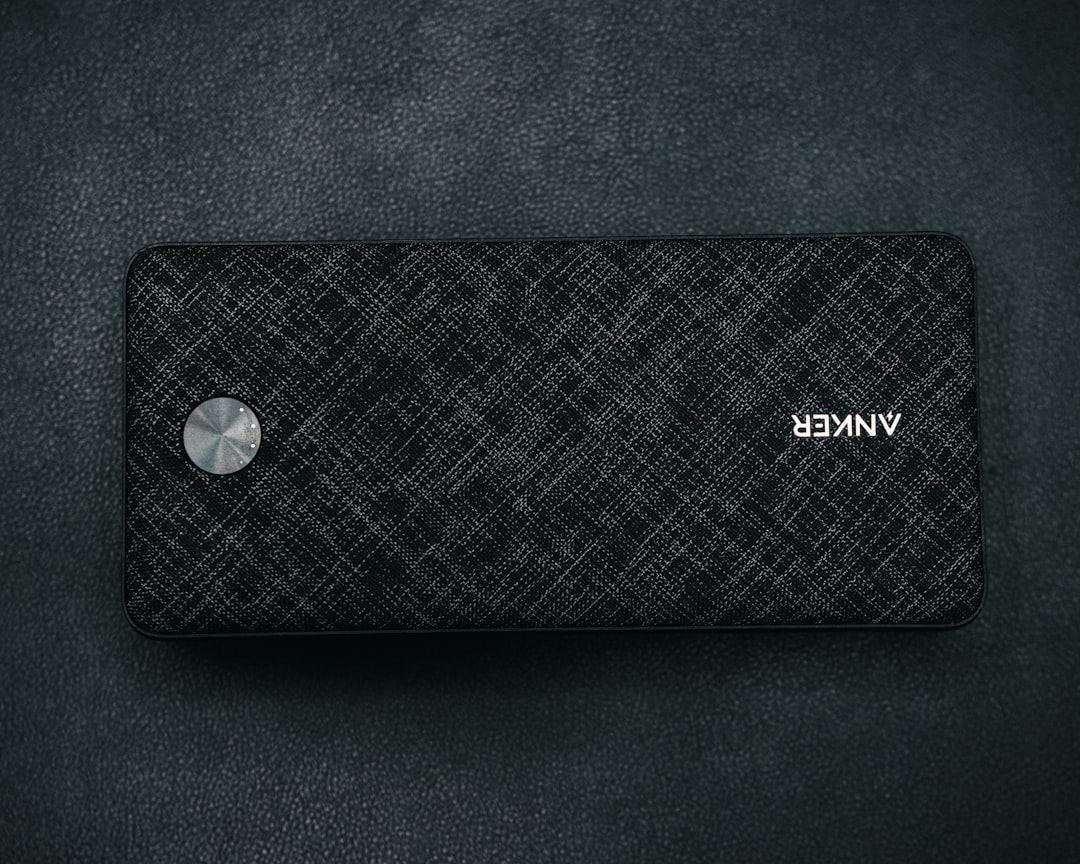
The Anker Prime 20,000mAh was my daily driver for most of this test period, and for good reason. It pushes 65W from its USB-C port, which is enough to charge my MacBook Pro from zero to about 50% in under an hour while I’m actively working. It has a smart display that shows remaining capacity and charging speed, which is more useful than I expected — I always know exactly how much power I have left. The build quality is solid too; this thing survived being shoved into an overstuffed backpack alongside a laptop, charger, and water bottle with barely a scratch.
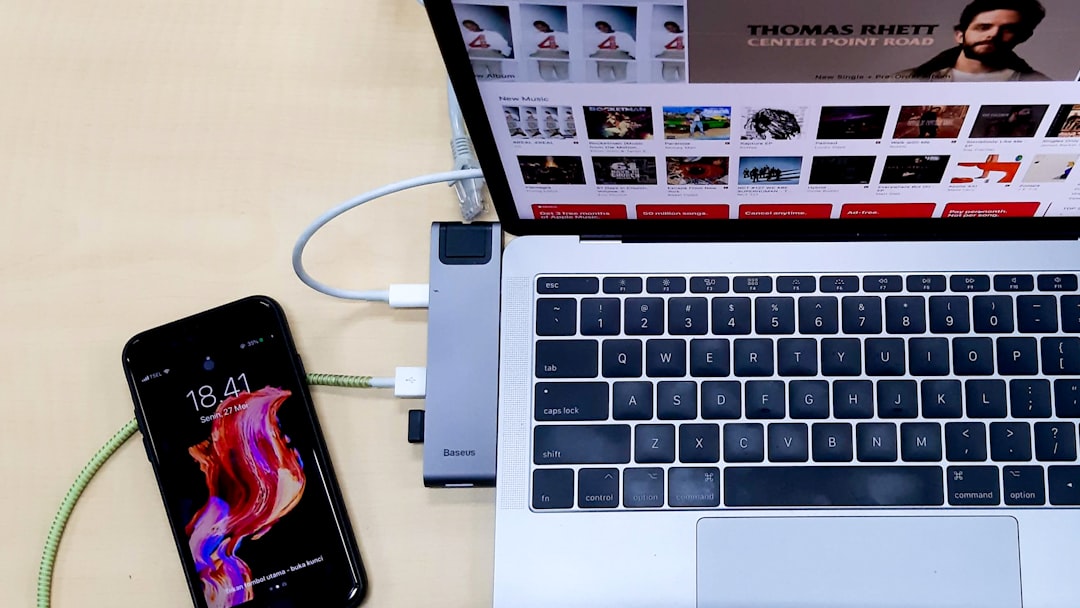
For those who want even more power, the UGREEN 145W Power Bank is a beast. It pushes up to 100W from a single USB-C port, which means it can charge a laptop at nearly the same speed as a wall charger. I managed to get a full charge on my MacBook Pro while running a video export, which is genuinely impressive for a battery pack. The trade-off is size — it’s noticeably chunkier than the Anker, and at about a pound and a half, you’ll feel it in your bag. If you use a USB-C hub regularly, you’ll appreciate having a power bank that can run everything simultaneously.
Ultra-Portable Options: When Every Ounce Matters
Sometimes you don’t need to charge a laptop. Maybe you’re heading to a conference for the day, or you’ve got a long commute and just need to keep your phone alive. That’s where the 10,000mAh class shines. These are the power banks that actually fit in your pocket, and they’ve gotten remarkably good in 2026.
The Anker Nano Power Bank (10,000mAh) is the one I grab when I don’t want to carry a bag at all. It’s about the size of a thick credit card and slides into a jeans pocket next to my phone. Despite its tiny size, it supports 45W Power Delivery — fast enough to rapid-charge my iPhone or even give my laptop a meaningful top-up in a pinch. The built-in USB-C cable is a nice touch too; one less thing to remember.
If you’re an iPhone user, magnetic power banks have matured significantly. The SnapGo Air 10,000mAh snaps onto the back of any MagSafe iPhone and charges wirelessly at 25W. No cables, no fuss. I used this for a week of walking around a conference, and it was glorious — just snap it on when my phone got low, toss it back in my pocket when it was done. It’s not going to charge your laptop, but for phone-centric days, it’s hard to beat the convenience.

Heavy Duty: Power Stations for the Truly Power-Hungry
Then there’s the category I didn’t know I needed until I had it: power banks so big they blur the line between portable charger and mini power station. We’re talking 25,000mAh and up, with outputs that can hit 140W or more. These aren’t for everyone, but if you regularly work off-grid, travel with multiple devices, or spend long days at conferences where outlets are scarce, they’re game-changers.
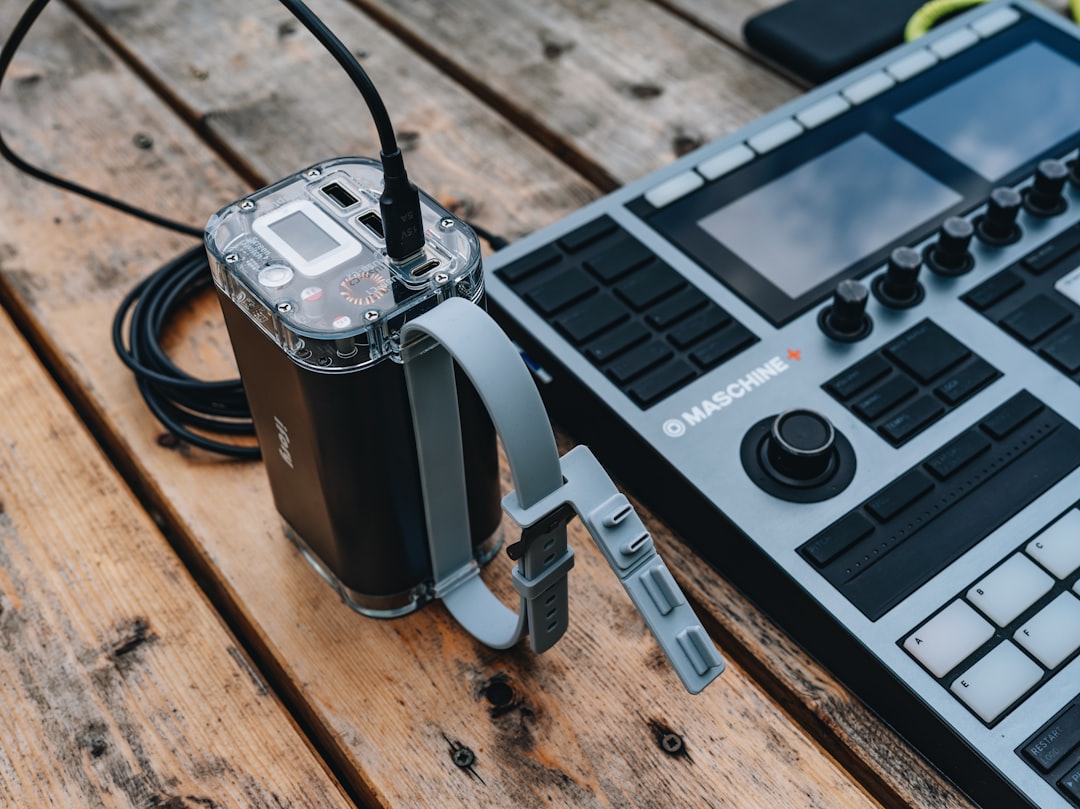
The Shargeek 170W Power Bank (25,600mAh) is the most over-the-top thing I tested, and I loved every minute of it. It has a transparent shell that shows the internal circuitry — very cyberpunk — and a color display showing real-time wattage, voltage, and remaining capacity. More importantly, it charged my MacBook Pro, iPhone, and AirPods simultaneously without breaking a sweat. I took this on a three-day work trip and didn’t plug into a wall outlet once.
The catch? At nearly two pounds, it’s heavy. And at $179, it’s not cheap. But if you’re the kind of person who travels with a laptop, tablet, phone, and wireless earbuds — and you need all of them charged — a high-capacity power bank with 140W+ output is worth every penny. Pair it with a good remote work setup and you can work from literally anywhere.
Budget Picks That Don’t Feel Cheap
Not everyone needs to spend $100+ on a power bank. If you want reliable backup power without the premium price tag, there are solid options under $40 that perform well above their weight class. The key is sticking with reputable brands and checking the real-world wattage, not just the marketing headline on the box.
The INIU 20,000mAh Power Bank sells for around $30 and delivers 65W charging — the same wattage as power banks that cost three times as much. It charged my MacBook Pro from 20% to 80% in about 90 minutes, which isn’t blazing fast but is totally usable for emergency power. The design is basic, but the performance is honest. After three weeks of use, it held up fine with no issues. For protecting your other gear, a quality laptop sleeve is a worthwhile companion.
Key Specs That Actually Matter
After testing all these power banks, here’s what I’ve learned about the specs that matter versus the ones that are just marketing fluff. Wattage output is the single most important number — look for at least 30W for phone charging, 65W for laptop charging, and 100W+ if you want fast laptop charging while working. Capacity in mAh tells you how many charges you’ll get, but remember that a 20,000mAh power bank won’t actually deliver 20,000mAh to your device — there’s always conversion loss, typically 20-30%.
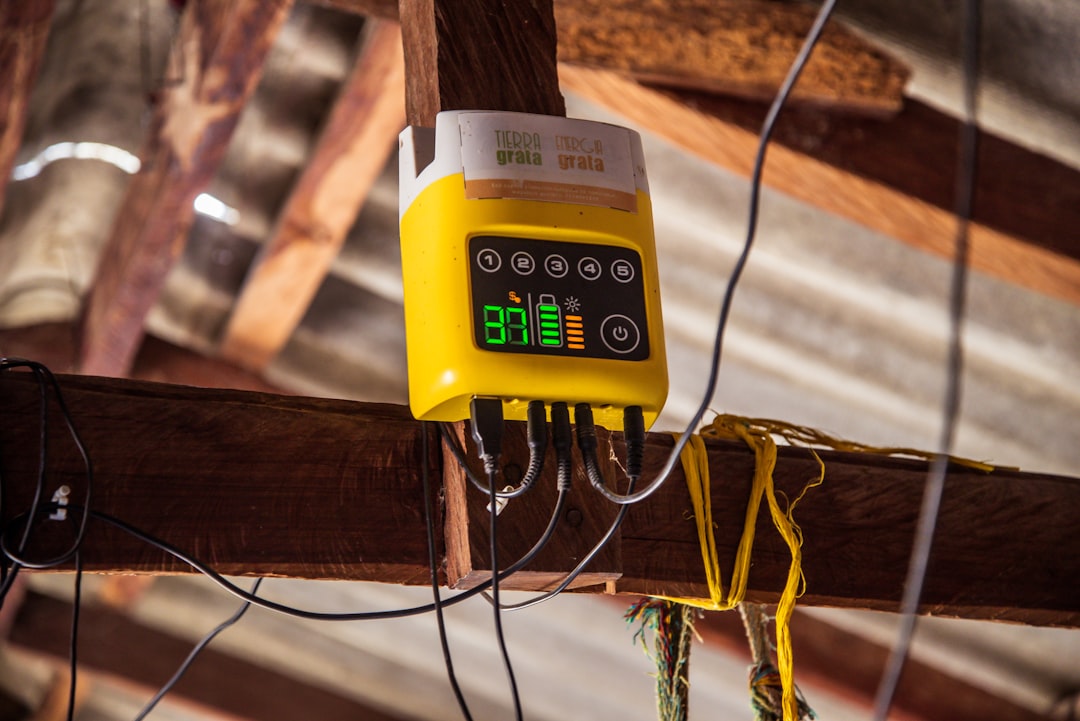
Number of ports matters more than you’d think. I regularly charge two or three devices simultaneously, and having dedicated USB-C and USB-A ports means I don’t need to carry extra adapters. Pass-through charging — the ability to charge the power bank and your devices at the same time — is a must-have if you’re working from a single wall outlet at a coffee shop. And weight is the spec most people ignore until they’re lugging a two-pound brick through an airport.
My Real-World Pick: What’s Staying in My Bag
After three months of testing, the Anker Prime 20,000mAh is the power bank that earned a permanent spot in my everyday carry. It hits every mark: 65W charging for my laptop, enough capacity for two full phone charges plus a meaningful laptop top-up, a compact form factor that doesn’t dominate my bag, and a build quality that inspires confidence. The display is a bonus I didn’t know I needed.
For lighter days, the Anker Nano 10,000mAh stays in my jacket pocket. Together, these two cover about 95% of my portable charging needs. The Shargeek comes out for travel marathons and off-grid work sessions. Everything else goes back in the drawer.
The bottom line: don’t wait until you’re at 2% battery in a crowded airport to start thinking about portable power. Get a quality power bank that matches your actual workload, not just the cheapest thing you can find. Your future self — the one calmly charging their laptop at 30,000 feet while everyone else is fighting over the single working outlet — will thank you. And if you’re building out a complete mobile office, check out my guide to the best portable monitors to round out your setup.
