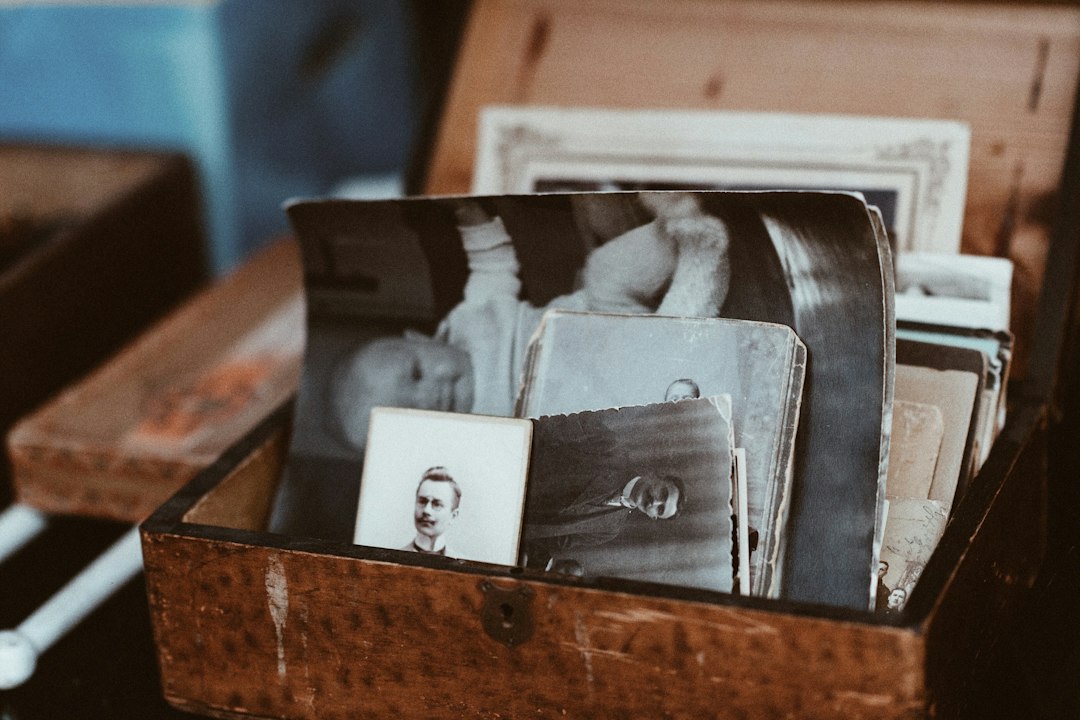
Every family has the box. Ours is a dented shoebox that lived on the top shelf of my aunt’s hall closet for about thirty years, and it comes down once a year, on Thanksgiving, somewhere between the pie and the second pot of coffee. Someone pulls out a curled snapshot of a station wagon nobody remembers owning, my uncle tells the story behind it for the eleventh time, and everyone laughs. Then the box goes back on the shelf, and the story goes back into my uncle’s head, where it is the only copy.
A few years ago I finally did something about it. I brought a scanner, a pair of tiny wireless microphones, and a hard drive to Thanksgiving, and by Sunday morning we had roughly nine hundred photos digitized and four hours of my uncle and my mother talking about the people in them. It was the best tech project I have ever done, and almost none of the gear involved was expensive or complicated.
This is the kit and the plan I use now, refined over three Thanksgivings. Thanksgiving is November 26 this year and Black Friday is the day after, so if you order this week, everything arrives before you pack the car. If you wait for the sales, you will be scanning at Christmas instead, which is fine too. The shoebox is not going anywhere. The storytellers might.
The Short Answer: What I Pack
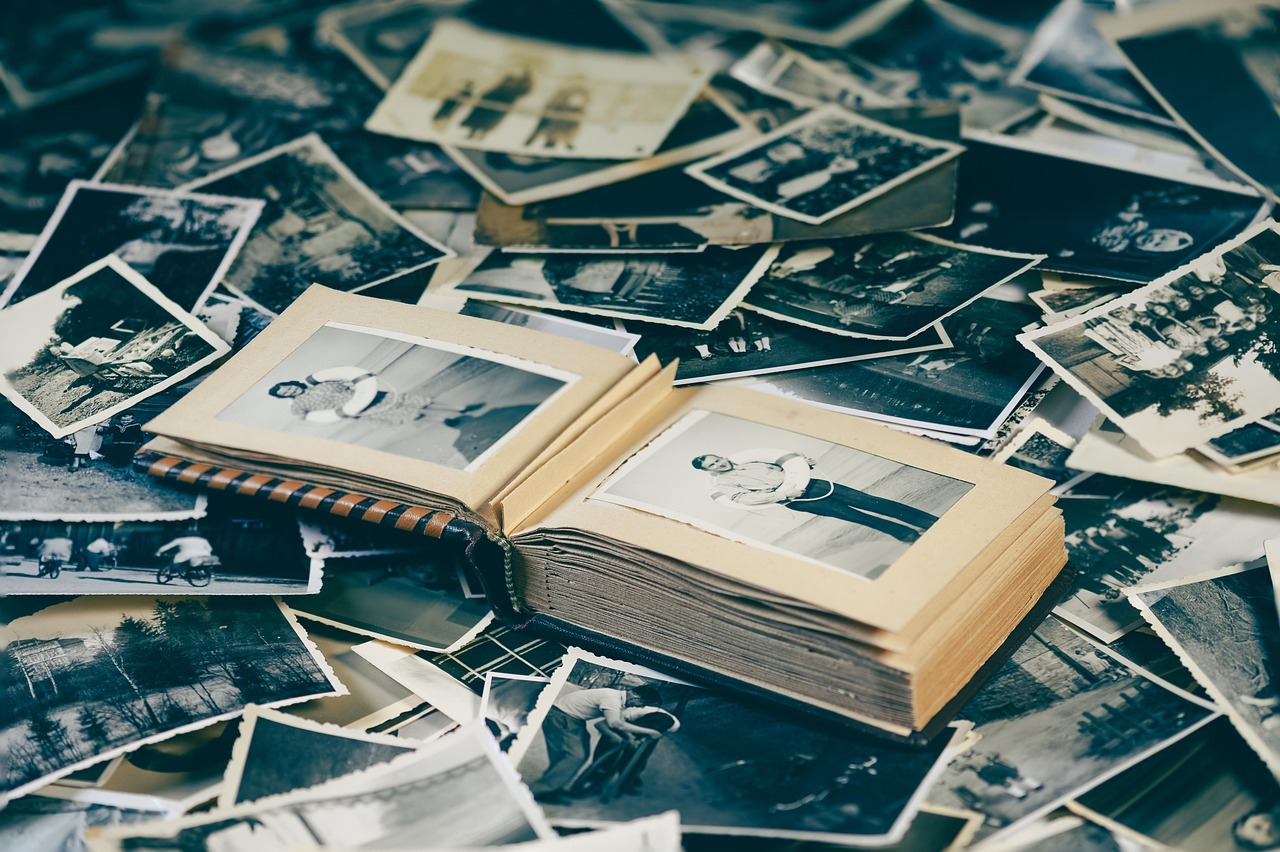
If you just want the list, here it is. Pick the scanner that matches what is actually in your family’s box, and do not skip the recording gear. The photos are half the job. The voices are the other half, and they are the half you cannot redo later.
- For a shoebox of loose prints: the Epson FastFoto FF-680W, a sheet-fed photo scanner that moves through a stack at about one print per second.
- For fragile, curled or album-stuck photos: the Canon CanoScan LiDE 400, a slim flatbed that touches nothing but glass.
- For slides and negatives done properly: the Plustek OpticFilm 8200i SE, with infrared dust and scratch removal.
- For slides and negatives done fast: the Kodak Slide N SCAN Film and Slide Scanner, which needs no computer at all.
- For recording the stories: the DJI Mic Mini (2 Transmitters + Receiver), one clip for the storyteller and one for you.
- For a backup recording that does not depend on a phone: the Zoom H1essential Handheld Recorder.
- To hold the phone steady through a long conversation: a UBeesize Phone Tripod with Remote.
- The master copy: a SanDisk 2TB Extreme Portable SSD.
- The second copy that stays at someone else’s house: a WD 5TB My Passport Portable Hard Drive.
- For dust on slides and prints: a Giottos Rocket Air Blower.
- For handling originals: a pack of White Cotton Photo Handling Gloves.
The rest of this piece explains why each piece earned its spot, how I divide up the weekend so nobody feels like they are at a work event, and the mistakes I made the first year so you do not have to.
Start With the Box, Not the Scanner
The single most useful thing I can tell you is to find out what is actually in the box before you buy anything. Call whoever keeps it and ask three questions. Are the photos loose, or are they in albums? Are there slides, in those little cardboard or plastic mounts? Are there strips of negatives, usually tucked in the back of the envelopes the prints came home in?
The answer decides your scanner, and it can save you hundreds of dollars. The fastest print scanner on the market cannot read a single slide. The best slide scanner is useless for a 5×7 school portrait. Most families have far more prints than film, so most families should start with a print scanner and treat the film as a second project. But I have also met families whose entire 1960s and 1970s lived on Kodachrome slides, and for them the order flips.
While you are on the phone, ask how many photos there are. “A couple of shoeboxes” is usually 1,500 to 2,500 prints. “Grandpa’s albums” can mean anything from four thin books to a closet. That number tells you whether a weekend is realistic or whether you are starting a project that will continue into January.
Loose Prints: Why a Sheet-Fed Scanner Wins the Weekend
The first year, I brought a flatbed. It was a mistake for the bulk of the job. A flatbed means lift the lid, arrange two or three prints, scan, flip, repeat. I got through about two hundred photos on Friday and was already exhausted. The second year I brought the Epson FastFoto FF-680W, and the whole tone of the weekend changed.
The FastFoto is a sheet-fed photo scanner, which means you drop a stack of up to 36 prints into the tray and it pulls them through one at a time. Epson rates it at about one photo per second at 300 dpi, and in my experience that is honest. The realistic pace, counting the time spent sorting and straightening, is a shoebox in about twenty to thirty minutes. It handles mixed sizes in one batch, from wallet photos up to 8×10, and it scans the front and back in a single pass.
That last feature is the one I did not expect to care about and now would not give up. The backs of old photos are where the information lives. “Easter 1974, Peoria.” “Bill and Dot, first apartment.” My grandmother’s handwriting. A front-only scan loses all of that. The FastFoto keeps the back as a separate image paired with the front, so the caption travels with the picture forever.
It is not cheap. Expect to pay somewhere around $600, and I would not buy one for a few dozen photos. Its optical resolution is 600 dpi, and the higher setting is interpolated, so it is not the tool for enlarging a tiny print into a poster. It does not do film at all. But for the person staring down several shoeboxes, nothing else gets the job done in a weekend. One more idea: split it. Three siblings at $200 each, with the scanner rotating to whoever has the next box, is the best family purchase I have ever seen made at a Thanksgiving table.
My settings: 600 dpi for anything that might get printed again, 300 dpi for the bulk of ordinary snapshots, and the auto-enhance copy saved alongside the untouched original. Never let software overwrite the raw scan. The color restoration on faded 1970s prints can be wonderful, but tastes change, and you want the unedited file to come back to.
Fragile Prints and Glued-Down Albums: Keep a Flatbed Anyway
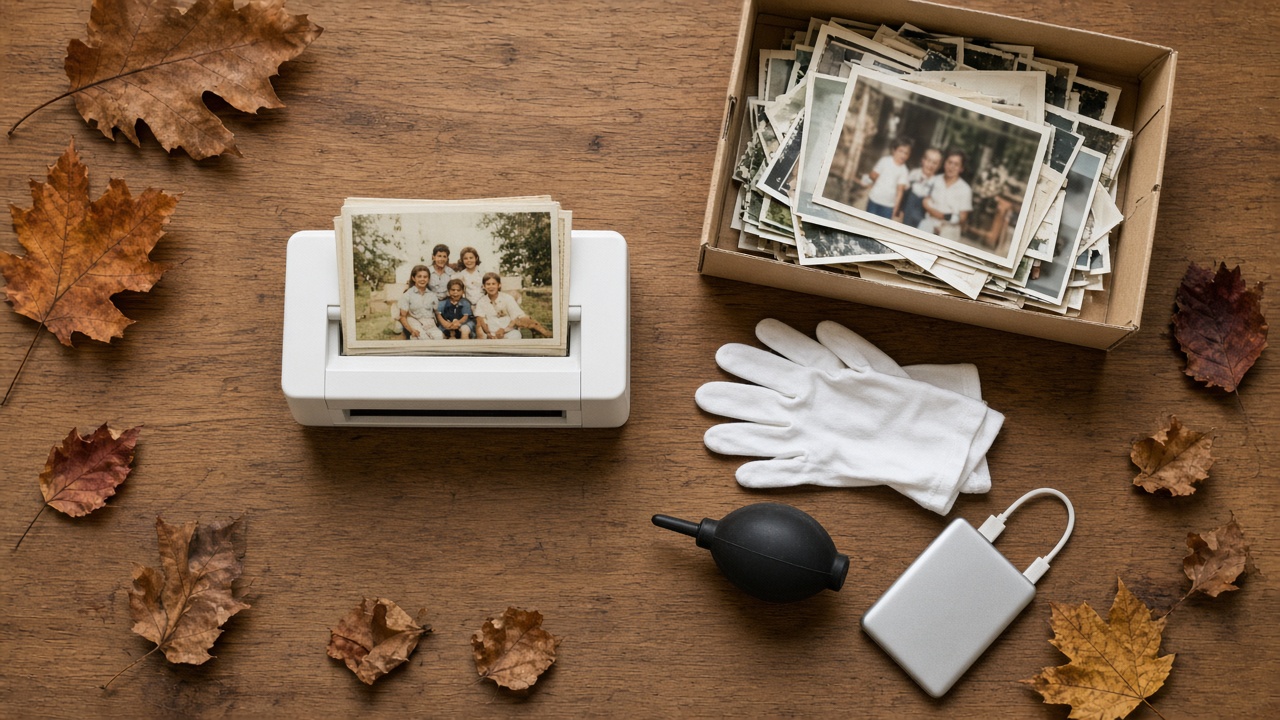
Here is where my first-year flatbed earned its way back into the bag. Any scanner that pulls photos through rollers carries some risk for prints that are cracked, badly curled, or brittle. Epson includes a carrier sheet and a slower mode for delicate prints, and I use both. But some photos should never go through a feeder: the cabinet card of a great-great-grandfather, a print that is already split down the middle, anything taped together.
Then there are the albums. The magnetic “self-stick” albums from the 1970s and 1980s, the ones with the clear plastic film over a sticky page, are the bane of every family archivist. After forty years, the adhesive has often bonded to the back of the photo. Peeling them out can tear the print. My rule is simple: if it does not lift easily, it stays on the page, and the page goes on the glass.
For that job I use the Canon CanoScan LiDE 400. It is thin, light, powered over a single USB-C cable, and costs a fraction of the FastFoto. It will scan a whole album page at once, and you can crop the individual photos afterward. It is also the right tool for documents that turn up in the box: discharge papers, a marriage certificate, a letter. Handle the old ones with White Cotton Photo Handling Gloves so you are not adding fingerprints to prints that have survived this long without them.
Slides and Negatives: Fast or Right, Pick One
Film is where you have to make an honest decision about time versus quality, because there is no single device that is both fast and excellent.
The Right Way: Plustek OpticFilm 8200i SE
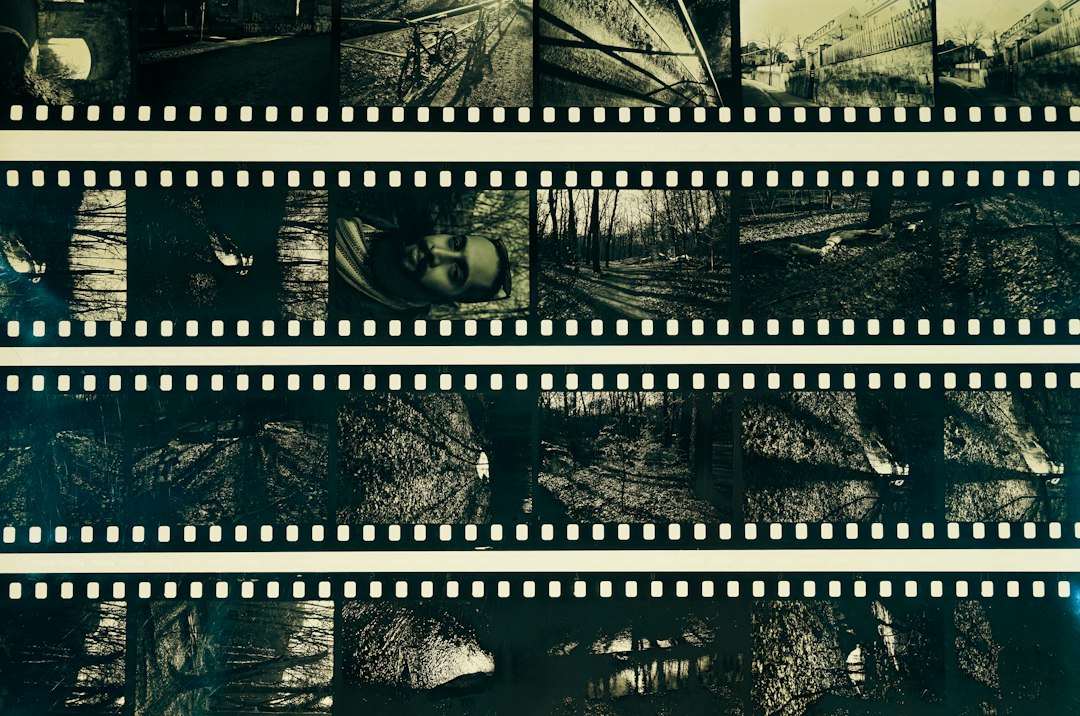
If your family’s history is on slides and you care about getting it right, the Plustek OpticFilm 8200i SE is the one I recommend. It is a dedicated 35mm film scanner with a true CCD sensor and, crucially, an infrared channel that detects dust and scratches on the film and removes them automatically. On slides that have been sitting in a carousel in an attic for fifty years, that one feature saves hours of retouching.
The trade-off is speed. You load a holder of four slides or a strip of six frames, and each high-resolution pass takes real time. This is not a weekend-at-grandma’s machine. It is the machine you bring home afterward with the slides in a box and work through over a few winter evenings. Plan accordingly, and get the family’s permission to borrow the originals.
The Fast Way: Kodak Slide N SCAN
The Kodak Slide N SCAN Film and Slide Scanner is the other camp entirely. It has its own screen, saves straight to an SD card, and needs no computer or software. You slide in a tray and press a button, and each frame takes a couple of seconds. That speed has a real cost: it is essentially a small camera photographing the film, so the files will not hold fine detail the way a true film scanner does, and there is no infrared dust removal.
But here is why I still like it at a family gathering. It is the one device that pulls the whole room in. The screen shows the slide immediately, in color, and people crowd around it. A cousin who had zero interest in “the scanning project” will sit at that little screen for an hour calling out names. If your goal this weekend is the stories rather than archival-grade files, the Kodak is the better choice. You can always rescan the important frames on a better scanner later.
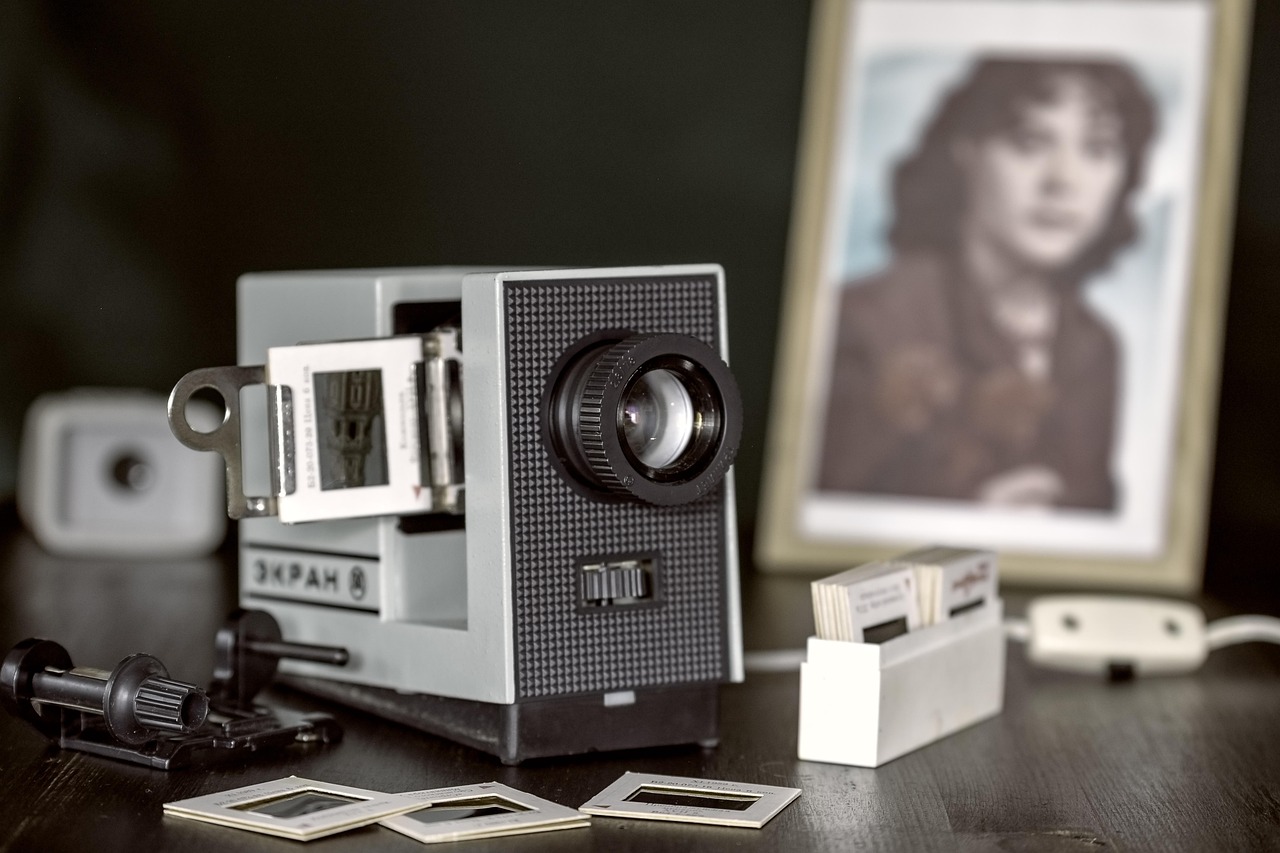
Whichever you choose, keep a Giottos Rocket Air Blower next to it. A few puffs before each slide or strip removes the loose dust that would otherwise show up as white specks on every frame. Never use canned air on film. The propellant can spray out as liquid and leave marks you cannot remove.
The Half Everyone Skips: Record the Stories
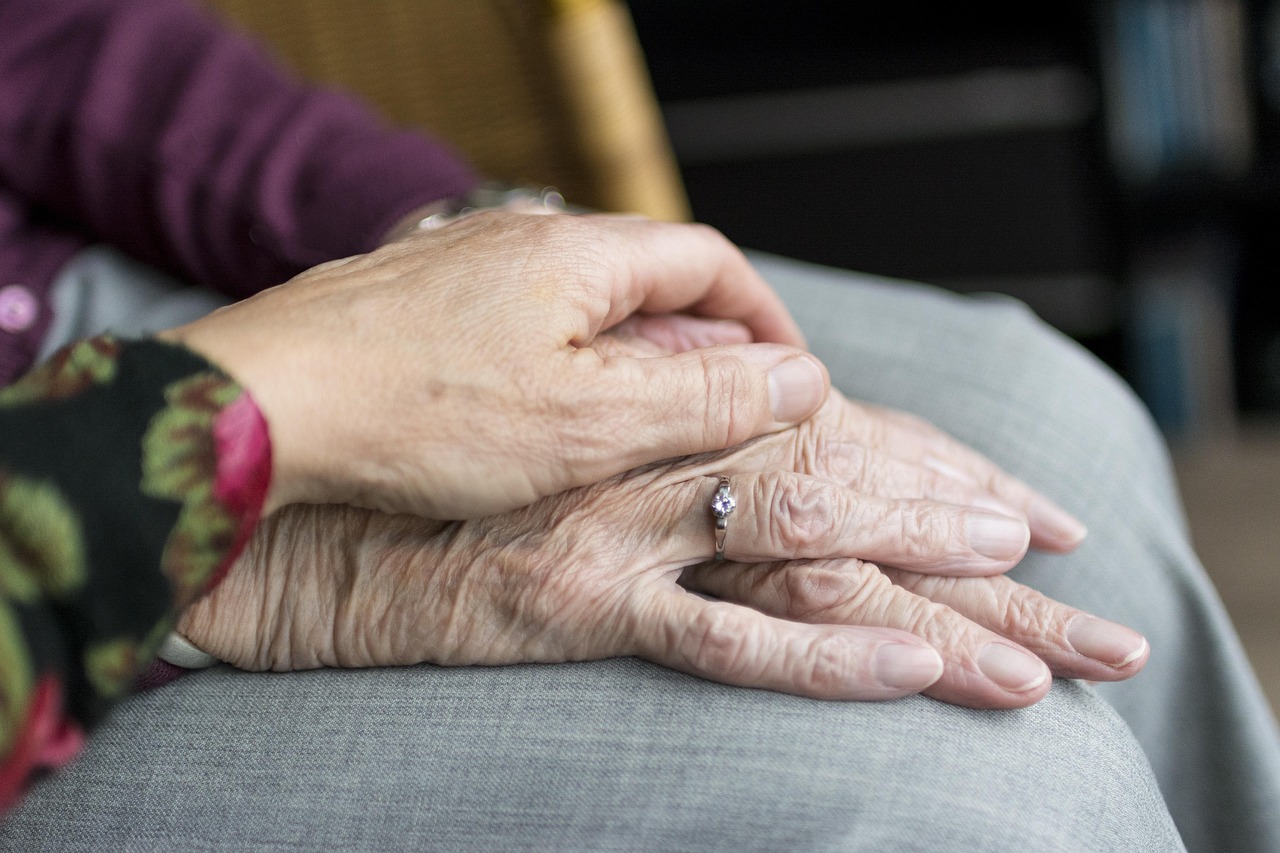
I want to be blunt about this part, because it matters more than any scanner. A scanned photo of a woman in a 1950s kitchen is a nice picture. A scanned photo of that woman with a recording of her daughter explaining that this was the week she got the job at the phone company, that the stove in the background caught fire that winter, and that she sang Patsy Cline while she cooked, is family history. The photos will survive in the shoebox for decades more. The person who can explain them may not. I have been to enough funerals to know which half to prioritize.
StoryCorps has been running what it calls the Great Thanksgiving Listen for more than a decade, encouraging people to record a conversation with an elder over the holiday. Their free app is a perfectly good place to start, with one catch to know about: the app caps each interview at 45 minutes. That is plenty for a single focused conversation, but if you are going photo by photo through a shoebox, you will want something that just keeps recording.
Clip-On Microphones Change Everything
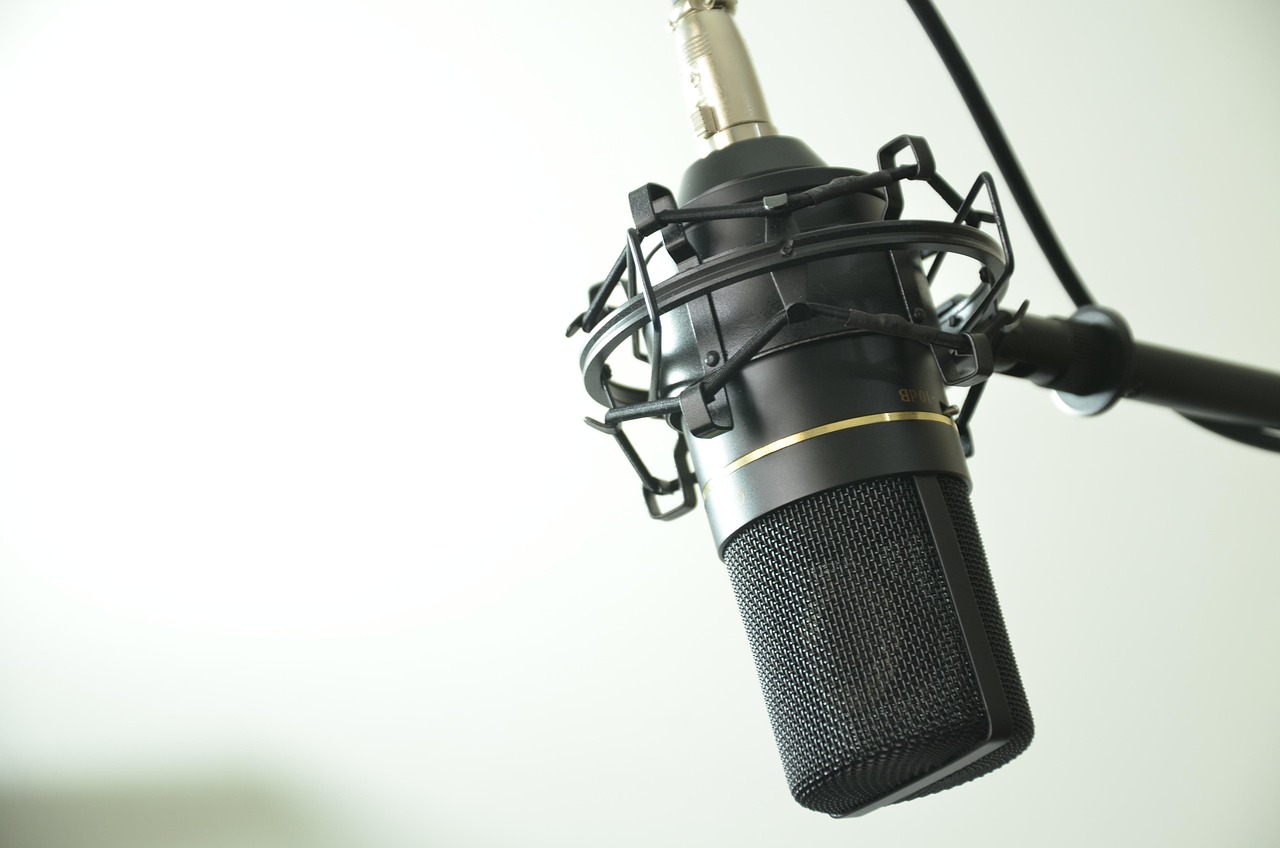
The phone’s built-in microphone is the weak link. In a house full of relatives, a football game, and a dishwasher, it picks up everything except the person you care about. The fix is a clip-on wireless microphone, and the DJI Mic Mini (2 Transmitters + Receiver) is the one I carry now. The two-transmitter kit gives you one tiny mic for the storyteller’s collar and one for yours, and the receiver plugs straight into a phone. The transmitters weigh almost nothing, so after five minutes people forget they are wearing them, which is exactly what you want. A forgotten microphone gets better stories than a visible one.
Charge everything the night before, and put the charging case somewhere you will remember. Nothing kills momentum like a dead transmitter twenty minutes into the best story of the day.
Always Run a Backup Recorder
Phones get notifications, run out of storage, and get picked up by a grandchild who wants to check a score. For any conversation I would be heartbroken to lose, I run a second recording on the Zoom H1essential Handheld Recorder sitting on the table between us. It records to a microSD card in 32-bit float, which in plain English means you basically cannot set the level wrong. A sudden laugh will not distort, and a quiet voice can be brought up afterward without falling apart. It runs on two AA batteries for many hours. It is boring, reliable, and exactly the kind of gear I trust for something that cannot be repeated.
You do not need a studio microphone, a boom arm, or anything that looks like a podcast setup. Those intimidate people. The best interview gear is the gear that disappears.
Add Video if They Are Willing
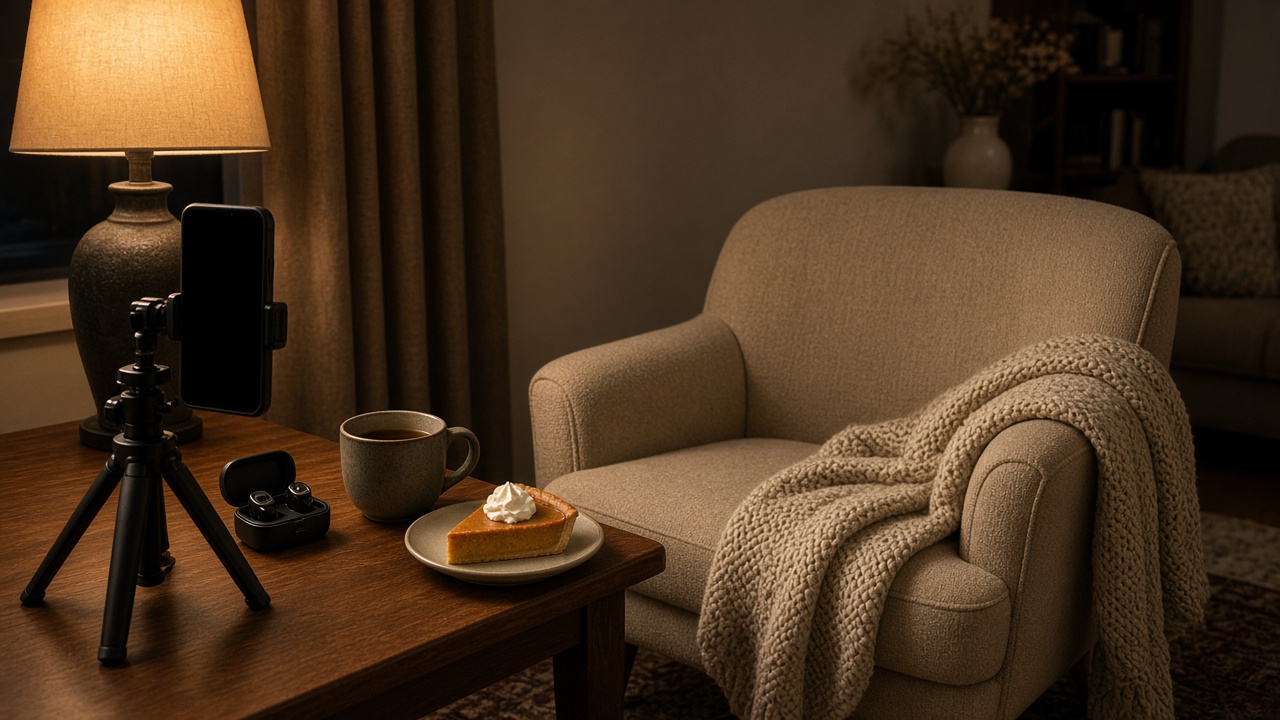
Audio is the essential part. Video is a bonus, but a meaningful one, because so much of storytelling is a face and a pair of hands. If your storyteller is comfortable with it, put the phone on a UBeesize Phone Tripod with Remote at eye level, a few feet back, with a lamp to one side rather than behind them. A window behind the subject turns them into a silhouette. Set the phone to airplane mode so a call does not end the recording, and check that it has at least 20 GB of free space for an hour of video.
How I Run the Weekend Without Turning It Into a Job
The first year I made the classic mistake of treating this like a project with a schedule. Nobody wants to clock in at Thanksgiving. Here is the rhythm that works now.
Wednesday night or Thursday morning: set up the scanning station in a corner of the dining room or a spare bedroom, somewhere it can stay out all weekend. Scanner, laptop, drive, gloves, blower. The point is that it is ready when someone wanders over, not that it has a start time.
Thursday, after dinner: this is the shoebox moment that already happens in most families. I just let it happen next to a running recorder. Nobody is being interviewed. People are passing photos around and telling stories, and the Zoom on the table is catching all of it. Some of my best recordings came from this loose, crowded hour.
Friday: the big scanning day. While everyone else is out at the Black Friday sales, or the stock from the carcass is simmering on the stove, I feed the FastFoto. If you have never made that stock, home.omnux has a good walkthrough on putting the turkey bones in the pot before the stores open, and it pairs nicely with a long scanning session. I pull out the photos that clearly have a story behind them and set them in a separate pile.
Saturday: the sit-down conversations. One storyteller at a time, a quiet room, the mics clipped on, and that separate pile of photos on the table between you. Do not start with “tell me about your life.” Start with a picture. “Who is this, and where were you?” A photo gives an older relative something concrete to hold, and the memories come out of it on their own. Keep each session to about an hour. People tire faster than they admit.
Sunday morning: copies. Before anyone leaves, the files go onto two drives, and one of them leaves with a different person than the scanner does.
The Rule of Two Copies, in Two Houses
The worst outcome is not a bad scan. It is a weekend’s work living on one laptop that gets dropped in an airport. I learned this one the easy way, by watching it happen to a friend.
My master copy goes on a SanDisk 2TB Extreme Portable SSD. It is fast enough to scan straight to it, tough enough to survive a car trip in a coat pocket, and 2TB is far more than any family archive needs. A shoebox at 600 dpi plus a few hours of audio is usually well under 100 GB. Video is what eats space. I explained why I keep one of these in every bag in my case for the portable SSD, and family archiving is the strongest argument I know of.
The second copy goes on a WD 5TB My Passport Portable Hard Drive, and it stays with someone else, usually a sibling in another city. Spinning drives are slower and more fragile, but for a backup that sits in a drawer, the cost per terabyte is hard to beat. Storage prices have been ugly all year, which I covered in my field guide to the storage squeeze, so this is exactly the kind of item worth watching on Black Friday. A cloud copy on top of that is a good third layer, but I would not rely on it alone. Accounts lapse, and passwords die with people.
Name your folders for the next person, not for yourself. “Box 2 – Aunt Carol closet – 1960s-1980s” will make sense in twenty years. “Scan_Batch_0047” will not. Put a plain text file in the top folder that says who is in the recordings, when they were made, and who has the other copies.
What to Do With It All Afterward
An archive nobody looks at is only slightly better than a shoebox nobody opens. A few things have made ours actually get used.
First, a digital frame for the person who kept the box. I put a selection of the scans on a frame for my aunt, and she now tells me she has seen photos she forgot existed. I tested the current crop of frames in six weeks with the Wi-Fi frames worth buying, and a frame loaded with family scans is a far better Christmas gift than a frame loaded with nothing.
Second, make it searchable. If you are comfortable with a little software, the same local AI setup I described in turning a shoebox into a search engine can transcribe hours of recorded audio on your own computer, and it never sends Grandma’s voice to someone else’s server. A transcript lets you search “Peoria” and land on the exact minute your uncle started talking about the first house.
Third, and most important, send the recordings to the people in them. My mother listened to her own interview twice, then called me to add three stories she had forgotten to tell. That call was its own recording.
Mistakes I Made So You Do Not Have To
- Scanning at too low a resolution to save time. 300 dpi is fine for most snapshots, but small prints and anything you might crop deserve 600. Rescanning later means getting the box down again.
- Peeling photos out of magnetic albums. I tore one. Scan the page instead.
- Interviewing in the kitchen. Dishwashers, range hoods and refrigerators all hum. Find the quietest room in the house, even if it is a bedroom.
- Asking yes-or-no questions. “Did you like that house?” gets a yes. “What do you remember about the day you moved in?” gets ten minutes.
- Waiting for a better year. There is no better year. The gear is ready, the box is on the shelf, and the people who can name the faces are coming to dinner.
My Bottom Line
If you buy one thing this Black Friday week that is not for yourself, make it the kit that saves your family’s history. A print scanner matched to your box, a pair of clip-on mics, and two drives will cost less than a new phone, and they will produce something no phone can replace. Bring the gear on Wednesday. Let the shoebox come down after the pie the way it always does. Just this year, keep the recorder running.