
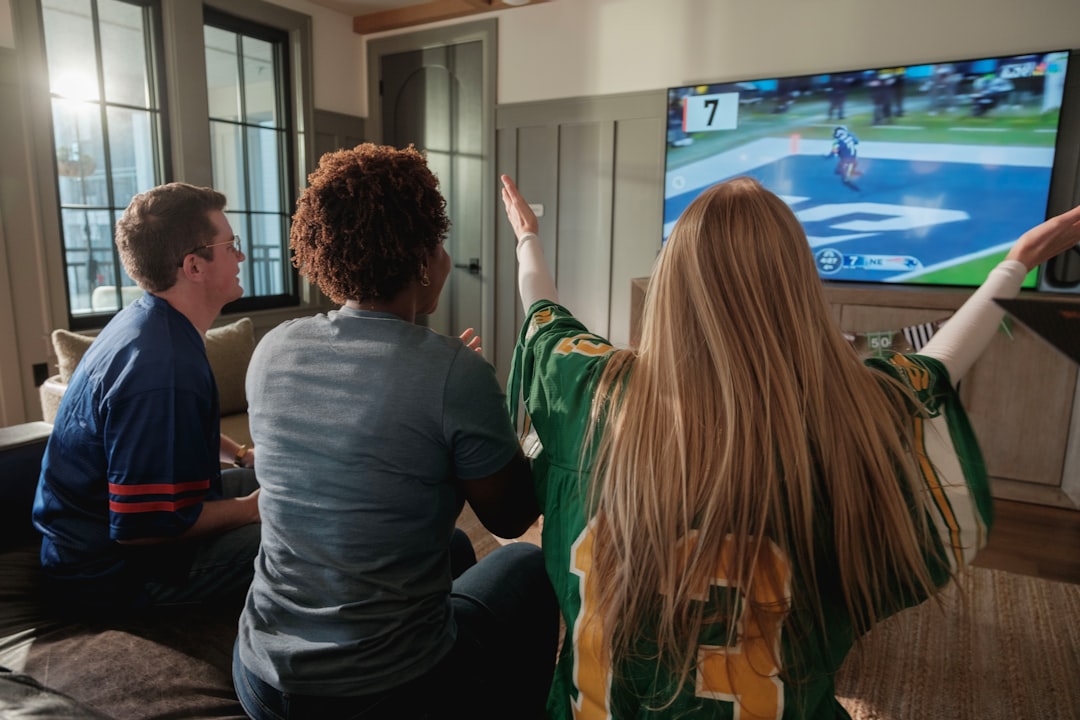
Every August, the same thing happens. My group chat lights up with the same question: “How are we watching the games this year?” Half the guys still have cable. The other half cut the cord years ago and are fumbling between apps, missing kickoffs, and blaming their Wi-Fi. Last season, I decided to fix this — not just for myself, but for anyone who’d listen.
What I built over the course of a weekend turned my living room into a better sports-watching setup than any sports bar I’ve been to, and it cost less than two months of the cable package I used to pay for. The secret wasn’t one magic device. It was five pieces, each solving a specific problem that ruins game day.
The Antenna That Gets You the Games Cable Doesn’t
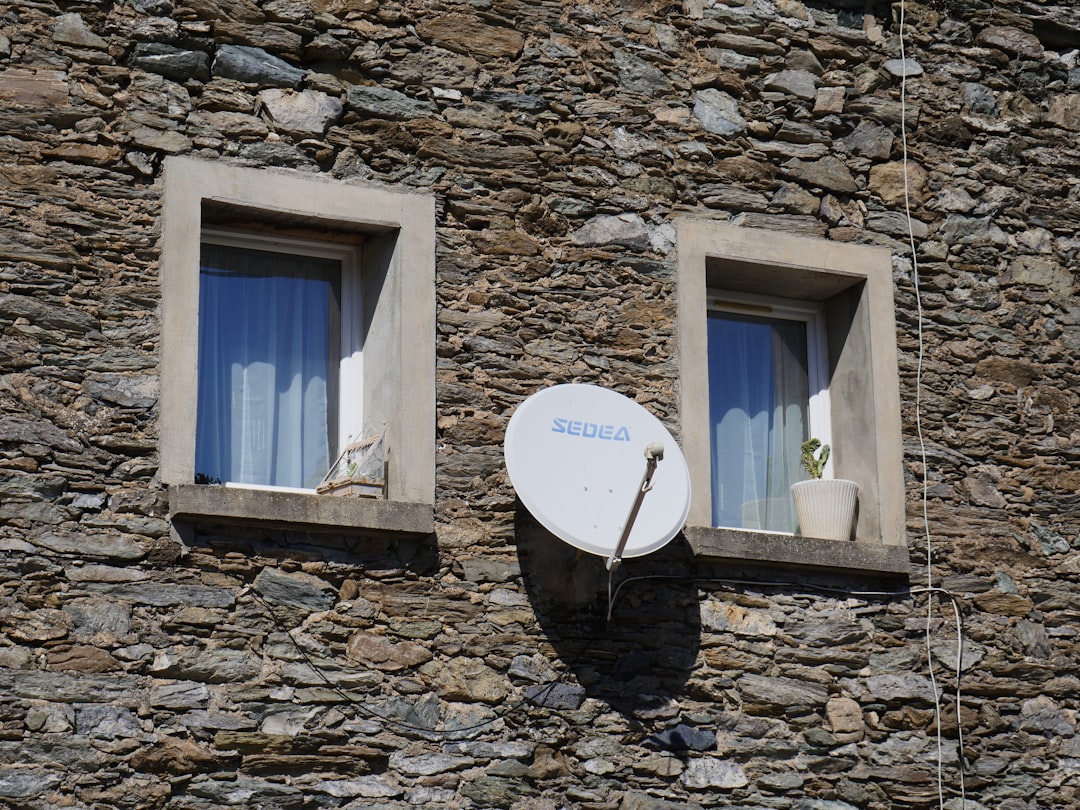
Here’s what nobody at the cable company wants you to know: most NFL games on CBS and Fox, plus all Sunday afternoon games, broadcast over the air in full 1080p — uncompressed, unthrottled, and completely free. The picture quality from a good antenna actually beats what cable delivers, because cable compresses the signal to squeeze more channels through the pipe.
After testing four antennas over the past two seasons, the Mohu Leaf Supreme Pro became my go-to recommendation. It’s paper-thin, sticks to a wall or window with included adhesive, and pulls in channels from up to 65 miles away. I’ve gotten clean CBS, Fox, and NBC signals in two different homes with it. If you’re closer to broadcast towers and want to save a few bucks, the original Mohu Leaf 50 performs nearly as well for about $15 less.
The key placement tip: higher is better, and windows facing the nearest transmitter tower are your friend. There’s a free site called AntennaWeb — type in your zip code and it’ll tell you exactly where your towers are and which antenna strength you need. Skip the amplified antennas if you’re within 25 miles of the towers; the amplifier can actually introduce noise that makes the picture worse, not better.
The Streaming Device That Doesn’t Make You Want to Throw the Remote
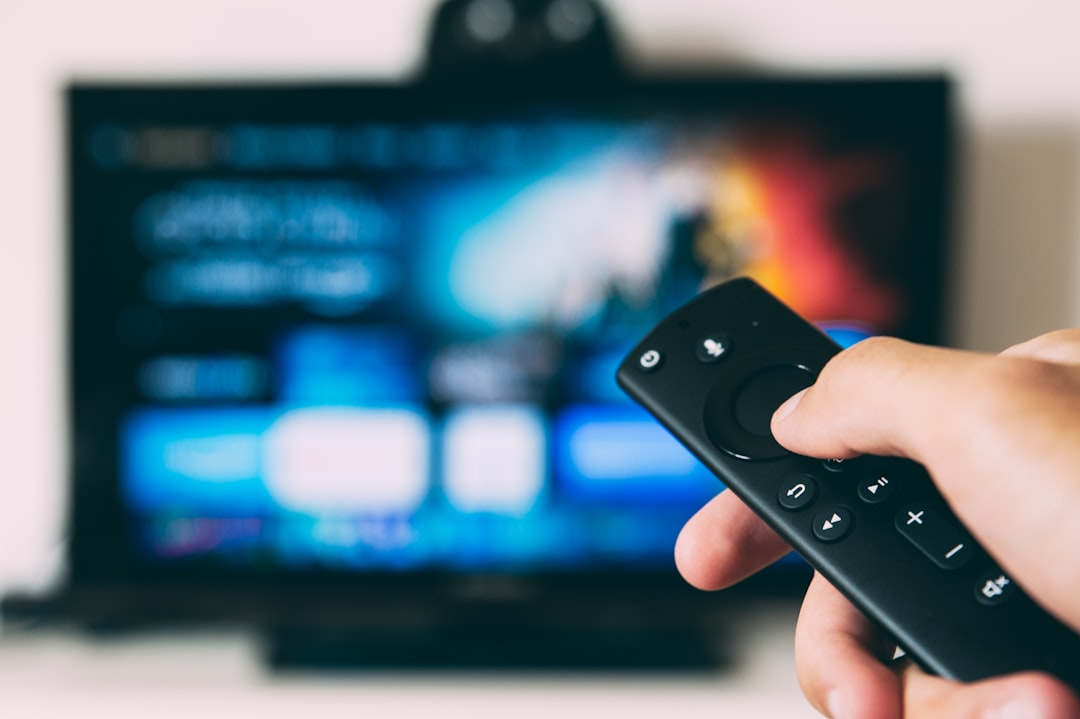
Your TV’s built-in smart platform is probably garbage. I’m not being dramatic — most TV manufacturers treat their software as an afterthought, and after two years of updates, the interface gets sluggish, apps crash, and navigating to the game feels like booting up a 2008 Dell laptop.
A dedicated streaming stick fixes this for under $50, and the interface stays snappy because that’s the only job the device has. My team runs a Fire TV Stick 4K Max on the main living room TV — it handles every app we’ve thrown at it, from YouTube TV to ESPN+ to Prime Video, and the Wi-Fi 6E support means it holds a rock-solid connection even when the whole house is streaming. For anyone who wants the simplest possible interface (especially for less tech-savvy family members), the Roku Ultra is the pick. Its dedicated remote has physical channel buttons, a headphone jack for private listening during late games, and it never tries to sell you anything on the home screen.
One thing I learned the hard way: plug the streaming stick directly into the TV’s HDMI 1 port, not through a receiver or switcher. HDCP handshake issues between devices can cause random blackouts, and there’s nothing worse than the screen going dark during a fourth-quarter drive.
The Soundbar That Makes You Feel the Crowd
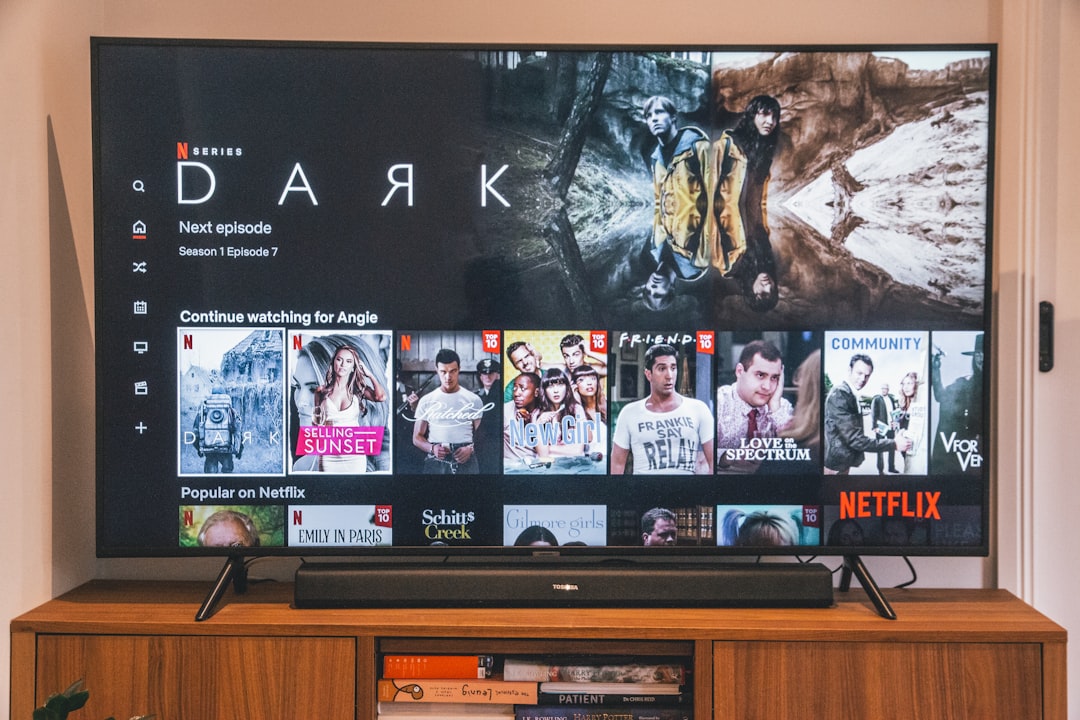
I tested six soundbars last fall, ranging from a $60 no-name brand to a $900 Samsung Dolby Atmos rig. The conclusion: you don’t need to spend anywhere near $900 to transform game day audio. TV speakers are uniformly bad because there’s no room for decent drivers in a quarter-inch-deep panel. Even a modest soundbar is a night-and-day upgrade.
The Bose TV Speaker is what I run in my setup. At around $279, it’s not the cheapest option, but it does something most soundbars in this range can’t: dialogue comes through crystal clear even when crowd noise swells. That matters more than you’d think during football broadcasts, where the play-by-call is buried under stadium noise and music cues. It connects via HDMI ARC (one cable, TV remote controls volume) and has Bluetooth for piping in a podcast while you’re cleaning up after a watch party.
If you want bigger sound with actual bass impact — and you will, when the home team takes the field — the ULTIMEA soundbar with wireless subwoofer is the surprise of the year. It comes in well under $200 and the wireless subwoofer adds that chest-thumping rumble during big plays that makes sports actually feel live. My only complaint is the companion app, which is needlessly complex for initial setup. Once it’s configured, though, you never need to open it again.
The Wi-Fi Extender That Stops the Buffering Circle of Death
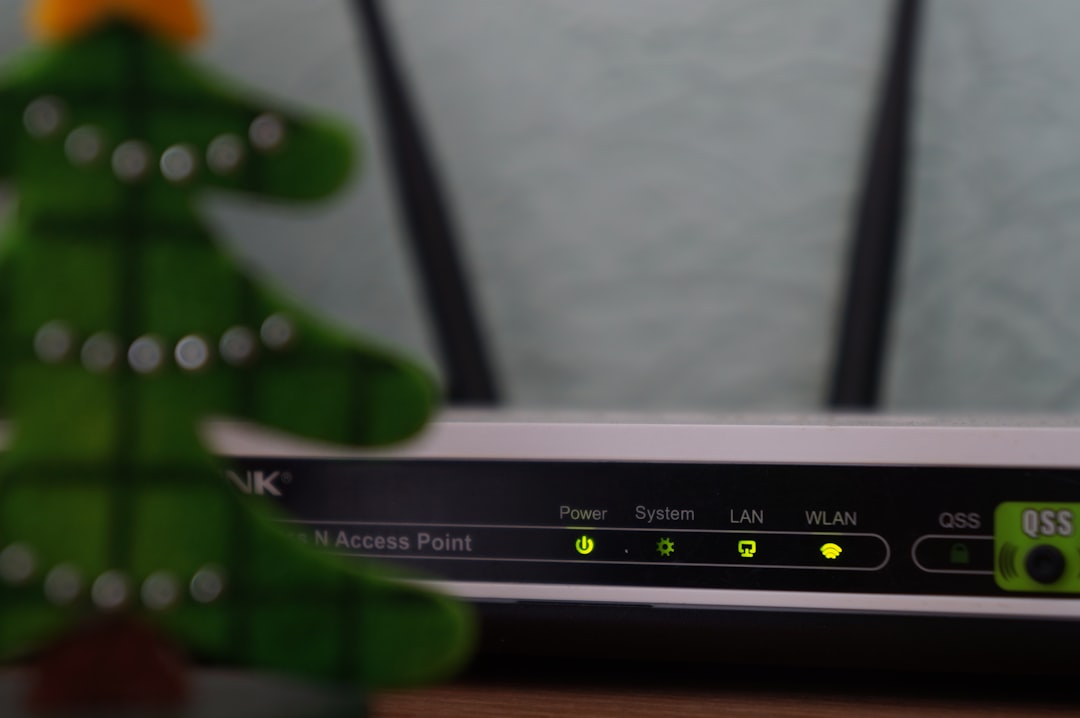
If your router is in a home office at the opposite end of the house from your living room TV, you’re going to have a bad time. Streaming a 4K game consumes 25+ Mbps of sustained bandwidth. Add a phone or two on the same network and suddenly you’re watching the buffering wheel during a third-and-long situation that decides the game.
I’ve written before about how mesh WiFi transformed my home network, and the same principle applies here. If you can’t run ethernet to your TV, a WiFi 6 range extender is the next best thing. The TP-Link AX1800 WiFi 6 Extender (RE605X) is the one I recommend most often. It plugs into any outlet, extends coverage up to 1,500 square feet, and has an ethernet port — so you can run a short cable from the extender directly to your TV or streaming device for a wired connection on the far end. That’s the ideal setup: wireless bridge, wired last hop.
For larger homes (or if you’re also trying to cover a back deck for tailgate prep), the TP-Link AX3000 pushes even more bandwidth and handles more simultaneous devices without choking. Either way, the goal is simple: your TV should never be the device that suffers when someone else in the house starts a video call or downloads a game update.
The Remote That Keeps You From Juggling Three Controllers
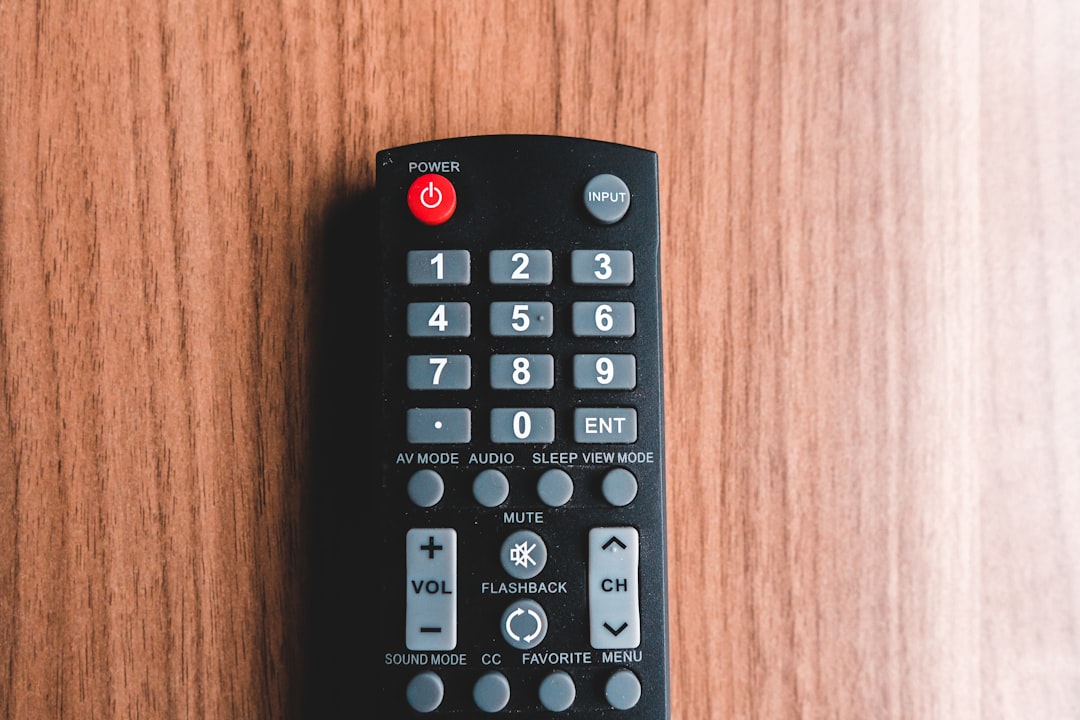
This one sounds trivial until you live with the problem. On game day, you’re switching between the antenna input (CBS game), the streaming device (ESPN+ matchup), and maybe a Blu-ray player or console for halftime entertainment. That’s three remotes, and nobody can ever find the right one when the other team is driving and you need to check the RedZone channel.
The Logitech Harmony 665 solved this for me. Yes, Logitech discontinued the Harmony line, but these remotes are still available and they still work flawlessly. One button press: “Watch Football” turns on the TV, switches to the right input, fires up the soundbar, and you’re ready. It controls up to 15 devices, and the button layout makes sense without looking down.
If you can’t find a Harmony (stock is getting limited), a simpler alternative is a Kasa smart plug on your soundbar and entertainment center power strip, paired with your TV’s HDMI-CEC feature. Most modern TVs can auto-switch inputs and auto-power external devices through HDMI-CEC — so turning on the TV automatically wakes the soundbar and streaming stick. Not as elegant as a true universal remote, but it eliminates the worst of the juggling.
The One Cable Nobody Thinks About Until It’s Too Late
I almost didn’t include this section because it feels too basic. But after three separate friends texted me during games last season asking why their setup “looks fuzzy,” I realized this is the most overlooked piece of the puzzle: the HDMI cable.
The HDMI cable that came in the box with your $40 streaming device is probably fine. But if your TV is wall-mounted and the device is more than 6 feet away, you need a longer cable — and that’s where things go sideways. Cheap long HDMI cables throttle bandwidth, which means no 4K, no HDR, and a picture that looks like you’re watching through a vaseline-coated window.
I run a 25-foot Highwings HDMI 2.0 cable from my wall-mounted TV down to the media cabinet, and it handles full 4K HDR without a single hiccup. The key spec: look for HDMI 2.0 (18 Gbps) minimum for 4K at 60Hz. If you’ve got a newer TV with HDMI 2.1 ports, step up to the 8K-rated version for future-proofing — the price difference is only a few dollars.
What I’d Build for Under $500

If I were starting from zero — no antenna, no streaming stick, no soundbar — here’s the complete setup I’d build today:
- Antenna: Mohu Leaf 50 (~$40) — free CBS, Fox, NBC, ABC forever
- Streaming device: Fire TV Stick 4K Max (~$40) — every app, Wi-Fi 6E, snappy interface
- Soundbar: ULTIMEA with wireless subwoofer (~$150) — crowd noise and bass that actually thumps
- WiFi extender: TP-Link RE605X (~$80) — kills buffering permanently
- HDMI cable: 25-foot Highwings 4K (~$20) — clean signal from TV to media cabinet
- Smart plug: Kasa Mini (~$15) — automate the power-on sequence
That’s roughly $345 for a setup that delivers free local games in better quality than cable, every streaming app in 4K, sound that fills the room, and a network that doesn’t quit during the fourth quarter. Compare that to a typical cable package at $120/month — you’re paying for the whole rig in three months, then it’s pure savings after that.
The Final Whistle
The beautiful thing about this setup is that none of these pieces are sports-specific. The antenna gets you the Oscars and local news. The streaming stick handles Netflix, Disney+, and everything else. The soundbar upgrades movie night and music. The WiFi extender makes every device in the house happier. You’re not building a football rig — you’re building a better living room that happens to be ready for football season.
My crew watched every Sunday last season at my place, and not once did we miss a kickoff, fight with a remote, or stare at a buffering screen. That’s not because I have some exotic home theater setup. It’s five affordable pieces, each doing its job, set up over a weekend. If you’ve been on the fence about cutting the cord — or just upgrading from your TV’s terrible built-in speakers — now is the time. The season starts in three weeks.
And if you’re looking to take the setup outside for tailgate season, check out my backyard tech overhaul guide — same principles, weatherproofed.
For keeping all these devices charged and organized, I also recommend reading my Qi2 charging dock review and my desk gadgets that earned permanent spots — both cover gear that makes any tech setup cleaner.
