
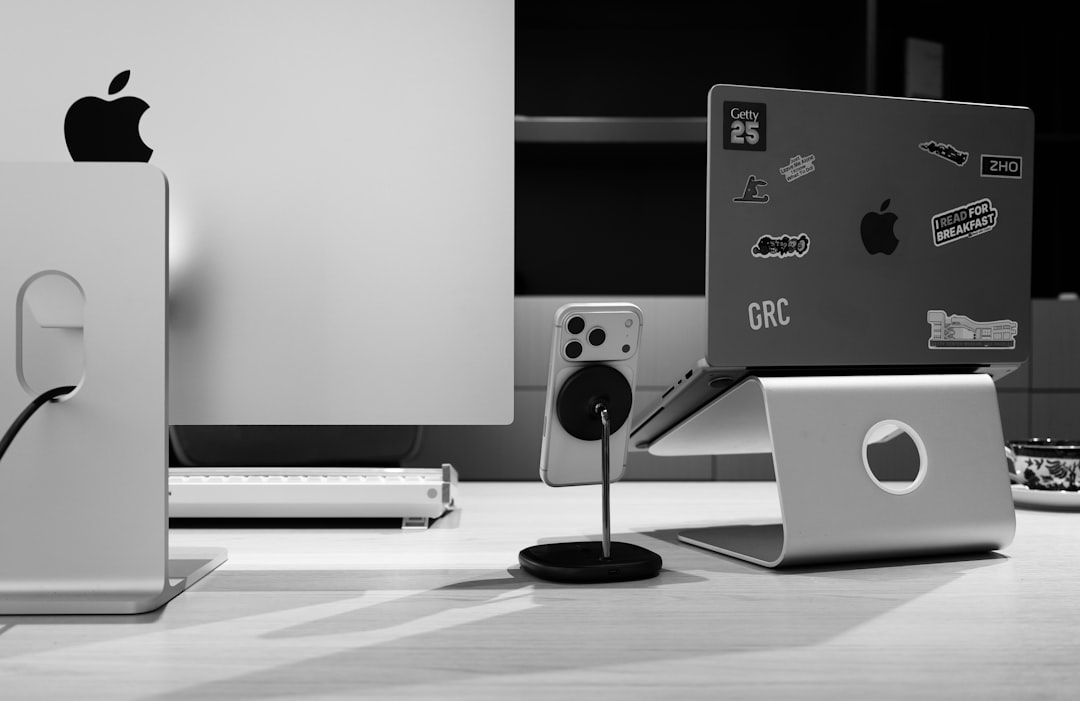
I’m going to be honest with you — for years, I was that person hunched over a laptop at my kitchen table, neck craned forward like a turtle, wondering why my shoulders felt like they’d been through a meat grinder by 5 PM. It took a physical therapist politely suggesting I “elevate my screen to eye level” before I finally caved and started testing laptop stands. That was three years and roughly 40 different stands ago. Now I genuinely can’t work without one, and I’ve helped dozens of friends and colleagues transform their setups with the right pick.
The truth is, most of us spend 8 to 10 hours a day staring at a laptop screen that’s sitting somewhere around chest height — far below where your eyes naturally rest. That creates what ergonomists call “forward head posture,” and it’s the fast track to chronic neck pain, tension headaches, and that nagging upper-back stiffness that makes you crack your spine every 20 minutes. A good adjustable laptop stand fixes this by raising your screen to eye level, which aligns your spine, relaxes your shoulders, and honestly just makes you feel more alert and focused while you work.

What I Looked For (And Why Most Stands Failed)
Testing laptop stands isn’t as straightforward as it sounds. Sure, you can prop up a book and call it a stand, but there’s a lot that separates a thoughtful design from a flimsy piece of metal that wobbles every time you type. I evaluated every stand across five criteria: build quality and stability, height and angle adjustability, portability, laptop compatibility (from 11-inch ultrabooks to massive 17-inch gaming rigs), and — this one’s underrated — how well it handles heat dissipation. Laptops get hot, and a solid stand needs airflow, not a flat surface that turns your machine into a space heater.
I also paid attention to the little things: rubberized feet that don’t slide around on glass desks, cable management that doesn’t feel like an afterthought, and folding mechanisms that don’t require an engineering degree to operate. You’d be amazed how many “premium” stands fail at one or more of these basics.
The Adjustable Stands That Actually Improved My Posture
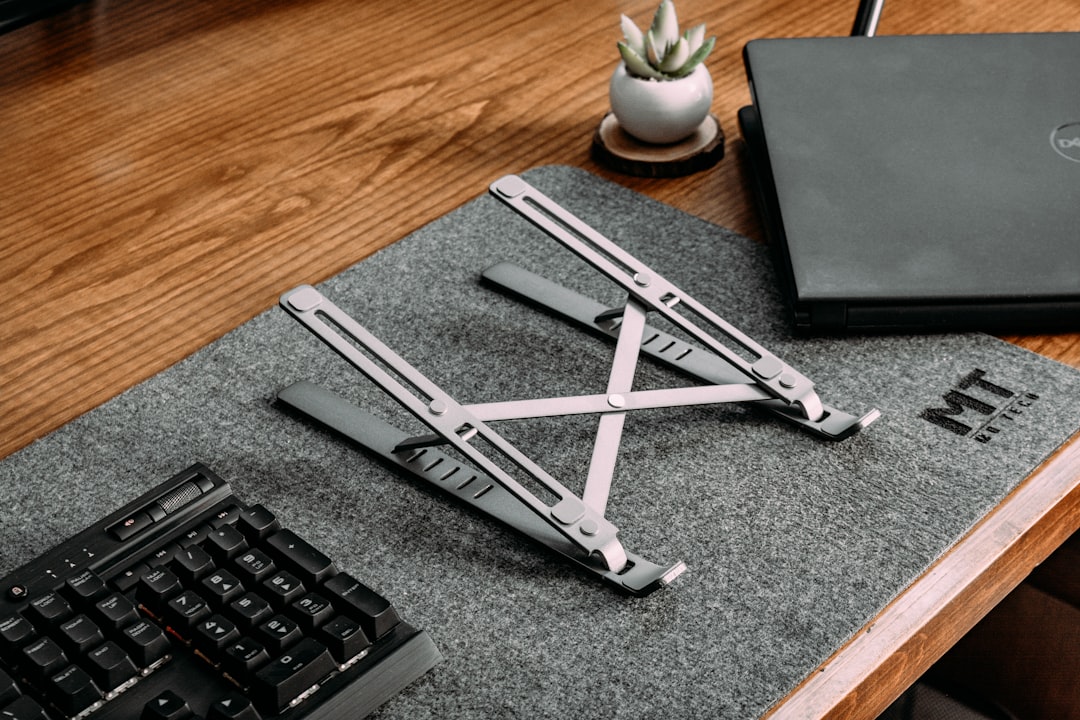
If there’s one category I’d recommend most people start with, it’s fully adjustable stands. These let you dial in the exact height and angle your body needs, which matters because — surprise — everyone’s desk height, chair height, and torso length are different. What works perfectly for my 5’10” frame might be completely wrong for someone taller or shorter.
The Roost Laptop Stand V3 has been my daily driver for over a year now, and it’s the one I reach for when I’m working at the same desk alongside my ergonomic mouse. It collapses down to roughly the size of a thick pen, weighs under 6 ounces, and extends to nearly a foot tall. The proprietary resin material is surprisingly rigid — no wobble even with my 16-inch MacBook Pro. At around $90, it’s not cheap, but the build quality justifies every penny.
For a more budget-friendly option, the Nexstand K2 gets you most of the way there for under $25. It’s not as refined — the plastic feels a bit utilitarian — but it raises your laptop up to 12 inches and folds flat enough to slip into a backpack. I’ve recommended this one to more friends than any other stand, simply because the value proposition is unbeatable for anyone who’s not ready to spend $80+ on a piece of desk furniture. If you’re looking for a portable laptop stand for travel, both of these fit the bill.
Fixed-Height Stands: Simple, Solid, and Surprisingly Effective
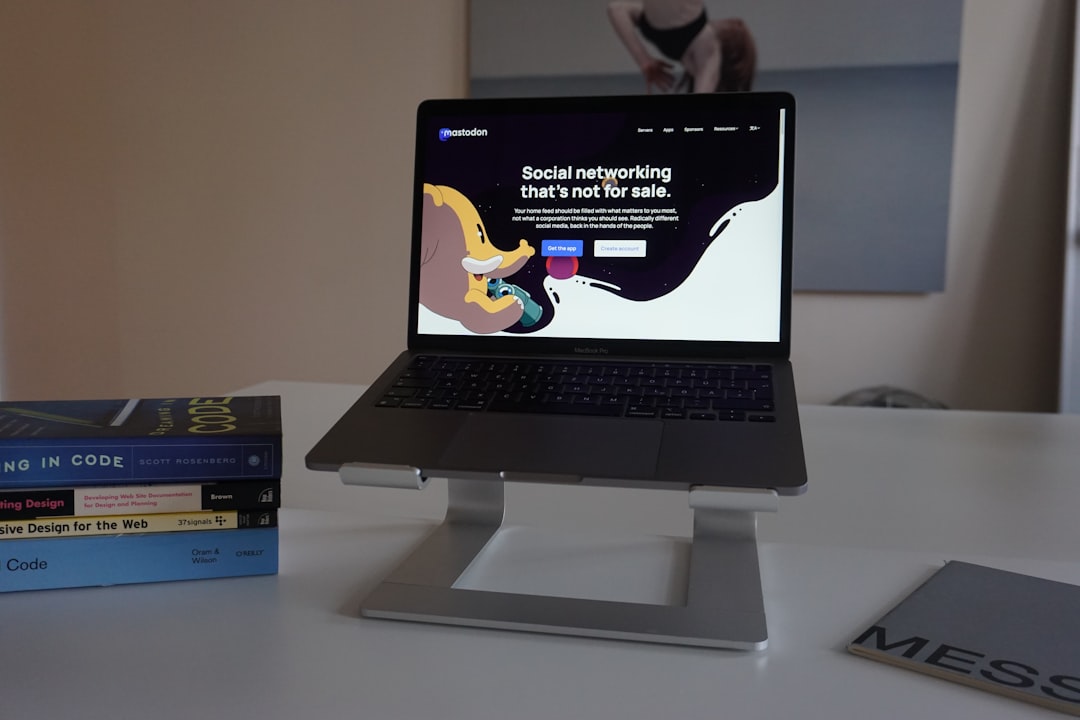
Not everyone needs adjustability. If you have a dedicated desk with a set chair height and you’re the only one using it, a fixed-height stand can be just as effective — and often more stable. These tend to be made from a single piece of aluminum, and there’s something to be said for zero moving parts. Nothing to break, nothing to adjust, just a solid platform that does exactly one thing extremely well.
The Rain Design mStand 360 has been an icon in this category for years, and the 2026 version adds a built-in swivel base that lets you rotate your laptop 360 degrees without lifting it. That sounds gimmicky until you’re sitting next to someone and want to share your screen without awkwardly craning your neck or picking up your laptop. The single-piece aluminum construction is rock-solid and acts as a passive heatsink, pulling heat away from your laptop’s chassis. I use mine with a wireless external keyboard and mouse, and it’s a setup I genuinely look forward to sitting down at every morning.
The Twelve South Curve is another gorgeous fixed option if aesthetics matter to you — and let’s be real, when you stare at something for 8 hours a day, it should at least look good. Its arched design provides excellent airflow, and the matte aluminum finish matches Apple hardware perfectly. At about $50, it’s a reasonable middle ground between budget and premium.
Standing Desk Converters and Sit-Stand Solutions
Here’s where things get interesting. If you already have — or are considering — a standing desk converter like the ones I reviewed recently, adding a laptop stand on top changes the game entirely. You get the sit-stand flexibility plus proper screen height in both positions, which is something most standing desk converters struggle with on their own.
I spent two months testing this combo, and the key is finding a stand that’s stable at height. The Moft Z sits flat most of the time but unfolds into five different angles, including a near-standing height position. It’s only $30 and weighs next to nothing, which makes it perfect for tossing in a bag. The tradeoff is that it’s not the most stable at maximum height — fine for reading and light typing, less ideal for heavy coding sessions.
For serious sit-stand work, I’d point you toward the Uncaged Ergonomics WorkEZ Professional. It has a broad base, adjustable legs, and an integrated tray that holds your laptop firmly at whatever angle you set. It’s a bit bulkier than most portable stands, but if your workflow involves alternating between sitting and standing throughout the day, it’s worth the desk real estate. You can find standing desk laptop stands in a range of configurations.
The Gaming and Heavy-Duty Options
If you’re rocking a 17-inch gaming laptop or a beefy workstation that weighs north of 6 pounds, most portable stands will bow, flex, or outright tip over. Trust me — I learned this the hard way when a supposedly “universal” stand sent my Razer Blade skittering across the desk. For heavier machines, you need something built like a tank.
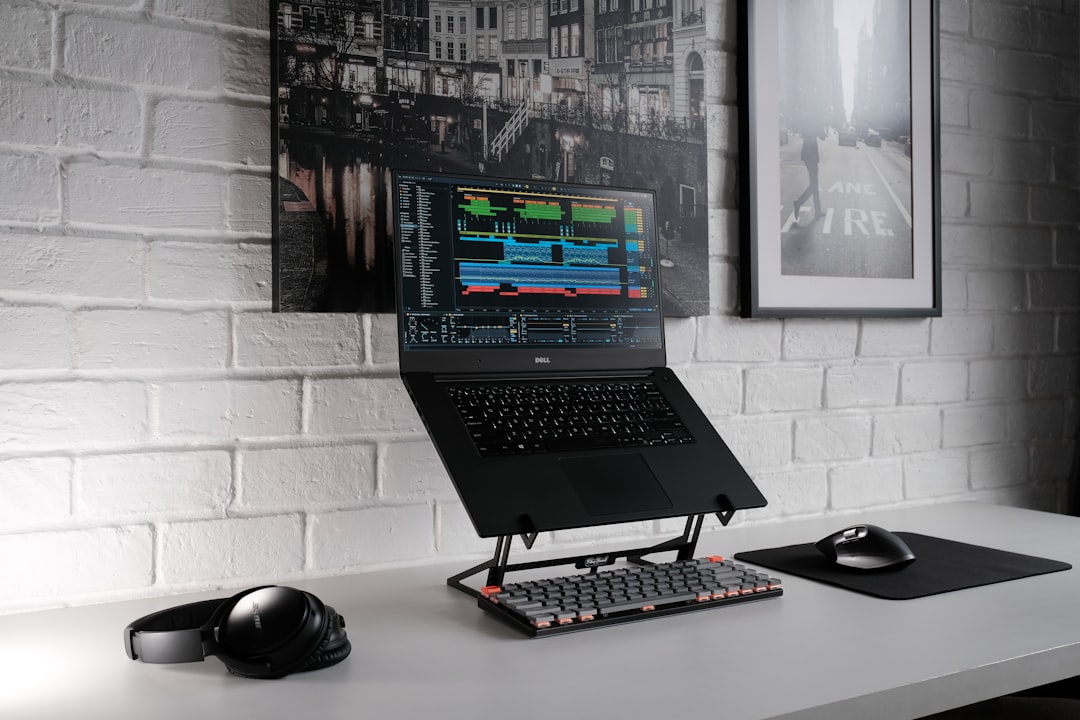
The ObVus Solutions Tower is specifically designed for large laptops and rises to a genuinely impressive 20 inches. It’s not portable in any meaningful sense — it weighs about 5 pounds — but it’s rock-solid, even with my heaviest test unit. The wide base and heavy-gauge steel construction mean zero wobble, no matter how aggressively you’re hammering away at code or editing 4K video. Pair it with a solid mechanical keyboard and you’ve got a desktop-quality workstation that happens to run on a laptop.
For 17-inch laptops specifically, the AboveTEK Aluminum Stand has a wider cradle that accommodates the bigger footprint without looking like it was designed for a server rack. It’s clean, minimal, and surprisingly affordable at around $35. The open-bottom design provides excellent airflow, which matters a lot when your GPU is pulling 150 watts under load.
Budget Picks That Punch Above Their Weight
Look, I get it — not everyone wants to spend $70 to $100 on a laptop stand. The good news is that the sub-$30 category has gotten surprisingly competitive in 2026, and several options perform well above their price point.
The LIELONG ARM Adjustable Stand is my current favorite in this bracket. For about $20, you get an aluminum alloy stand with six height settings, foldable legs, and rubber pads that actually grip. It handles laptops up to 17 inches, which is remarkable at this price. The only downside is that the hinges loosen slightly over time — after six months of daily use, mine had a tiny bit of play in the highest position. Not a dealbreaker, but worth knowing.
The Nulaxy Ergonomic Stand is another strong contender at around $25, with a slightly different design that uses a single kickstand mechanism rather than folding legs. It’s simpler, which means fewer failure points, and the aluminum body feels surprisingly premium. I gave one to my sister-in-law who works from her couch, and she told me it was “the best $25 I’ve ever spent on my back.” High praise from someone who normally rolls her eyes at my gadget recommendations.
If you want to explore more options, I’d suggest browsing budget ergonomic laptop stands — there are dozens of solid choices under $30 now.
Don’t Forget the Keyboard and Mouse
This is the part most laptop stand reviews gloss over, and it drives me crazy. Once you raise your laptop to eye level, your built-in keyboard becomes ergonomically useless. Typing on a screen-height keyboard means your wrists are bent at an unnatural angle — which, over time, can cause as many problems as the neck strain you were trying to fix. The fix is simple: pair your stand with an external keyboard and mouse.
I’ve covered the best mechanical keyboards for productivity and the best ergonomic mice in separate guides, so I won’t rehash everything here. But I will say that a $20 laptop stand paired with a $50 keyboard and $30 mouse will transform your workday comfort more than a $1,000 ergonomic chair. I know that sounds like an exaggeration, but I’ve seen it happen with enough people to be confident in that claim. The keyboard doesn’t have to be fancy — even a basic slim wireless keyboard does the job as long as it sits at desk height while your screen stays at eye level.
My Final Recommendations After Three Years of Testing
After testing dozens of laptop stands across every price point and use case, here’s my honest takeaway: the best stand is the one you’ll actually use. That sounds obvious, but I’ve seen people buy a gorgeous $120 aluminum stand only to leave it in a drawer because it didn’t fit in their bag. Be realistic about your workflow. If you work from the same desk every day, a fixed-height stand like the Rain Design mStand 360 is perfect. If you’re constantly on the move, the Roost V3 or Nexstand K2 will serve you better.
And please — whatever you choose — pair it with an external keyboard and mouse. I know it’s an extra expense and another thing to carry, but your wrists and neck will thank you for years to come. The combined investment of a good stand, keyboard, and mouse is almost certainly less than a single visit to a physical therapist, and it addresses the root cause rather than the symptoms.
If you’re ready to upgrade your setup, you can find a wide selection of laptop stands for home office setups online. Start with your budget, pick the form factor that matches your daily routine, and commit to using it for at least two weeks. Your body will adjust, your posture will improve, and you’ll wonder why you waited so long — just like I did.
