
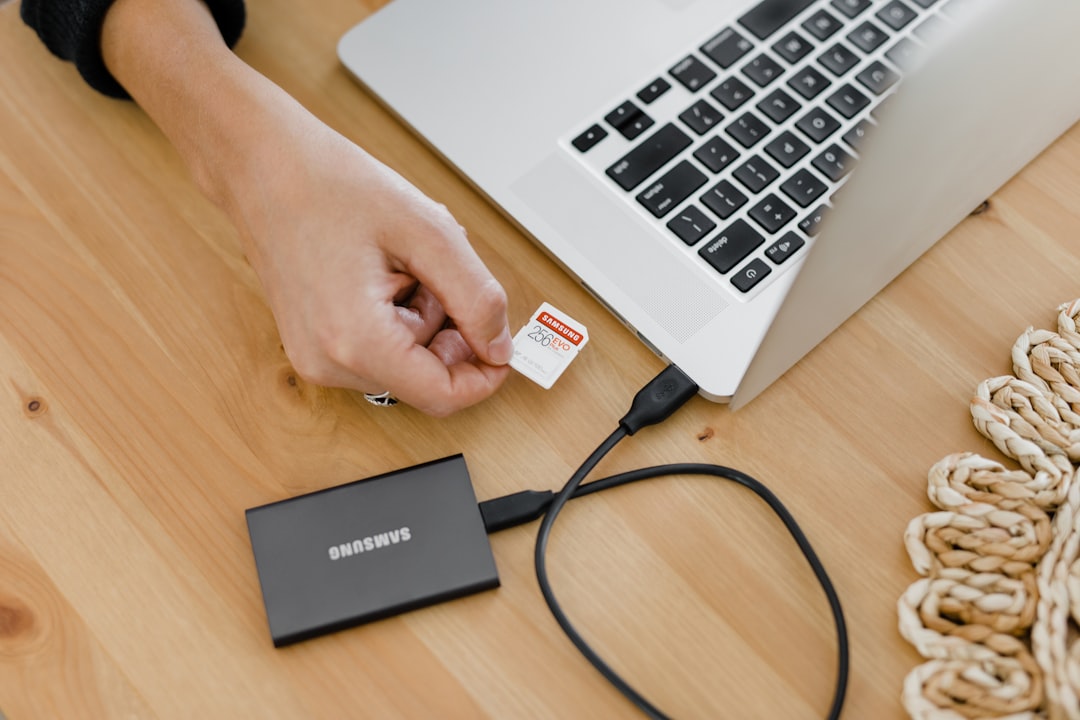
Three years ago, I lost six months of product photos, benchmark data, and an entire draft of a review I’d been working on since CES. The culprit? A spinning hard drive that decided to click its final click while I was copying files to what I thought was a safe backup. That was the last time I trusted moving parts with anything I cared about.
Portable SSDs have come a long way since then — and in 2026, they’re faster, tougher, and cheaper than ever. But here’s the thing nobody tells you: not all of them are created equal, and paying more doesn’t always mean getting more. I’ve spent the past four months running benchmarks, dropping drives off desks, leaving them in hot cars, and editing 4K video directly from each one to figure out which portable SSDs are actually worth your money.
Why You Should Ditch Your External Hard Drive
Let me be blunt about this. If you’re still using an external spinning hard drive as your primary backup, you’re living on borrowed time. Traditional hard drives have platters spinning at 5,400 or 7,200 RPM with read/write heads floating micrometers above them. One bump, one power surge, one manufacturing defect, and your data is gone. I’ve seen it happen dozens of times — to friends, colleagues, and readers who email me in a panic asking if there’s any way to recover their family photos.
Portable SSDs have no moving parts. They use NAND flash memory, the same technology inside your laptop and phone. That means they’re exponentially more durable, significantly faster, and have gotten small enough to slip into a shirt pocket. Prices have plummeted too — you can get a solid 1TB portable SSD for under $80 now, which would have cost three times that just a few years ago.
If you’re a photographer backing up RAW files in the field, a video editor working with ProRes footage, or honestly just someone who has irreplaceable photos of your kids on a laptop — you need one of these. I touched on the importance of proper storage in my desk gadgets roundup, but portable SSDs deserve their own deep dive because they’re that critical. It’s not a luxury anymore. It’s basic digital hygiene.
What I Actually Tested (And How)
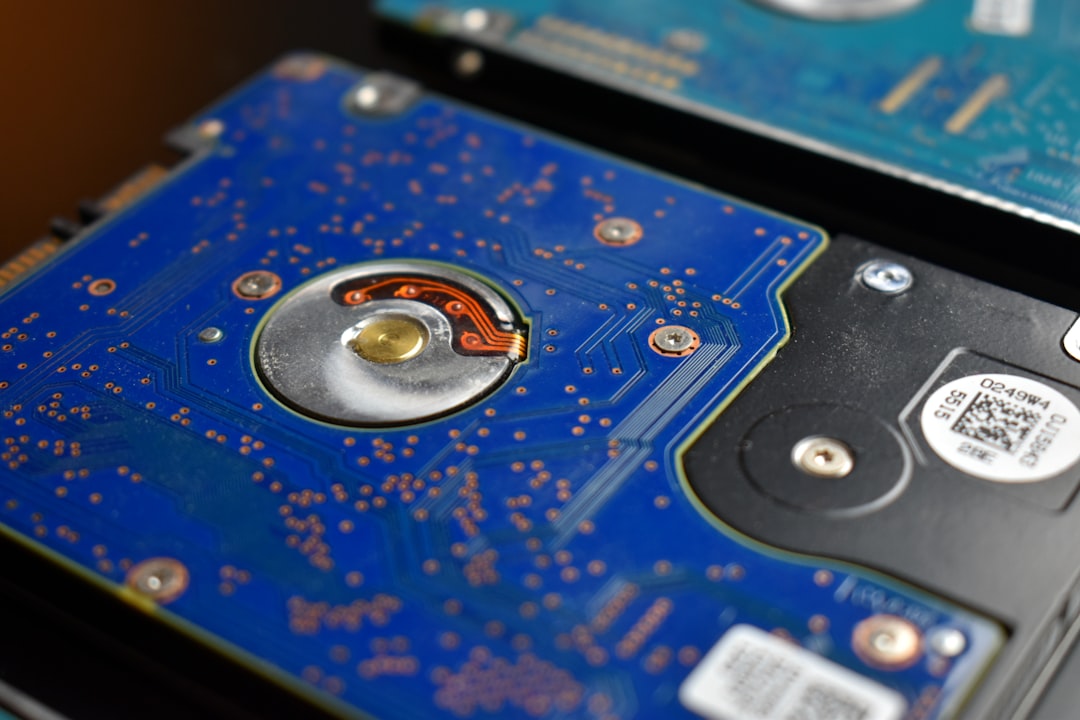
I gathered eight portable SSDs ranging from budget options under $60 to premium drives pushing $250. My testing wasn’t limited to synthetic benchmarks — those CrystalDiskMark numbers look great on a spec sheet but tell you almost nothing about daily use. Here’s what I actually did with each drive:
First, the synthetic stuff: sequential read and write speeds using both USB 3.2 Gen 2 (10 Gbps) and Gen 2×2 (20 Gbps) connections, since not every computer supports the faster standard. Then I ran sustained write tests by copying a 100GB folder of mixed files — large video clips, thousands of small documents, and RAW photo archives — to see if speeds throttled under real workloads. Finally, I edited 4K ProRes video directly from each drive in DaVinci Resolve to test whether the drive could keep up with actual creative work.
For durability, I performed drop tests from desk height onto hardwood (accidental, the first time — intentional after that), left drives in a car parked in the sun on a 95-degree day, and ran them continuously for 48 hours to check for thermal throttling. Some of these drives impressed me. Others made me glad I wasn’t storing anything important on them.
The Drives That Earned a Permanent Spot on My Desk
Crucial X10: The One Most People Should Buy
The Crucial X10 replaced the older X9 Pro as the go-to recommendation from most reviewers this year, and after living with it for a month, I understand why. This little drive is genuinely tiny — about the size of a credit card and lighter than a deck of cards — yet it consistently hit 2,000 MB/s reads and 1,800 MB/s writes over a USB 3.2 Gen 2×2 connection.
What sold me wasn’t the speed, though. It was the sustained performance. When I dumped 200GB of video footage onto it in one shot, the X10 barely broke a sweat. No dramatic speed drops, no overheating warnings, no weird disconnections. It just worked, which is the highest compliment I can give any storage device. The 1TB model regularly sells for around $75, and the 2TB comes in under $130. For most people — freelancers, students, small business owners — this is all the portable storage you need.
Samsung T9: The Reliable Workhorse
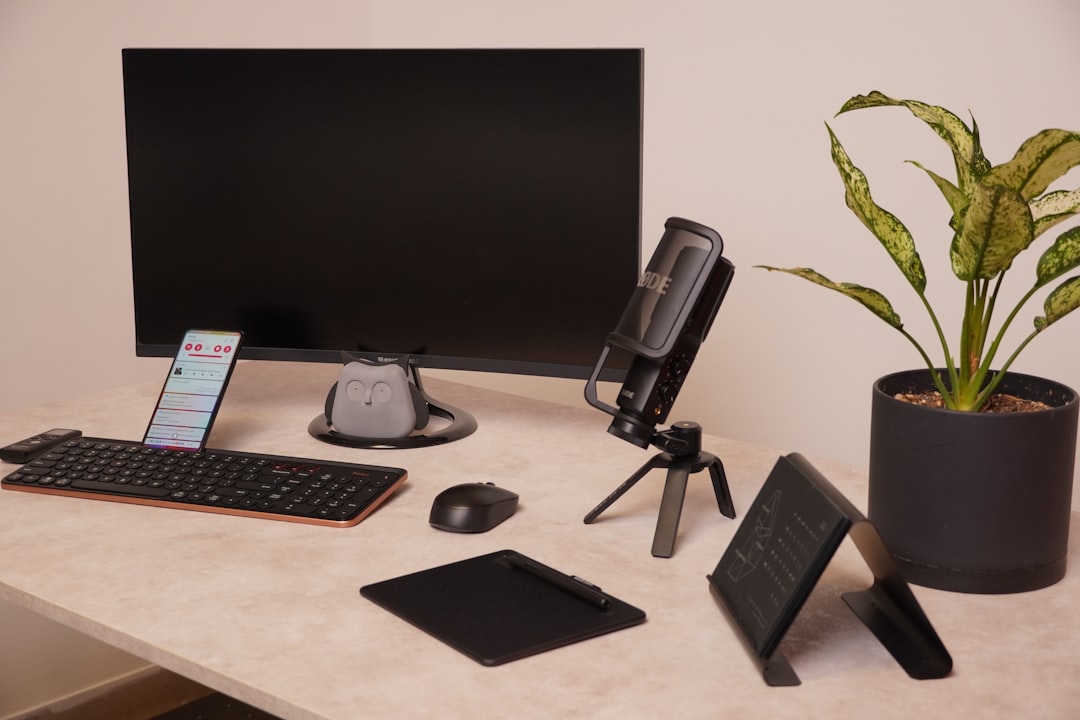
Samsung’s T-series drives have been my personal go-to for years, and the Samsung T9 continues that tradition. It’s not the flashiest drive on the market, but it’s consistently excellent. Read speeds topped out around 2,000 MB/s, writes hovered near 1,900 MB/s, and Samsung’s software for encryption and backup is polished enough that I actually use it — which is saying something, because I normally ignore bundled utilities.
The T9 has one killer feature that nobody talks about enough: it’s one of the few portable SSDs that supports hardware encryption via Samsung’s Portable SSD Software. If you carry sensitive client files, financial records, or anything you wouldn’t want a stranger to access if the drive got stolen, this matters. The AES 256-bit encryption is seamless — set a password once, and the drive locks automatically when disconnected. Yes, it costs a bit more than the Crucial. But the peace of mind is worth the premium if you handle confidential data.
SanDisk Extreme PRO USB4: The Speed Demon
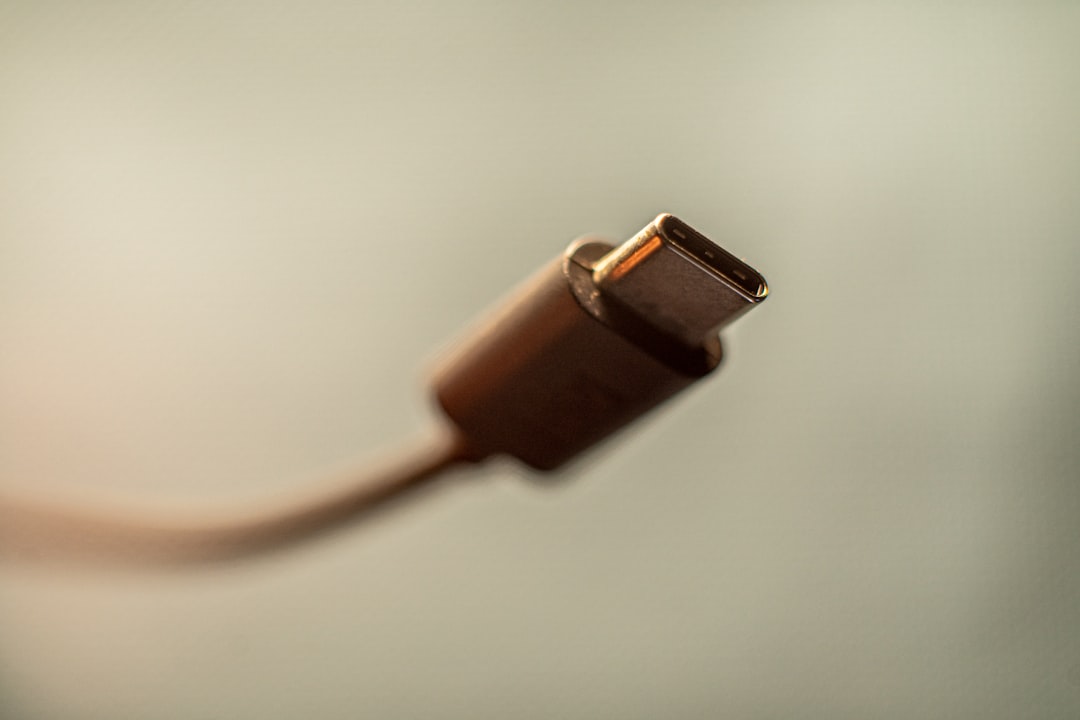
If you’re the kind of person who transfers 500GB video projects between machines daily, the SanDisk Extreme PRO USB4 is in a different league entirely. This drive leverages the USB4 interface to push sequential reads past 3,800 MB/s on compatible machines — which is fast enough that I was able to edit 6K RED footage directly off it without caching to an internal drive first.
That speed comes at a price, literally. The 2TB model runs close to $280, and you need a Mac with Thunderbolt/USB4 ports or a recent Windows machine with USB4 support to see those numbers. On a standard USB 3.2 Gen 2 port, it tops out around 1,050 MB/s — which is still fast, but not meaningfully different from cheaper drives. If your workflow involves massive file transfers and you have the right ports, nothing else comes close. Everyone else should save their money.
Budget Options That Don’t Feel Cheap
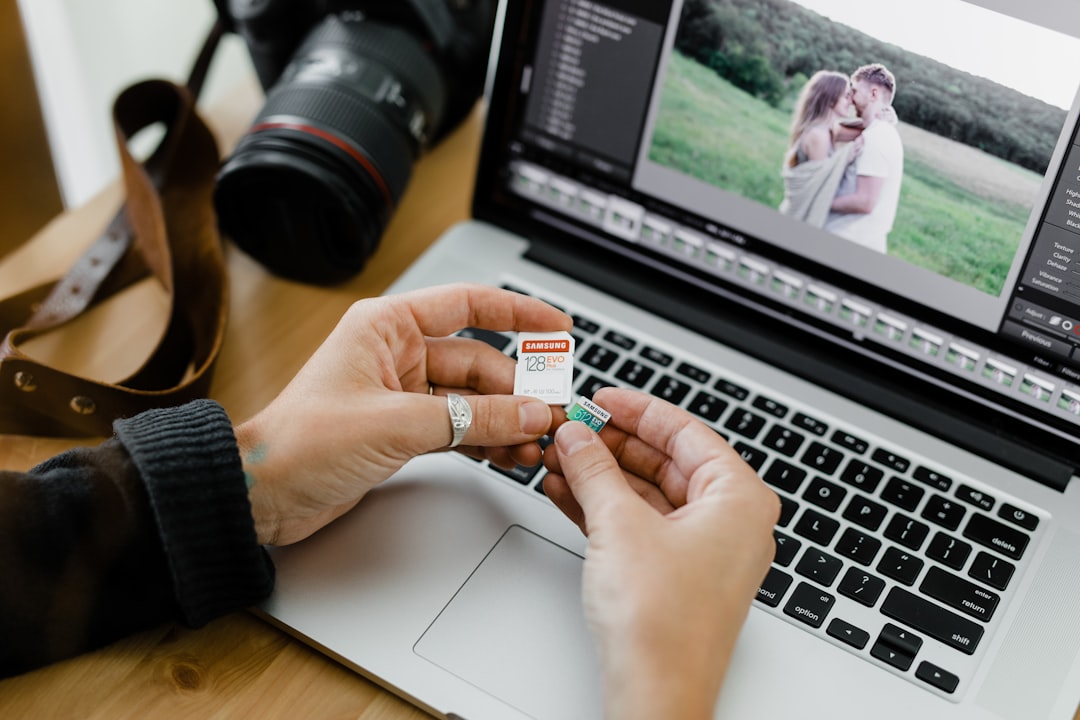
Not everyone needs 2,000+ MB/s speeds, and honestly, most people don’t. If you’re backing up documents, photos, and the occasional video project, you can spend half as much and still get something reliable. Here are two budget picks that surprised me during testing:
The Lexar SL500 is absurdly thin — about the thickness of three credit cards — and delivers solid 1,050 MB/s read speeds over USB 3.2 Gen 2. At roughly $55 for 1TB, it’s one of the best values in portable storage right now. I wouldn’t use it for heavy video editing, but for everyday backups and file transfers, it’s more than adequate. It survived my drop test without a scratch too, which is impressive for something this slim.
For sheer capacity on a budget, the WD Elements SE offers 2TB for around $100. It’s slower — about 400 MB/s — but it’s rock-solid reliable and backed by WD’s three-year warranty. I keep one in my bag as a secondary backup for my primary Crucial X10. Redundancy isn’t sexy, but neither is data loss.
What Speed Numbers Actually Mean for You
Manufacturers love plastering “2,000 MB/s!” on the box, and that number looks impressive. But here’s what they don’t tell you: you’ll only see those speeds under very specific conditions. You need a USB 3.2 Gen 2×2 port (or USB4/Thunderbolt), a computer that actually supports that bandwidth, and files that are large enough to benefit from sequential transfers.
For most people doing typical backups — documents, photos, some video — anything above 1,000 MB/s is plenty. That’s fast enough to copy a full 256GB photo library in about four minutes. The faster drives only matter if you’re regularly working with massive files or editing video directly from the external drive.
If you’re unsure what ports your computer has, check before buying. A USB-C port doesn’t automatically mean you’ll get USB 3.2 Gen 2×2 speeds. Many laptops have USB-C ports that top out at 5 Gbps (USB 3.2 Gen 1), which means even the fastest drive will only run at about 500 MB/s. I’ve tested this myself — plugging the SanDisk Extreme PRO into an older USB-C port and watching it perform identically to a drive a third of its price. Know your hardware before you overspend on storage.
The Rugged Factor: Which Drives Survive Real Life
I’ll confess something: I’m rough on my gear. My tech bag gets tossed into car trunks, shoved under airplane seats, and occasionally rained on. So durability matters to me more than most spec-sheet numbers. Here’s what I found after my (admittedly unscientific but very real) durability testing:
The Samsung T9 and Crucial X10 both survived multiple drops from desk height onto hardwood without any data corruption or performance degradation. Both claim up to 3-meter drop resistance, and I believe them. The SanDisk Extreme PRO has an IP65 dust and water resistance rating, which makes it the best choice if you’re working outdoors or in environments where the elements are a concern. The Lexar SL500, despite its svelte profile, also held up surprisingly well — though I wouldn’t push my luck with it.
One thing worth noting: the rubberized, rugged-looking drives aren’t always more durable than the sleek aluminum ones. Some of the best-built drives I tested were simple aluminum enclosures with no visible ruggedization. The internals matter more than the exterior aesthetic. Don’t be fooled by aggressive styling that suggests toughness — look for actual drop test ratings and IP certifications.
Building a Backup Strategy That Actually Works
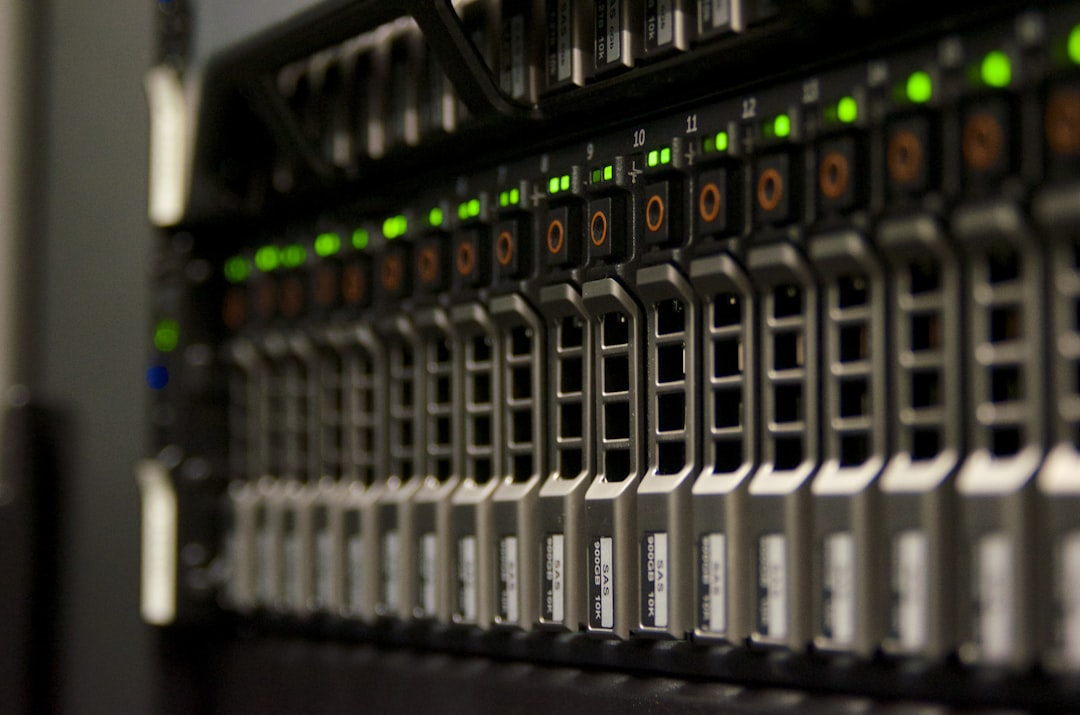
Having a portable SSD is a start, but it’s not a backup strategy by itself. After losing those files three years ago, I adopted what storage professionals call the 3-2-1 rule: three copies of your data, on two different types of media, with one copy stored off-site. Here’s how that looks in my daily life:
Copy one lives on my laptop’s internal drive. Copy two goes to a portable SSD that stays in my bag — currently the Crucial X10. Copy three goes to a NAS in my office, which also syncs to cloud storage overnight. It sounds like a lot of work, but once you set it up, it runs automatically. Apple’s Time Machine and Windows File History both handle local backups with zero effort once configured.
The portable SSD is the critical middle piece. It’s what you grab when you need to work from a coffee shop, what you hand to a client with deliverables, and what you rely on when your laptop’s drive decides today is the day it wants to die. Treat it well, encrypt it, and replace it every three to four years — NAND flash does degrade over time, even if the drive still appears to work fine.
My Honest Recommendations
After four months of testing, here’s the bottom line. If you want one drive that does everything well at a fair price, get the Crucial X10 in whatever capacity fits your budget. If you handle sensitive data and want built-in hardware encryption, the Samsung T9 is worth the small premium. And if you’re a creative professional who moves terabytes around daily, the SanDisk Extreme PRO USB4 will save you genuine time — but only if your computer can keep up.
Don’t wait until you lose something irreplaceable to get serious about backup. I learned that lesson the hard way, and I’m still kicking myself for the files I can never get back. A good portable SSD costs less than a nice dinner out, and it might be the best $80 you spend this year. Your future self will thank you — trust me on this one.
And if you’re rethinking your whole desk setup to be more productive and organized, a solid backup strategy should absolutely be part of that conversation — right alongside the docking station that connects everything and the laptop stand that saves your neck.

One thought on “Stop Losing Your Files: I Tested the Portable SSDs That Actually Survive Real Life”