
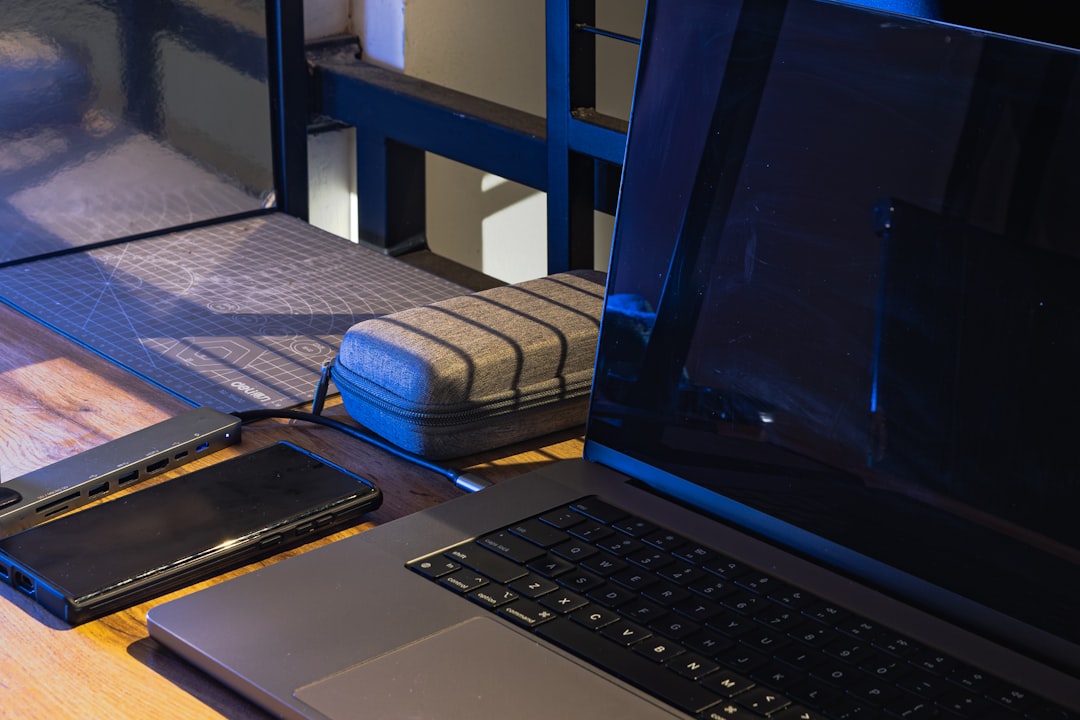
Here’s the thing about desk setups: most of us spend more time sitting at them than we do sleeping, yet we’ll obsess over mattress reviews while ignoring the pile of cables snaking across our workspace. I’ve been testing tech for over two decades, and the gadgets that genuinely surprised me weren’t the flashy ones with seven-figure marketing budgets. They were the quiet little additions that made me wonder how I ever worked without them.
After rearranging my own workspace more times than I care to admit — and testing hundreds of accessories along the way — I’ve settled on a handful of desk gadgets that most people overlook. None of these are sponsored. None were sent as “review samples with expectations.” These are things I actually bought with my own money after watching my productivity drag in ways I couldn’t quite pinpoint.
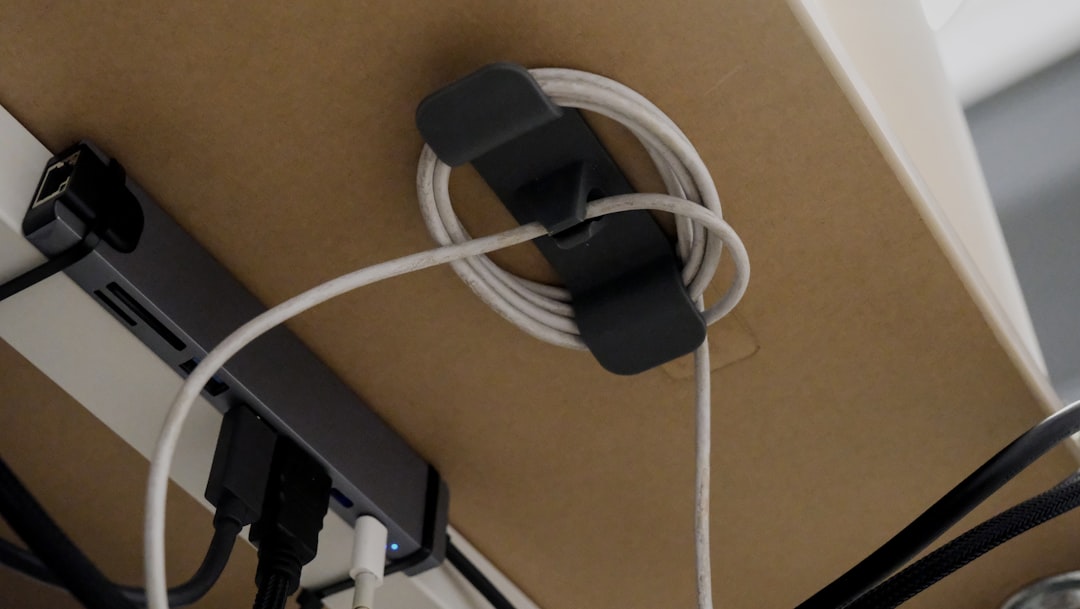
The Magnetic Cable Organizer That Stopped the Snake Pit
I used to think cable management was something only people with Instagram-perfect setups cared about. Then I spent an afternoon untangling my charging cables, headphone wire, and USB-C hub connections for the third time in a week, and something broke inside me. Not the cables — my patience.
What changed everything was a set of magnetic cable clips that attach to the edge of your desk. Unlike adhesive clips that lose their grip after a month, these use strong magnets that cling to the metal frame of my desk. I route my cables through them once, and they stay put. The real genius is the quick-release: when I need to grab my laptop charger and move to the couch, I just pull. The cable pops free, and when I plug back in later, the magnet grabs it automatically. It’s the kind of small friction removal you don’t notice until it’s gone — and then you can’t go back. If your desk looks like a plate of spaghetti, a magnetic cable management system is the fastest fix I’ve found.
A Desktop Whiteboard That Doubles as a Mouse Pad
I went through a phase where I kept a small whiteboard next to my monitor for jotting down quick notes, to-do lists, and those fleeting ideas that evaporate if you don’t capture them within ten seconds. The problem? It took up space I didn’t have, and the markers dried out faster than my motivation on a Monday morning.
Then I discovered desk pads with erasable surfaces — essentially giant whiteboards shaped like mouse pads. You write directly on your desk surface with dry-erase markers, wipe it clean when you’re done, and your mouse glides over it like any premium pad. I use mine for daily task lists, quick diagrams when I’m thinking through a review structure, and even the occasional math scratchpad when I’m comparing price-per-performance ratios on hardware. It’s replaced sticky notes, a separate notepad, and my digital note-taking app for anything that needs to stay visible while I work. Erasable desk pads run between fifteen and thirty dollars, and they’re the single most useful desk accessory I own.
The Timer That Made Me Honest About My Focus
I’ve tried every productivity app under the sun. Pomodoro timers, focus mode toggles, website blockers — you name it, I’ve downloaded it, used it for a week, and then ignored it while I fell down a YouTube rabbit hole about mechanical keyboard switch lubrication techniques. Don’t judge me.
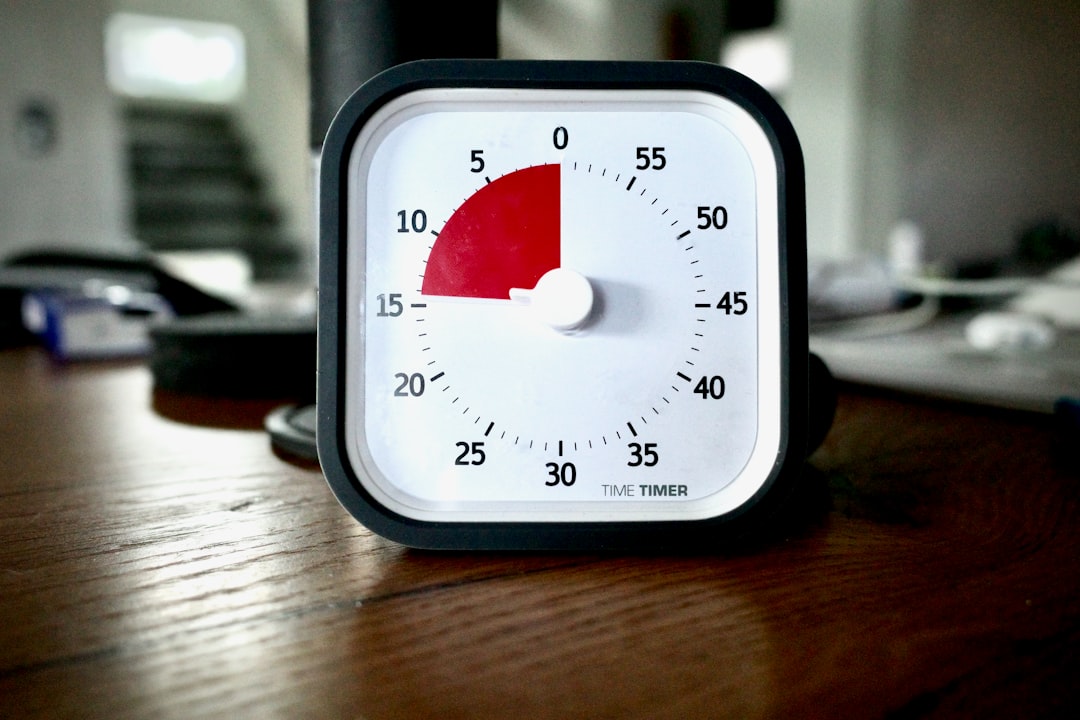
What actually worked was putting a physical timer on my desk. Not an app. Not a phone notification. An actual, physical, ticking countdown timer that sits between my keyboard and monitor, silently judging me when I pick up my phone instead of writing. There’s something psychologically different about a physical device dedicated to one purpose. When I set it for forty-five minutes, I feel committed in a way that a phone timer just doesn’t replicate. Maybe it’s the tactile click of the dial. Maybe it’s the fact that I can see time slipping away without unlocking my screen. Either way, my word count per session has gone up about thirty percent since I started using one. If focus apps haven’t worked for you, a physical visual timer might be the analog nudge your brain needs.
Under-Desk Headphone Hanger (Yes, It Matters)
This one sounds ridiculous. I know. A headphone hanger. Stick with me.
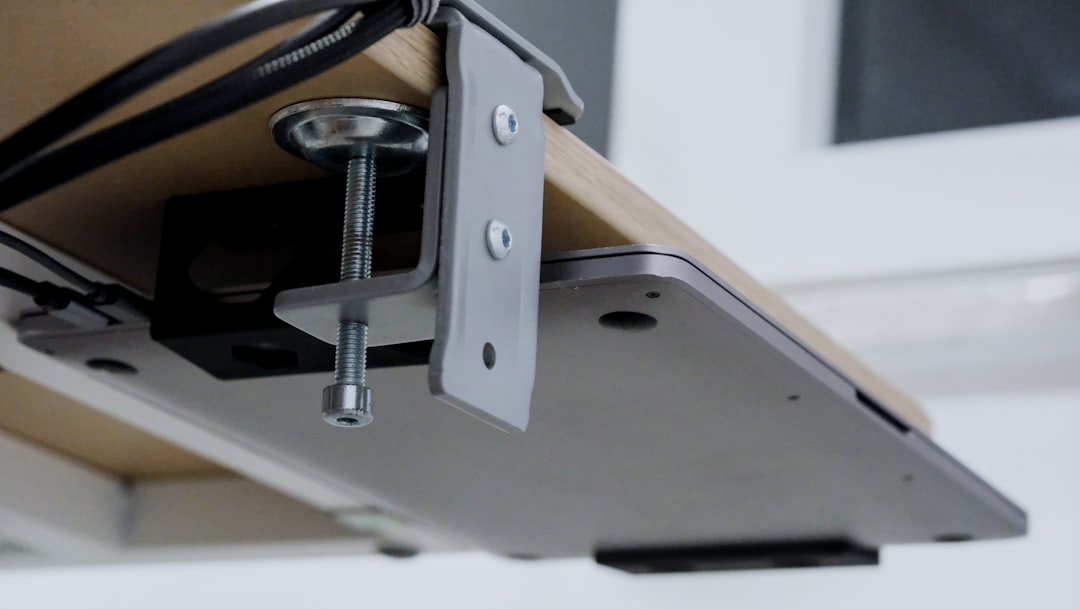
Before I mounted a headphone stand under my desk, my premium noise-canceling headphones lived in one of two places: precariously balanced on the corner of my desk where they’d inevitably get knocked onto the floor, or draped over my monitor like some kind of tech scarf. Neither option was good for the headphones or my sanity. An under-desk headphone hanger costs about twelve dollars, takes thirty seconds to install, and completely removes your headphones from your desk surface while keeping them within arm’s reach. My desk looks cleaner. My headphones aren’t collecting dust or getting scratched. And I actually put them on more often because they’re right there, not buried under a stack of review units.
If you’re someone who values a clean workspace — or if you’ve ever knocked a four-hundred-dollar pair of headphones onto a hardwood floor — an under-desk headphone mount pays for itself immediately. And while you’re thinking about audio gear, I’ve got a full breakdown of the best noise-canceling headphones for productivity that’s worth a read if you’re in the market.
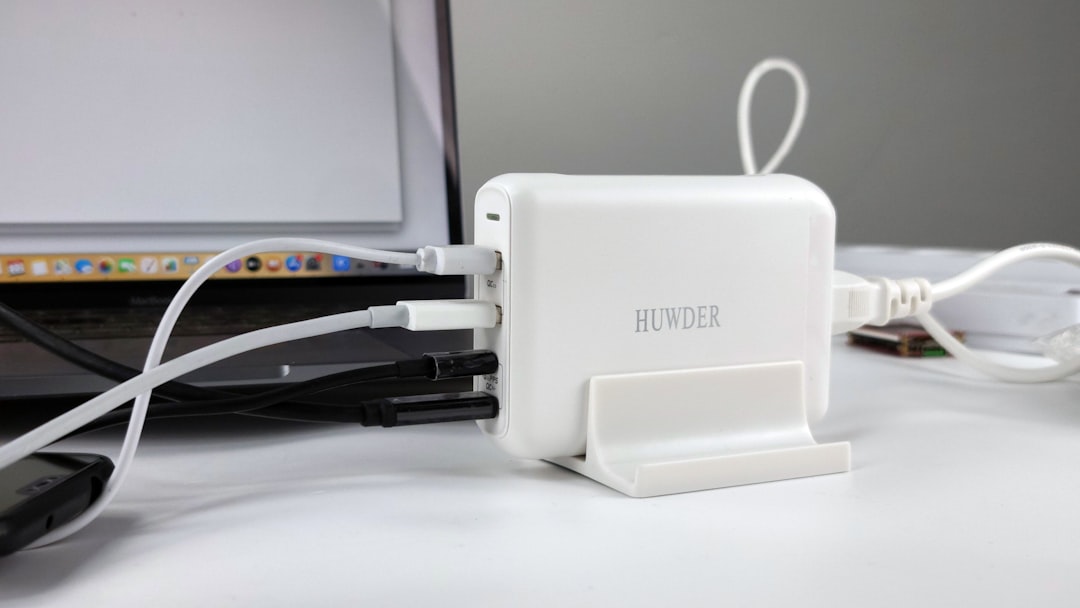
The USB-C Hub That Replaced Seven Dongles
When Apple killed most of the ports on their laptops, I did what every reasonable person did: I bought a drawer full of dongles. HDMI adapter. USB-A adapter. SD card reader. Ethernet adapter. Each one individually lost at least twice per year. The total cost was embarrassing, and the workflow of plugging in four different adapters every time I sat down at my desk was somehow worse than just having a desktop computer.
A good USB-C hub fixed all of it. I plugged one cable into my laptop, and suddenly I had HDMI output, three USB-A ports, an SD card slot, Ethernet, and pass-through charging — all in a sleek little rectangle that stays permanently connected to my monitor setup. If you’re still living the dongle life, stop. Check out my USB-C hub recommendations — I tested dozens before settling on the ones that actually hold up over time. And if you need something more robust, a quality USB-C docking station can transform any laptop into a full desktop replacement.
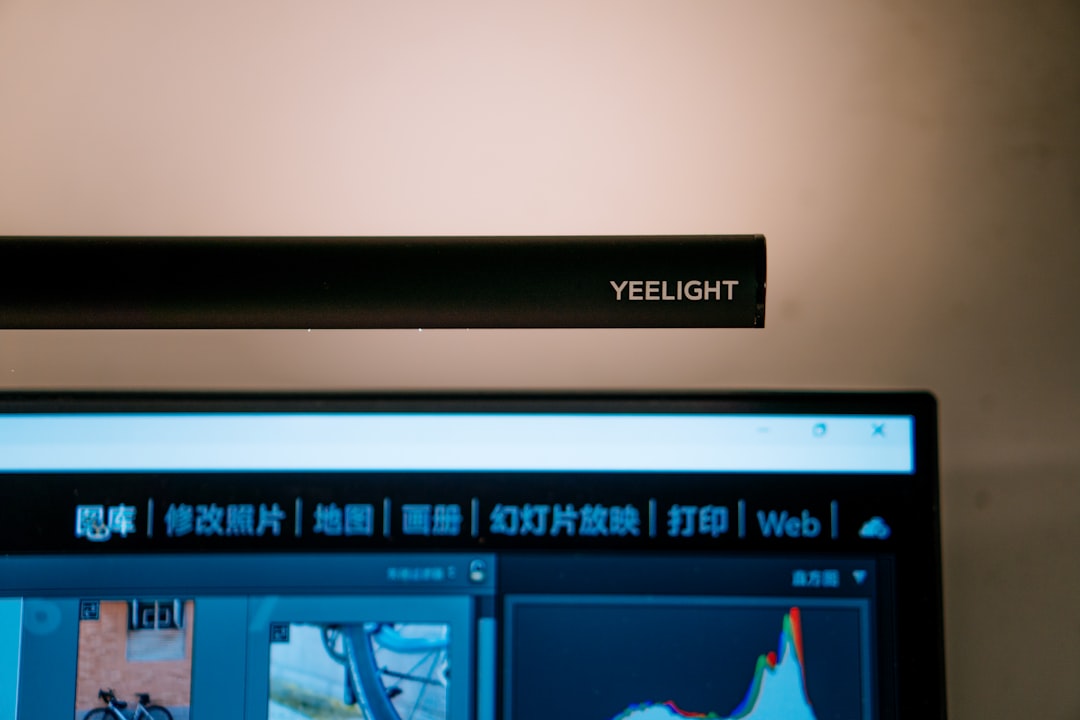
A Proper Monitor Light Bar
For years, I worked with a desk lamp that either blinded me or cast my screen in shadow — sometimes both simultaneously, which is honestly impressive. Monitor light bars were one of those categories I dismissed as gimmicky until a friend basically forced me to try one. The concept is simple: an LED bar that sits on top of your monitor and projects light downward onto your desk, illuminating your keyboard and workspace without creating glare on your screen.
The difference is night and day. Literally. I can work in the evening without turning on my overhead light, which means no harsh room lighting competing with my monitor. My eyes feel less strained at the end of long writing sessions, and I can actually see my keyboard without hunting for the right key. The color temperature adjustment is key — warm light for late-night writing, cooler light when I’m editing photos or comparing screen quality across devices. A good monitor light bar runs forty to eighty dollars and might be the single best value-for-comfort upgrade on this list. Combined with the monitor arm I reviewed recently, it’s transformed how my workspace feels after dark.
The Desk Mat That Tied Everything Together
I resisted desk mats for a long time. They seemed decorative — something for people who cared more about how their setup looked in photos than how it functioned. I was wrong. A large desk mat does three things: it protects your desk surface from the endless scraping of keyboards, mice, and whatever else you slide around during the day; it provides a consistent surface for your mouse sensor regardless of what material your desk is made of; and it visually anchors your setup in a way that makes the whole workspace feel more intentional.
I use a full-size desk mat that covers the area under my keyboard, mouse, and laptop. The surface texture is smoother than my wooden desk, which my mouse appreciates. The edges are stitched, so it’s held up for over a year without fraying. And when I spill coffee — because I always spill coffee — the mat takes the hit instead of my desk. If you’re piecing together a workspace you actually enjoy spending time at, a quality oversized desk mat is the foundation everything else sits on.
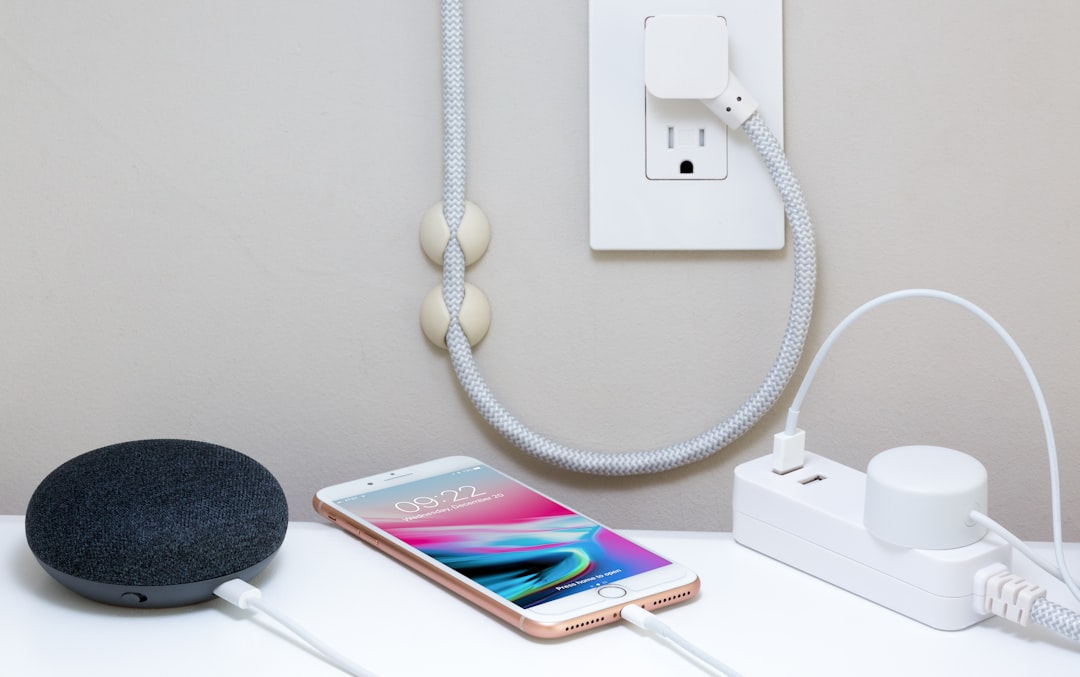
A Smart Power Strip That Actually Manages Power
My old power strip was a fire hazard masquerading as productivity equipment. Six outlets, all occupied, with several devices drawing phantom power twenty-four hours a day. My router, monitor, USB hub, desk lamp, phone charger, and laptop charger were all plugged in constantly, regardless of whether I was using them.
A smart power strip with individually controlled outlets changed this entirely. Now I have my always-on devices (router, NAS) on dedicated ports, and everything else is on a schedule. My monitor, desk lamp, and hub power on when I sit down in the morning and shut down when I wrap up at night. I can also trigger individual outlets from my phone, which sounds lazy until you realize you can turn off everything except your phone charger from bed. Smart power strips with app control have dropped in price significantly, and the energy savings alone justify the upgrade if you’re currently running a dozen devices around the clock.
Why These Tiny Upgrades Matter More Than the Big Ones
Here’s the thing I’ve learned after twenty-five years of testing technology: the upgrades that matter most are rarely the most expensive ones. A better processor or a nicer display is great, but those are the things you already know to research. The accessories — the cable organizers, the desk pads, the headphone hangers — these are the invisible friction points that slowly drain your energy throughout the day without you realizing it.
Every time you reach for a cable and it’s not there, that’s a tiny frustration. Every time you knock your headphones off the desk, that’s a micro-interruption. Every time you squint at your keyboard because your desk lamp is creating screen glare, that’s eye strain you don’t need. These small things compound. Fix them, and your workspace stops fighting you.
If you want to go deeper on building a workspace that actually works, I put together a comprehensive future-proof home office guide that covers the bigger-ticket items alongside these smaller upgrades. The best desk setup isn’t the most expensive one — it’s the one where everything is exactly where you need it, when you need it, without thinking about it.
That’s what these gadgets did for me. Not flashy. Not expensive. Just right.

2 thoughts on “The Desk Gadgets I Didn’t Know I Needed (Until I Tried Them)”