
I’ve been shooting video content for over two decades, and if there’s one thing that hasn’t changed, it’s this: the barrier to producing great-looking footage keeps dropping, but figuring out which gear actually matters gets harder every year. Back when I started, you needed a dedicated camera operator, a bag full of lenses, and a tripod that cost more than most people’s rent. Today? You can fit an entire production studio in a messenger bag — if you pick the right pieces.
A few months ago, I decided to strip my travel content kit down to the essentials and rebuild it from scratch. Not because my old setup was broken, but because the 2026 crop of creator-focused gear has genuinely changed the math on what a solo operator can pull off. What follows is the kit I’ve landed on after months of real-world testing — the cameras, mics, lighting, and accessories that survived my “does this actually make my life easier” filter, and a few that didn’t.
The Camera Situation: Pocket Gimbal or Traditional Mirrorless?
This is the question I get asked most often, and the honest answer is: it depends on what you’re shooting. But for 2026, the gap between these two worlds has narrowed dramatically.
The DJI Osmo Pocket 4 has become my everyday carry camera, and for good reason. DJI took what was already a compelling formula with the Pocket 3 and refined it in ways that actually matter in the field. The new sensor delivers 14 stops of dynamic range (up from 12), which means your sky doesn’t blow out when you’re shooting into the sun, and shadows retain detail instead of collapsing into black mush. The 4K/240fps slow-motion mode opens up creative possibilities that used to require a cinema camera, and the built-in 107GB of internal storage means I’ve stopped fumbling with microSD cards entirely.
What sealed it for me, though, was the battery life. On the Pocket 3, I was constantly aware of my battery percentage. The Pocket 4 easily gets me through a full day of intermittent shooting without reaching for a charger. That freedom changes how you shoot — you stop rationing takes and start experimenting more.
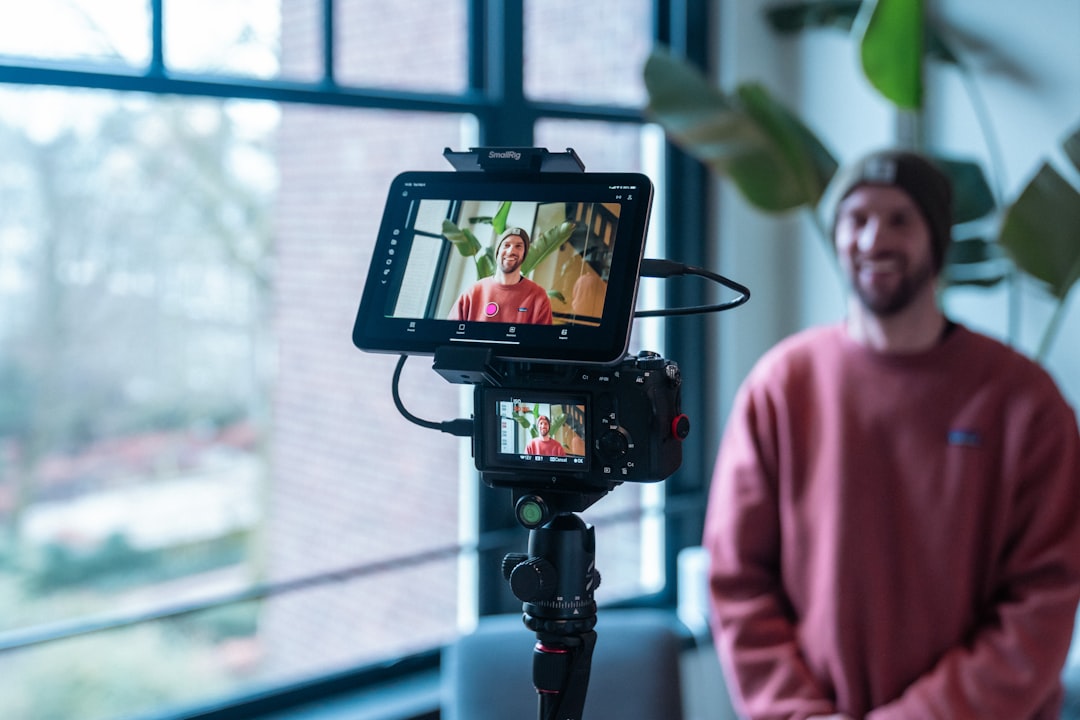
Now, if you’re doing more controlled, studio-style content — sit-down interviews, product showcases, cooking videos — a traditional mirrorless setup still has advantages. I keep a compact mirrorless body in my kit for exactly those situations. The interchangeable lenses, better low-light performance, and more flexible file formats make a difference when you have time to set up shots. But here’s the thing: for 80% of what most solo creators actually publish, the Pocket 4 delivers footage that’s indistinguishable from what comes out of a camera costing five times as much.
Audio: The Gear Most People Get Wrong
I’ve said this a thousand times and I’ll say it again: bad audio kills good video faster than bad video kills good audio. Your audience will tolerate a shaky shot. They will not tolerate audio that sounds like it was recorded inside a tin can. I’ve seen beautifully shot content get dismissed entirely because the creator cheaped out on sound.
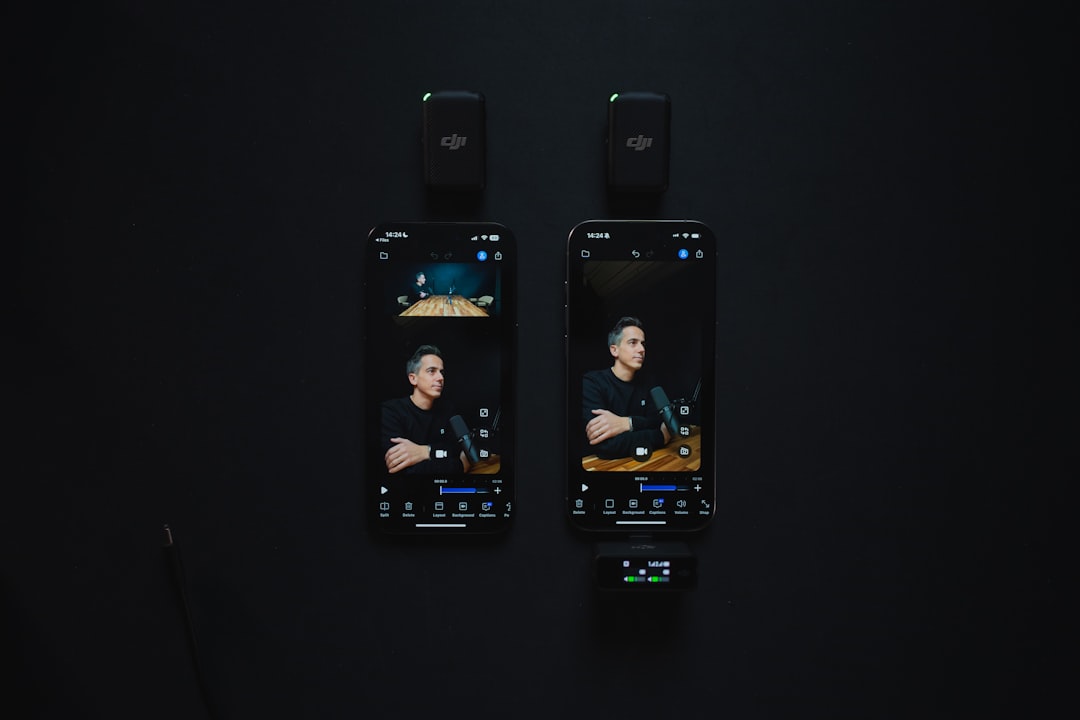
For run-and-gun work, I pair my cameras with a wireless lavalier microphone system. The DJI Mic series is the obvious companion to the Osmo Pocket, but there are solid options from Rode and Hollyland too. The key feature you want is a receiver that plugs directly into your camera without adapters or cables. Every cable is a point of failure, and every adapter is something you’ll forget to pack.
For studio work, I still reach for the same USB microphone setup I reviewed last month. A good condenser mic on a boom arm, running through a basic audio interface, will make your voiceovers and narration sound like actual broadcast quality. The difference between a $40 lapel clip and a $200 studio mic isn’t subtle — it’s the difference between “clear enough” and “professional.”
One piece of audio gear I no longer travel without: a dedicated portable recorder. Even when I’m using wireless lavs, I’ll run a backup track on a small field recorder. It’s saved me more than once when interference killed a wireless signal during an important take. Dual-system sound is an old filmmaking practice that translates perfectly to modern content creation.
Lighting: Small Lights, Big Impact
Here’s a secret most gear reviewers won’t tell you: you don’t need expensive lighting to get great results. What you need is consistent, controllable light that fits in your bag. The compact LED panels available now are absurdly good for the price. Full RGB color control, accurate color temperature, and battery-powered operation in a package the size of a smartphone.
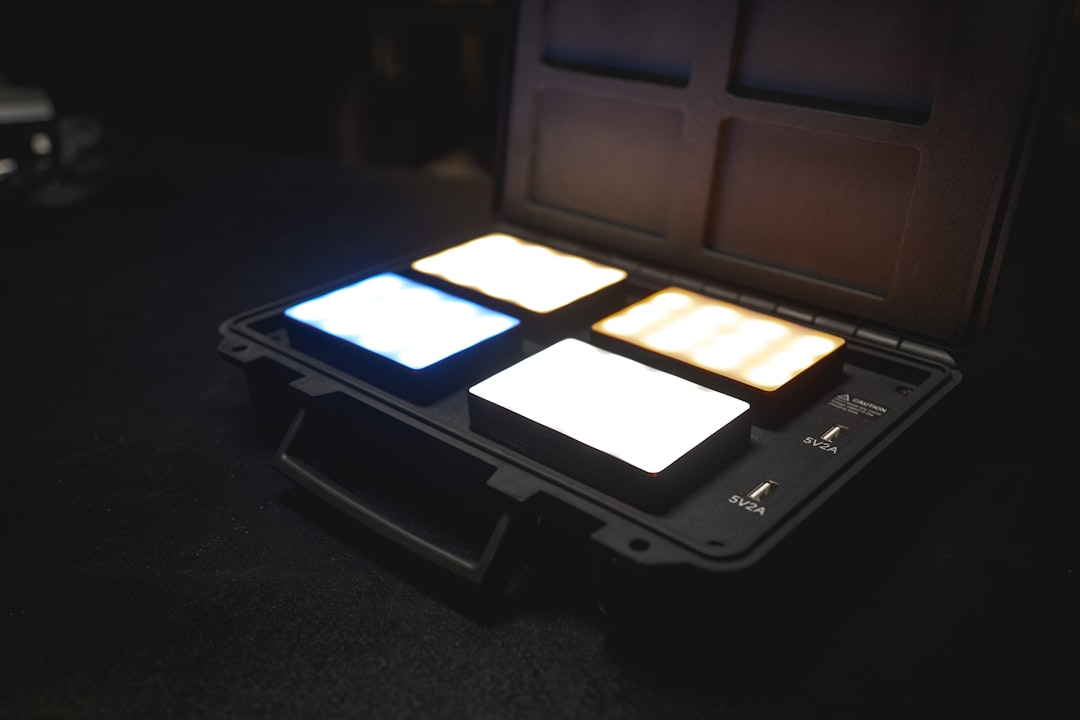
I carry two small panels and a flexible tube light. The panels handle key and fill duties for sit-down shots, and the tube light is my secret weapon for adding rim lighting or background color washes. Total investment: under $300 for all three. Compare that to a single professional panel from five years ago, and you’ll understand why I’m so bullish on the current market.
The real game-changer, though, has been compact ring lights with built-in tripods. These aren’t the massive, glorified selfie lights from a few years ago. Modern creator ring lights are slim, dimmable across a full color temperature range, and collapse small enough to fit in a backpack pocket. If you’re doing any kind of talking-head content, this single piece of gear eliminates 90% of your lighting headaches.
Stabilization and Support: Beyond the Gimbal
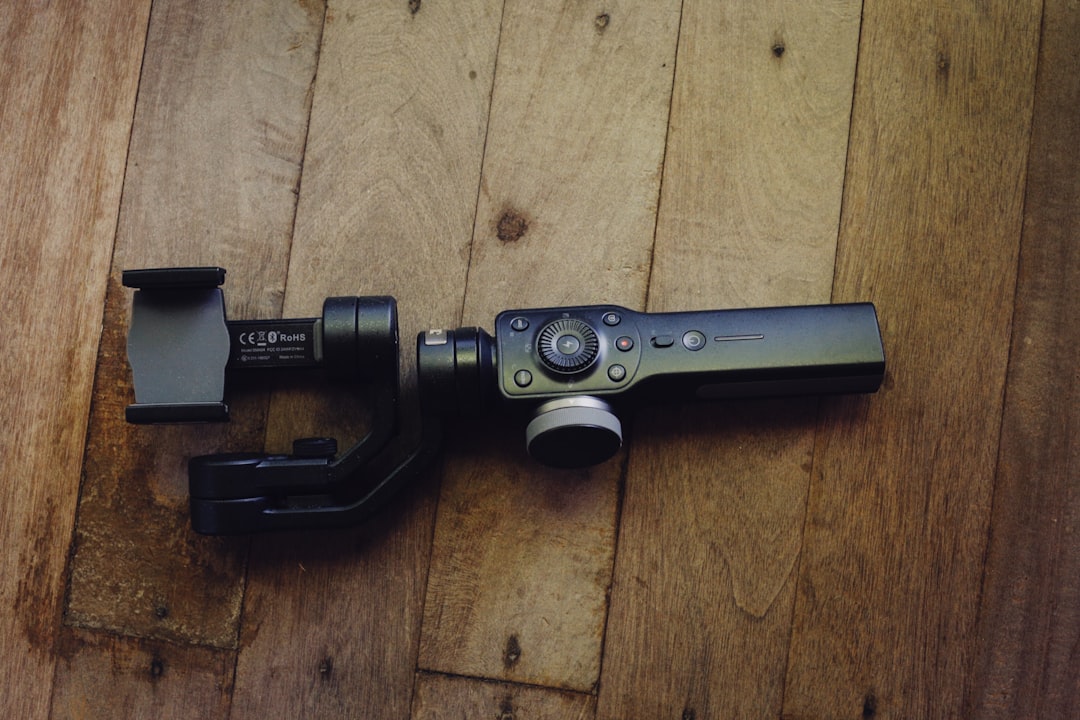
The Osmo Pocket 4’s built-in gimbal handles most stabilization needs, but there are situations where you need more. For smooth walking shots that go beyond what a handheld gimbal can manage, I use a three-axis gimbal stabilizer with my phone when I don’t want to pull out the dedicated camera. Phone footage in 2026 is remarkably good — good enough for B-roll and secondary angles without anyone noticing.
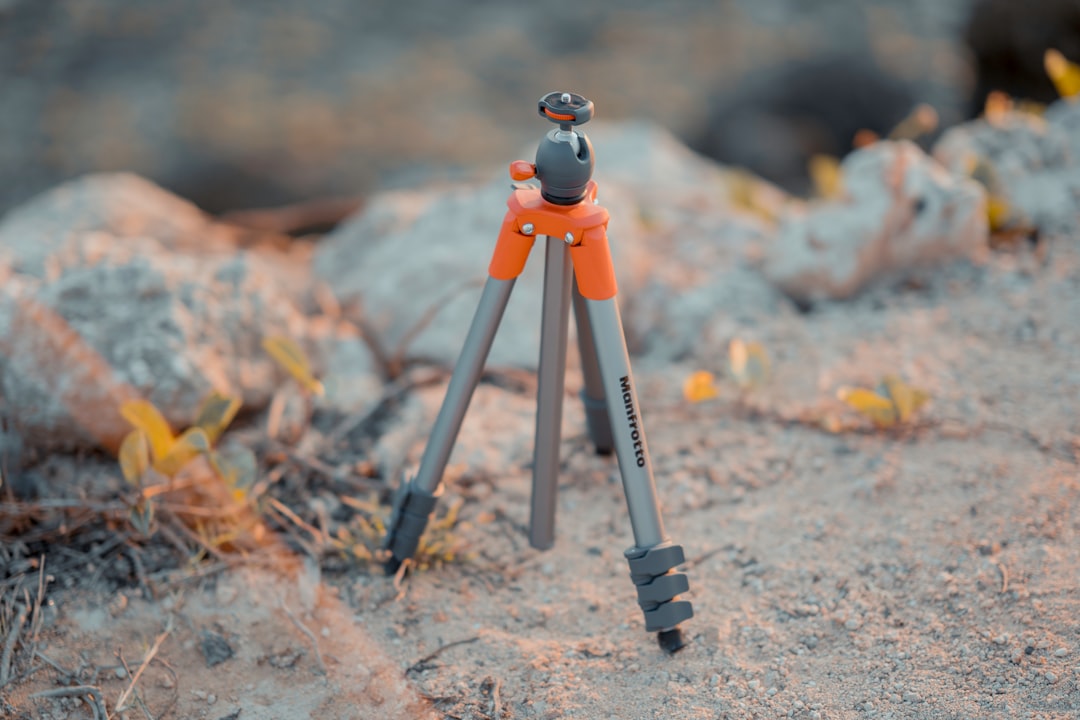
For static shots, a compact travel tripod is non-negotiable. I’ve tested dozens over the years, and the sweet spot is something that collapses under 15 inches, weighs less than two pounds, and extends to at least chest height. Carbon fiber models hit all these marks but cost a premium. Good aluminum alternatives exist for half the price and add maybe eight ounces. Either way, skip the full-size tripods unless you’re shooting long-lens work — they’re dead weight for solo creators.
The one accessory I’ve grown to love unexpectedly is a flexible gorilla-style tripod. It wraps around fence posts, tree branches, chair backs — basically anything within arm’s reach. When you’re shooting solo, the ability to mount a camera anywhere in seconds is worth more than any technical specification. I’ve gotten shots with a $25 flexible tripod that would have required a $400 clamp and arm system.
Power and Storage: The Unsexy Essentials
Nothing derails a shoot faster than running out of battery or storage space. After years of learning this lesson the hard way, I now carry a high-capacity USB-C power bank with Power Delivery — at least 20,000mAh. That’s enough to recharge the Pocket 4 three times over, power my phone through a full day of shooting, and still have juice left for my wireless mics.
For storage, I’ve standardized on V30-rated microSD cards even though the Pocket 4 has internal storage. Why? Because when that internal storage fills up mid-shoot (and it will, eventually), you want a card that can handle 4K/240fps without dropping frames. Cheap cards are a false economy — one corrupted file from a budget card erases any savings you thought you were getting.

I also carry a portable SSD for offloading footage at the end of each day. This is one of those things that seems unnecessary until you’re on a multi-day shoot and your camera’s internal storage fills up on day two. A 1TB portable SSD costs under $80 now and gives you peace of mind that’s worth every penny. I pair mine with a USB-C hub that lets me connect the SSD to my phone for quick transfers and basic edits on the go.
The Editing Pipeline: Where AI Actually Helps
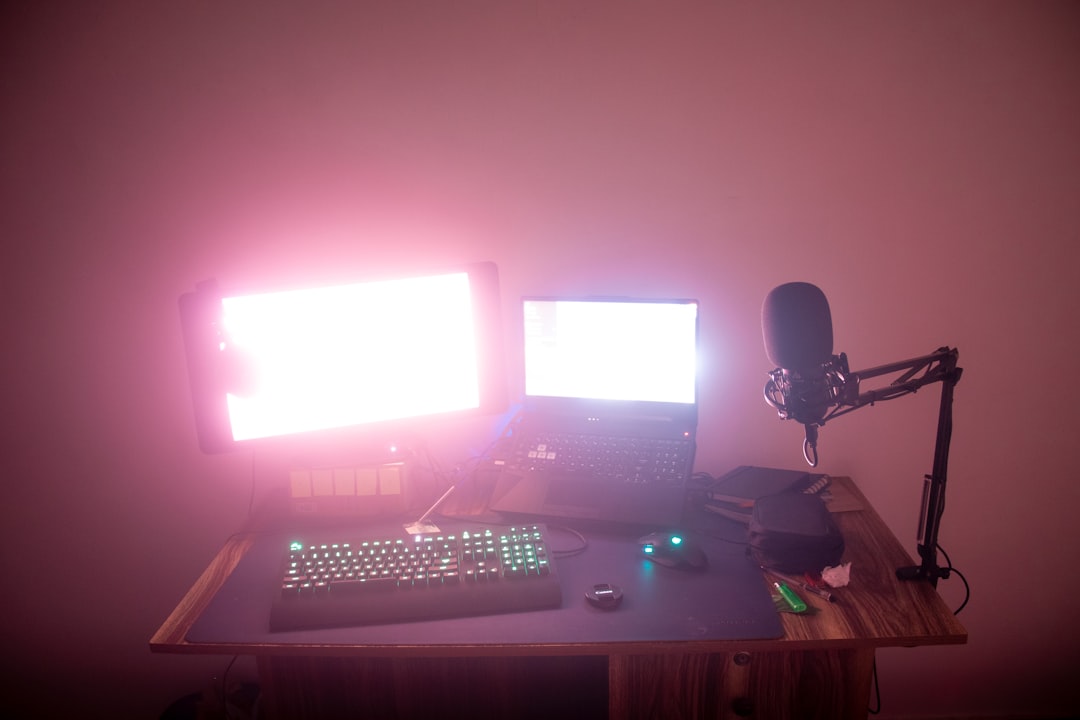
I’ve been skeptical of AI editing tools — most of them feel like solutions looking for problems. But the 2026 generation of AI-assisted editing software has reached a point where I genuinely use it in my workflow. Auto-captioning, background noise removal, and color matching across clips are all tasks that used to eat 30-40 minutes of my post-production time. Now they take about two minutes.
The key is knowing what to automate and what to handle manually. Auto-captions? Fantastic, with maybe 5% manual correction needed. Color grading? I let the AI get me 80% of the way there and then dial in the final look by hand. Culling footage? AI tools that flag the sharpest takes and best-exposed frames save enormous time without sacrificing creative control.
For editing hardware, I split my time between my main workstation at home and my laptop on the road. The good news is that modern laptops handle 4K editing without breaking a sweat, especially with hardware-accelerated encoding. You don’t need a desktop-class machine anymore unless you’re working with 6K+ footage or doing heavy effects work.
What I Left Behind (And Why)
Part of building a good kit is knowing what to leave out. Here’s what I stopped carrying and haven’t missed:
- Full-size camcorder: Dead weight for solo creators. A pocket gimbal or mirrorless does everything better.
- External monitor: The flip-out screens on modern cameras are good enough. If you need larger monitoring, your phone paired via Wi-Fi works surprisingly well.
- Dedicated audio mixer: Unless you’re recording multiple sources simultaneously, a good wireless system with built-in gain control eliminates the need.
- Heavy C-stands: Replaced with lightweight light stands and spring clamps. Not as sturdy, but I’m not lighting a feature film — I’m lighting a YouTube video.
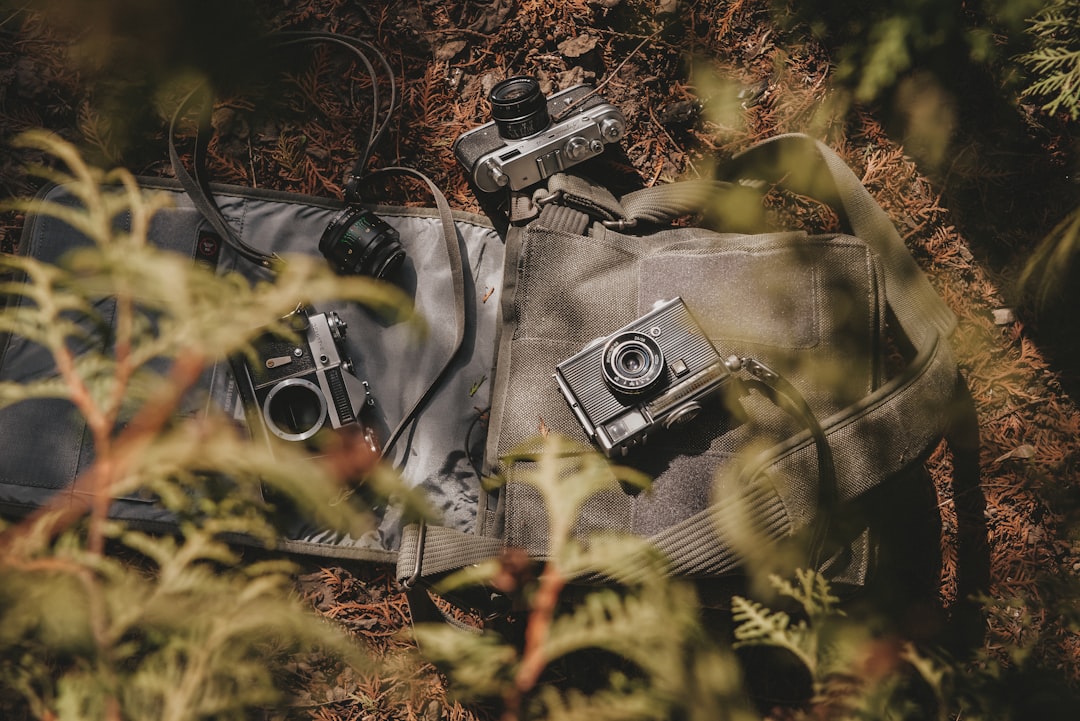
The philosophy here is simple: every item in your bag should earn its weight. If you haven’t used something on your last three shoots, it probably doesn’t belong in your everyday kit.
The Bottom Line
A complete solo creator video kit in 2026 — camera, audio, lighting, support, power, and storage — can be assembled for under $1,500 if you’re smart about it. You could spend five times that amount and the average viewer wouldn’t be able to tell the difference in your final output. The gear has gotten that good.
What matters more than the specific brands or models is understanding your workflow. Start with the camera that fits how you actually shoot — not how you imagine you’ll shoot — and build outward from there. Add audio first (seriously, do not skip this), then lighting, then support. Everything else is refinement.
The best gear kit is the one you actually carry with you. I’ve seen too many creators buy elaborate setups that live in a closet because they’re too heavy and complicated to bring along. My current kit fits in a single messenger bag, weighs under eight pounds, and has produced footage that’s been featured on major platforms. The technology has finally caught up to the promise: professional-quality video, produced by one person, from anywhere in the world.

One thought on “The Solo Creator’s Video Kit: What I Actually Pack to Shoot Professional Content Without a Crew”