
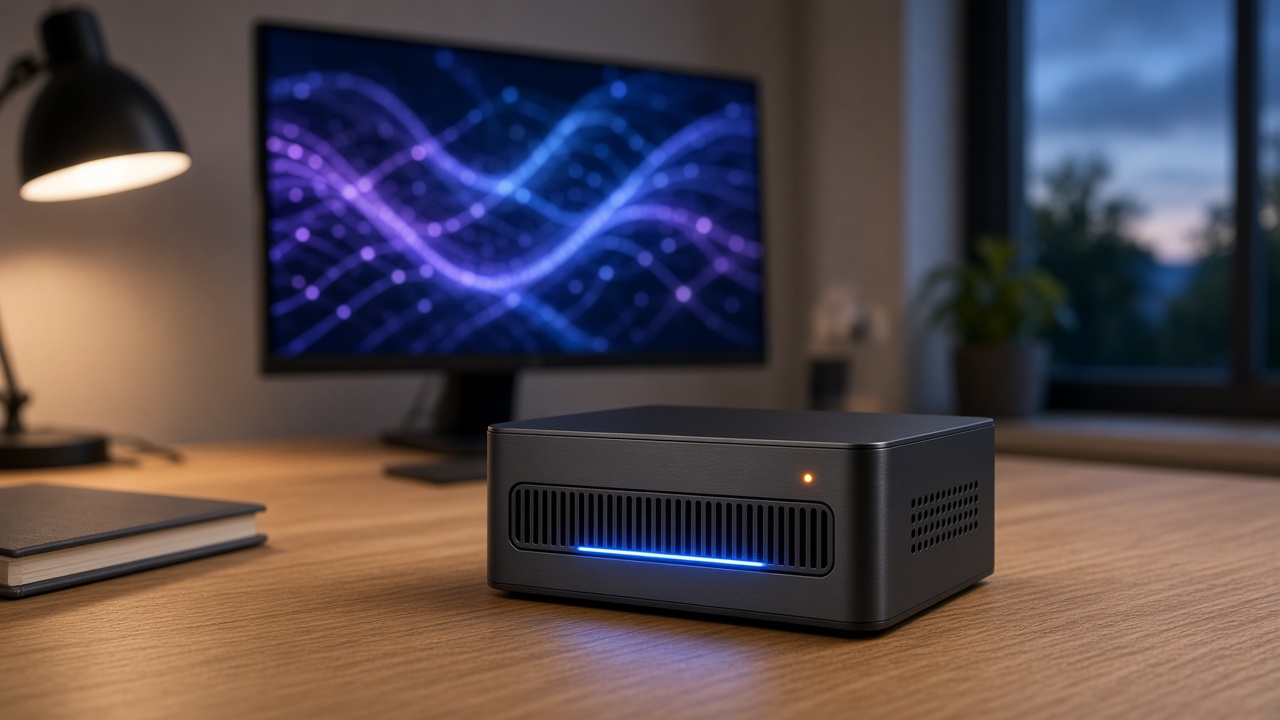
For about two years, the local AI conversation in my inbox has had exactly two answers. If you wanted a quiet box that ran a decent model, you bought a Mac. If you wanted raw speed, you built a tower around an NVIDIA card and accepted the noise, the heat, and the power bill. Intel was not really in the room. Its laptop chips ran small models in a pinch, but nobody was buying a mini PC from that camp because of a chatbot.
That changed this fall, and quietly. Intel’s Panther Lake chips, specifically the Core Ultra X7 358H with its Arc B390 graphics, are now showing up in mini PCs the size of a lunchbox. And the numbers coming out of them are good enough that I had the team spend most of the week pulling every review, benchmark, and spec sheet we could find.
Let me be upfront about one thing before we go further. I do not have one of these on my bench yet. The figures below come from published reviews and vendor testing, and I will tell you which is which. What I bring is twenty-five years of watching hardware launches, and a pretty good nose for when a spec sheet is telling the truth.
Short version: thirty tokens a second on a 20-billion-parameter model, from a box that idles at the power draw of a desk lamp. That deserves your attention.
What Actually Changed Inside the Chip
Intel’s earlier mobile chips had an NPU on the spec sheet, and it was mostly a marketing line. The neural unit was small, the software support was patchy, and most local AI tools ignored it entirely and ran on the CPU. You got a sticker and not much else.
Panther Lake fixes the part that matters, which is the graphics. The Arc B390 is a twelve-core Xe3 GPU, and Intel rates the whole package at around 180 TOPS: roughly 122 from the GPU, 50 from the NPU, and the rest from the CPU cores. Those TOPS ratings are always optimistic. But the split tells you where the real work happens. Tools like LM Studio, llama.cpp with Vulkan, and Intel’s own OpenVINO stack all lean on the GPU, and that GPU is now strong enough to be useful.
The second piece is memory. Like Apple’s chips and AMD’s Strix Halo, Panther Lake uses a unified memory pool. The GPU borrows from system RAM rather than carrying its own. On a 64GB machine, that means a model that would never fit on a 12GB graphics card can load and run. If you read my piece on why gigabytes are the new GPUs, you already know this is the whole game. Capacity beats raw speed for most of what people actually do at home.
The memory speed footnote nobody prints
Here is the detail that will matter when you shop. Panther Lake supports very fast LPDDR5X, up to 9600 MT/s, but vendors are shipping a mix of speeds. Some boxes run 8533, some 7500. Since token generation on these chips is bound by memory bandwidth, that difference shows up directly in your words per second. It is soldered, too. Whatever you buy is what you live with.
The Boxes Worth Knowing About
Four Panther Lake machines have come across our desk this month in one form or another. They aim at slightly different buyers, so I will take them one at a time.
GMKtec EVO-T2S: the one with real benchmarks
The GMKtec is the machine with the most independent data behind it. It ships with 64GB of LPDDR5X-8533 and a 1TB SSD, and it currently lists on Amazon for about twenty-one hundred dollars, a few hundred under GMKtec’s own list price. You can check current pricing on the EVO-T2S here.
Wccftech ran it through LM Studio, and the results are the best case for this whole category:
- Llama 3.2 1B: about 67.6 tokens per second
- GPT-OSS-20B: about 33.4 tokens per second
- Qwen 3.5 4B: about 29.1 tokens per second
- Llama 3.3 8B: about 21.9 tokens per second
- 14B-class models: roughly 9 to 10 tokens per second
That GPT-OSS-20B number is the headline. Thirty-plus tokens a second is faster than you can read. It is the difference between a model you put up with and one you actually use all day.
The box also has hardware a tinkerer will appreciate: OCuLink for an external GPU, two USB4 ports, and both 10GbE and 2.5GbE networking. Three power modes (35, 45 and 54 watts, with short peaks near 60) let you trade speed for silence. One odd extra is a Phison aiDAPTIV partition on the SSD, which carves out a slice of flash to extend model memory. PCWorld found the bundled AI software unpolished, and that matches my instinct. Treat it as a curiosity, not a reason to buy.
Minisforum M2 Pro-358H: the value pick, with a catch
Minisforum went the other way. The M2 Pro ships with 32GB of LPDDR5X-7500 and sells barebones on Amazon for under thirteen hundred dollars, without SSD or operating system. Around two hundred owners have rated it, averaging four and a half stars, which is a healthy start. Here is the Minisforum M2 Pro listing.
Minisforum publishes its own numbers: about 36 tokens per second on gpt-oss-20b and about 32 on Gemma 4 26B, a mixture-of-experts model. Those are vendor figures, so add a grain of salt. They are plausible, though, because mixture-of-experts models only wake a small part of their weights per token, and that is exactly the workload where this chip shines.
The catch is the 32GB ceiling. It is soldered, so you cannot upgrade later. For 20B-class models it is plenty. If you want to run anything in the 30B-plus dense range, or keep two models loaded while you work, you will hit the wall. On the plus side, there are three M.2 slots, 10G plus 2.5G LAN, quad display output, and a fingerprint reader, which is a nice touch on a desktop box.
MINIX and LattePanda: the ones still coming
Two more are worth watching. MINIX showed its EU738-AI ULTRA at Japan IT Week on October 23rd, with a small built-in status screen that shows CPU, GPU and NPU load, plus performance, balanced and silent modes. No US pricing yet.
Then there is the LattePanda Sigma 2, which launched on October 22nd. It is a board meant for builders and embedded projects rather than a finished desktop. But the spec is serious: up to 64GB of LPDDR5X-8533, roughly 136 GB/s of memory bandwidth, and up to 59GB that can be handed to the GPU as video memory. DFRobot claims around 30 tokens per second on Qwen3.6-35B-A3B at INT4 through OpenVINO. The pre-sale price runs through mid-November before going up. It is pricey for a board, but if you want to build local AI into a kiosk, a robot, or a home lab rack, it is the most interesting thing in this group.
Tuning Matters as Much as the Silicon
This is the part most reviews skip, and it is the part I would print and tape to the monitor.
A tester at grigio.org ran the same X7 358H chip in two different setups on Qwen3.5-9B at Q8 through Vulkan. One produced 12.54 tokens per second. The other produced 4.74. Same silicon, a 2.6x difference. The gap came from memory speed (9600 versus 8533), the operating system, and the graphics driver version.
That should change how you read every benchmark in this article, mine included. When you set one of these up, my team’s checklist looks like this:
- Update the graphics driver first. Intel’s Arc drivers are improving month by month. Whatever shipped on the box is already stale.
- Pick the right backend. Vulkan in llama.cpp or LM Studio is the easy path. OpenVINO is often faster on Intel but takes more effort. Try both on your actual model.
- Set the power mode on purpose. The top mode adds speed and fan noise. For a box that sits on your desk all day, balanced is usually the sweet spot.
- Check how much memory the GPU can actually use. Some BIOS setups cap the GPU’s share of RAM. If a model refuses to load, look there before blaming the hardware.
None of this is hard. But it is the difference between “this thing is amazing” and “I returned it,” and most of the disappointed reviews I read come down to skipping step one.
Where It Sits Against Mac, AMD, and NVIDIA
Here is how I would frame the market right now, from cheapest to most serious.
At the bottom is the Apple option. A base Mac mini is still the best small, quiet, low-power box for light local AI, and I wrote about running a Mac mini as an eleven-watt home server back in August. But memory upgrades on a Mac get expensive fast, and that is where Panther Lake makes its case.
On the AMD side, the Ryzen AI 9 HX 470 boxes, like MINIX’s ER947-AI, are the natural rival. The NPU is rated at 86 TOPS and the Radeon graphics are strong. If you prefer AMD’s software stack, shop the HX 470 mini PCs alongside the Intel boxes. Honestly, it is close to a coin flip right now, and pricing on the day you buy will probably decide it.
Above that is Strix Halo and its newer 192GB Ryzen AI Halo sibling, which play in a different league for model size. And above everything sits NVIDIA’s DGX Spark family, which I covered when the smaller Spark shipped. Those machines cost a lot more and do a lot more.
Panther Lake slots into the middle. It is faster than a base Mac on mid-size models, cheaper than Strix Halo, and far quieter and smaller than a tower. For years, that middle tier was empty, or filled with secondhand GPU rigs, which still make sense if you do not mind the noise.
The Accessories That Earn Their Spot
A mini PC is only as good as what you plug into it. Here is what the team would add, in order of importance.
Storage, especially on the Minisforum. Models are big, and you will collect them. A fast 2TB drive is the minimum I would put in a barebones box. The Samsung 990 Pro 2TB is my default. If you want room for a serious library, a 4TB WD Black SN850X gives you space for dozens of quantized models. Storage prices are still up this year, as the team has been tracking all year, so buy what you need now rather than waiting on a dip.
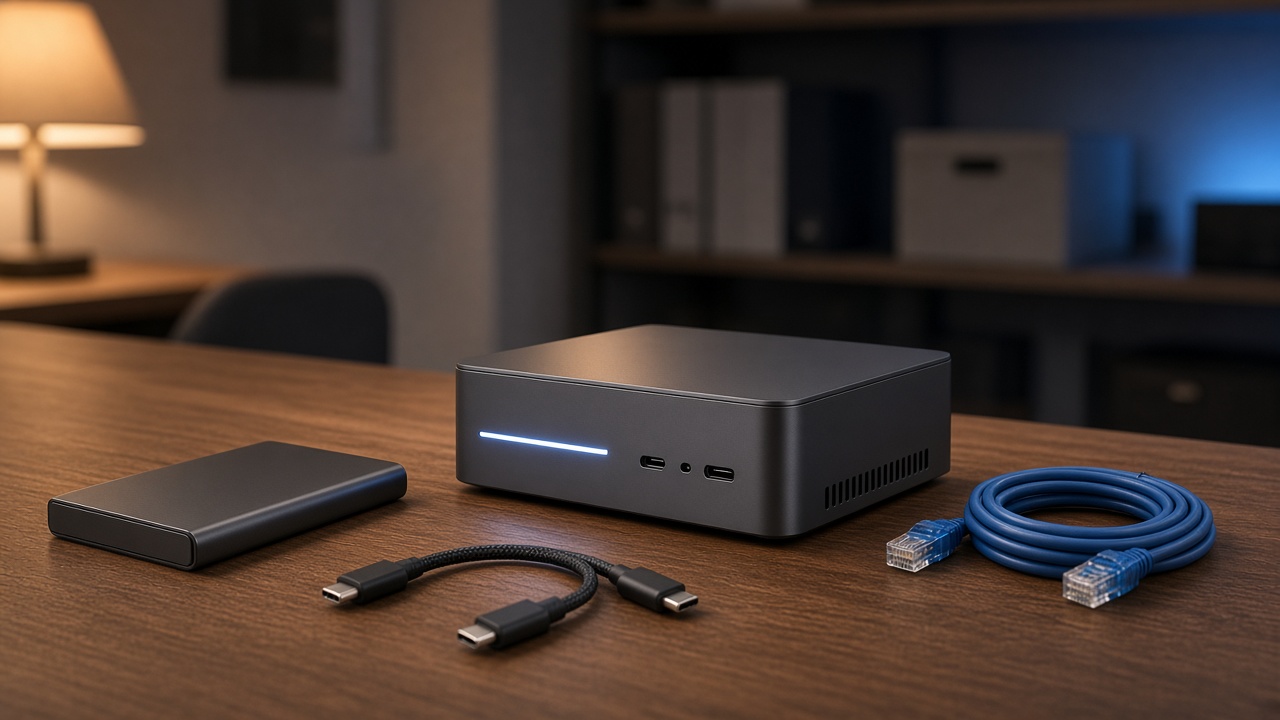
A portable drive for shuffling models. Downloading the same 20GB file onto three machines gets old. A USB4 NVMe enclosure turns a spare drive into a model carrier that moves files at close to internal speeds.
An OCuLink dock, if you are the tinkering type. The GMKtec’s OCuLink port means you can bolt on a desktop graphics card later. An OCuLink eGPU dock is the cheapest way to future-proof the box without replacing it.
Networking that matches the hardware. Both main boxes have 10GbE built in, which is wasted on a gigabit switch. If you plan to serve models to other machines in the house, a small 10GbE switch lets them keep up.
Power protection. A long model download or fine-tuning run that dies in a brownout is a wasted afternoon. A compact APC battery backup costs less than one bad day.
A mount, if desk space matters. These boxes are light enough to hang behind a monitor. A VESA bracket for mini PCs gets it off the desk entirely.
Who Should Buy One, and Who Should Wait
Buy the GMKtec now if you want the 64GB tier, value the extra ports, and plan to run 20B to 35B-class models every day. It is the most proven machine here, and the benchmarks hold up across reviewers.
Buy the Minisforum if you mostly run models in the 4B to 20B range, already own good storage, and want to keep the bill closer to thirteen hundred dollars. Just go in with your eyes open about that 32GB ceiling.
Wait a few weeks if you are curious about the MINIX or the LattePanda, or if you simply want to see where prices land after the holiday sales start. Panther Lake supply is still ramping, and the second wave of boxes usually comes in cheaper.
Skip the whole category if your AI use is a chatbot in a browser tab. A cloud subscription does that better and cheaper. These machines earn their price when you need privacy, run models all day, or want to stop paying per token.
The Bottom Line from My Desk
I have watched Intel promise an “AI PC” for three years now, and I have been politely unimpressed every time. This is the first generation where I would put the chip on a shortlist for local AI without an asterisk. It is not the fastest thing you can buy, and it is not the cheapest. But for a small, quiet box that runs a genuinely useful model at reading speed, it is now one of the best answers on the table.
Tech should work for you, not the other way around. For the first time in a while, Intel built something that does exactly that. Just update the driver before you judge it.
