
Yesterday a number started making the rounds that made a lot of PS5 owners go quiet. According to the folks at PlayStation Game Size, who track download listings before games ship, Grand Theft Auto VI weighs in at roughly 210GB on PlayStation 5. Insider Gaming backed up the report. Rockstar has not confirmed it, and the figure you see on preload day could move a little in either direction. But if it is anywhere close, the biggest game of the decade is about to eat a third of a launch PS5 before you even reach the title screen.
I have been reviewing hardware for about twenty-five years, and I have watched this exact movie before. A giant game lands, a few million people press download at the same moment, and half of them find out at eleven at night that their console is full of games they have not touched since 2022. The other half find out their Wi-Fi is the slowest thing in the house. Neither problem is hard to fix. Both are much easier to fix three weeks early than on launch night.
The dates to circle are simple. Preloading opens on November 12. The game unlocks on November 19 on PS5 and Xbox Series X|S, a week before Thanksgiving. My team and I spent the last day pulling together the storage math, the drive requirements, and the settings that actually matter, so here is the prep list I would hand to a friend.
The Short Answer: What to Buy Before Preload Day
If you only read one section, read this one. These are the upgrades I would make, in order, depending on what you own.
- Best PS5 drive for most people: WD_BLACK SN850X 2TB with Heatsink. Fast, proven in the PS5 bay, and the heatsink version fits without fuss.
- Best alternative if it is cheaper that week: Samsung 990 PRO 2TB with Heatsink. Equally fast, equally safe.
- Best budget PS5 drive: Crucial P310 2TB with Heatsink. Clears the speed requirement without the premium price.
- Best place to park old games: Samsung T7 Shield 2TB Portable SSD. You cannot play PS5 games from it, but you can store them and copy them back fast.
- Best fix for an Xbox Series S: Seagate Storage Expansion Card for Xbox Series X and S. Plug it in the back and you are done.
Everything else on this list is either free or cheap. Settings, a cable, and an honest look at your game library.
Do the Download Math Before Rockstar Does It for You
Start with what you actually have. Sony quotes the original PS5 at 825GB, but after the system software takes its cut you get about 667GB of usable space. The PS5 Slim is better at roughly 848GB usable from its 1TB drive. The PS5 Pro ships with 2TB, which is the only model where I would not worry much.
Now put 210GB against those numbers. On a launch PS5 that is nearly a third of everything you can store. And that figure is the listing, not the finished state of your drive. A day-one patch is close to a sure thing for a game this size, and patches on PS5 often need extra free space to unpack before they settle in. For perspective, GTA V sits around 100GB on PS5 today after more than a decade of updates. Red Dead Redemption 2 needed about 150GB on PS4 back in 2018. Rockstar games do not get smaller after launch.
My rule of thumb: have at least 300GB free before November 12 if you want a stress-free preload. Go to Settings, then Storage, then Console Storage, and sort your games by size. You will probably find two or three you could delete without missing them. If you cannot get to 300GB without deleting something you care about, that is your sign a PS5 storage upgrade for GTA 6 is worth the money.
Prices are the annoying part this year. As I wrote in my field guide to the great storage squeeze of 2026, AI data centers are buying flash memory as fast as the factories can make it, and a good 2TB drive costs noticeably more than it did a year ago. I would still buy now rather than gamble on Black Friday. The cheapest drives sell out first when demand spikes, and a lot of people are about to have the same idea at the same time.
Which M.2 Drive Will the PS5 Actually Accept
Sony is specific about this, and it is worth getting right the first time. The PS5 expansion slot wants an M.2 NVMe SSD that runs on PCIe Gen4 (Gen5 drives work too, at Gen4 speed), reads at 5,500MB/s or faster, and ideally carries a heatsink that fits the bay. Capacity can be anywhere from 250GB up to 8TB. For GTA VI and everything after it, 2TB is the sweet spot. One terabyte fills up embarrassingly fast now, and 4TB drives cost more than most people should spend on a console accessory this year.
The heatsink question confuses people. The PS5 does not refuse a bare drive, and plenty of people run one without trouble. But that slot gets warm during long sessions, and a game this big is going to be a long session. The drives in my short list above all come in versions with a low-profile heatsink already attached, and that is the easy path.
If you would rather have a drive that was designed for the console from the start, the WD_BLACK SN850P 2TB for PS5 is officially licensed by PlayStation, ships with a heatsink sized for the bay, and costs a bit more for that peace of mind. If you find a great deal on a fast bare drive instead, pair it with a Glotrends M.2 Heatsink for PS5 and you end up in the same place for less money.
The Ten-Minute Install
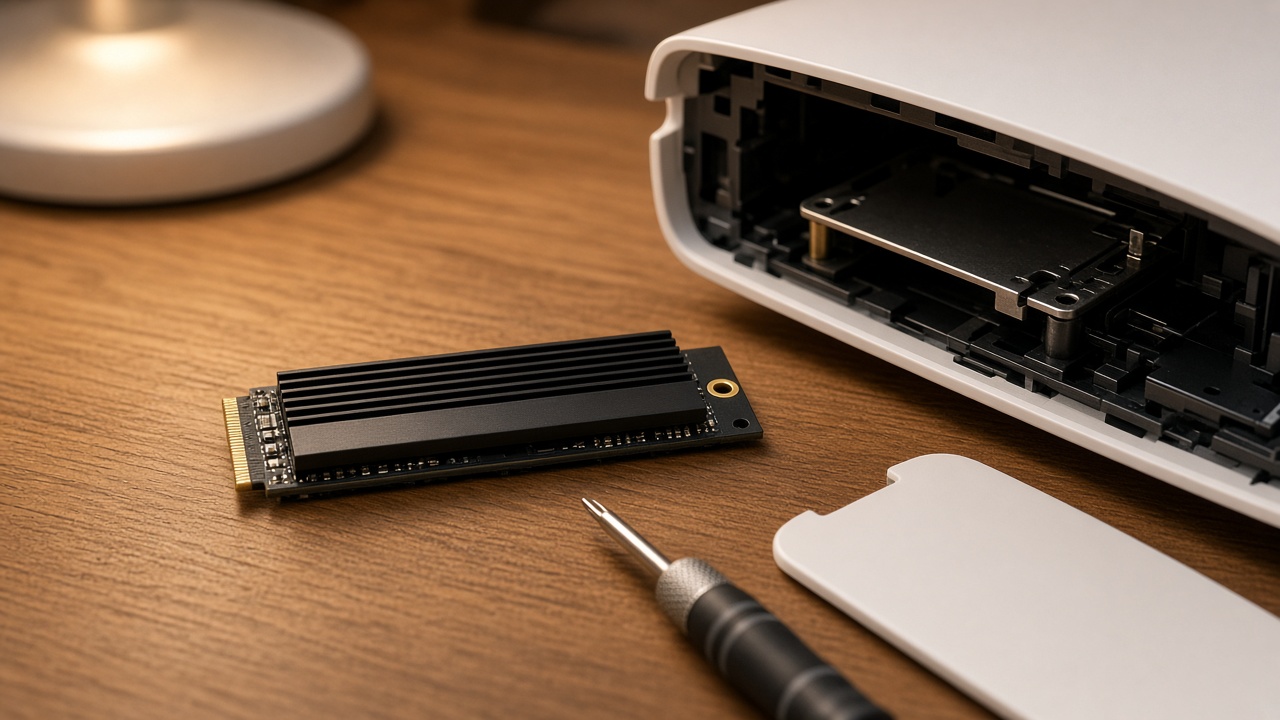
This is not a scary job. You need a small Phillips screwdriver and a clear table. On the original PS5 you slide off one of the white side covers. On the Slim you remove the top cover. Then you unscrew a small metal plate, slide the drive in at an angle, move the little spacer to match the drive length, and screw it down. Power on, and the console will offer to format the drive and run a quick speed test. The whole thing takes about ten minutes, and most of that is reading the on-screen prompts.
Two tips my team learned the hard way over the years. First, update the console system software before you start, because older firmware occasionally trips over newer drives. Second, once the drive is in, go to Settings, then Storage, then Installation Location, and set PS5 games to install on the new M.2 drive. Then move a couple of your big existing games over so the internal drive has breathing room for patches.
The Cheap Trick: Park Your Backlog on USB
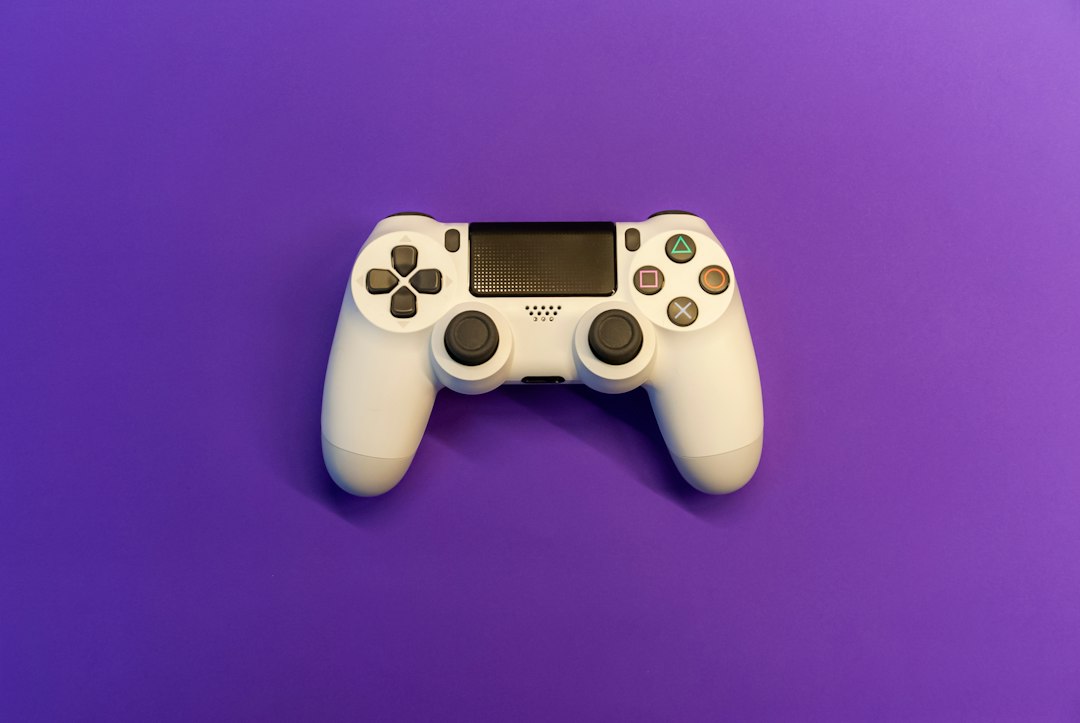
Here is the part a lot of people miss. A PS5 can use a USB drive as extended storage, and while it cannot play PS5 games from it, it can hold them. That matters because copying a 100GB game back from a fast USB drive takes a fraction of the time it takes to download it again, and it does not touch your internet data cap.
So the move is to shovel the games you are not playing right now onto a USB SSD, clear space for Vice City, and copy the old stuff back when you are ready. A portable SSD like the T7 Shield in my short list is much faster at this than a spinning hard drive, and it doubles as backup storage for the rest of your life. I made the full case for one in my portable SSD explainer, and nothing about that has changed. PS4 games, by the way, can play straight from USB extended storage, so the remasters and older favorites can live there permanently.
Xbox Owners, Especially Series S Owners, Read This
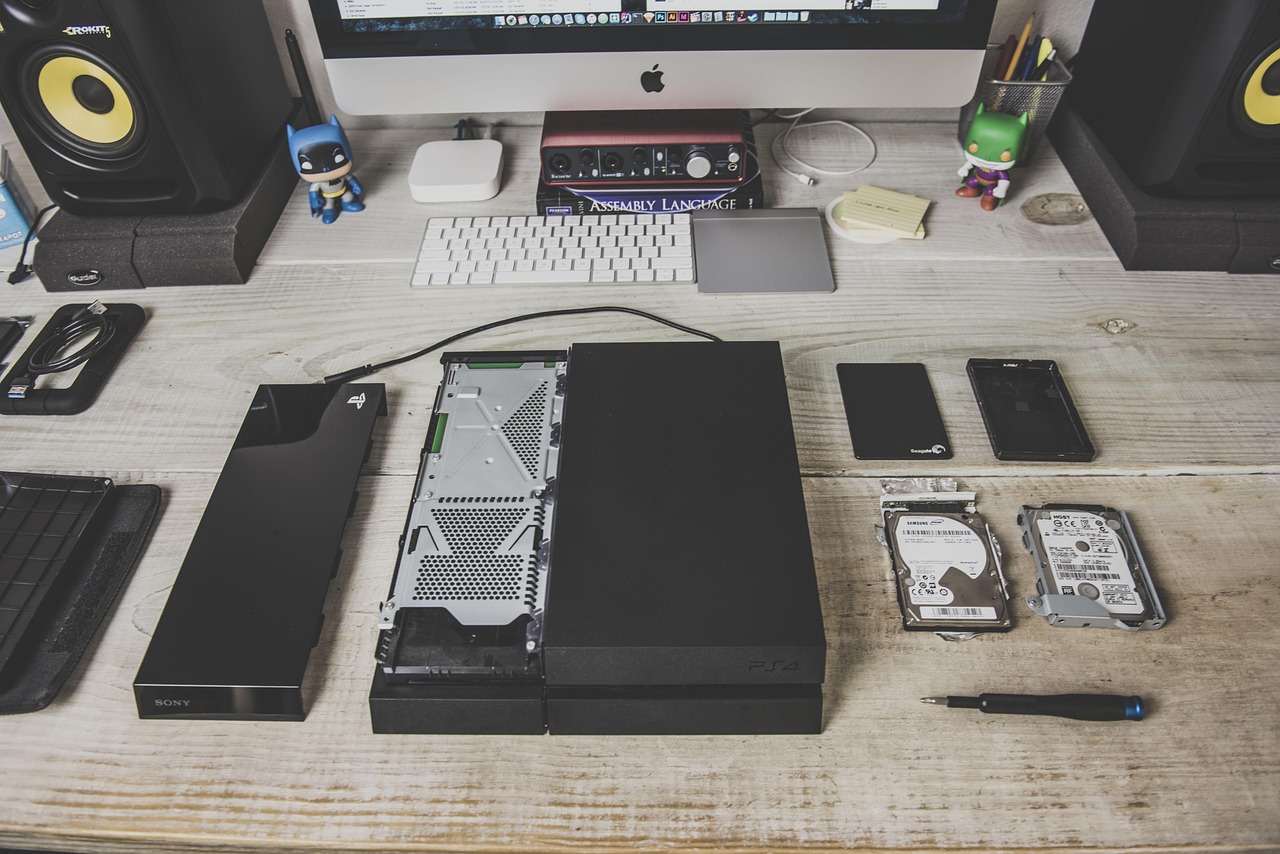
The Xbox side is simpler and, for some people, more urgent. The Series S ships with a 512GB drive and gives you only about 364GB of usable space. Rockstar has not published an Xbox download size yet, and I am not going to guess at one, but it is safe to assume a game this large will take a huge bite out of a Series S. The Series X fares better at about 802GB usable.
Xbox expansion works differently from PS5. You cannot drop in any old M.2 drive. You buy a proprietary card that slides into the back of the console, and it behaves exactly like the internal drive, games and all. The Seagate card in my short list is the long-running standard, and Western Digital makes a competing option. There is no screwdriver and no formatting drama. That convenience costs more per terabyte, but it also takes about fifteen seconds to install.
Fix the Network Before You Fix Anything Else
A 210GB preload over a mediocre Wi-Fi connection can take most of a day. The fix is boring and almost free. If your router is anywhere near the TV, run a cable. A Cable Matters Cat 6 Ethernet Cable costs less than a pizza, and a wired connection is the single biggest speed upgrade most consoles will ever get. If the router is on the other side of the house, a mesh system with a wired port near the TV gets you most of the way there. I explained why in my piece on mesh Wi-Fi, and gaming is the most obvious payoff.
Then set the console to do the work while you sleep. On PS5, go to Settings, then System, then Power Saving, then Features Available in Rest Mode, and turn on Stay Connected to the Internet. Under Saved Data and Game/App Settings, make sure automatic updates are set to download and install in rest mode. Do this now, before November 12, so the preload and the day-one patch arrive overnight instead of while you wait. Remember that the preload only gets the bits onto your drive. The game itself unlocks on the 19th.
Your TV Settings Matter More at 30 Frames
Here is where I have to be honest about what we do not know. Rockstar has not officially announced performance modes. The best signal so far is secondhand and points to 30 frames per second on consoles, with Digital Foundry estimating something around 1440p upscaled to 4K and calling a 60fps mode extremely unlikely. A PS5 Pro Enhanced label has been confirmed, with no details yet. I have not played the game, and nobody outside Rockstar has run it on retail hardware, so treat all of that as a forecast, not a spec sheet.
If it does land at 30, your TV settings matter more, not less. At 30 frames each one stays on screen longer, so any extra processing delay in the TV is easier to feel. Turn on Game Mode, or make sure Auto Low Latency Mode is enabled so the TV switches itself. Turn motion smoothing off, because it adds lag and makes a cinematic game look like a soap opera. Then run the PS5 HDR adjustment under Settings, Screen and Video, so the Vice City sunsets do not clip into a white blob.
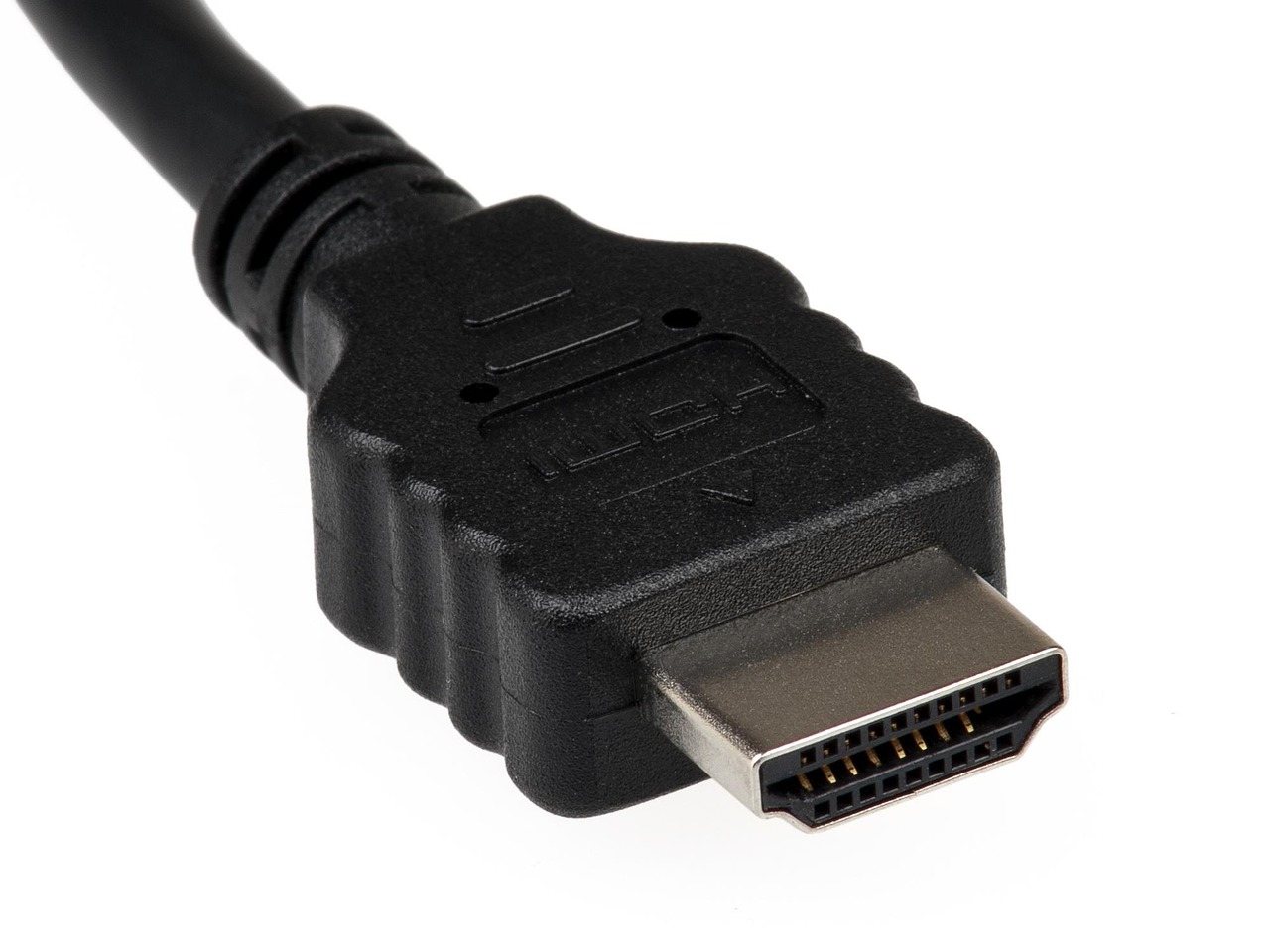
Check the plumbing too. The PS5 should be plugged into the HDMI 2.1 port on your TV, which many sets label for gaming or 4K 120Hz. If your original cable went missing during a move, a Certified Ultra High Speed HDMI 2.1 Cable is cheap insurance, especially if a 60fps or 120Hz option shows up in a later patch. And if you have been eyeing a new TV anyway, my look at Roku’s first OLED covers what to look for in a gaming-friendly panel.
Sound and Controllers: The Two Upgrades You Will Feel
Rockstar worlds are built as much with sound as with pixels. The PS5 supports Tempest 3D Audio through headphones, and an open-world city full of traffic, radio, and gunfire is exactly where positional audio earns its keep. If your household goes to bed before you do, the PlayStation PULSE Elite Wireless Headset is the comfortable, no-setup option that ties straight into the console’s 3D audio settings.
The other upgrade is a charging station. The DualSense battery is not famous for endurance, and its haptics and adaptive triggers, which open-world shooters lean on heavily, drain it faster. A PlayStation DualSense Charging Station means you always have a full controller waiting instead of playing tethered to the console with a short USB cable.
My Launch-Week Checklist
Put this on the fridge.
- This week: check free space and sort your library by size. Decide whether you need a drive.
- By November 7: buy and install the SSD, update the system software, and set new games to install on it.
- By November 10: move your backlog to USB, run Ethernet to the console, and turn on rest mode downloads.
- November 12: start the preload and let it run overnight.
- November 18: run the HDR adjustment, set the TV to Game Mode, and charge every controller you own.
- November 19: play. Let the day-one patch finish first.
The launch also lands one week before Thanksgiving, and I know exactly how some of you plan to spend that long weekend. If the plan is to disappear into Vice City while the house recovers, borrow a page from my friends at home.omnux and get the leftover system sorted ahead of time. Nobody wants to pause a heist to figure out what is for dinner.
The Bottom Line
Nothing here is complicated, and none of it requires a new console. Most people need some free space, a cable, and a few settings changed. If you own a launch PS5 or a Series S, add one storage upgrade, buy it this week while stock is normal, and you will be playing on November 19 while everyone else is watching a progress bar. If Rockstar publishes final numbers or performance modes before launch, I will update this guide. Until then, plan for 210GB and hope for less.
